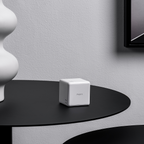
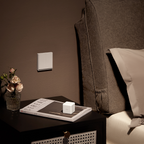
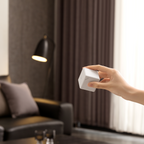
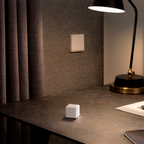
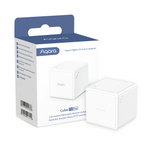
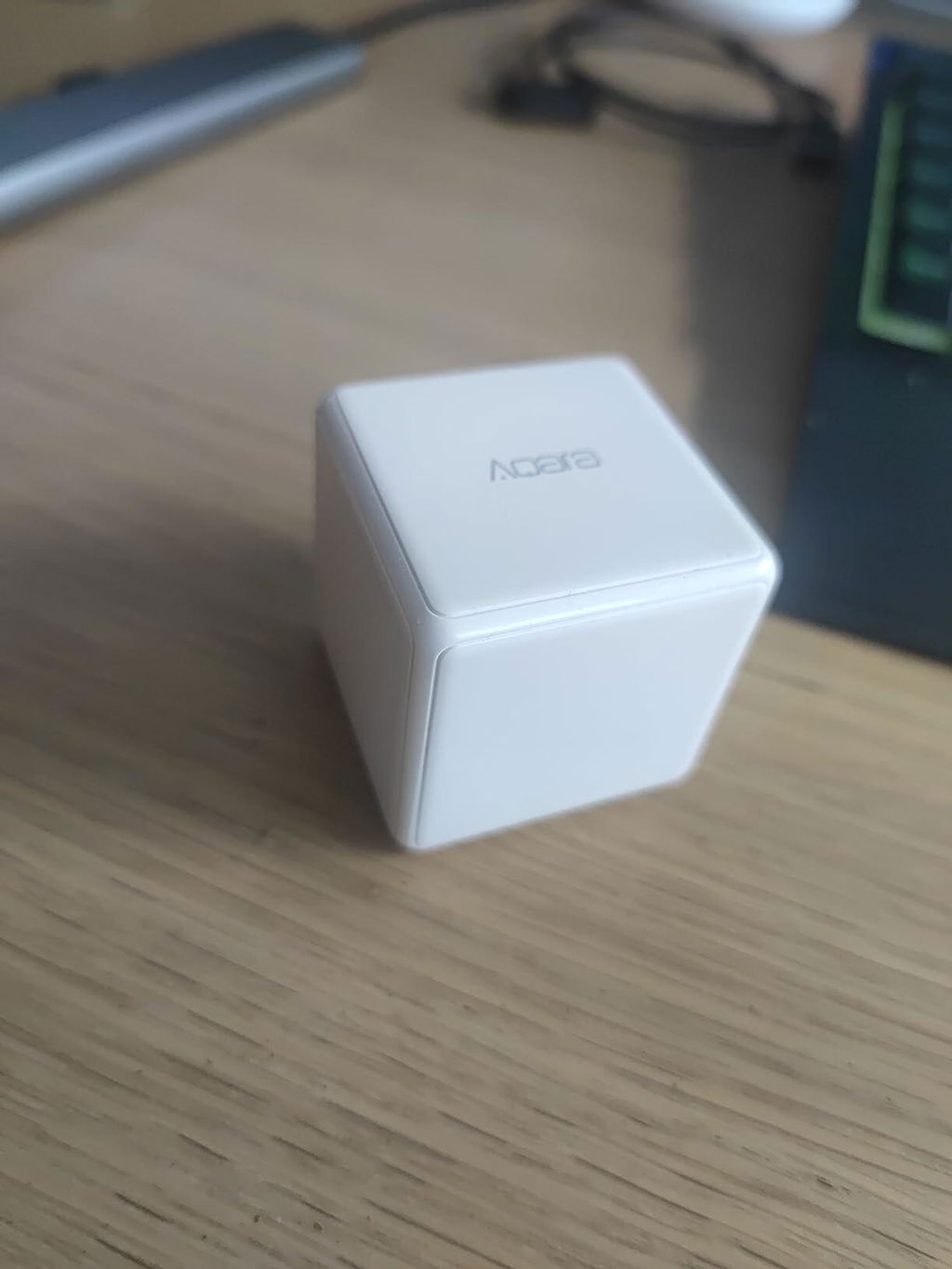
Cube T1 Pro

Controller Deals: Buy any 2 save 5% , Buy any 3 save 8% , Buy any 6 save 10%
€22,99

Se requiere un Hub Aqara Zigbee 3.0 que se vende por separado.
El Aqara Cube T1 Pro utiliza Zigbee 3.0, que tiene mejor estabilidad, compatibilidad y más funciones. El Cube T1 Pro es compatible con Homekit, Alexa e IFTTT (solo se admite el modo Escena). Además, el Cube T1 Pro ahora admite actualizaciones OTA, lo que significa que se pueden agregar nuevas funciones y correcciones después del lanzamiento del producto, incluida la compatibilidad con Matter.

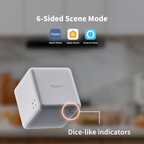
[Modo de Escena de 6 Lados] Ahora tenemos indicadores claros, similares a dados, para cada lado y puedes usar cada uno de ellos para controlar diferentes escenas o dispositivos, sin necesidad de memorizar acciones. Aparte de eso, intentar rotar, sacudir, sostener o activar después de un minuto de inactividad sigue siendo una alternativa para crear más posibilidades incluso cuando está en Modo Escena.
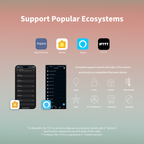
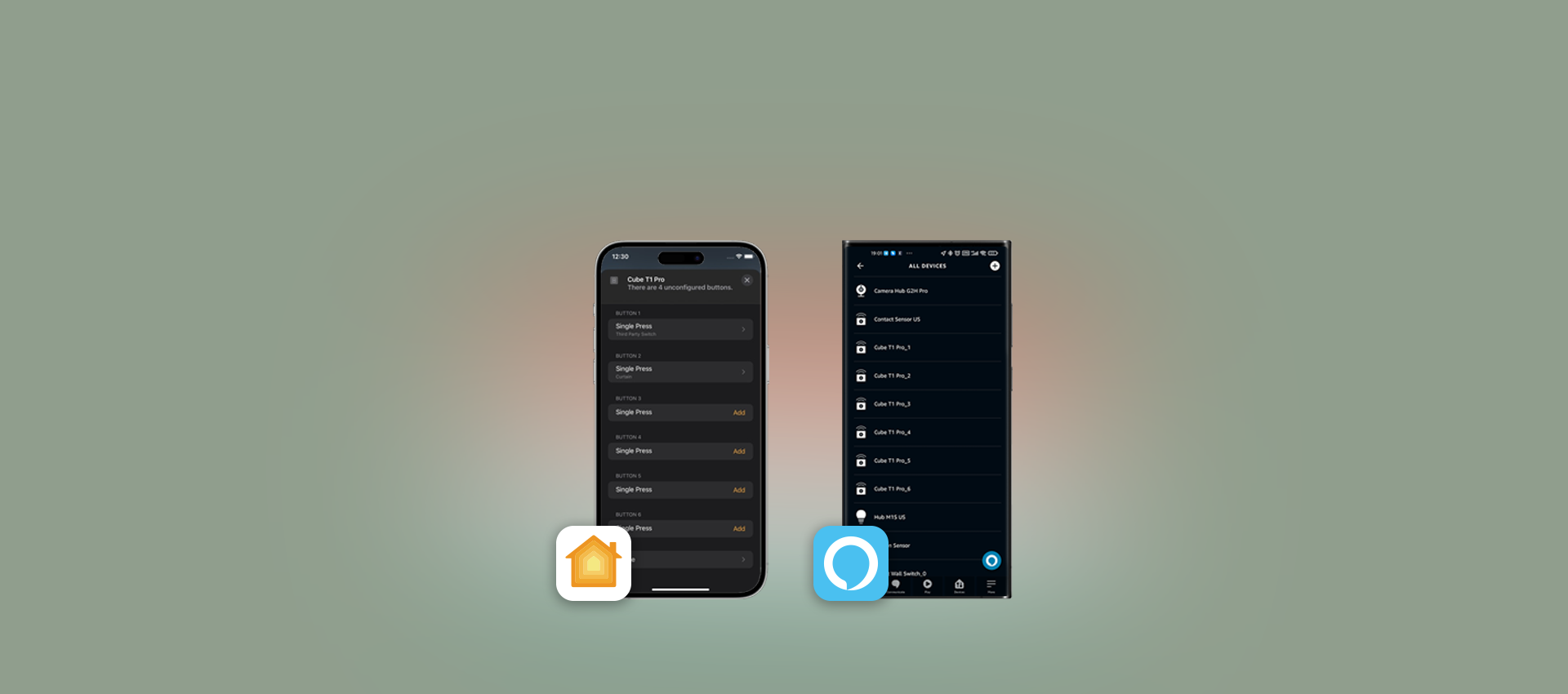
[Soporte para HomeKit y Ecosistemas Populares] Gracias al nuevo Modo Escena, ahora el Cube T1 Pro puede ser utilizado como un controlador en Apple HomeKit y soportará Matter* después de que el estándar sea oficialmente lanzado. Aparte de eso, también soporta Alexa, IFTTT y otros ecosistemas*. Se requiere un hub Aqara Zigbee 3.0.
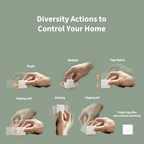
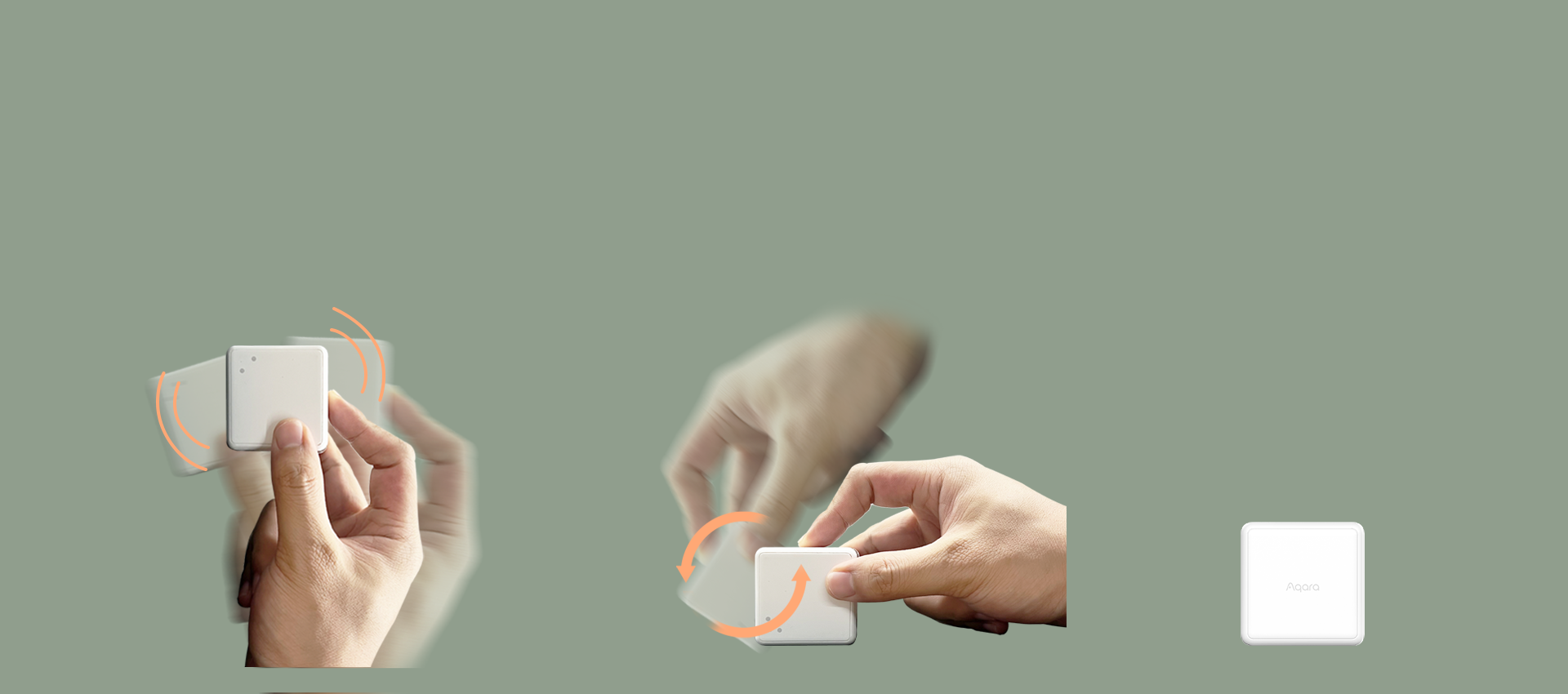
[Acciones de Diversidad para Controlar Tu Hogar] Puedes cambiar el Cube T1 Pro al Modo Acción como el clásico. Presiona, sacude, rota, toca dos veces, voltea 180°, voltea 90° y se activa después de un minuto de inactividad, disfruta de más diversión mientras retienes otros beneficios. *El Modo Acción y el Modo Escena no se pueden usar simultáneamente.
[Hasta 2 Años de Vida de la Batería] Además de ser respetuoso con el medio ambiente, el consumo de energía ultra bajo te permitirá olvidarte de cambiar las baterías durante hasta 2 años.

Compatible con:
Aqara
Aqara
Hogar de Apple
Hogar de Apple
Alexa
Alexa
IFTTT
IFTTT
View full details

Cubo T1 Pro

'Gira' para divertirte más en el control inteligente.

Banner Image

Características

Support Popular Ecosystems

Thanks to the new Scene Mode, the Cube T1 Pro now can be used as a HomeKit controller. Moreover, it also supports Alexa, IFTTT and other ecosystems*.

Side & Action Control for Scene Mode

With dice-like indicators, you are able to use 6 sides to control different scenes or devices. Rotating, shaking, holding or triggering after one-minute inactivity will create more possibilities.

Action Mode from the Classic Cube

Alternatively, you can switch the T1 Pro to the Action Mode. Push, shake, rotate, tap twice, flip 180°, flip 90° and trigger after one-minute to enjoy more fun while retaining other benefits.

Future-Proofing via OTA*

The Cube now supports OTA updates, which means that new features and fixes can be added after the release of the product.

Up to 2-Year Battery Life

The ultra-low energy consumption will make it more environmentally friendly and let you forget about charging the batteries for years.

Rotate to Control

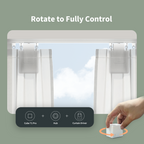
You can adjust the brightness or the temperature of other Aqara lights** or curtain opening percentage by rotating the cube: everything is configurable in the Aqara Home app.

* Se requiere un concentrador Aqara Zigbee 3.0.
** Se requieren luces Aqara compatibles.

¡Soporte para HomeKit y Alexa! ¡Mayor compatibilidad crea posibilidades infinitas

Hemos hecho que el T1 Pro sea mucho más versátil: ahora es compatible con HomeKit, Alexa, IFTTT y más*

Banner Image

Ahora, puedes usar cada uno de sus seis lados para controlar dispositivos de terceros, por ejemplo, gíralo hacia el lado 5 para activar una rutina de Alexa que controle las luces, y gíralo hacia el lado 2 para encender un termostato compatible con HomeKit.

Banner Image

El soporte del ecosistema ahora permite que el Cube T1 Pro controle prácticamente cualquier dispositivo de terceros compatible:

Banner Image

* El soporte de Matter requiere un hub Aqara compatible con Matter
** En HomeKit y Matter, el T1 Pro se puede configurar como un interruptor inalámbrico con 6 "botones" (cada botón representa uno de los 6 lados del cubo)
*** En la integración con la nube de Alexa, el T1 Pro se expone como 6 "sensores de movimiento". Voltear el cubo a cada uno de sus lados activa uno de los 6 "sensores"

Banner Image

Encuentra más alegría en el cambio de escena

¡Tirando los dados!

No es necesario memorizar todas las acciones, ahora tenemos indicadores claros como dados para cada lado y puedes usar cada uno de ellos para controlar diferentes escenas o dispositivos.

Aparte de eso, acciones como girar, sacudir o mantener presionado para diferentes lados crean más posibilidades.

  • Buenos Días Escena
  • Escena romántica
  • Escena de limpieza
  • Buenas noches

Buenos Días Escena

Gire 1 hacia arriba para desactivar el modo de alerta, abrir las cortinas y encender la cafetera.

Slideshow Image 1

Escena romántica

Gira hacia arriba 3 veces para cambiar la tira LED a colores personalizados.

Slideshow Image 2

Escena de limpieza

Coloque la cara 5 hacia arriba para iniciar la limpieza del robot aspirador.

Slideshow Image 3

Buenas noches

Agita para apagar todas las luces, encender el calentador y la luz nocturna.

Slideshow Image 4

Cambiar a Modo de Acción para un Control Mágico Sin Esfuerzo

Alternativamente, si solo quieres que sea simple y divertido, puedes cambiar al clásico Modo de Acción*.

¡Diviértete con tu familia!

*El Modo de Acción solo está disponible en Aqara Home y no se puede usar simultáneamente con el Modo Escena.

Empujar

para apagar la luz

Rotar

para atenuar las luces

Toca dos veces

para abrir/cerrar la cortina

Voltear 180

para armar el Sistema de Alarma Doméstica Aqara

Además

Agitar, voltear y activar después de un minuto de inactividad constituyen hasta 7 acciones alternativas para tu creatividad en el control inteligente.

* El Modo de Acción y el Modo de Escena no se pueden usar simultáneamente.

Banner Image

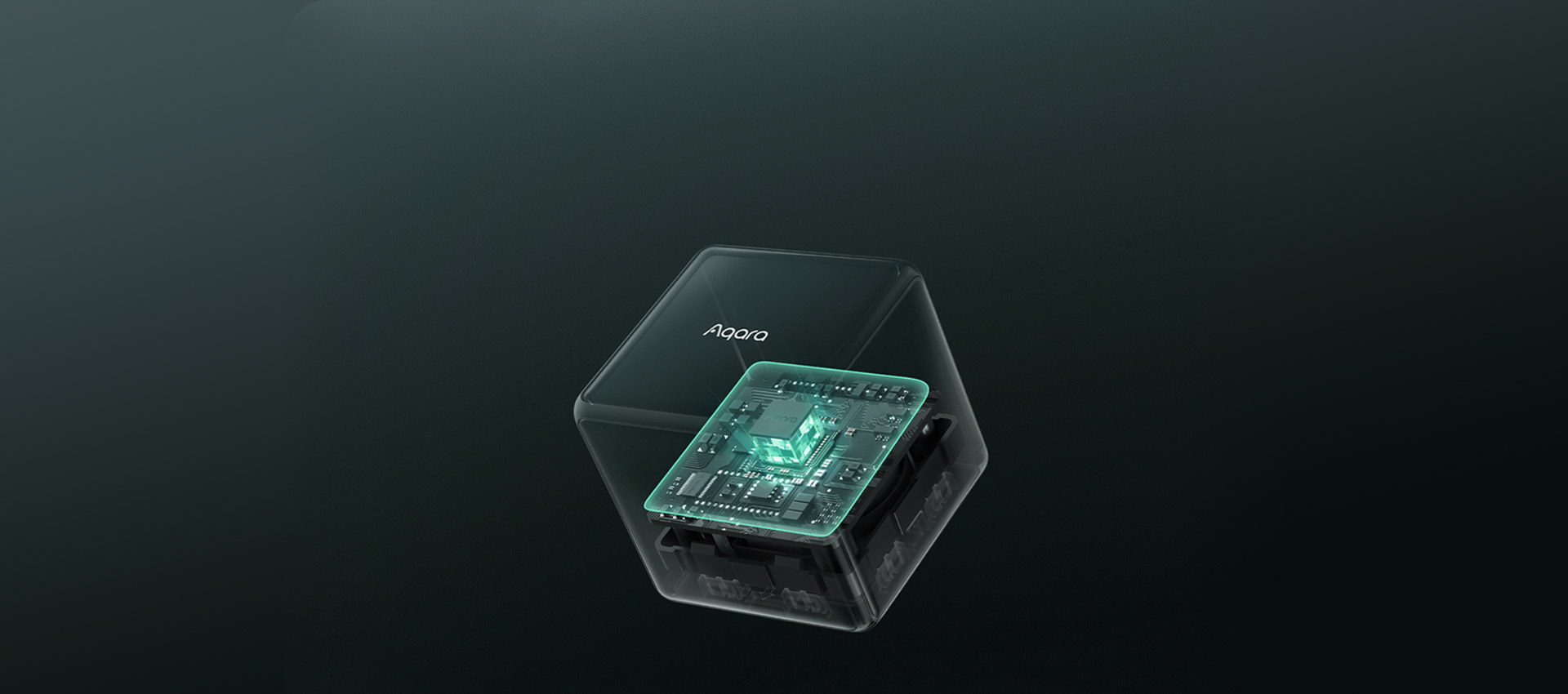
Diseño compacto y premium, con sensor de alta precisión y bajo consumo integrado

Banner Image

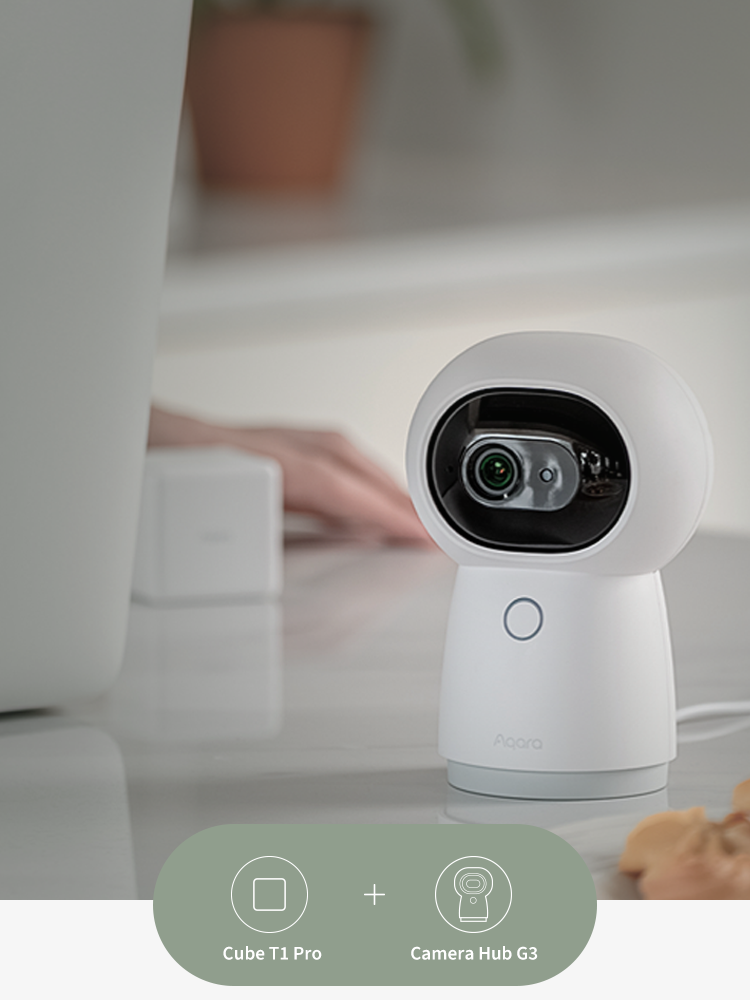
¡Pareja perfecta! Usa Cube T1 Pro para controlar el Camera Hub G3

SI el Cube se voltea de lado,  ENTONCES cambia el G3 a modo de Reconocimiento de Gestos.

SI el Cube se voltea de lado 3,  ENTONCES gira el G3 hacia la puerta de entrada.

SI el Cube se voltea de lado 5,  ENTONCES activa el modo de Protección de Privacidad del G3.

Gracias a la función de puerta de enlace Zigbee integrada en el G3, no se necesita un hub adicional.

Aqara-Cube-T1-Pro

Cube T1 Pro

€22,99

Ver detalles
Centro inteligente Aqara G3

Camera Hub G3

€119,99

Ver detalles
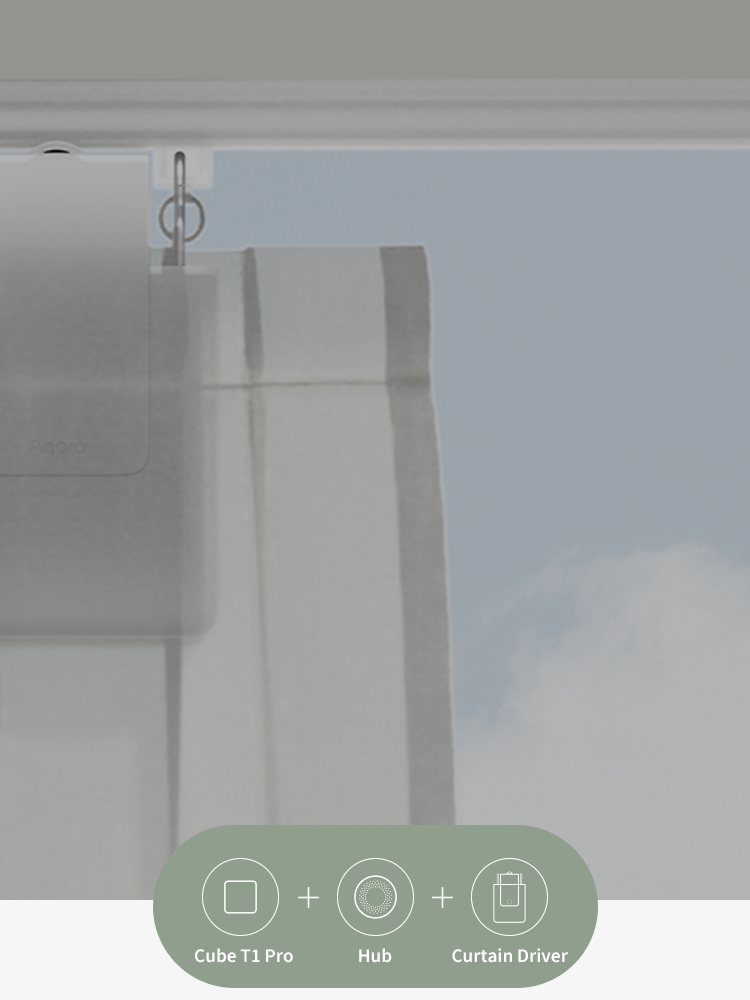
Utilice una acción o gire para controlar completamente su cortina

Puede ajustar el porcentaje de apertura de la cortina o la persiana enrollable girando el cubo, o utilizando una sola acción: sacuda el cubo una vez para abrir la cortina, sacúdalo una vez más para detener la cortina en una posición deseada, y sacúdalo una vez más si desea cerrarlas: ¡no es necesario usar tres acciones diferentes!

Además, en comparación con el viejo cubo, ahora admite girar con diferentes caras hacia arriba, ¡lo que hace que 5 grupos más de dispositivos sean controlables mediante esa acción!

Aqara-Cube-T1-Pro

Cube T1 Pro

€22,99

Ver detalles
Hub M1S Gen 2

Hub M1S Gen 2

€59,99

Ver detalles
Aqara-Curtain-Driver-E1-_Rod-Version

Smart Curtain Driver E1 (Rod Version)

€99,99

Ver detalles

Desempaquetado y Reseñas

Especificación

Color

Blanco

Baterías

CR2450 (Reemplazable)

Plataformas Compatibles

Aqara, Apple Home, Alexa y IFTTT

Concentrador requerido

Sí (Aqara Zigbee 3.0 HUB)

Peso neto del artículo

0.17 Libras/76g

Humedad de funcionamiento

≤95% HR, sin condensación

Temperatura de funcionamiento

-10°C ~ 50°C (14°F ~ 122°F)

Dimensiones del producto

1.77 × 1.77 × 1.77 pulgadas(45 × 45 × 45mm)

Protocolo inalámbrico

Zigbee

Componentes incluidos

Cube T1 Pro × 1, Ejector Tool × 1, User Manual ×1

También te puede gustar

 
Centro inteligente Aqara G3
 
 
Aqara-Curtain-Driver-E1-_Rod-Version
  • 5 stars: 94 (97%)
  • 4 stars: 3 (3%)
  • 3 stars: 0 (0%)
  • 2 stars: 0 (0%)
  • 1 star: 0 (0%)
A
Analisisgadgets
Muchas opciones para el hogar intelgiente

Aprovechando los primedays, pille este Aqara cubo T1 para probarlo, había visto muchas opiniones tanto buenas como malas, por lo que decidí darle una oportunidad, lo uso con mqtt y home assistant, y la verdad que muy bien, eso sí, si no te quieres complicar con la configuración bájate el blueprint de SirGoodenough. Tienes opciones de configuración por cada lado, por ejemplo en el lado uno enciende la luz y ajustas el brillo de una habitación, puedes agitarlo para hacer otra acción, muchas posibilidades para la domótica de tu hogar jugando con cada lado y las acciones.

j
jose antonio
Aqara cube

Producto de buena calidad tras una semana de uso bastante cómodo para hacer rutinas con luces y ambientes estaría bien que fuese compatible todas las demás funciones con alexa y Apple HomeKit pero ya con las seis caras se pueden hacer bastantes cosas aún así requiere hub para poder utilizar con ambas plataformas

T
ThomasW
Empfehlenswert

Ich hatte bisher einen selbstgebauten Würfel um Szenen zu starten. Weil ich das Konzept einfach genial finde: man sucht nicht erst das Handy und startet eine App, sondern man dreht einfach den Würfel. Dabei können die Szenen durchaus komplex sein. Bei der Sonne z.B. werden die Rolläden hochgefahren, der TV angeschaltet und je nach Helligkeit auch eine Stehlampe angeschaltet. Klar, kann man natürlich alles selbst machen - aber so ist schon schön!

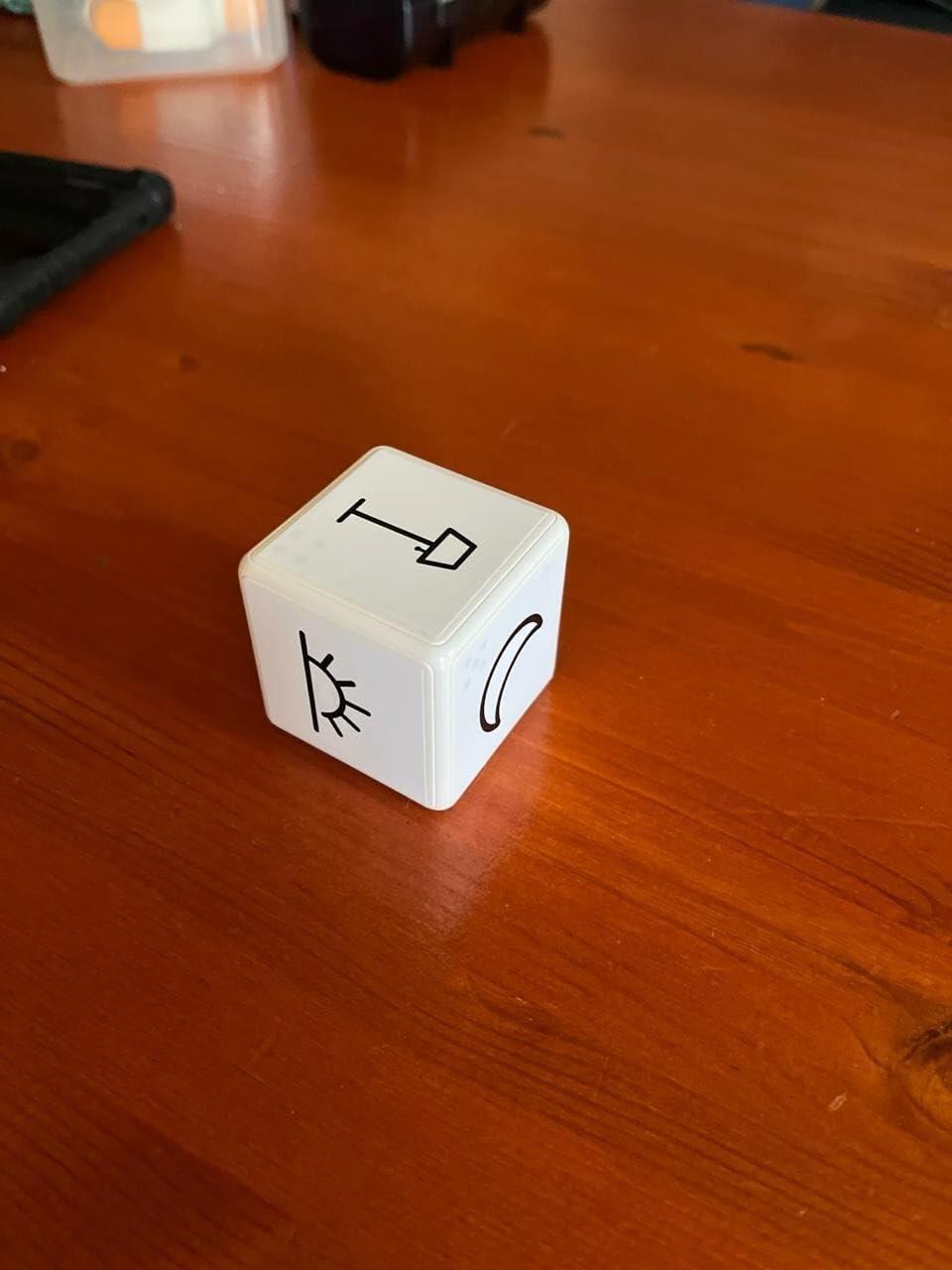
Leider hatte mein Eigenbau hin und wieder Aussetzer und erkannte Lageänderungen nicht oder bereits wenn man noch die richtige Seite sucht. Das macht dieser Kleine wirklich deutlich besser! Über Zigbee2mqtt ist er schnell eingerichtet und mit ein paar selbst gemachten Aufklebern ist nun auch gut zu erkennen was er tun soll.

Dafür, dass er so klein ist fühlt er sich recht schwer an. Das ist aber nicht Negativ sondern vermittelt ein Gefühl von Robustheit und Zuverlässigkeit. Bisher funktioniert er auch absolut zuverlässig - falls das nicht so bleibt, gibt es hier ein Update.

B
Borja Escanilla
Buena forma de controlar domotica

Desde solamente el cubo se pueden configurar varios movimientos para varios aparatos domóticos. Se puede usar su propia aplicación o un hub con home assistant. Consume muy poco y la pila dura muchísimo. Con dos años de uso de uno como este sólo he cambiado la pila una vez. Lo único malo es que si se es muy brusco la pila interna se suelta

O
Owen B.
Great

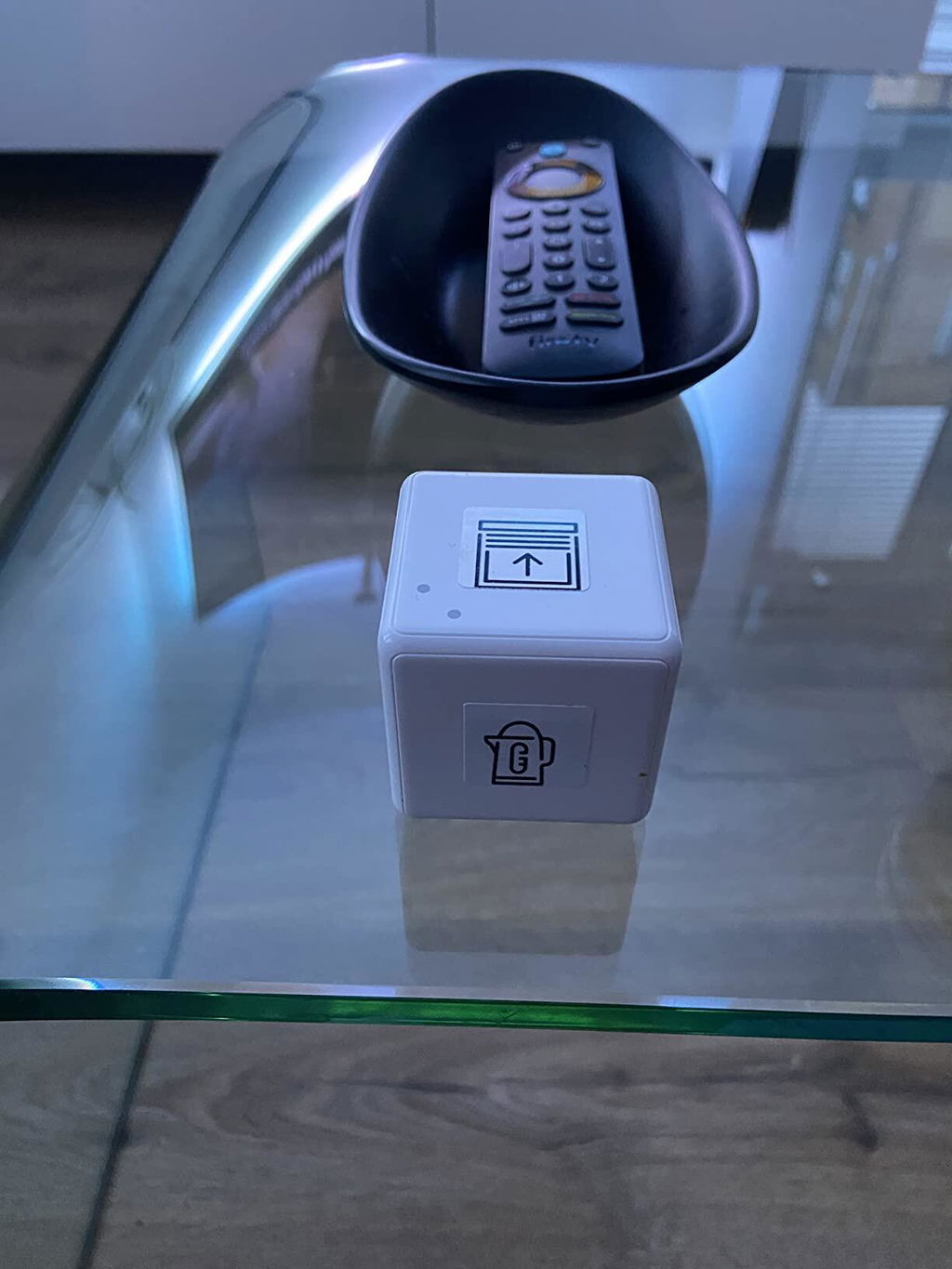
This little cube is amazing I use it to turn on my tv , kettle and open and close my blinds , plus light strips behind my tv ,had to make custom stickers to remember what each side does

C
Chris
Great Little Gadget

Really easy to pair with the aqara hub. Once paired with Alexa, it can control non ZigBee bulbs and plugs. There is about a 3 second delay when the cube is turned to a specific side to activate an action. E.g to turn on a device. Overall great little gadget use it all the time.

C
Capricornus90
Gute Ergänzung

Der Cube lässt sich einfach mit Szenen belegen und (wenn man einen Aqara Hub hat) nahtlos ins Apple Home Universum integrieren.
Trotz HomePod und allem eine gute Ergänzung (auch für Kids) um Szenen in Räumen zu aktivieren.

R
R. Albeck
Endlich mit Homekit aber mit Hoffnung auf mehr

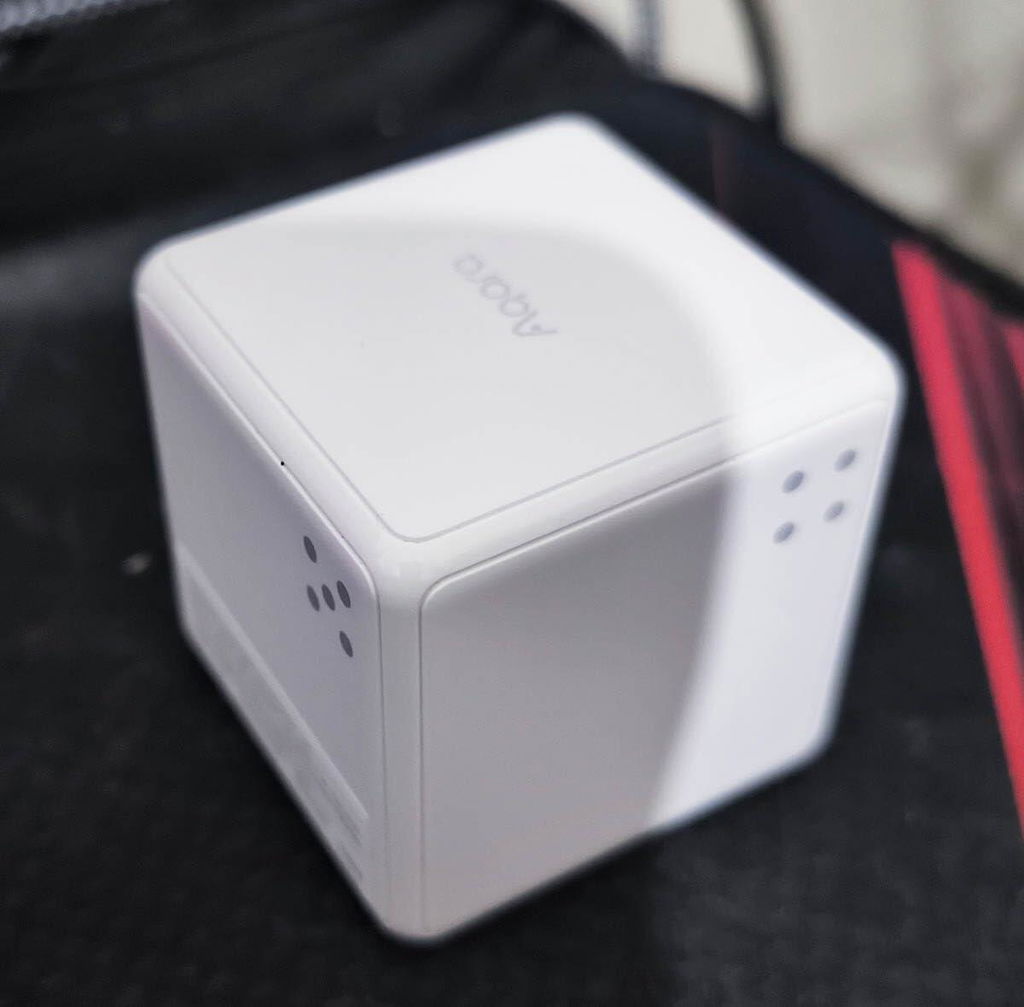
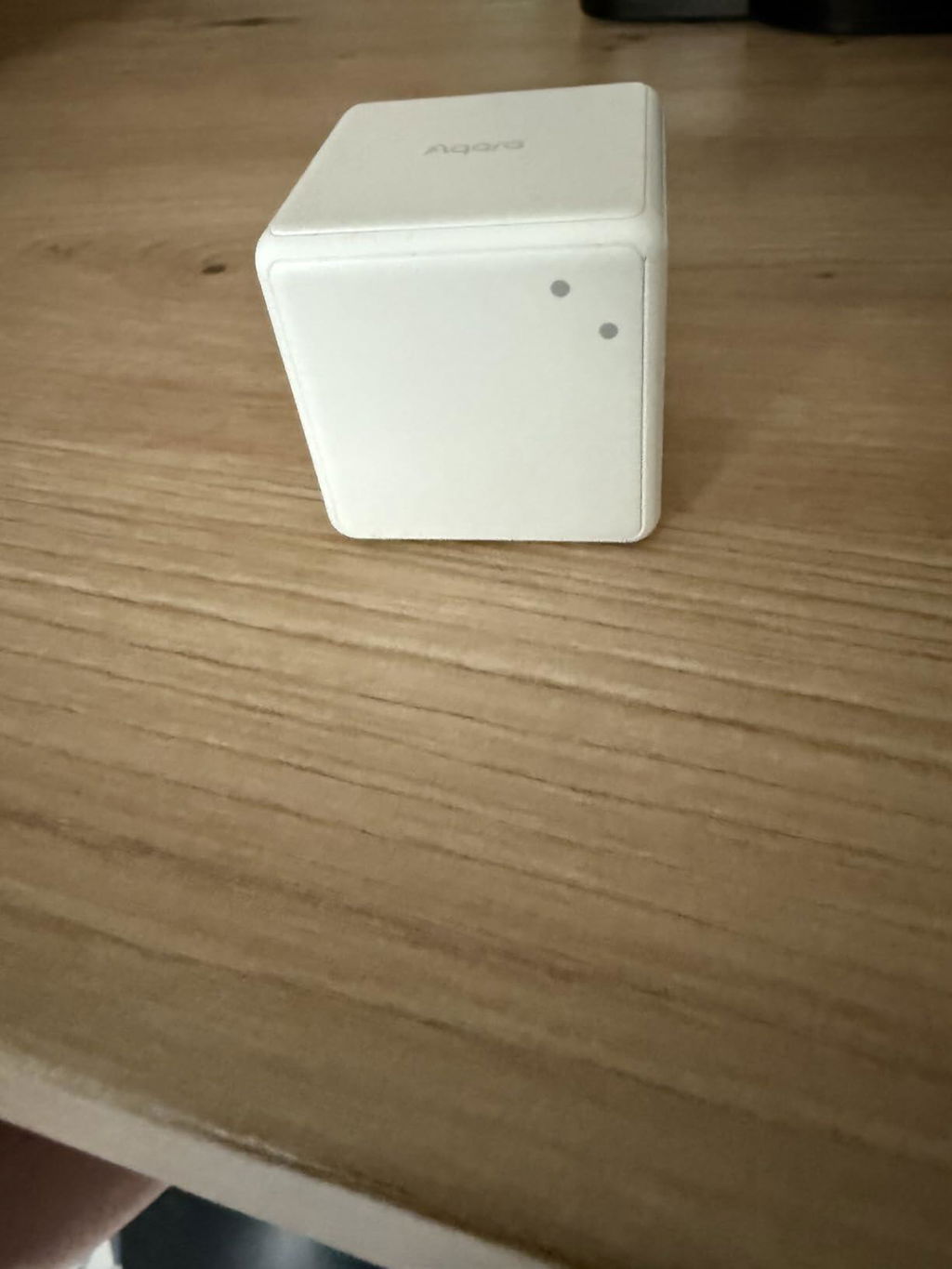
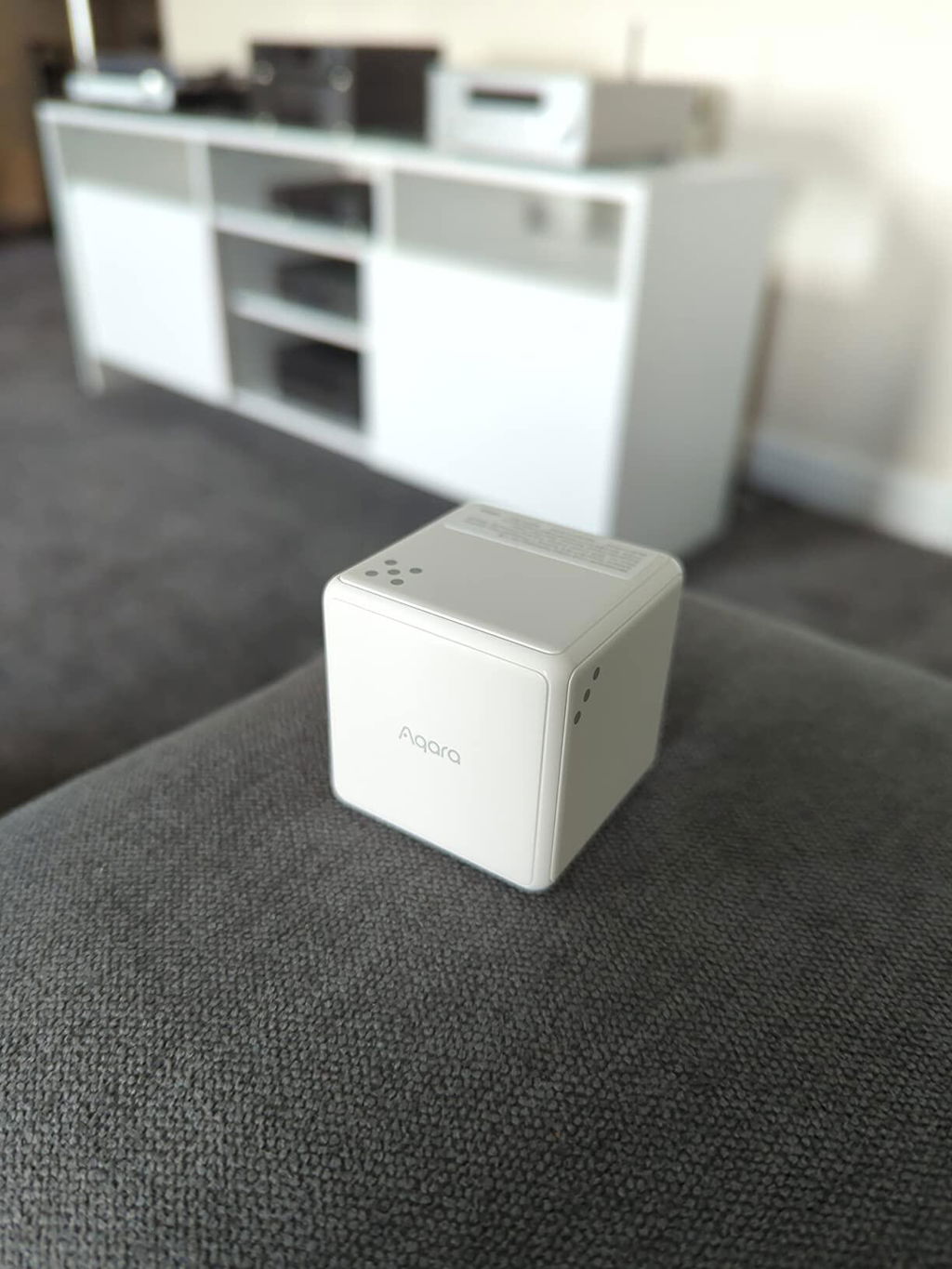
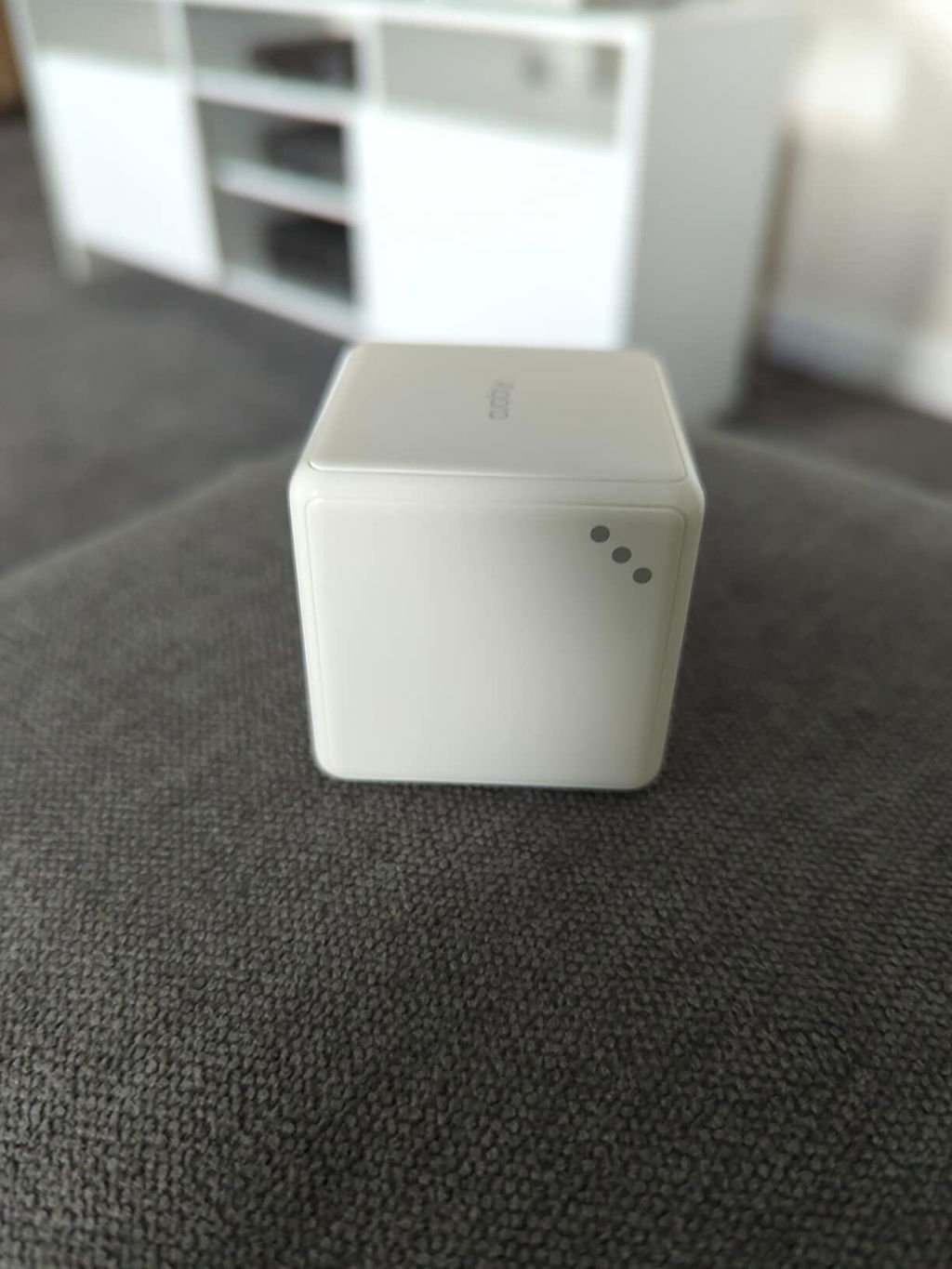
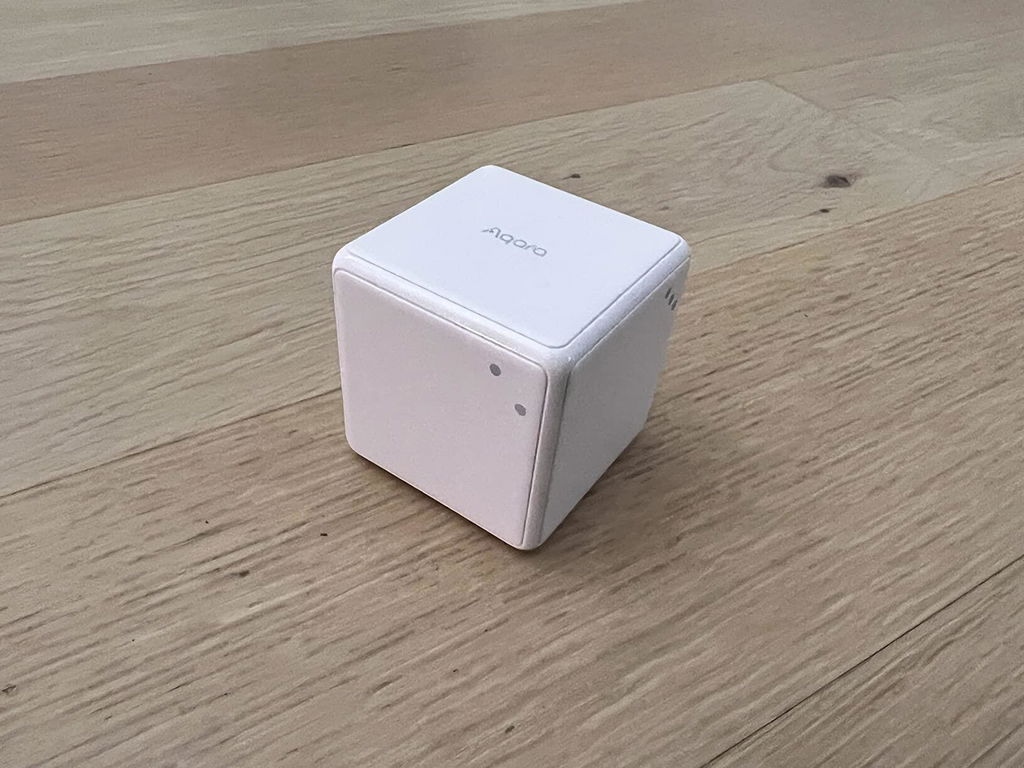
Die Würfel sind gefallen und das eigentlich schon länger, denn der Cube zum Steuern von Abläufen im Smarthome ist nicht neu, neu ist aber, dass er nun eben mit Apple‘s Homekit funktioniert. Der Trick: Die 6 Positionen dienen quasi als Taster wie bei einem Lichtschalter und somit kann man 6 Positionen mit verschiedenen Aktionen belegen. Außer die erste Seite (welche das Branding „Aqara“ trägt), hat jede weitere Seite die klassischen Würfelaugen an der oben linken Würfelkante.
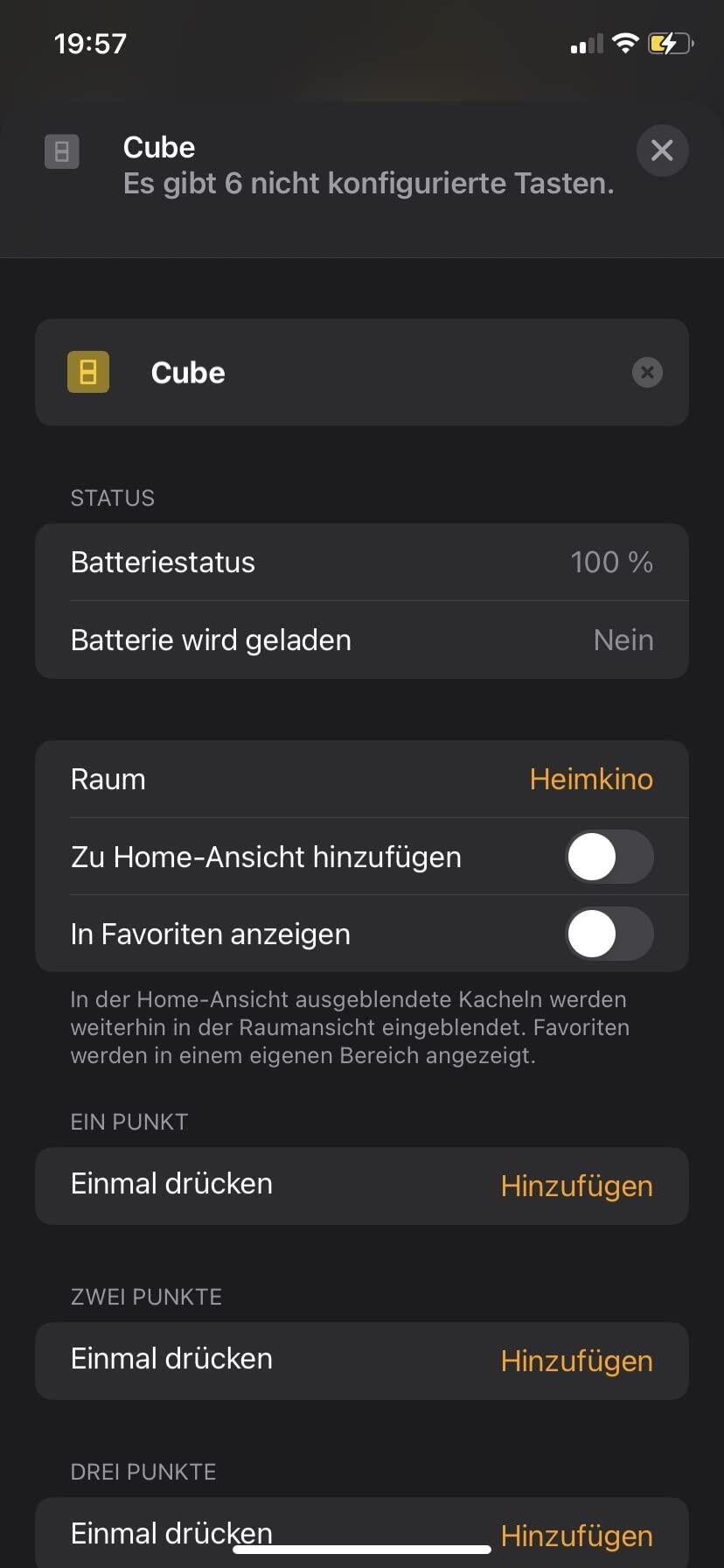
In Homekit selbst werden diese nunmerierten Würfelkanten auch als solche angezeigt, so das man nicht raten muss, welche Seite man da programiert hat.
Die Würfelaugen sind übrigens neben den Namen auch das einzige Anzeichen um den neuen Cube T1 Pro als Homekitkompatibles Gerät zu entlarven. Wer also aus China bestellt und einen Würfel ohne Würfelaugen bekommt, der wird nicht glücklich werden.

Der Wprfel selbst ist ein echter Handschmeichler. Es sind keine scharfen Kanten vorhanden, alles ist abgerundet, die Oberfläche fühlt sich gut an under hat ein angenehmes Eigengewicht.

Hat man die gewünschten Seiten programmiert, werden die Aktionen immer dann ausgelöst wenn der Würfel hochgehoben, dann auf die gewünschte Seite gedreht und wieder abgestellt wird. So kann z.B. die erste Seite alle Lichter im Wohnzimmer einschalten und die zweite Seite schaltet das Licht wieder aus, Seite drei sorgt für gedimmtes Licht und schaltet den Fernseher ein usw. Durch das expizite hocheben, wenden und wieder hinstellen, wird eigentlich ausgeschlossen das man versehentlich eine Szene startet. Wer den Würfel also einfach in der Hand hält und damit rumspielt, der sollte im Smarthome auch nichts verstellen.

Soweit die Homekitwelt.
Doch der Würfel kann bei weitem mehr. Er kann mitunter auch erkennen ob er geschüttelt, geschupst oder gedreht wird. Diese Optionen sind in Homekit leider nicht vorgesehen, demanch gibt es derzeit auch keine Möglichkeit hierfür eine Programmierung festzulegen. Dies geht nur in der Aqara App und dem damit verbundenen Zubehör, was im Prinzip ok ist, aber Aqara hat derzeit eher einen Fokus auf Sensoren und es bringt wenig, wenn ich dem Würfel „sage“, mach was tolles mit dem Fenstersensor. Spontan fällt mir nur ein, dass man die Alarmanlagenfunktion damit steuern kann. Allerdings hat die Aqara App auch eine eigene Option um Szenen oder Aktionen zu programmieren die man abrufen kann. Also währe sowas möglich wie: Schalte Alarmanlage ein nach 5 Min und aktiviere die Überwachungskameras und wenn man nach hause kommt, dreht man den Würfel zu einer anderen Szene um alles wieder auszumachen.
Was aber halt genial währe, wenn Aqaura Homekit in seine App einbinden würde wie es z.B. die EVE App macht. Sprich alle Homekitgeräte oder Automationen tauchen auch in der Aqara App auf und dann könnte man eben auch diese für alle anderen Aktoren des Würfels bequem festlegen.

Der Würfel hat also viel Potential, bietet deutlich mehr Optionen als ein einfacher Wandschalter aber es fehlt an einer besseren Homekitintegration Innerhalb der Aqara App, da Apple zu wenig Spieltaum innerhalb von Homekit anbietet.
Da ist der Würfel aber kein Einzefall, zumal er nun auch brandneu ist… Bis heute kann man via Homekit ja z.B. auch nicht die sogenannten Gradient-Leuchtstreifen, also Lichterketten mit der Möglichkeit verschiedene Farbzonen einzurichten, richtig ansteuern. Hier kann dann nur nur eine Farbe gewählt werden und fertig und das obwohl es immer mehr Gradient-Lichter gibt…

Ich bin aber optimistisch das Aqara sich hier weiter verbessern wird und vielleicht gibt es auch irgendwann mehr Möglichkeiten in Homekit für die Entwickler.

F
Fatty
Cool toy

Gadget for fiddlers. Not as smooth as videos. Fo me I have to pick it up turn it to desired and put it down with intention. It works and my 30 year old son makes fun of me.

P
Pedro Arispe
You WILL love the cube! Resistance is futile!

This is AWESOME, with Home Assistant it has over 52 commands. I set up the "shake" feature to turn on all lights in the house. So if I wake up in the night for a noise, I only have to grab the cube and shake it to light up the whole house and yard. No voice command or trying to remember anything. The wife and I have one on each night stand and one in my office. The spin to dim feature is great too. You will love this thing.

G
GeoffA
Innovation in your hand

Interesting input device that works well for smart applications. Every way for the cube to be moved or places can be used as a trigger. Simple to add to a hub and adaptable for Smart Control. Well made, you might add coloured stickers for a change

G
Guest
..
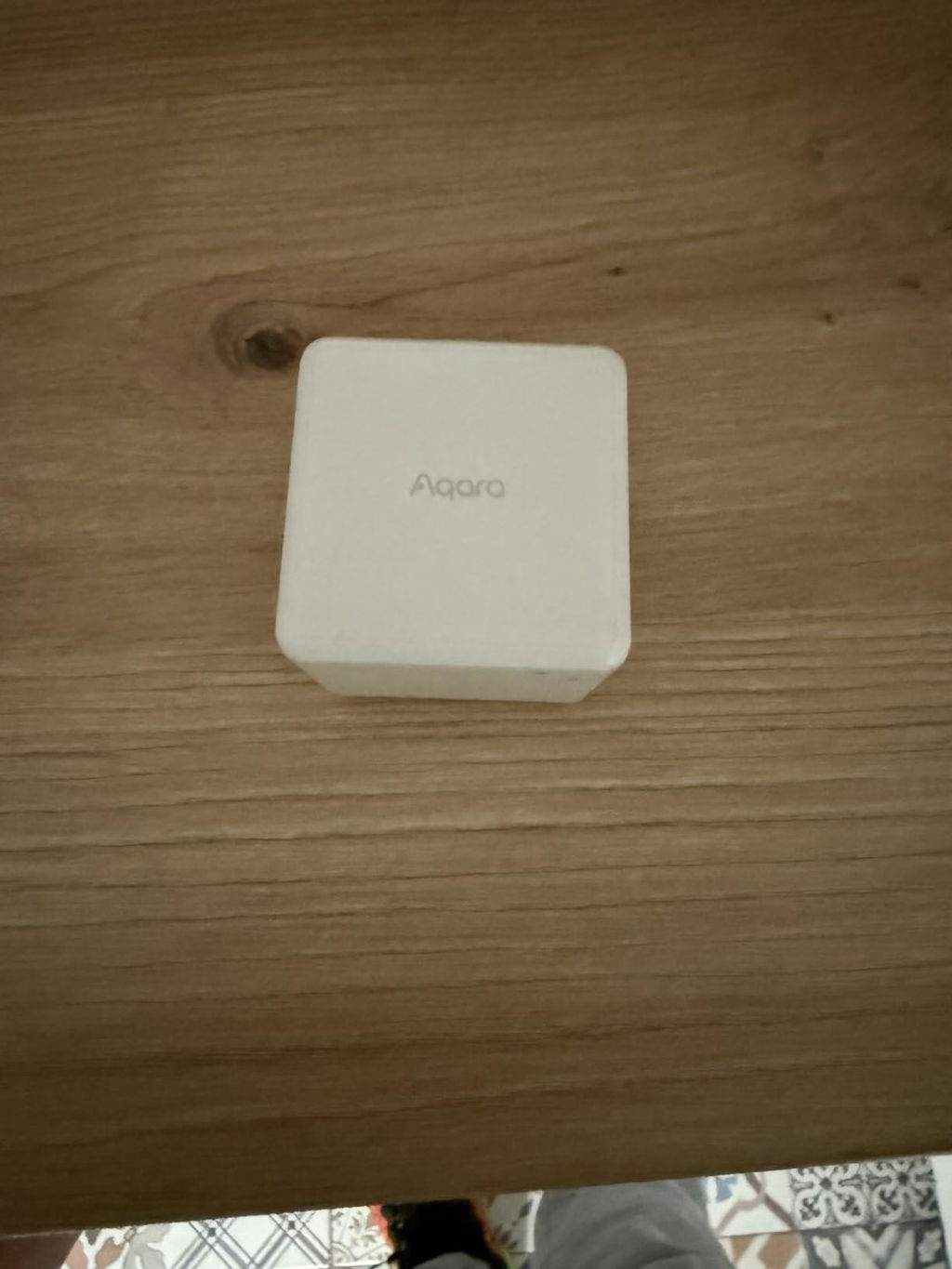
Tut was er soll

T
Tom Dowd
Works with Home Assistant and Zigbee2MQTT

This is a fun toy. You need Zigbee2MQTT for this to work with Home Assistant. Zigbee inclusion with Zigbee Home Automation (ZHA) does not expose the entities you need to get this to work. I figured all that out after I bought the cube and it sat around for a while till I had time to figure Z2M out.
Once it is included, actions can be triggered by different movements of the cube.
I have it toggling the kitchen lights if I shake the cube.
The time, temperature and weather are announced if I change the sides.
The Family Room lights' brightness is adjusted as the cube is rotated left or right.
For me, remembering what each action/movement does is the biggest challenge. :=}
Is it practical? Probably not, but it is fun if you like this kind of stuff. I have no regrets about getting the cube.

A
Amazon Customer
Works well and is a perfect addition to your smart home

A really great idea and works well in HomeKit. Definitely worth getting so u don’t always have to open your phone to set a scene.

A
AdriNoKaizen アドリのカイゼン
Un petit cube magique qui rend la domotique fun et intuitive

📝 J’ai acheté le Aqara Cube T1 Pro par curiosité, et c’est clairement un de mes objets domotiques les plus ludiques et efficaces. La connexion avec Zigbee2MQTT s’est faite sans problème (via un hub Zigbee compatible), et une fois associé à un blueprint, la configuration devient très simple, même pour des scénarios un peu avancés.

Ce cube est hyper intuitif à l’usage : chaque face peut être associée à une action différente, et les gestes (tourner, secouer, incliner, retourner) sont bien reconnus. Résultat : on peut contrôler une pièce entière sans sortir son téléphone — lumières, chauffage, musique, scènes… tout y passe.

✅ Avantages
🎛️ 6 faces configurables pour piloter plusieurs scènes
🔄 Gestes bien reconnus (rotation, bascule, secousse…)
🧩 Intégration fluide avec Zigbee2MQTT et Home Assistant
⚙️ Configuration simplifiée grâce aux blueprints
🎩 Effet “magicien” garanti auprès des enfants
🏠 Parfait pour gérer une pièce complète de façon naturelle
✨ Objet original, discret et bien fini

❌ À savoir
🏠 Nécessite un hub Zigbee 3.0 Aqara ou une passerelle compatible
🧠 Demande un petit temps de configuration pour exploiter tout son potentiel

🧾 En résumé, le Aqara Cube T1 Pro est un excellent contrôleur de scènes : ludique, fiable et étonnamment pratique au quotidien. Une fois configuré, il devient vite indispensable — et transforme la domotique en vrai jeu d’enfant.

m
markus
Qualität top 1

Immer Top 1 von Home Geräten

H
Helmut Bender
Spannende Fernbedienung

Sehr spannende Fernbedienung. Ich setze sie mit Zigbee2MQTT und Home Assistant ein. Sie wird komplett unterstützt und man kann sich alles per Automation basteln, was man will. Der Phantasie sind kaum Grenzen gesetzt.

A
Ash
Great device

Great device, connects to Home Assistant compatible. Slight hiccups getting it sorted originally, but usual steps of repairing and such resolved these. Mostly got it as a gimmick for a family member who likes this stuff, but found they're really into pushing it to its limits Got a whole range of functions assigned already.

M
Minke Hiemstra
Onbeschadigd

Goed

C
Cliente Amazon
Funciona bien

Lo más complicado es buscarle utilidad. Si eres una persona nerviosa acabarás jugando con él por lo que no será demasiado útil para programar escenas

A
Amir Narozky
Cool way to control smart lights

very cool item for the aqara ecosystem
Easily impress your friends when dimming the lights with spinning the cube on the desk and more :)
supports all the old cube methods (switchable in the aqara app) and adds new methods special to the T1 pro model

do note - this requires one of the aqara\xiaomi zigbee hubs to work!

B
Benjamin
Neat gadget

Very nice for tinkering. The "action/scene" modes and supported gestures are counter-intuitive, but the gesture recognition is on point, it feels "locked in". Works with ZigBee2MQTT on Home Assistant.

A
Alberto
prodotto domotico: un dado che fa accadere le cose

prodotto interessante, per il quale occorre un po di conoscenza del settore, lampadine o interruttori smart. Per utilizzarlo occorre una hub ZigBee (non funziona con wifi altrimenti la batteria durerebbe una settimana) o un hub domestico. Io l'ho utilizzato con home assistent e integrazione ZHA. (dopo un cambio di protocollo premendo 5 volte il tasto di reset). si possono associare eventi di accensione e spengimento a per ogni tipo si movimento del cubo (spingi, sposta, scuoti, ruota, posizioni numeriche da 1 a 6. Buon divertimento.

L
Leonard Bücker
Home Assistant

Top Produkt, funktioniert auch mit Home Assistant.

G
Genießer
Tolles Tool mit schwerwiegendem Designproblem

An sich ist dieser Würfel genau die Antwort für Leute, die mehr also nur einfache Lichter in ihrem Smart Home an- und ausschalten wollen. Neben 6 Seiten, die jede eine eigene Aktion auslösen kann, gibt es auch noch spezielle Gesten (wie das Verschieben und Drehen des Würfels oder das doppelte Aufschlagen auf der Tischplatte). Auch die Einbindung in Smart Home Lösungen, wie Home Assistant hat tadellos funktioniert.

Warum also nicht volle 5 Sterne? Der Würfel arbeitet bewegungsbasiert. Dass heißt, man kann eine Seite nur durch kippen des Würfels auswählen. Es ist nicht möglich den Würfel aufzunehmen und mit irgendeiner anderen Seite wieder abzulegen. Das ist eine sehr schwerwiegende Limitierung, weil man ja oft nicht direkt zwischen zwei Nachbarseiten wechselt oder manchmal sogar die Zielseite erst suchen muss. Man müsste also die Seite erstmal finden, dann den Würfel mit einer Nachbarseite nach oben ablegen und dann von dort auf die Zielseite kippen. Mit dieser Einschränkung kann ich den Würfel nicht empfehlen auch wenn er ansonsten zuverlässig arbeitet.

Preguntas Frecuentes