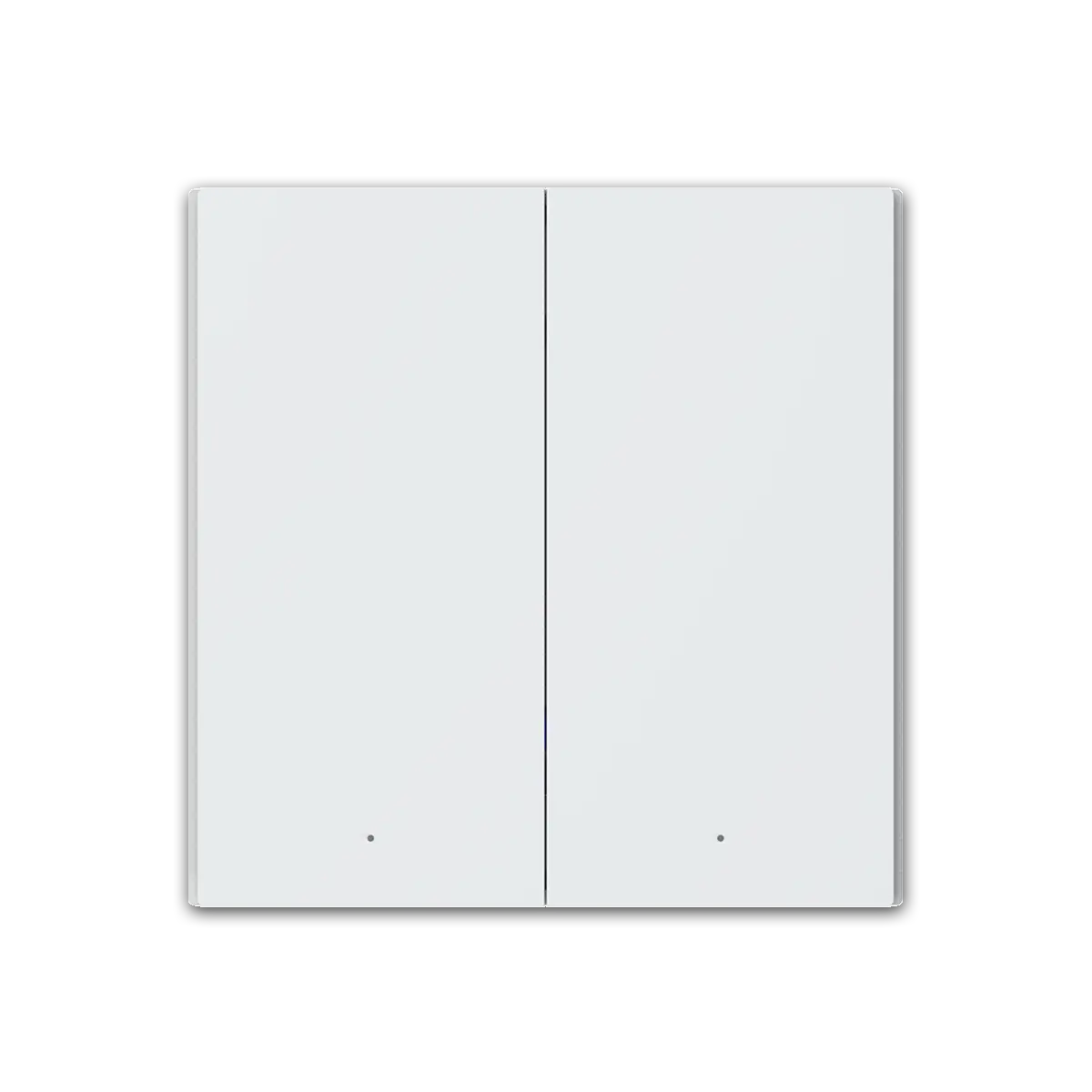
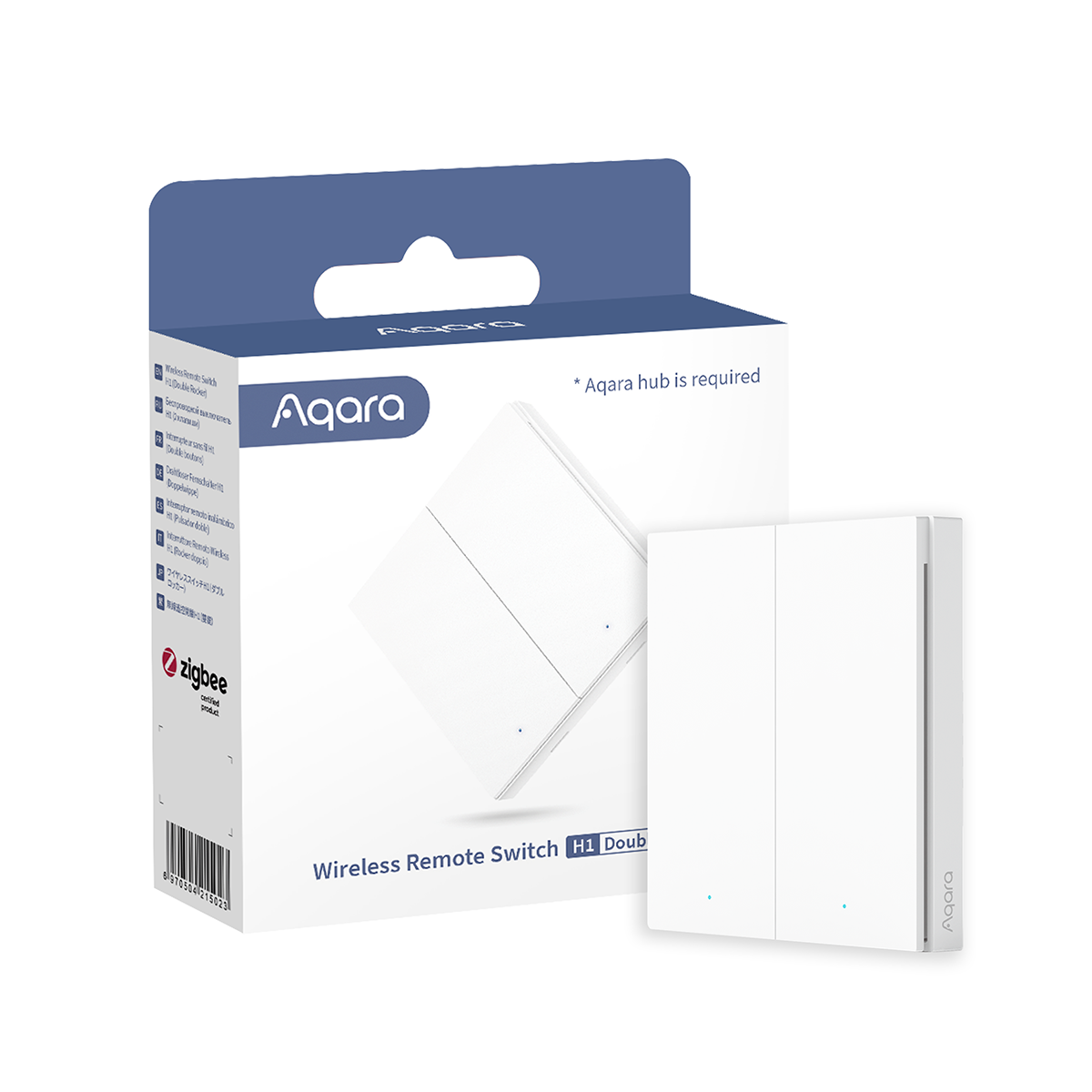
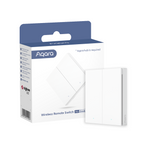
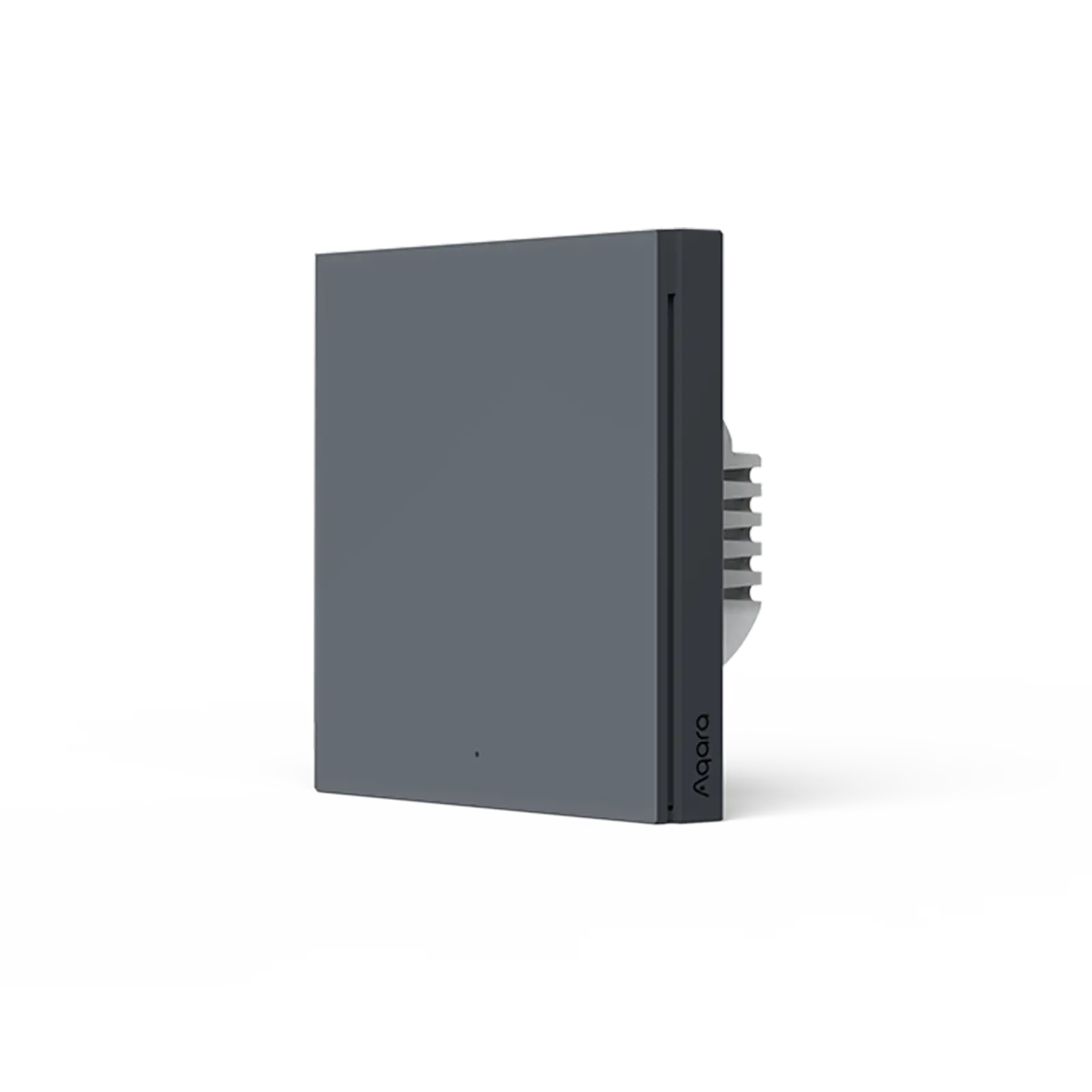
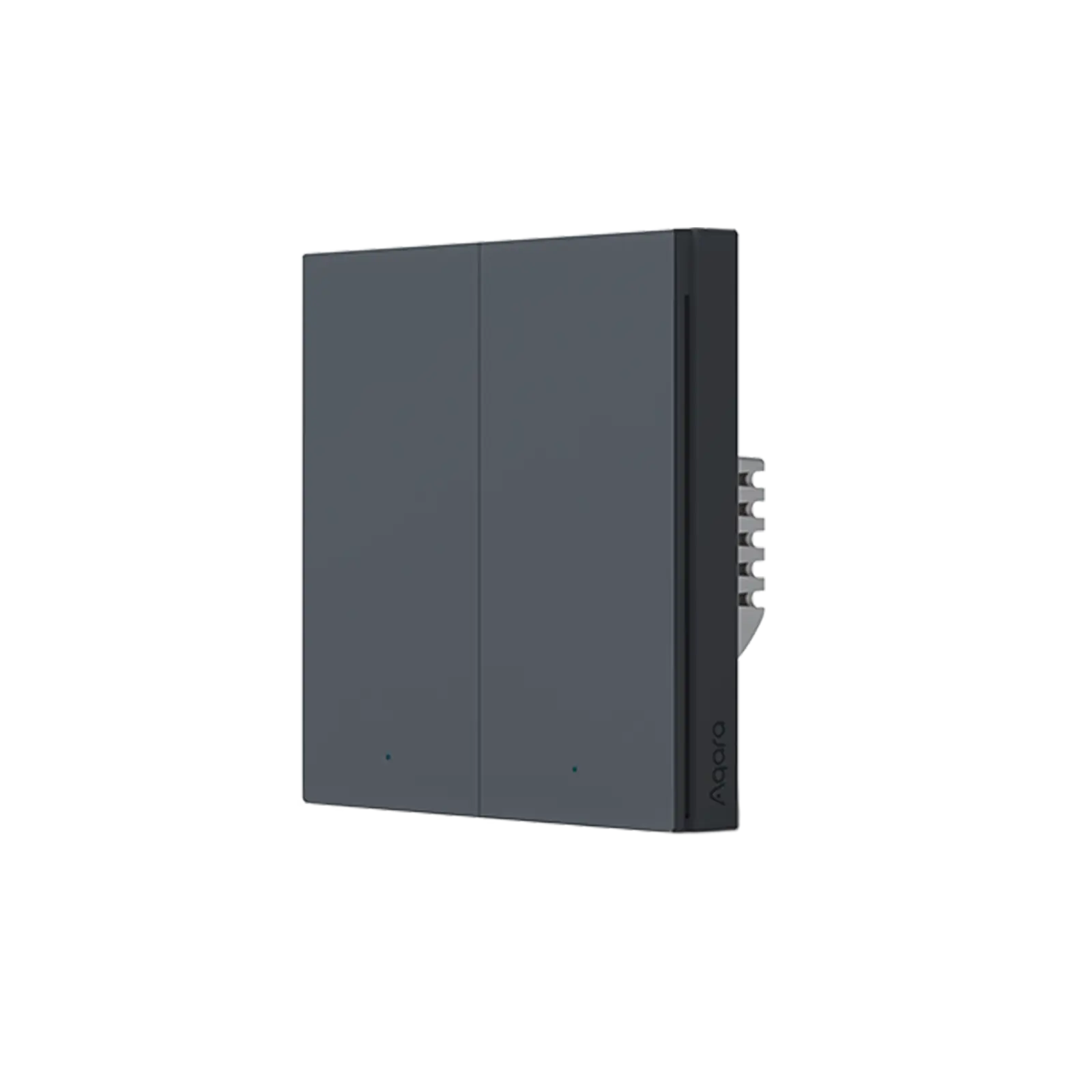
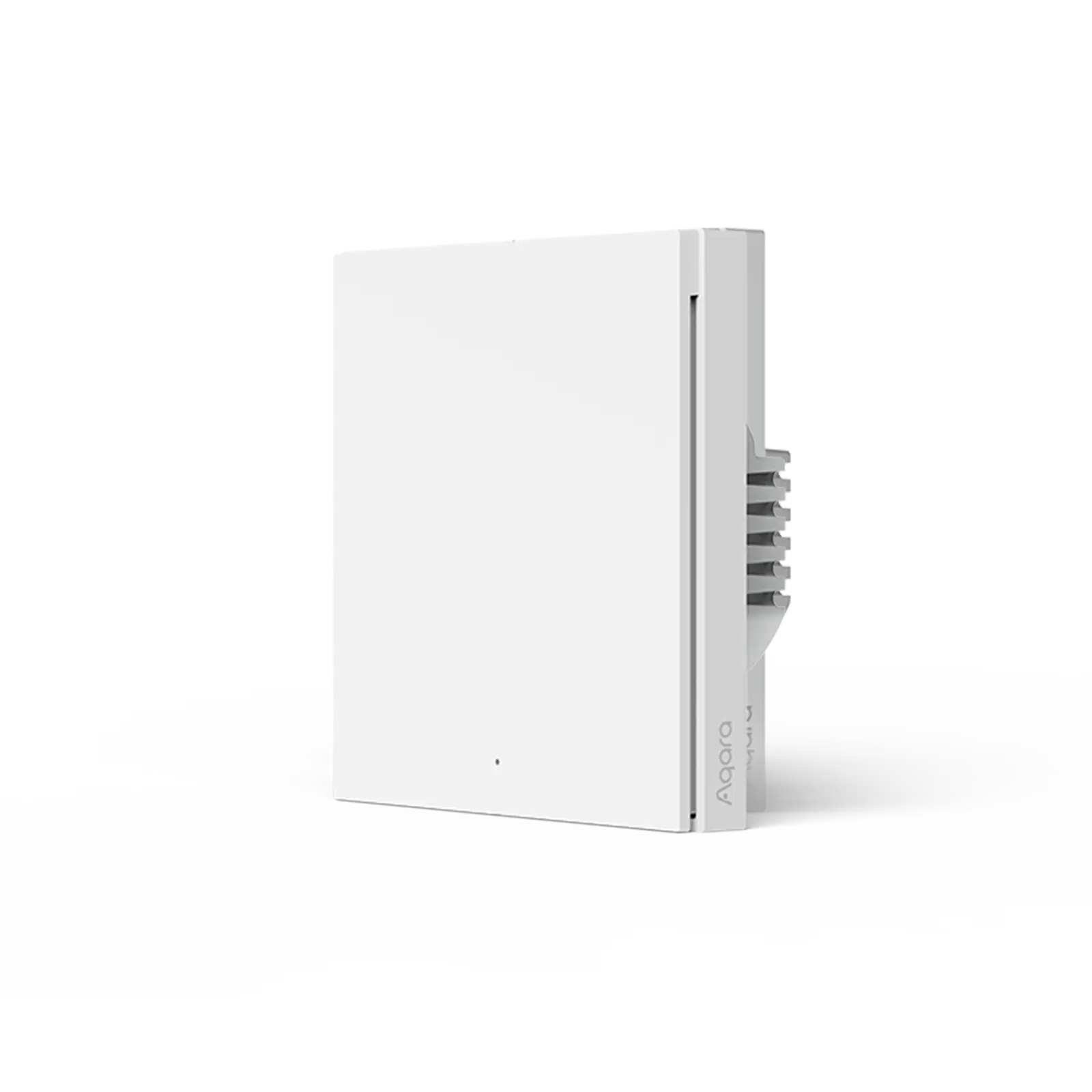
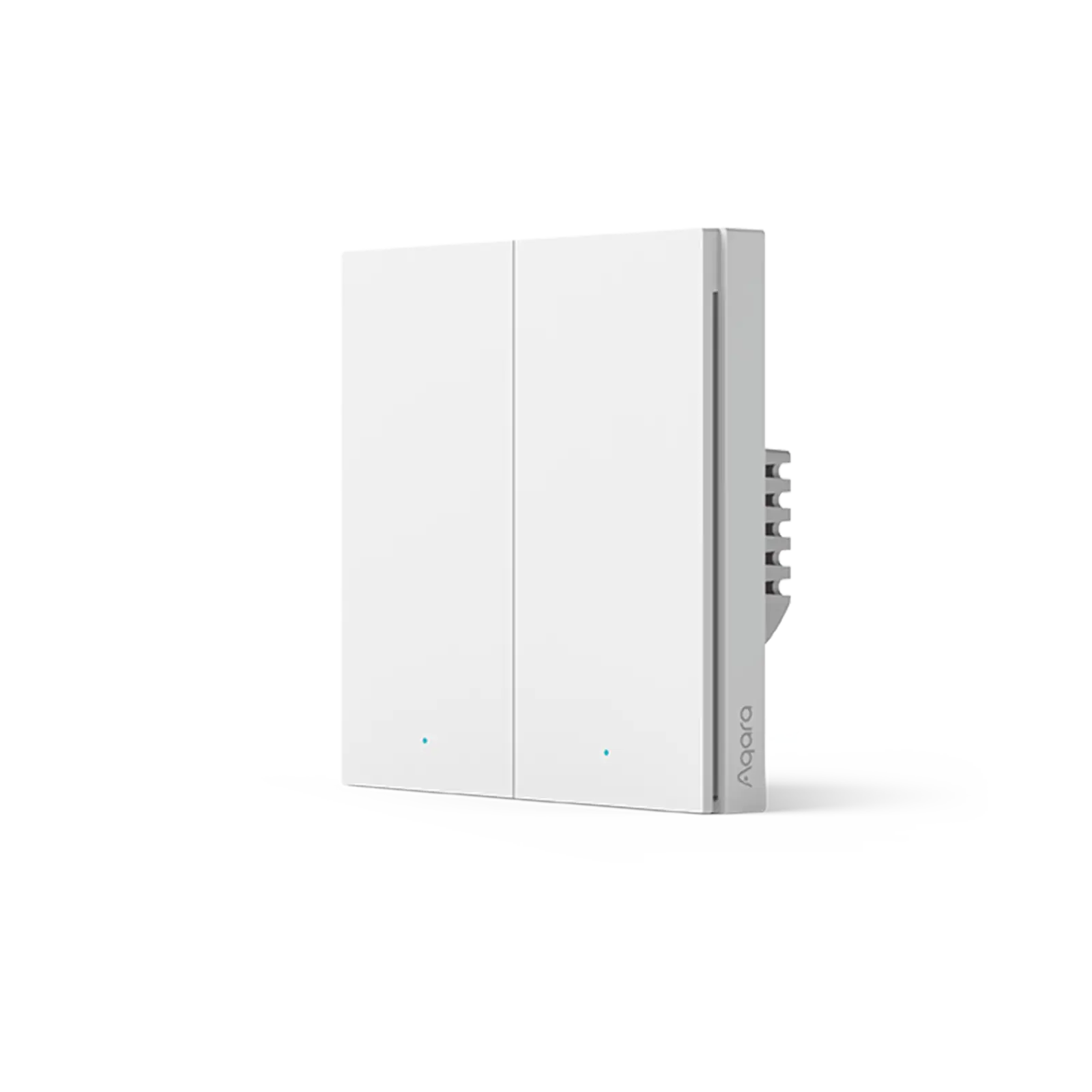
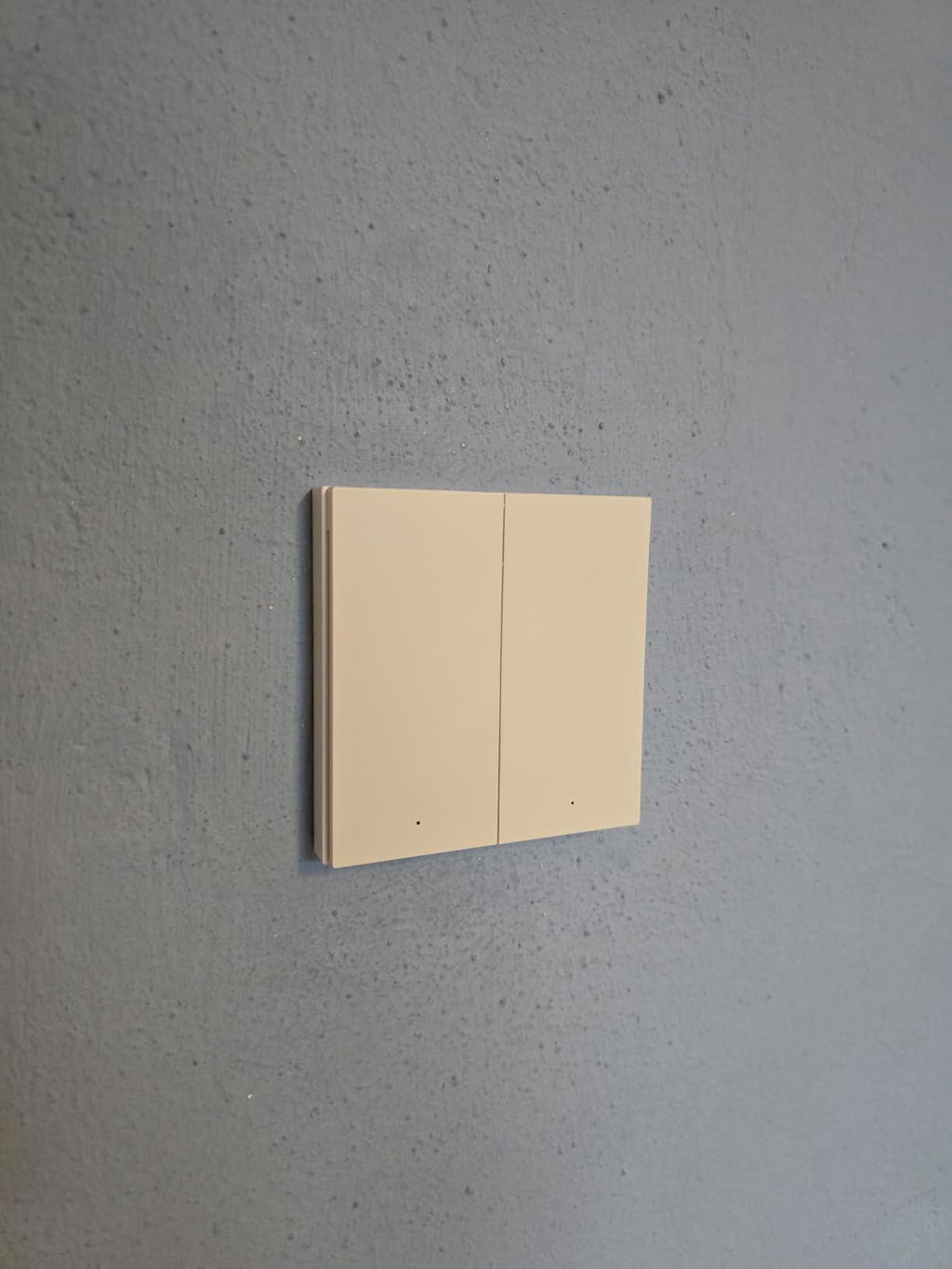
Interruptor Remoto Inalámbrico H1

Controller Deals: Buy any 2 save 5% , Buy any 3 save 8% , Buy any 6 save 10%
€28,99

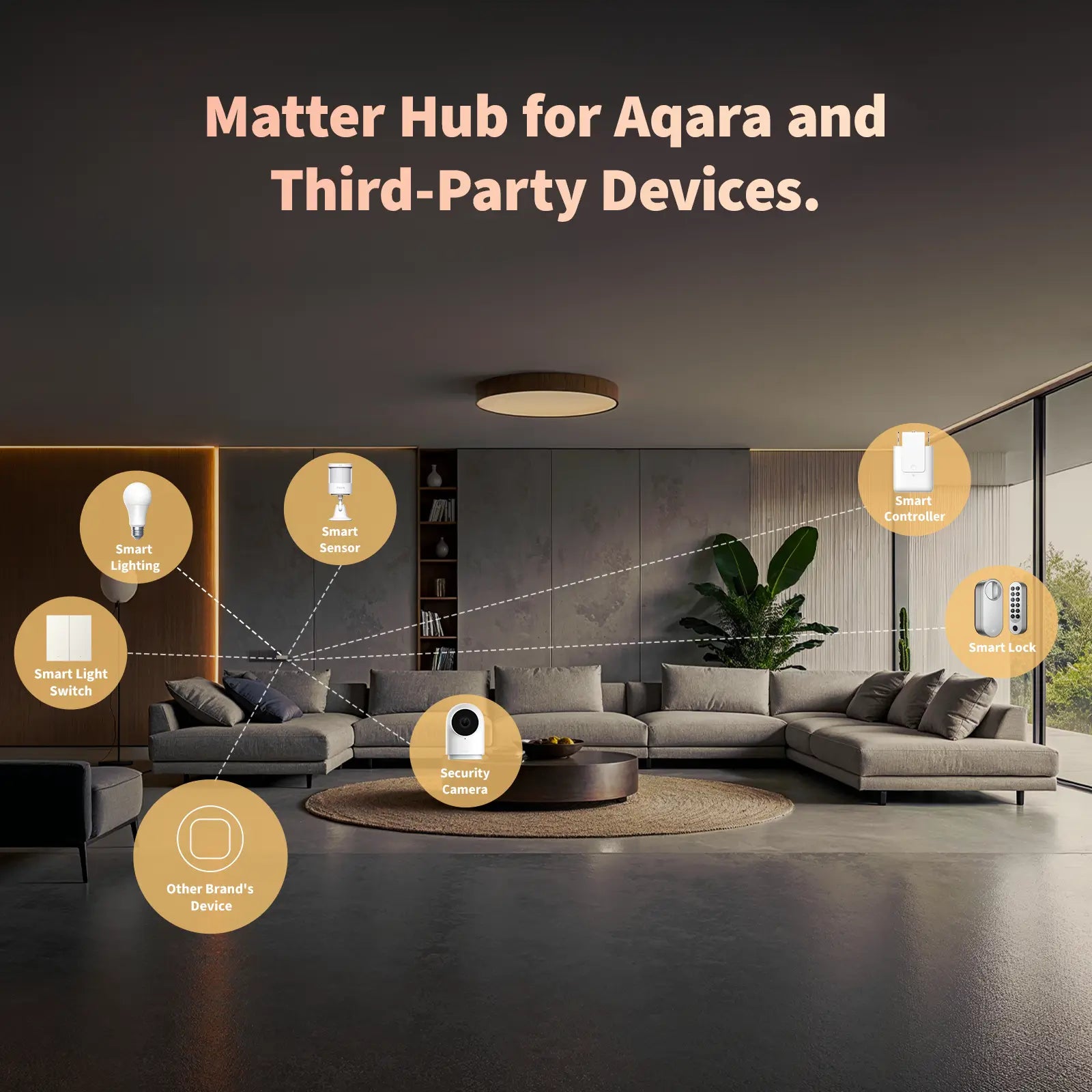
Requiere Aqara Smart Home Central M2, M1S o Camera Hub G2H para su funcionamiento. El interruptor remoto inalámbrico Aqara H1 utiliza Zigbee 3.0, que proporciona mejor estabilidad, compatibilidad y más funciones. Tiene una autonomía de cinco años, la mayor autonomía de todos nuestros productos Aqara (la experiencia puede variar según el entorno de operación)

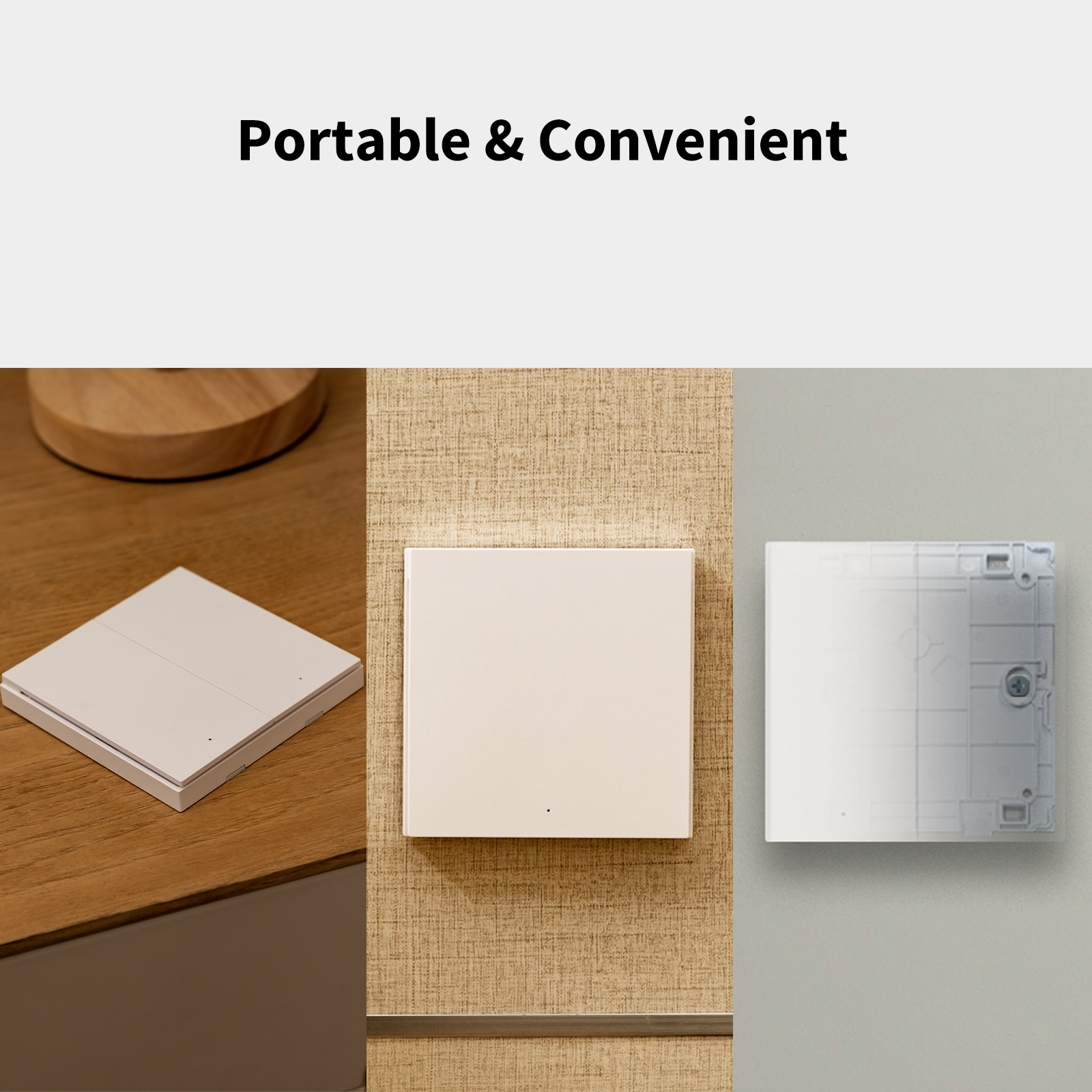
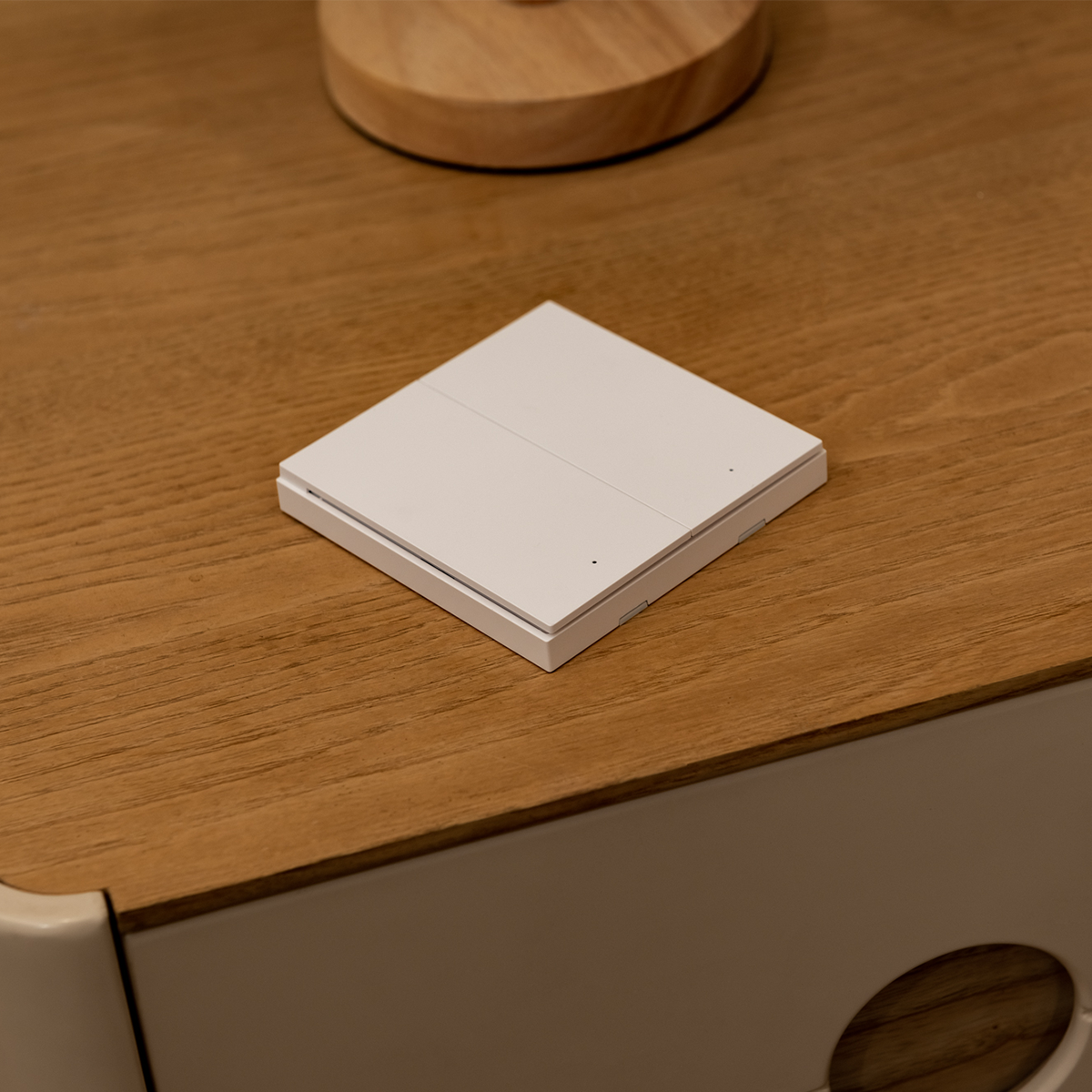
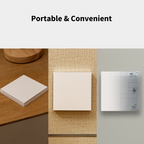
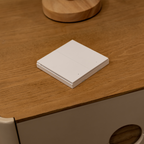
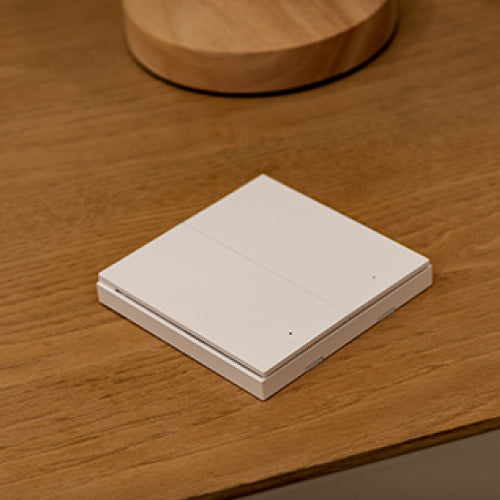
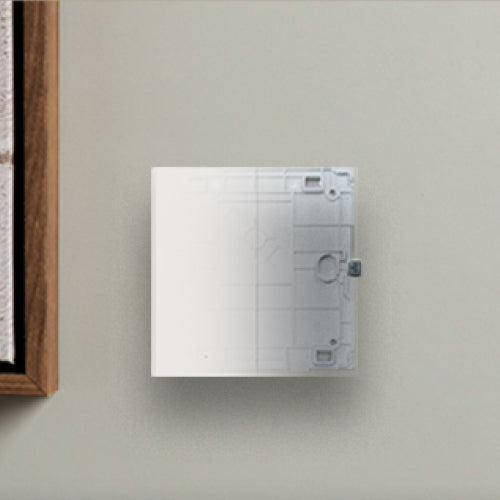
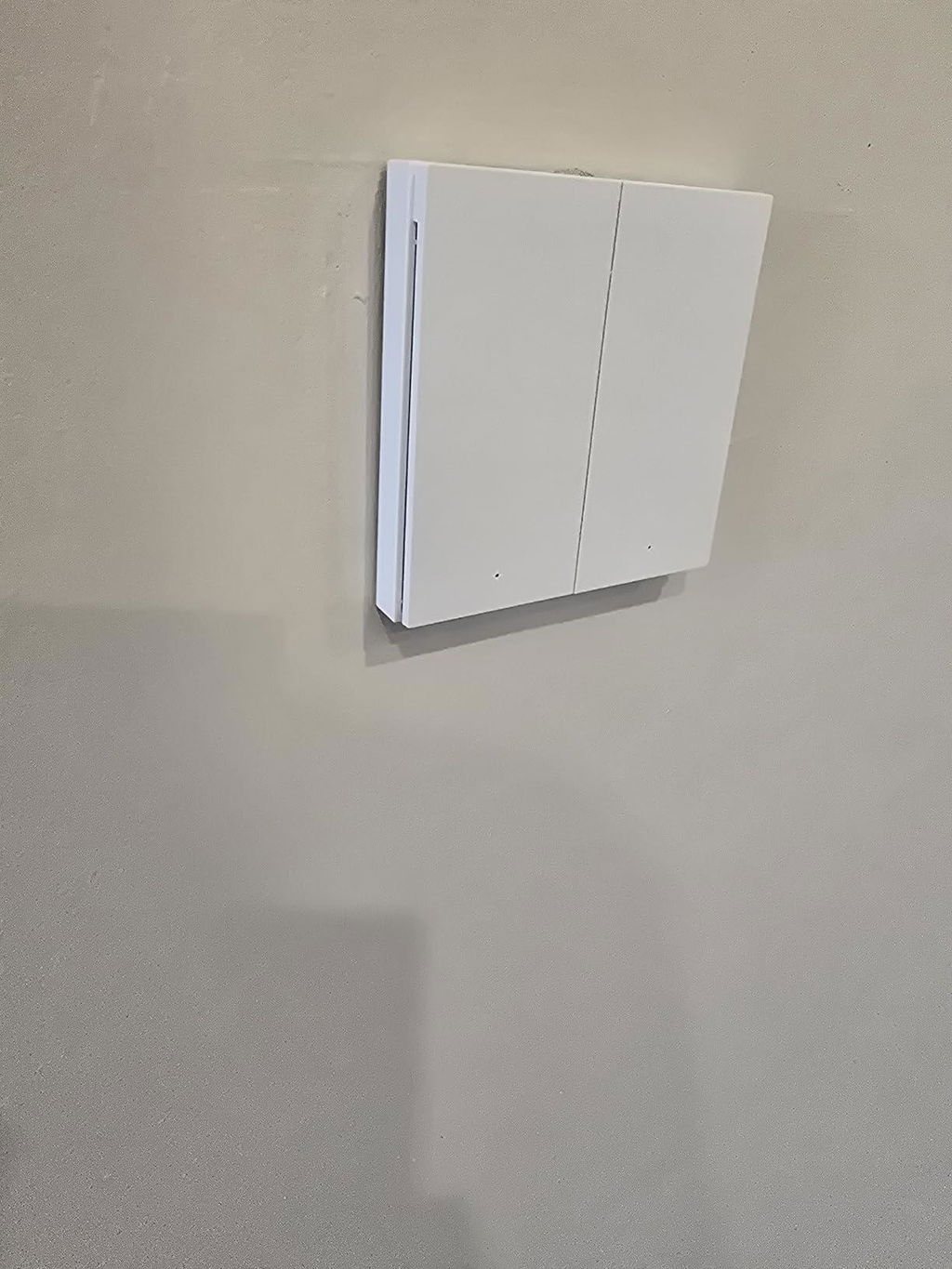
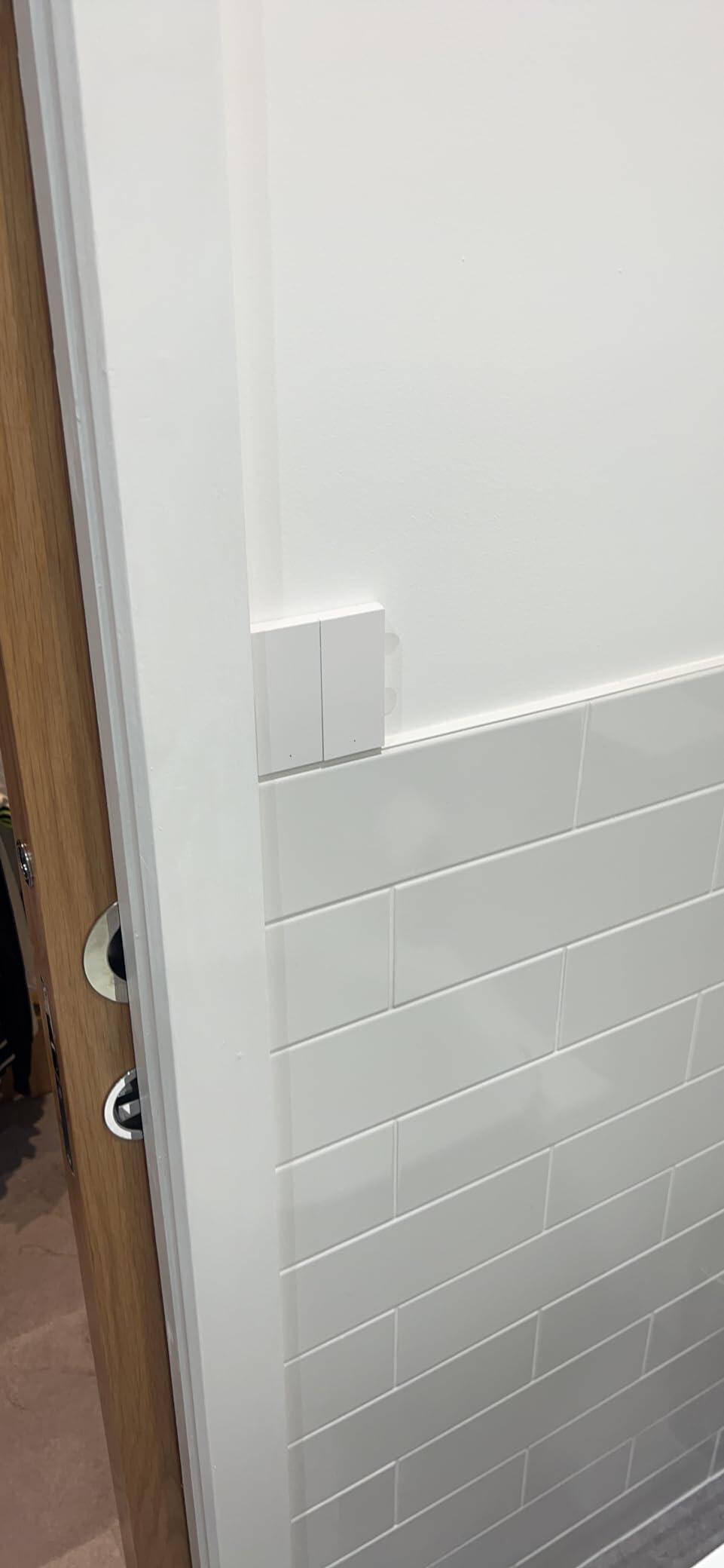
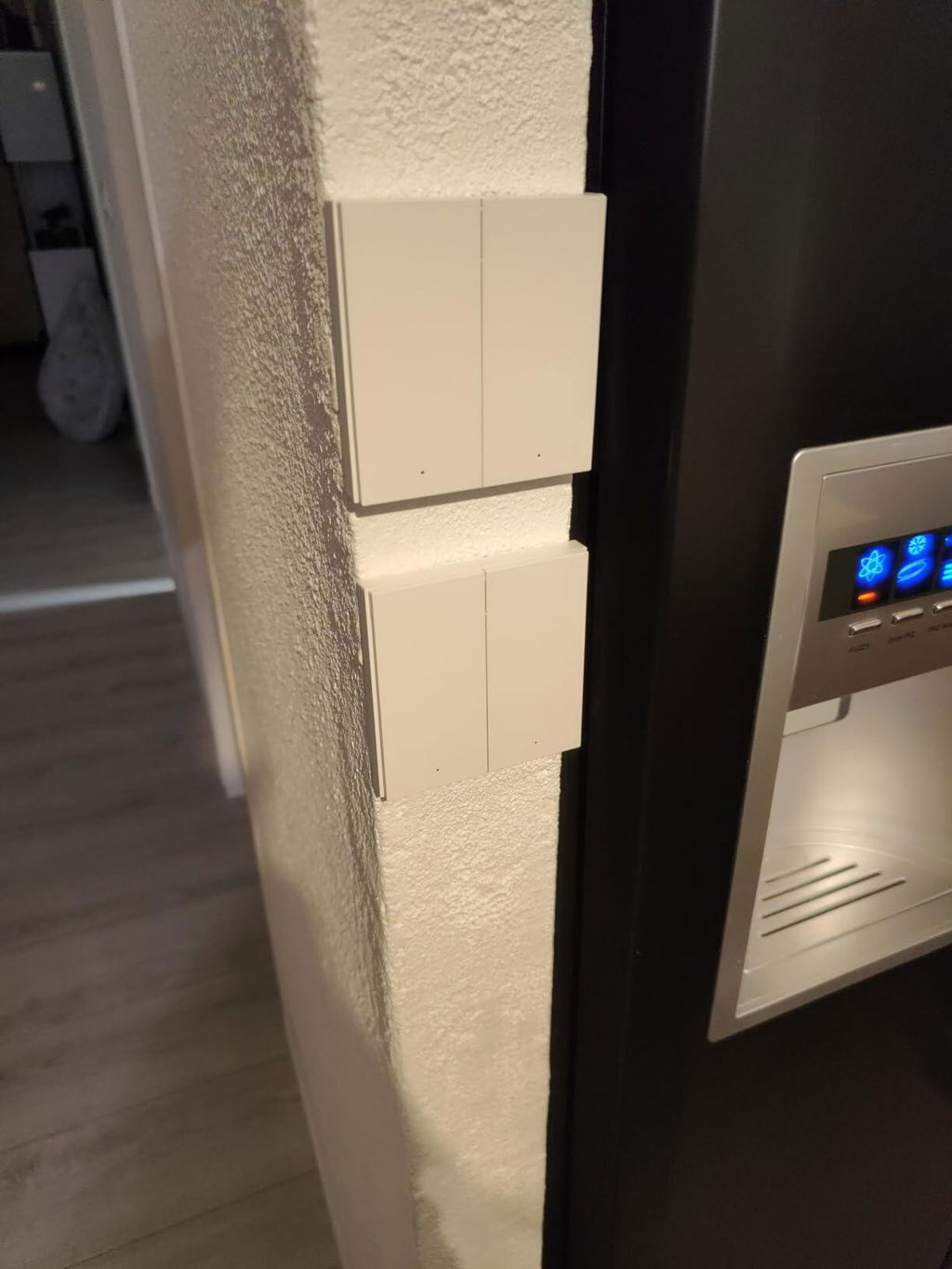
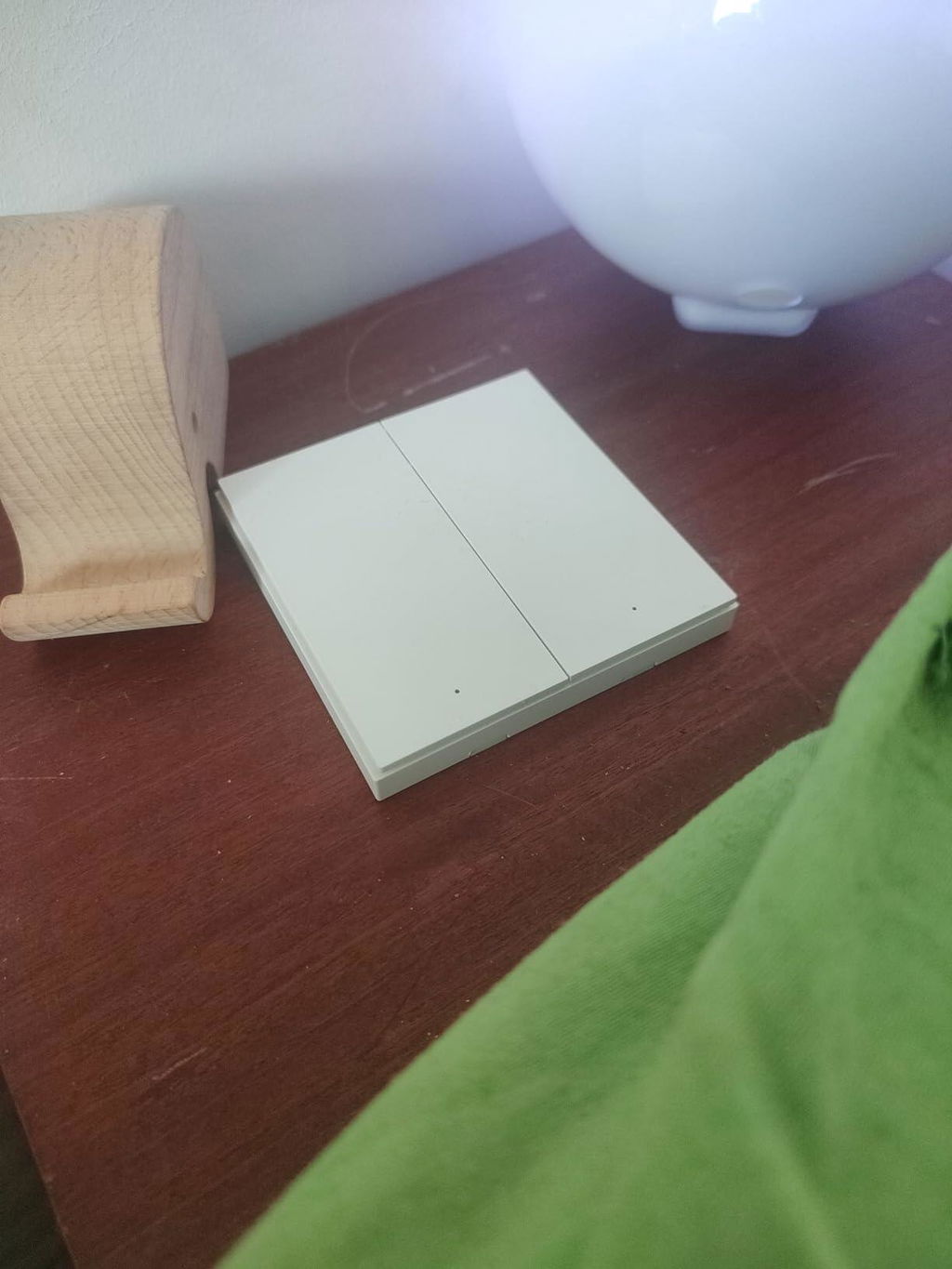
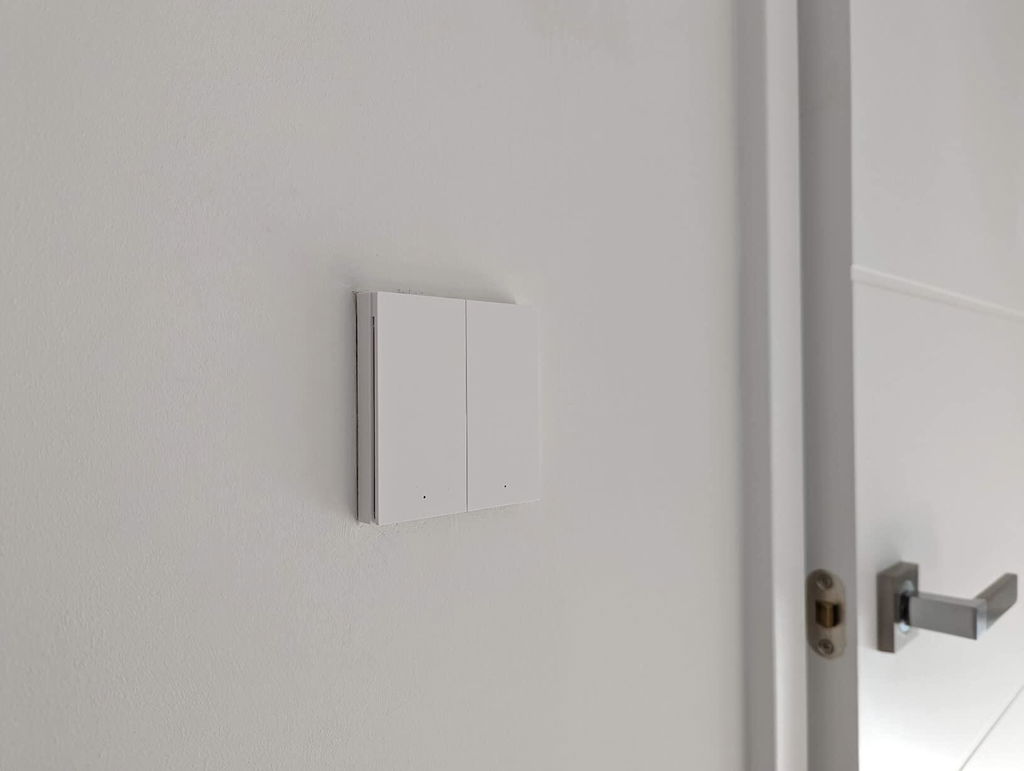
[PORTABLE & PRACTICAL THAN Ordinary Switches] Imagina que puedes encender luces o cualquier dispositivo desde cualquier lugar de la casa. Puedes colocarlo en una superficie horizontal, adjuntarlo a una superficie plana con una almohadilla adhesiva incluida, o atornillarlo en lugar del recinto de pared existente. Se puede colocar o fijar en cualquier lugar del interior.

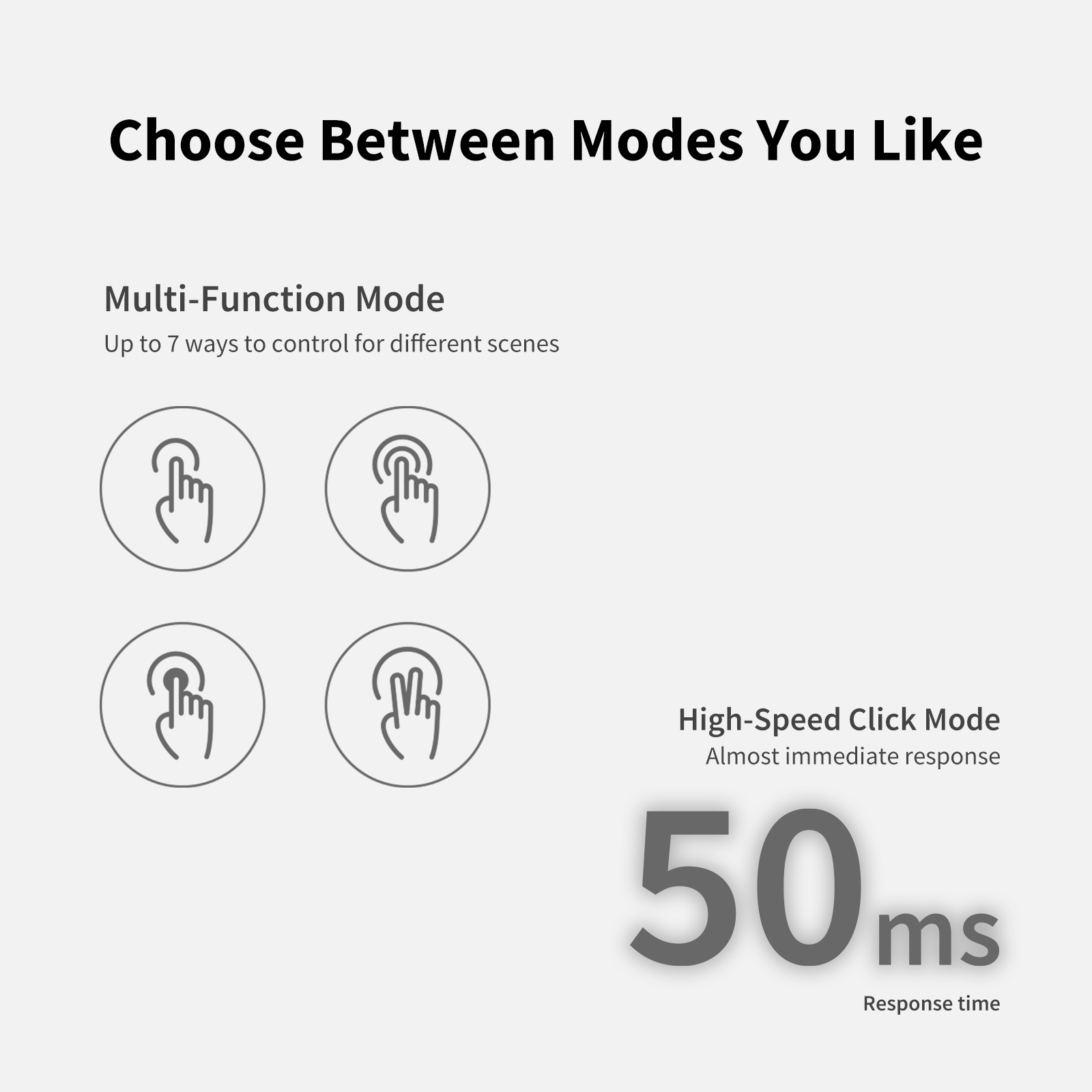
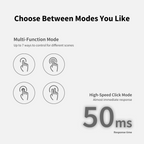
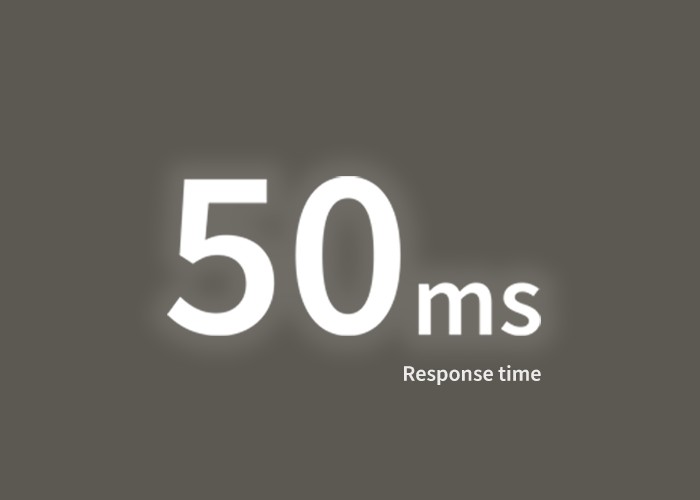
[2 Modes Multifunction Mode & High Speed Single Click Mode] El Interruptor Remoto Inalámbrico Aqara H1 te permite realizar fácilmente muchas funciones con 7 acciones configurables: clic simple, clic doble, pulsación larga (para cada botón) y presionar ambos botones simultáneamente o simplemente clics simples con una latencia de solo 50 ms.

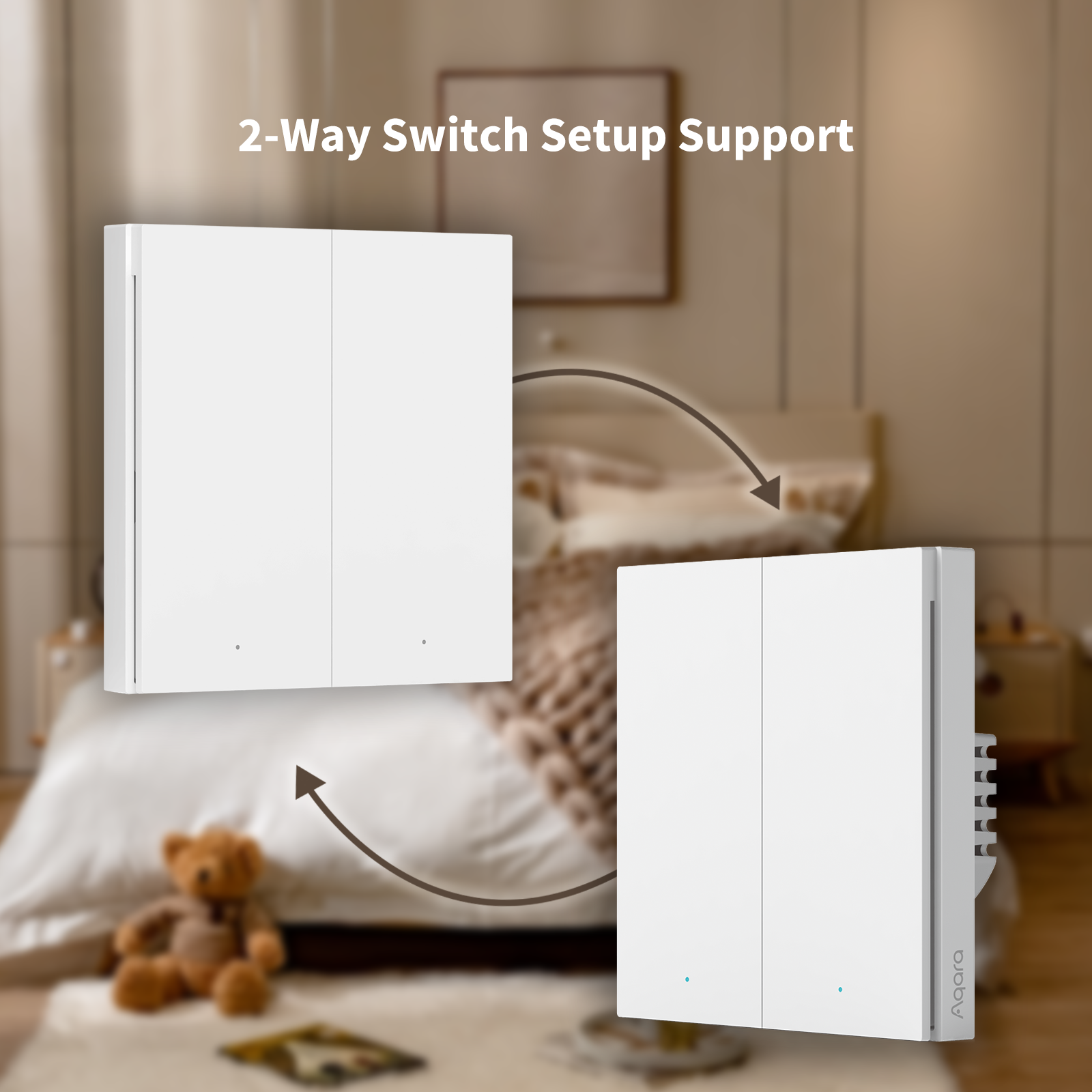
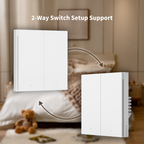
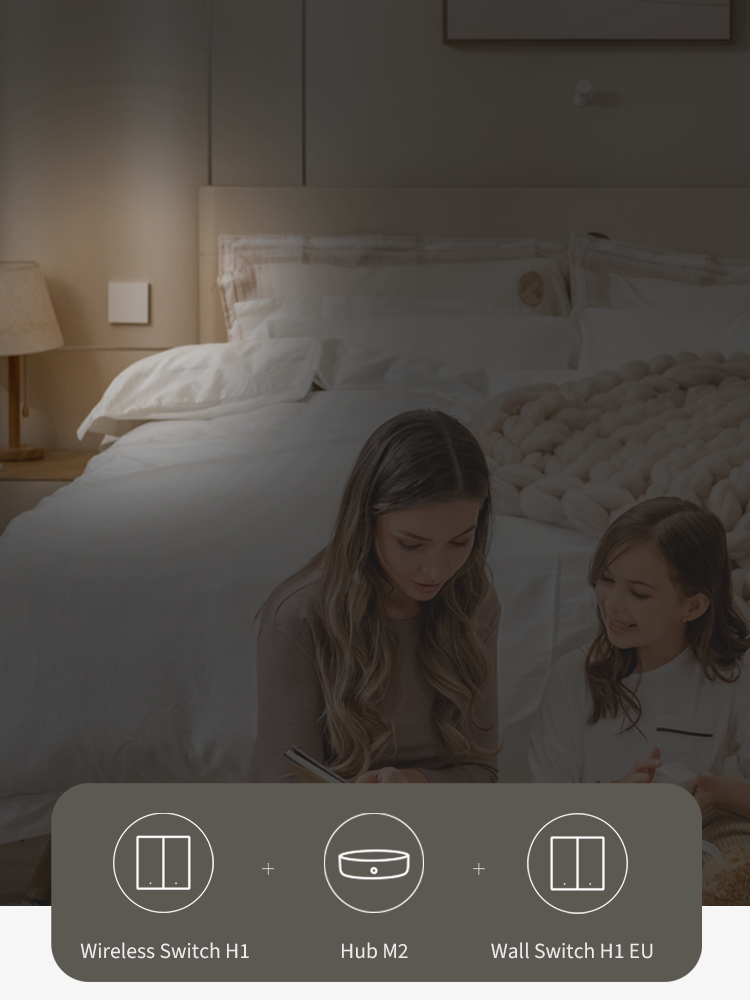
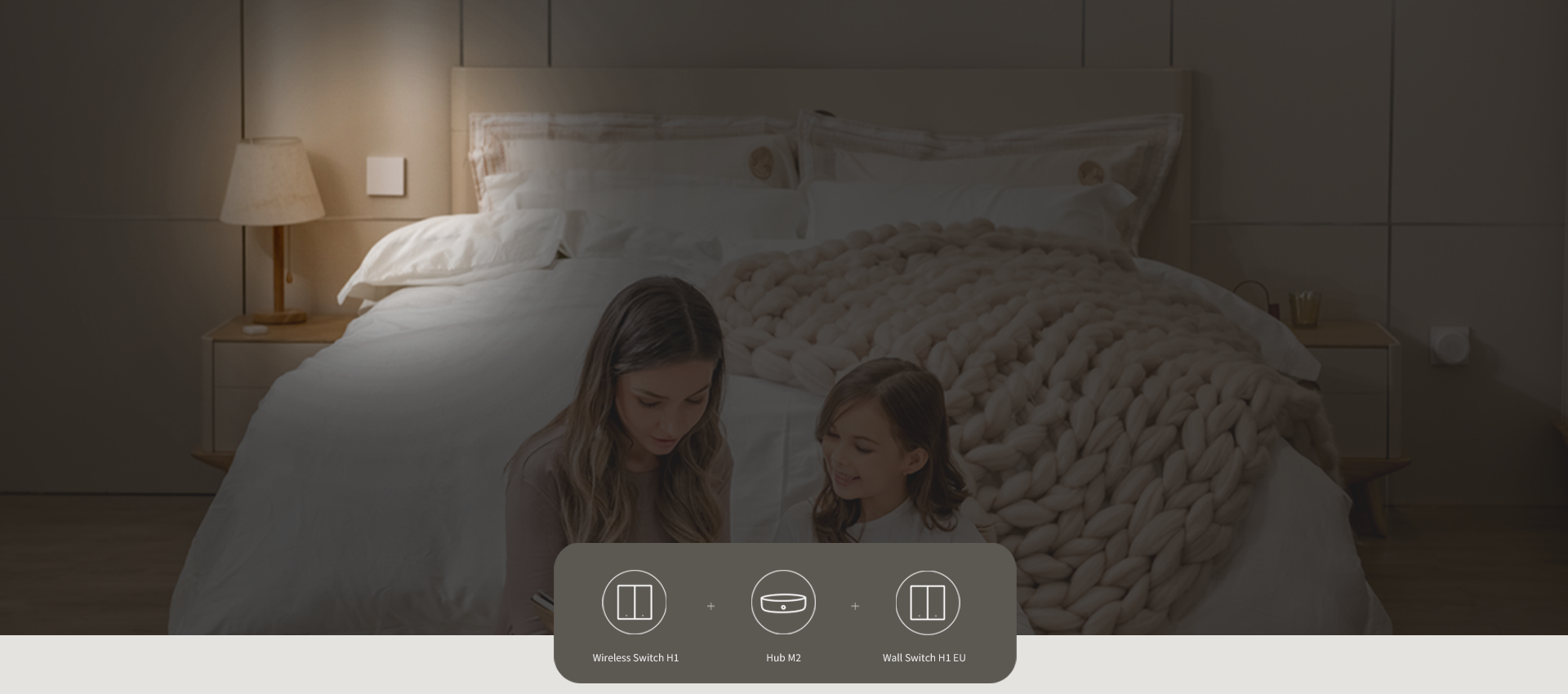
[Configuración de Interruptor de Dos Vías] Puedes obtener más usos combinando el Interruptor Remoto Inalámbrico Aqara H1 con otros productos de Aqara. Con el Interruptor de Luz Inteligente Aqara H1 EU, puedes controlar fácilmente las mismas luces desde dos o más lugares sin tener que instalar cableado adicional. Nota: Se requiere un Interruptor de Luz Inteligente Aqara H1 EU adicional para controlar las luces.

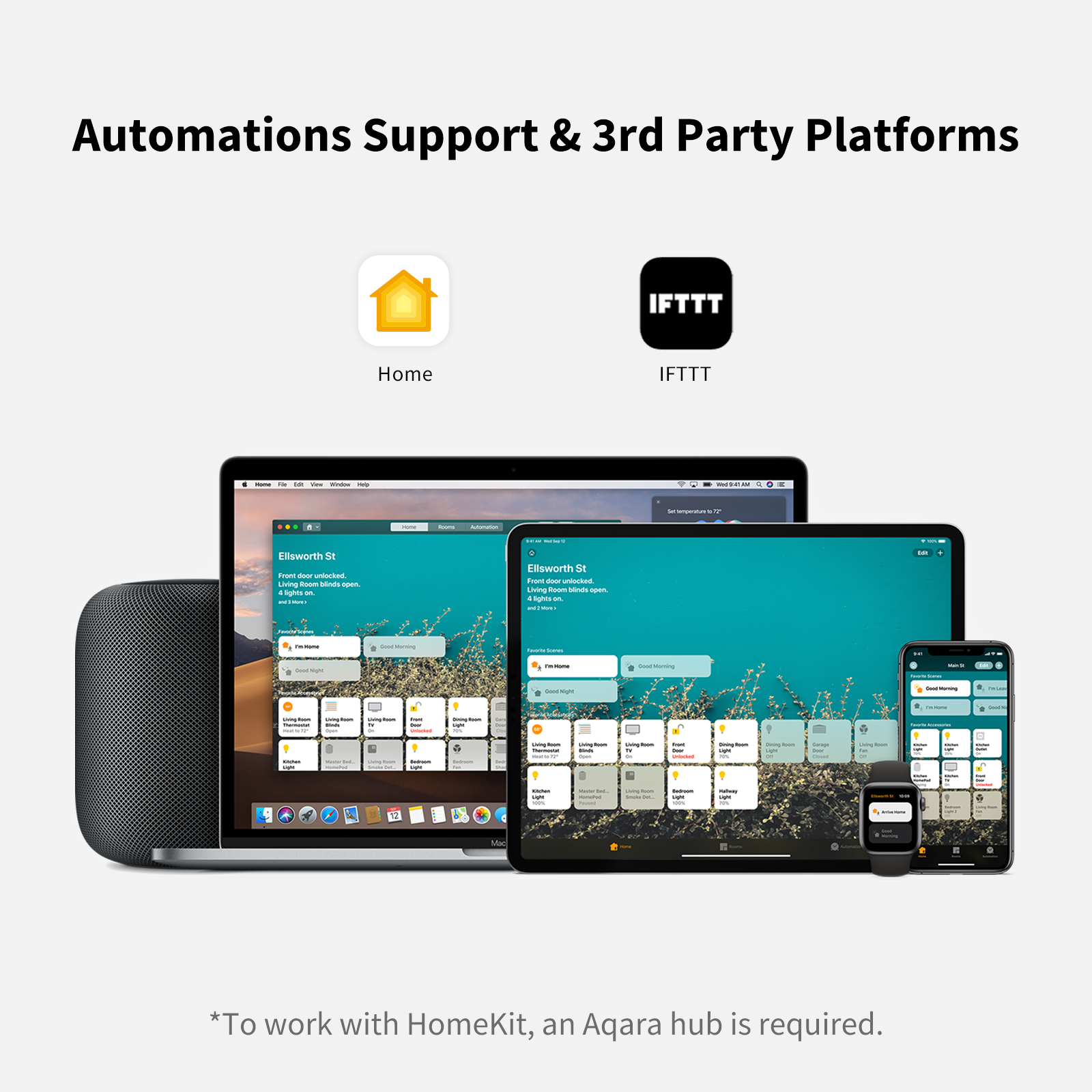
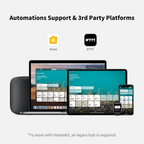
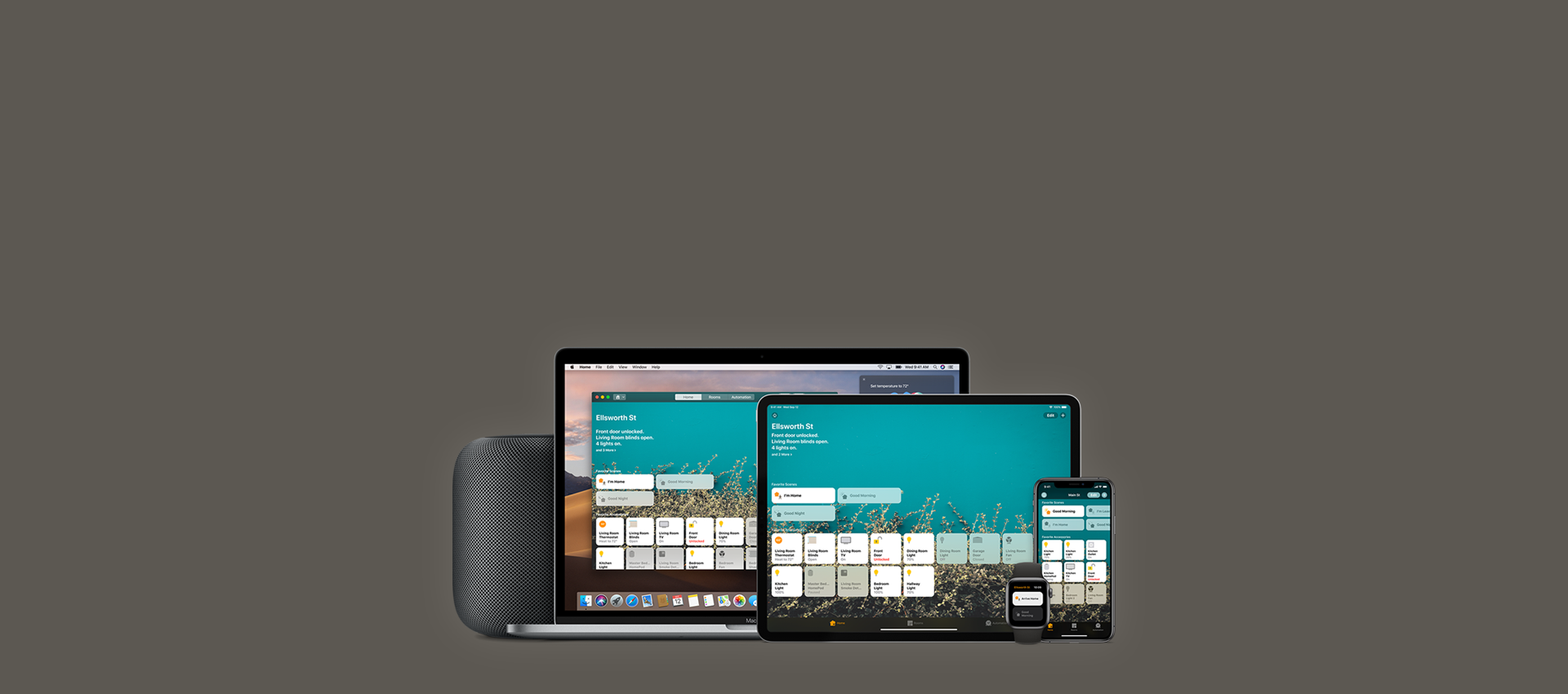
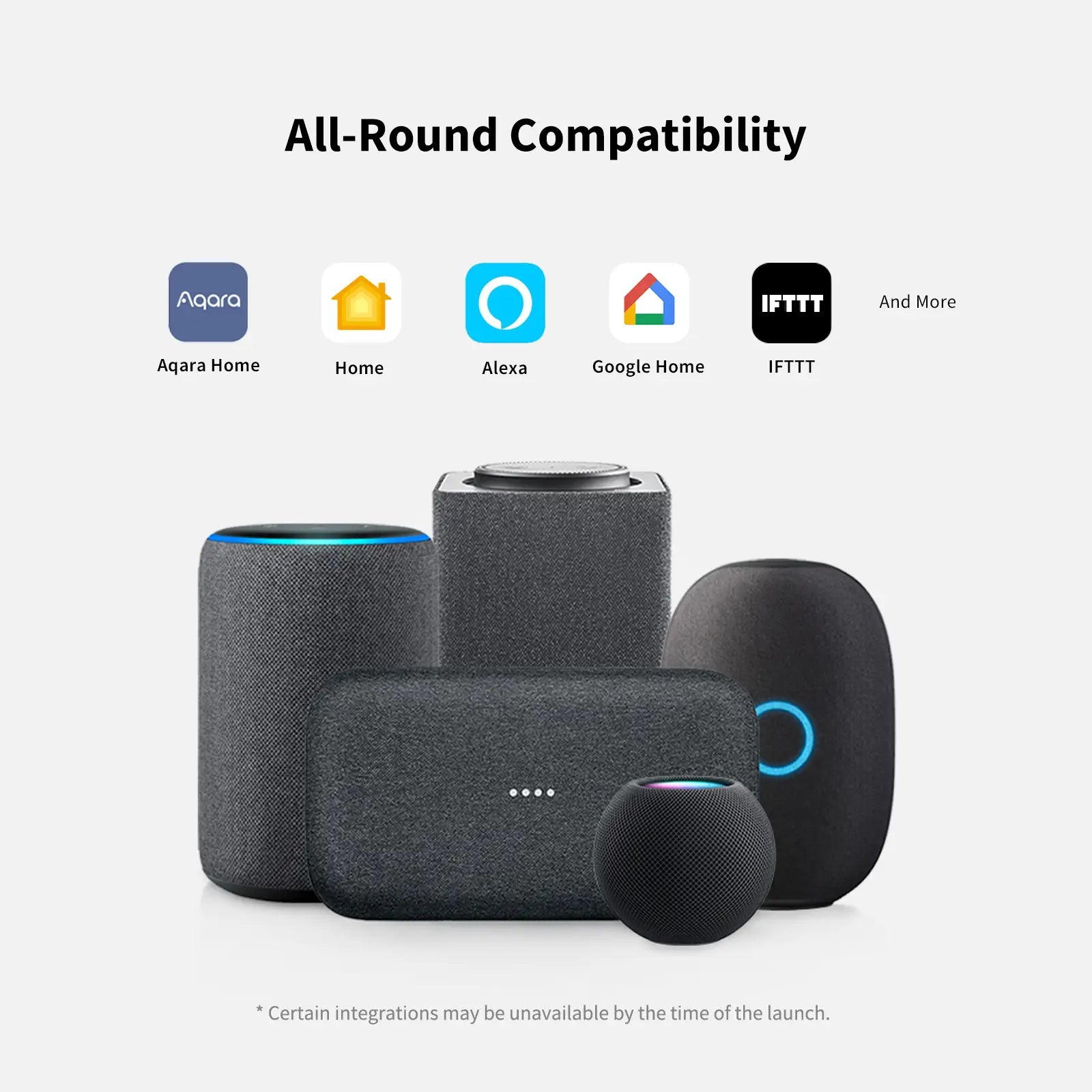
[Automation] Soporte El interruptor remoto inalámbrico Aqara H1 puede realizar automatizaciones, cambiar entre entornos de hogar inteligente y cambiar sus funciones dependiendo de la hora del día u otras condiciones. Se admite Aqara Home, Apple HomeKit, IFTTT.

Compatible con:
Aqara
Aqara
Hogar de Apple
Hogar de Apple
IFTTT
IFTTT
View full details

Interruptor remoto inalámbrico H1

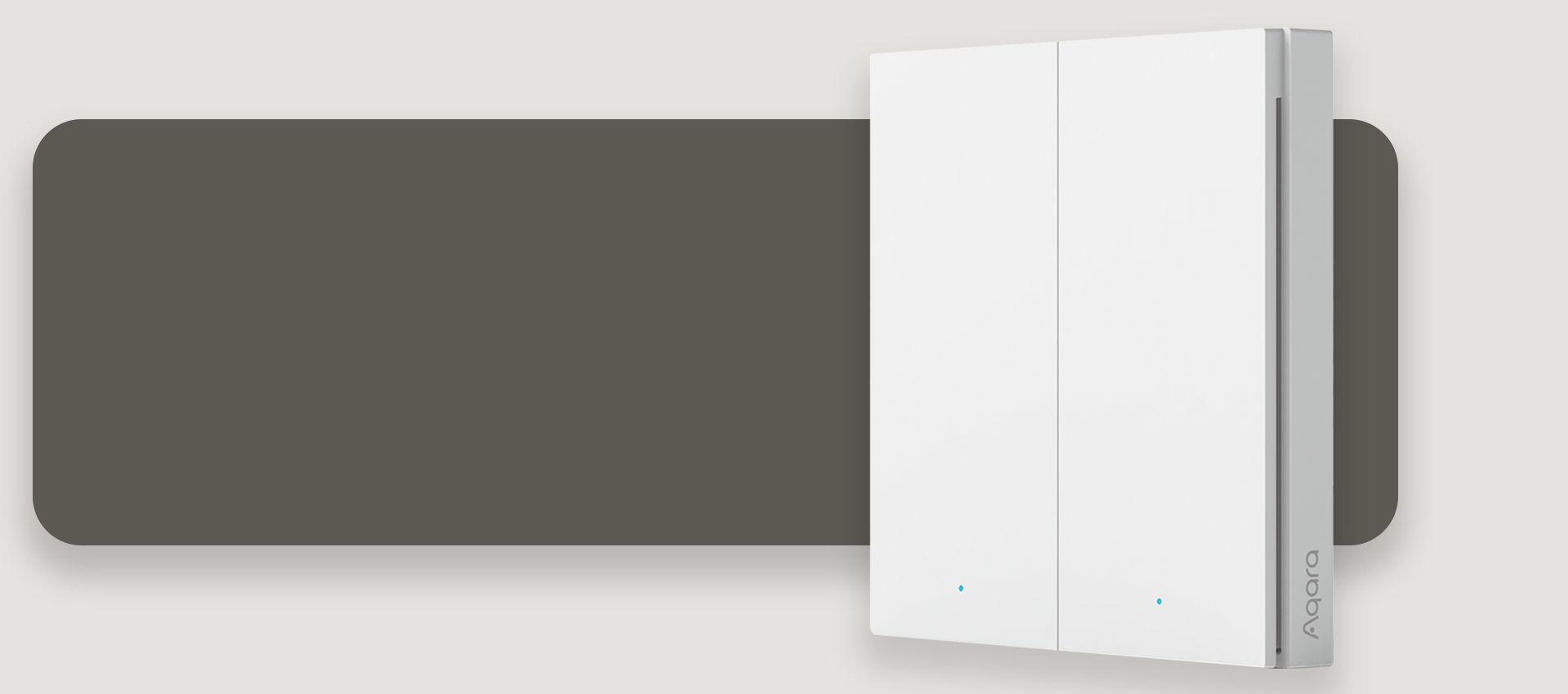
Libérate de los cables
Control sin esfuerzo con solo presionar desde cualquier lugar

*El Interruptor Remoto Inalámbrico H1 puede controlar cualquiera de tus dispositivos Aqara Zigbee 3.0, incluso si tu conexión a internet o el hub de tu hogar inteligente se cae.

Banner Image

Características

Zigbee 3.0 Protocol

Enjoy the benefits of the fastest, most stable, and energy-efficient smart home technology.

Automation Support

The switch can run automations, switch between smart scenes and change its functions depending on time of the day or other conditions.

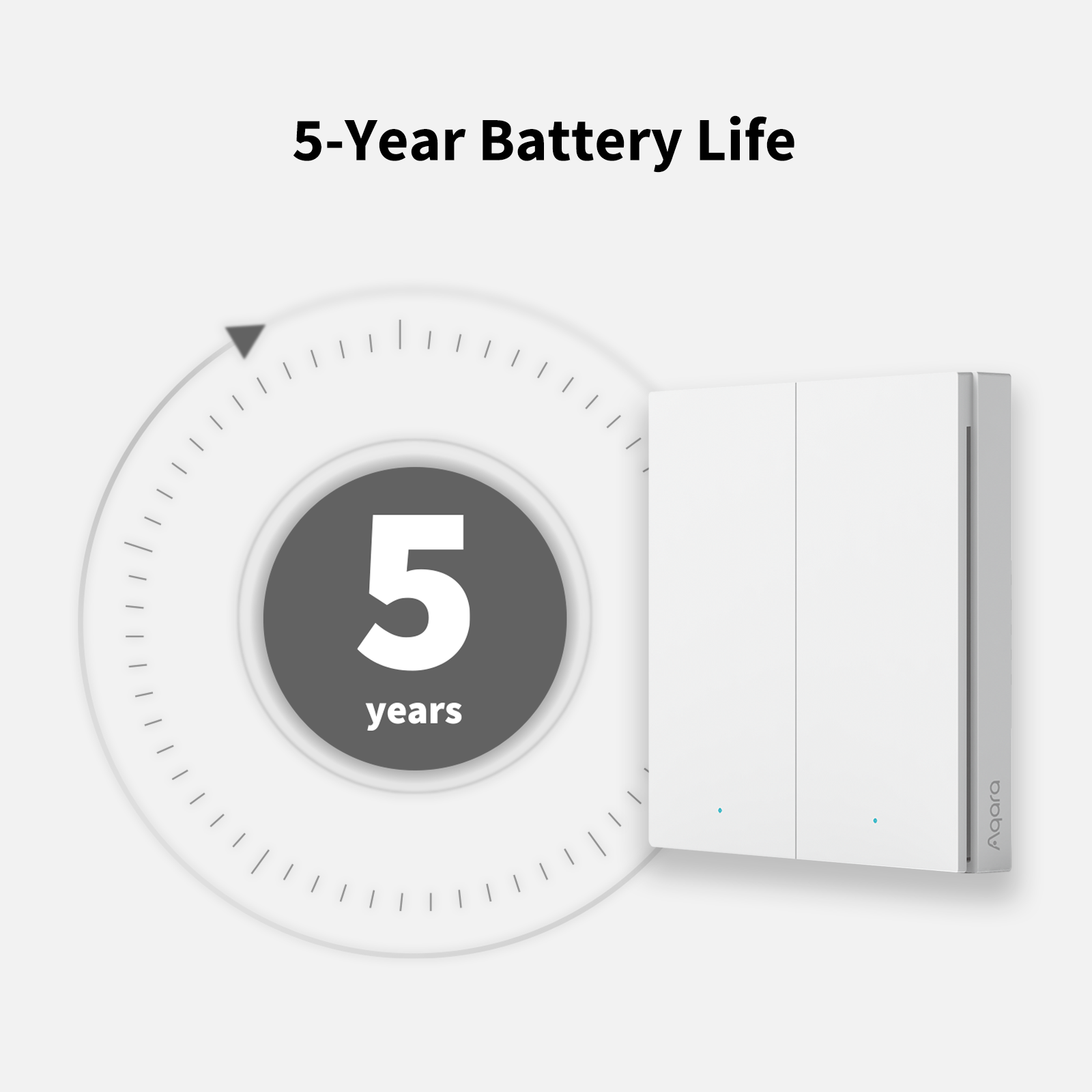
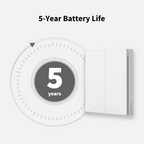
5 Year Battery Life

Consumes very little energy, and can last for 5 year without changing batteries.

High-Speed Click Mode

For seamless control, the response time decreases down to 50 ms.

Multiple Configurable Actions

Single click, double click, long press, press 2 buttons simultaneously.

Flexible Installation

Put on a horizontal surface directly, stick onto a flat surface using the included adhesive pad or screw in place of the existing wall box.

Award-Winning Design

Our premium design, also used in the Wall Switch H1 EU, makes it feel more durable and high-end.

2-Way Switch Setup Support with Wall Switch H1 EU

Upgrade your existing 2-Way setup using the Wall Switch H1 EU with the Wireless Switch H1, which can be placed on top of the existing wall box used for secondary 2-Way switch.

* Se requiere un hub Aqara compatible con Zigbee 3.0.

Soporta Apple HomeKit

Puede usar la aplicación Apple Home o la aplicación Aqara Home para controlar el Interruptor Inalámbrico H1.
También funciona con otros accesorios de Aqara o accesorios habilitados para HomeKit para brindarle un hogar más inteligente.

*Para trabajar con la tecnología HomeKit, se requiere un hub Aqara

Banner Image

Conexión inalámbrica y estable
Experiencia sin interrupciones
Calidad premium

Banner Image

Bajo consumo de energía para más de 5 años de tiempo de espera

Banner Image
Banner Image

Elige entre más funciones y un tiempo de respuesta más rápido
gracias al nuevo Modo de Clic de Alta Velocidad.

Modo Multi-Función

Hasta 7 formas de controlar para diferentes escenas

Modo de Clic de Alta Velocidad

Respuesta casi inmediata

Opciones de instalación múltiples

Opción 1:

Sin adhesivo, colóquelo directamente sobre una superficie.

Opción 2:

Retire la película protectora del almohadilla adhesiva y coloque el dispositivo en la superficie deseada.

Opción 3:

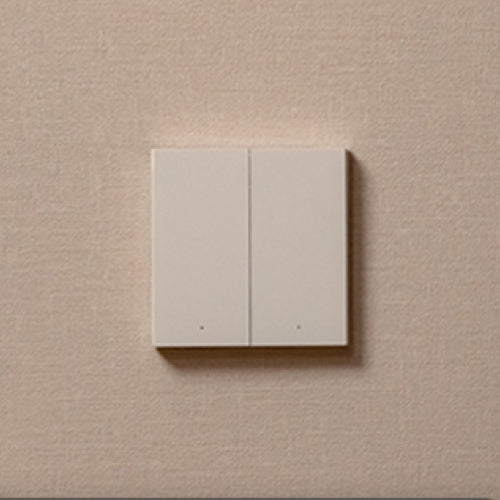
Abra la parte posterior del Interruptor Remoto Inalámbrico H1
y fíjelo a la caja de pared.

Pega el Interruptor Inalámbrico H1 en cualquier lugar que desees y controla la luz desde dos lugares diferentes: el H1 funcionará exactamente como un interruptor de 2 vías cableado con una duración de batería de 5 años.
Aqara-Interruptor-Inteligente-Pared-H1-Doble-Basculante

Interruptor Remoto Inalámbrico H1

€28,99

Ver detalles

Nomad X Sunglasses

€19,99

Ver detalles
Interruptor de Pared Inteligente Aqara H1

Interruptor Inteligente de Pared H1 (Sin Neutro)

De €31,99

Ver detalles
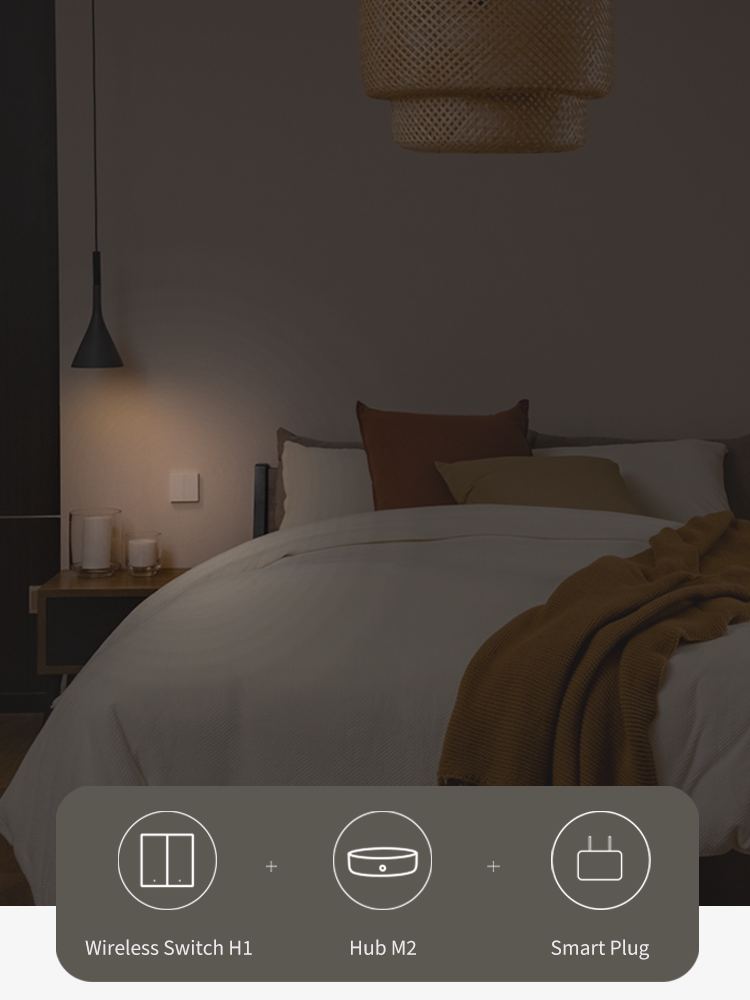
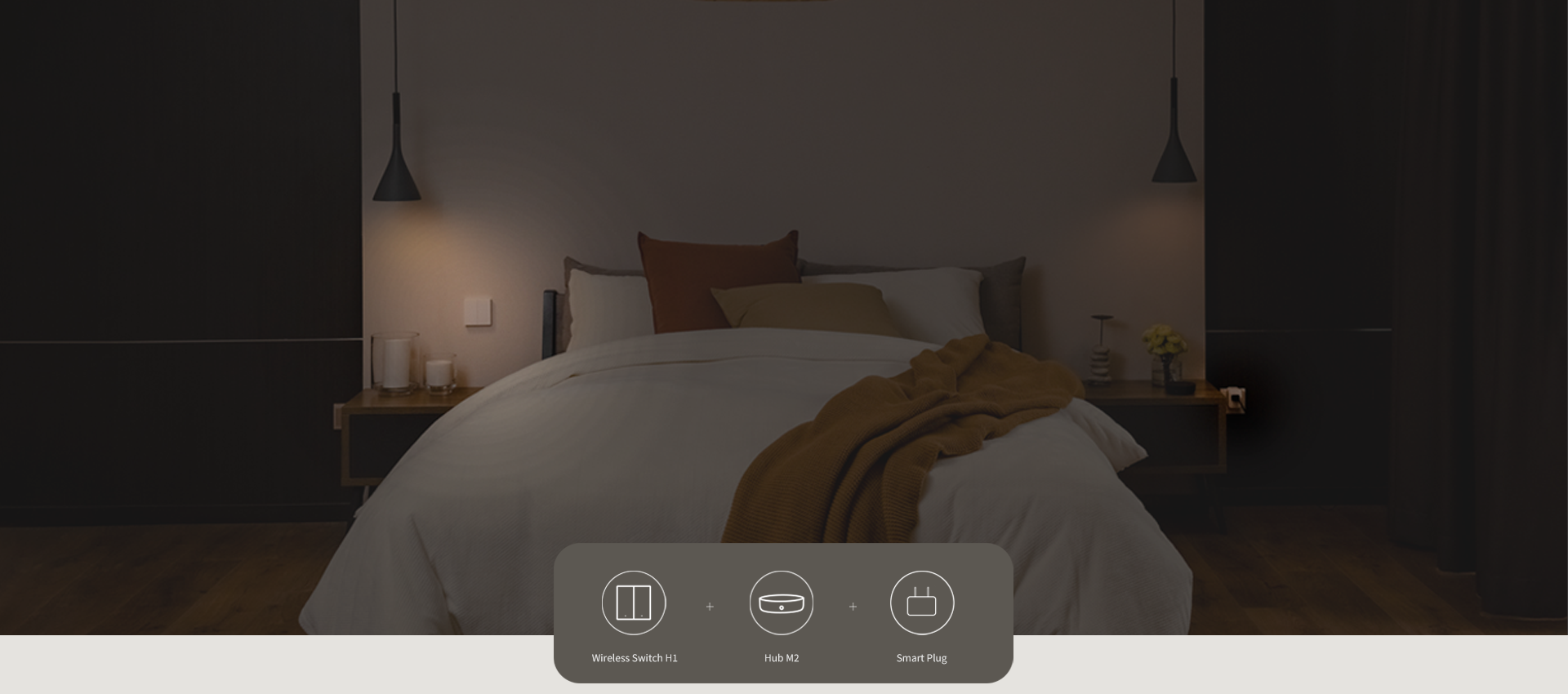
Conecta electrodomésticos y luces a Smart Plug y Wireless Switch H1 para apagarlos con solo presionar antes de salir.
Aqara-Interruptor-Inteligente-Pared-H1-Doble-Basculante

Interruptor Remoto Inalámbrico H1

€28,99

Ver detalles

Nomad X Sunglasses

€19,99

Ver detalles
Enchufe Inteligente Aqara EU

Enchufe Inteligente (UE)

€24,99

Ver detalles

Especificación

Baterías

Color

Blanco

Plataformas Compatibles

Se requiere un hub

Sí (Aqara HUB)

Peso Neto del Artículo

0.18 Libras / 80g

Humedad de funcionamiento

0-95% HR, sin condensación

Temperatura de funcionamiento

-10°C ~ 50°C (14°F ~ 122°F)

Modo de operación

ENCENDIDO-APAGADO

Dimensiones del producto

3.38×3.39×0.49 pulgadas(85.8 × 86 × 12.5 mm)

Protocolos Inalámbricos

Zigbee IEEE 802.15.4

Componentes incluidos

Interruptor remoto inalámbrico H1 (doble interruptor) x 1, Pegatina x 1, Pestaña de aislamiento x 1, Manual del usuario x 1

También te puede gustar


Centro inteligente Aqara M3
 
 
Aqara Smart Hub M100
  • 5 stars: 115 (98%)
  • 4 stars: 2 (2%)
  • 3 stars: 0 (0%)
  • 2 stars: 0 (0%)
  • 1 star: 0 (0%)
J
Jephrey
Sehr guter Schalter mit etwas umständlicher Home Assistant einrichtung.

⭐ 4 von 5 Sternen

Solider Zigbee-Szenenschalter mit sehr guter Haptik und einfacher Zigbee2MQTT Integration – mit kleinen Schwächen bei der Montage und Home Assistant Einrichtung.

Ich nutze den Aqara H1 als Szenenschalter für verschiedene Lichter im Wohnzimmer sowie für das Balkonlicht. Insgesamt macht der Schalter einen sehr hochwertigen Eindruck und funktioniert bei mir zuverlässig mit Home Assistant.

Haptik & Verarbeitung:

Die Haptik gefällt mir sehr gut. Der Druckpunkt ist klar definiert und angenehm klickig, wodurch sich der Schalter deutlich hochwertiger anfühlt als viele andere batteriebetriebene Zigbee-Buttons. Auch optisch passt er gut zu klassischen Lichtschaltern.

Montage:

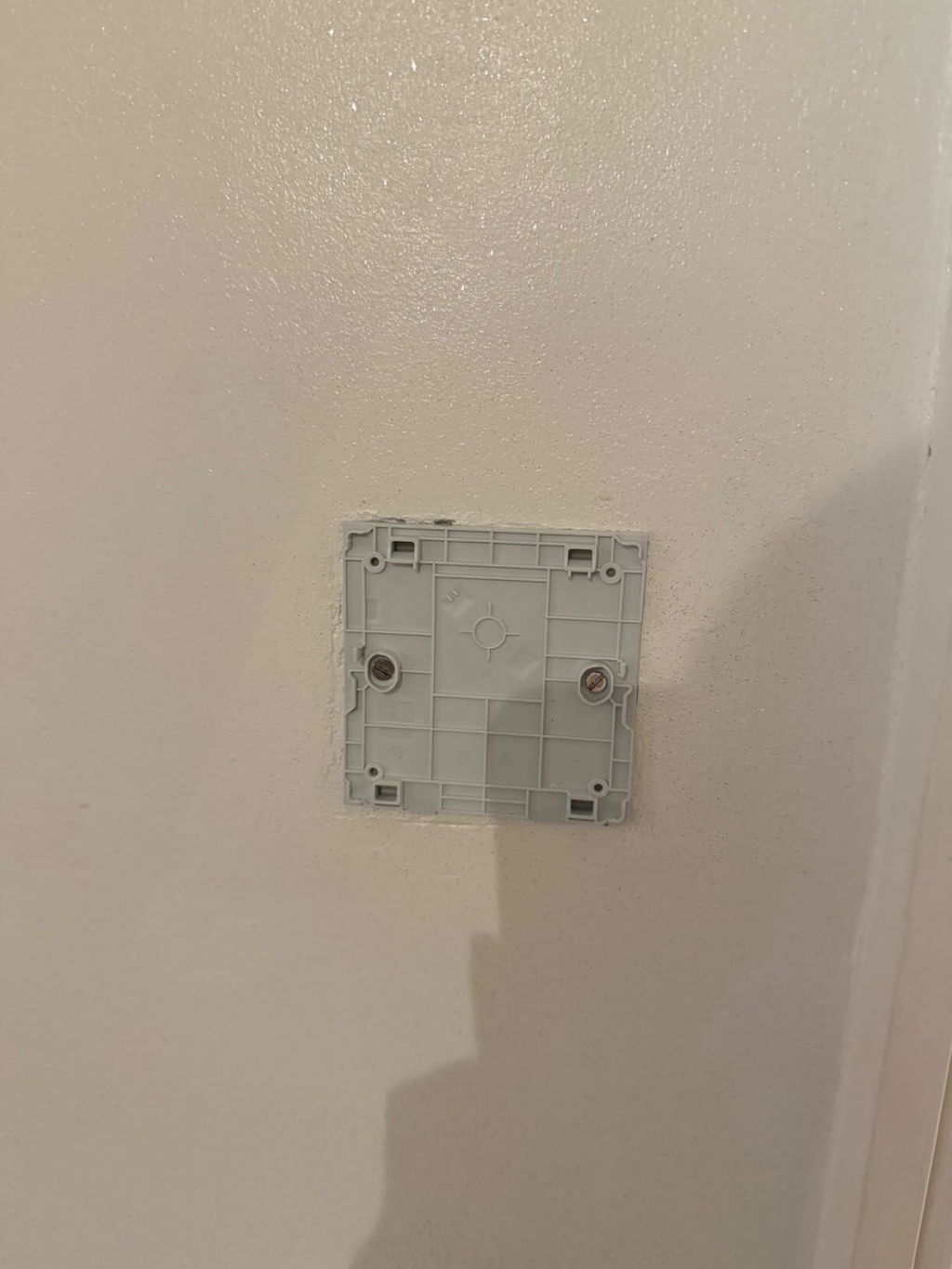
Ein großer Vorteil sind die verschiedenen Montagemöglichkeiten. Der Schalter kann entweder geklebt oder auf eine Unterputzdose geschraubt werden.
Ich habe ihn auf eine Unterputzdose montiert.

Ein kleiner Nachteil:
Die Löcher für die Unterputzdose sind auf der Rückseite nicht vorgebohrt. Man muss sie selbst setzen. Das ist zwar nicht schwierig, aber etwas umständlich.

Integration in Home Assistant / Zigbee2MQTT:

Das Pairing über Zigbee2MQTT war sehr einfach. Ich nutze einen Sonoff Zigbee 3.0 Dongle als Coordinator.
Der Schalter ist etwa 7 m entfernt und hängt über eine Zigbee-Steckdose als Router im Netzwerk.

Die Reaktionszeit ist gut, Aktionen werden mit sehr geringer Verzögerung ausgelöst.

Wichtiger Hinweis für Home Assistant Nutzer:

Standardmäßig ist der Schalter im „Single“-Modus. In diesem Modus wird nur ein einfacher Tastendruck erkannt.
Wenn man Double-Click, Triple-Click oder Long-Press nutzen möchte, muss der Modus umgestellt werden.

Kurzanleitung in Zigbee2MQTT:

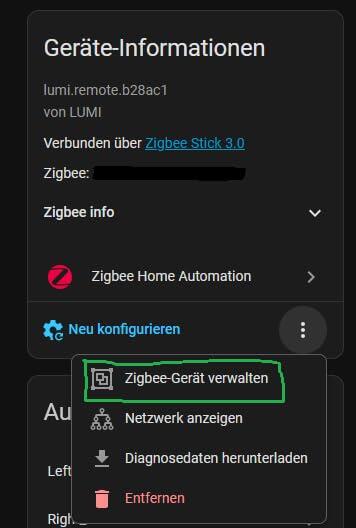
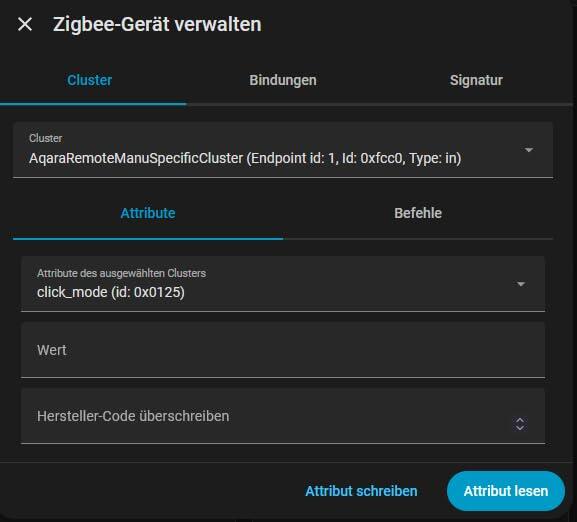
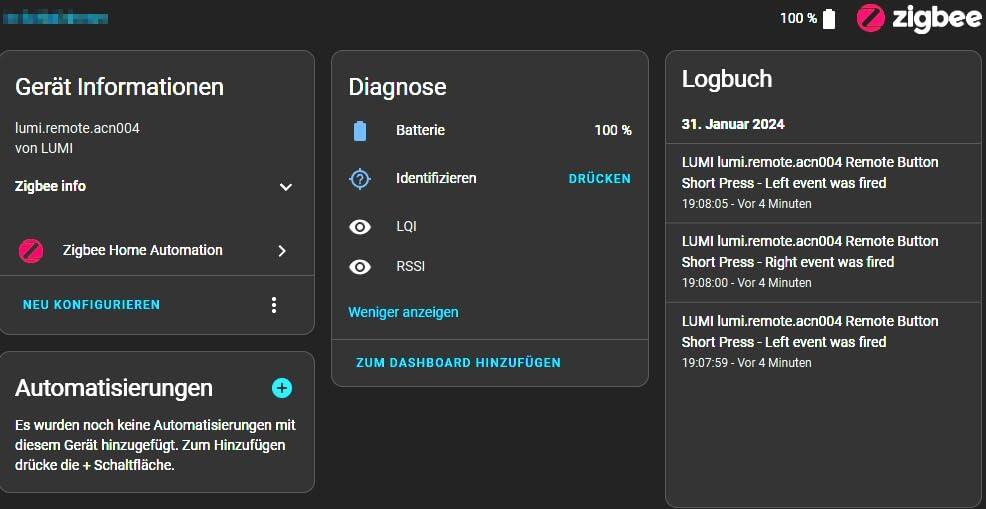
Schritte in Zigbee2MQTT (Siehe Fotos):
-Gerät in Zigbee2MQTT öffnen
-In die Einstellungen des Geräts gehen
-Auf die drei Punkte neben „Neu konfigurieren“ klicken -> Zigbee Gerät Verwalten
-Wie im Bild gezeigt „AqaraRemoteManuSpecificCluster“ und „click_mode“ auswählen

Jetzt den Schalter konfigurieren:
-Eine Taste des Schalters 5× schnell drücken
-Direkt danach in Zigbee2MQTT auf „Attribut lesen“ klicken

Auswertung:
-Wert 0 oder AqaraSwitchClickMode.Single → Schalter ist im Single-Modus

Modus ändern:
-Im Feld Wert „1“ eintragen
-Wieder 5× schnell eine Taste drücken
-Danach sofort auf „Attribut schreiben“ klicken

Nach kurzem Warten befindet sich der Schalter im Multiple-Modus.
Danach funktionieren Double-Click, Triple-Click und Long-Press wie erwartet.

Beispiel aus meiner Nutzung:
-Linke Taste – Klick: Hauptlicht Wohnzimmer
-Rechte Taste – Klick: Ambient-Licht
-Rechte Taste – Doppelklick: Balkonlicht

Damit lassen sich sehr komfortabel mehrere Szenen steuern.

Batterie:
Der Schalter wird mit einer CR2450 Batterie betrieben, die bereits im Lieferumfang enthalten ist. Durch die Zigbee-Verbindung ist der Energieverbrauch sehr gering, da der Schalter nur bei Betätigung funkt. Laut Hersteller soll die Batterie mehrere Jahre halten, Langzeiterfahrung habe ich allerdings noch nicht.

Stabilität:
In manchen Reviews wird von Verbindungsabbrüchen berichtet. Das konnte ich bei mir bisher nicht beobachten, der Schalter läuft stabil im Zigbee-Netz.

Fazit:
Ein sehr guter Zigbee-Szenenschalter mit wertiger Haptik, flexiblen Automationsmöglichkeiten und einfacher Zigbee2MQTT-Integration.
Ein Stern Abzug wegen der etwas umständlichen Montage auf Unterputzdosen und der umständlichen Umstellung von Single auf Multiple Modus.

J
Jérémy
Au top

Intégration très facile dans ZHA de home assistant.
Réactivité hallucinante, avec ZHA j'allume une lumière avec une automatisation aussi vite qu'un interrupteur classique.
Je recommande.

C
Craig F
Great For Activating Already Smart Lights

This is just what I needed!

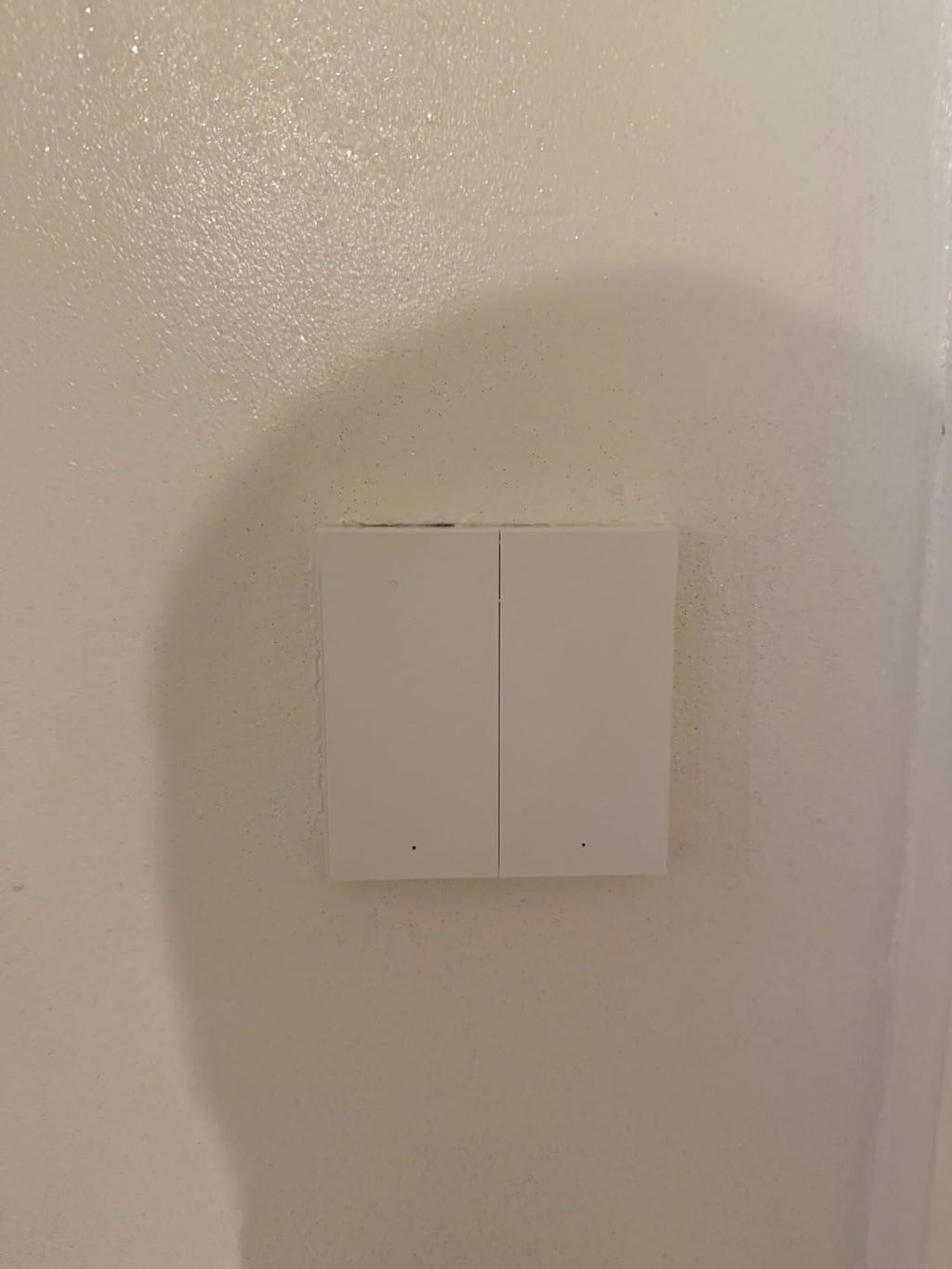
For years I’ve been running on routines through sensors, but those of you who do this will know the issue of guests turning off the actual light switch in confusion if you didn’t quite adjust your routine times enough by winter or on an unexpectedly dark day. This solves it! Provided your light itself is already smart (online). This switch can be drilled out in premarked holes and mounted in place of your conventional UK wall switch (you can then link the l1 and l together behind the switch) and never have the worry again (rec sparky if not familiar with electrics).

The one point I would make is this device does not play well with Alexa but you can routine it through the Apple home app or the Aqara app to turn on particular lights in your house. I mainly rely on an Apple eco system and this works ideal.

A
Amazon Kunde
Aqara Geräte sind top

Schnelle Lieferung und rats fatz in Home Assistent eingebunden

A
A. Bruchhardt
Nutzbar in Homeassistant

Man benötigt kein Hub um es in Homeassistant nutzen zu können, wie der Screenshot zeigt. Entgegen der Bedienungsanleitung, die beiliegt (Chinesisch), muss man den linken Taster für mindestens 15 Sekunden drücken, damit der Kopplungsmodus aktiviert nicht. Keine 10 Sekunden, keine 5x schnell drücken!
Zur Kommunikation dient das Zigbee Netzwerk (SkyConnect Stick).
Der Druckpunkt ist sehr angenehm und fühlt sich wertig an. Die Oberfläche des Schalters fühlt sich auch hochwertig an. Es ist problematisch die Batterie zu tauschen. Ich glaube persönlich nicht, dass sie fünf Jahre hält, mit zwei Jahren wäre ich zufrieden.
Beiliegend ist ein breites Klebepad, jedoch ist die Unterseite des Schalters gummiert, wodurch er auf dem Tisch nicht ganz so schnell hin und her rutscht.
Fazit: Ich werde mir nochmals einen einfachen Schalter holen. Ich kann den Schalter empfehlen!

B
Barmy army Bob
You need to have the Aqara Hub

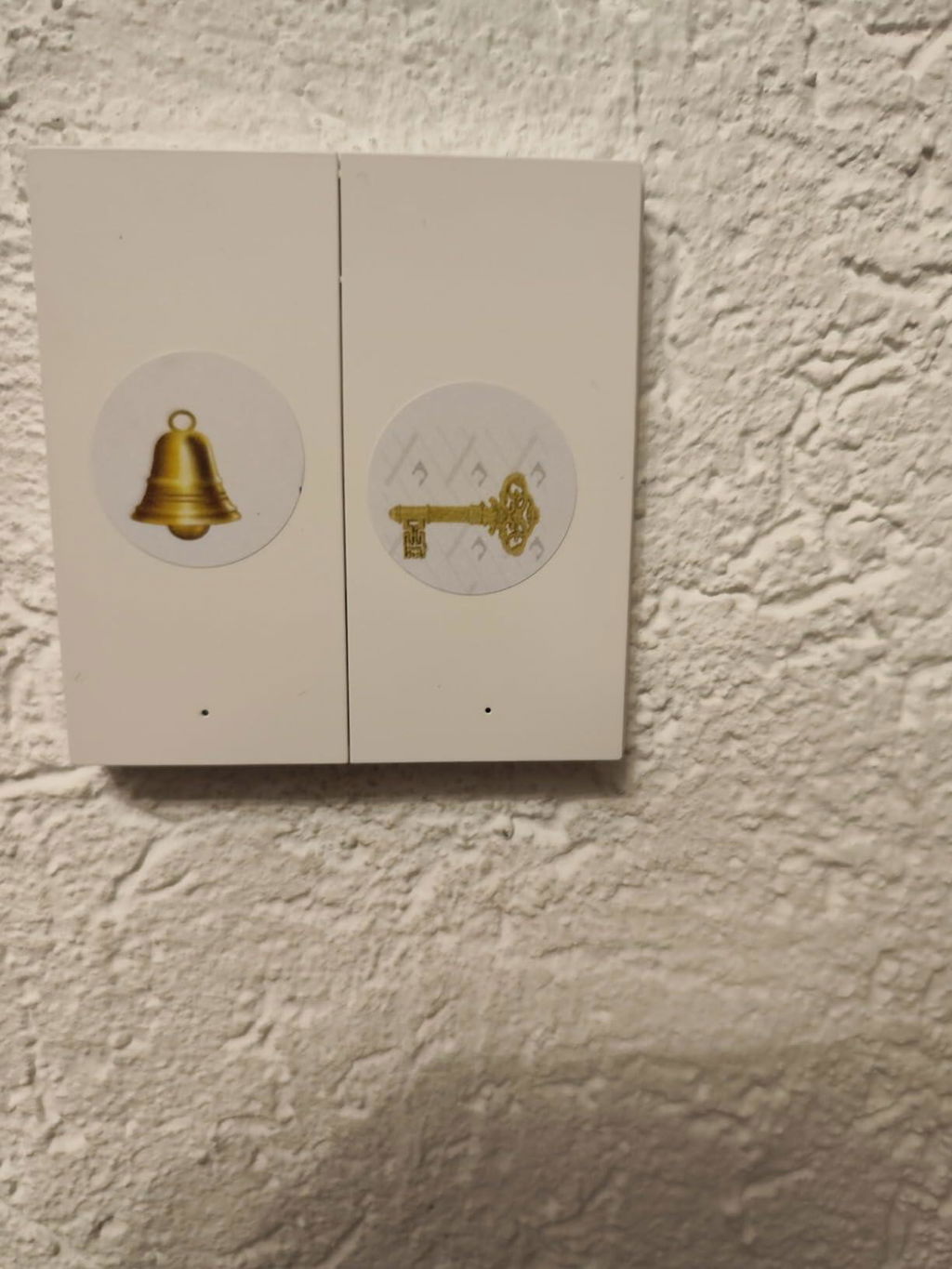
All my wall switches area Aqara, and I wanted a switch in the toilet (having lived in NZ where they allow switches in the toilets it seemed odd not having one) the Aqara wireless switch was the answer. I stuck it to the wall and linked it to the main Aqara switch for the toilet.

A
Anthony
Très pratique

Se couple rapidement à un micro module, permet d'ajouter un interrupteur n'importe où dans la pièce. M'a permis d'avoir un interrupteur pour les lumière de mon bar sans avoir à tirer de gaines.

T
Thibaud
Pas mal mais un peu cheap

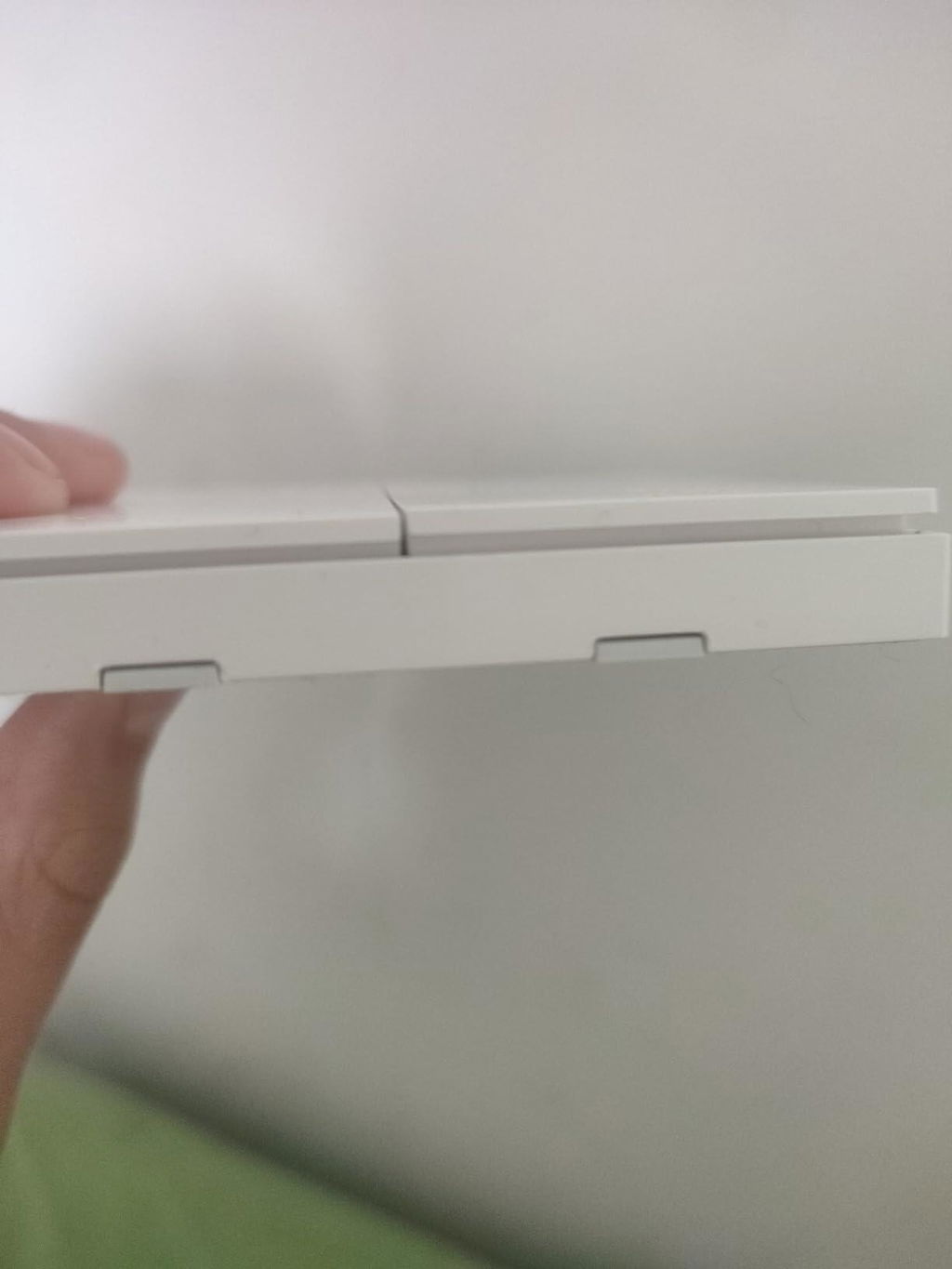
Il fonctionne très bien avec homey malgré le fait que pour le connecter ça n'a pas été facile... Il y a une petite languette pour la pile (à la première utilisation) elle a été diablement dur à avoir, j'ai du ouvrir l'interrupteur pour enlever la pile puis la remettre ( ce qui n'est pas facile). Autre point agaçant, les deux boutons n'arrivent pas à la même hauteur

A
Amazon Customer
Great way to replace your dumb switches and stay friendly to your smart lights

So, the problem: you have smart lights and a dumb switch. You flick the switch and your lights are dead now. Not cool! So you go and buy a smart switch and you wire it in. And the problem persists! Because wired in smart switches still kill the power. Sounds familiar? Well, this wireless switch is the answer.

It works as a smart button (two buttons actually) so instead of killing power you can send a signal to your lights to turn on and off, change scenes, etc. You can also clamp lights wiring from dumb switch days so they always stay on and then replace your dumb switch with H1. H1 can be installed on standard UK switch sockets. You just need to drill two holes in its backplate (hole locations are marked, no need to guess).

H1 switch is a ZigBee device, but as we all know not all ZigBee hubs support all devices. My advice is to use Zigbee2MQTT with Sonoff ZigBee dongle running on Raspberry Pi - that will make ALL ZigBee devices compatible with each other. And then use Home Assistant to control and automate everything instead of using a multitude of silly proprietary apps.

All in all - great switch which solves an actual problem. It also looks good. I only wish it would come in more colours. My dumb switches and outlets are grey and I would love to see Aqara devices in grey as well.

A
Amazon Customer
Great way to replace your dumb switches and stay friendly to your smart lights

So, the problem: you have smart lights and a dumb switch. You flick the switch and your lights are dead now. Not cool! So you go and buy a smart switch and you wire it in. And the problem persists! Because wired in smart switches still kill the power. Sounds familiar? Well, this wireless switch is the answer.

It works as a smart button (two buttons actually) so instead of killing power you can send a signal to your lights to turn on and off, change scenes, etc. You can also clamp lights wiring from dumb switch days so they always stay on and then replace your dumb switch with H1. H1 can be installed on standard UK switch sockets. You just need to drill two holes in its backplate (hole locations are marked, no need to guess).

H1 switch is a ZigBee device, but as we all know not all ZigBee hubs support all devices. My advice is to use Zigbee2MQTT with Sonoff ZigBee dongle running on Raspberry Pi - that will make ALL ZigBee devices compatible with each other. And then use Home Assistant to control and automate everything instead of using a multitude of silly proprietary apps.

All in all - great switch which solves an actual problem. It also looks good. I only wish it would come in more colours. My dumb switches and outlets are grey and I would love to see Aqara devices in grey as well.

A
Amazon Customer
Great way to replace your dumb switches and stay friendly to your smart lights

So, the problem: you have smart lights and a dumb switch. You flick the switch and your lights are dead now. Not cool! So you go and buy a smart switch and you wire it in. And the problem persists! Because wired in smart switches still kill the power. Sounds familiar? Well, this wireless switch is the answer.

It works as a smart button (two buttons actually) so instead of killing power you can send a signal to your lights to turn on and off, change scenes, etc. You can also clamp lights wiring from dumb switch days so they always stay on and then replace your dumb switch with H1. H1 can be installed on standard UK switch sockets. You just need to drill two holes in its backplate (hole locations are marked, no need to guess).

H1 switch is a ZigBee device, but as we all know not all ZigBee hubs support all devices. My advice is to use Zigbee2MQTT with Sonoff ZigBee dongle running on Raspberry Pi - that will make ALL ZigBee devices compatible with each other. And then use Home Assistant to control and automate everything instead of using a multitude of silly proprietary apps.

All in all - great switch which solves an actual problem. It also looks good. I only wish it would come in more colours. My dumb switches and outlets are grey and I would love to see Aqara devices in grey as well.

T
Toni Lou
all fine

all fine

v
vwk
er funktioniert jetzt sehr gut.

Die Einrichtung war für mich nicht so einfach, aber er funktioniert jetzt sehr gut.

C
Chris W.
Top

Funktioniert super

M
Mevi
Expensive... for good reason.

Expensive and you'll need an Aqara hub or a custom built Home Assistant setup.

That said, I have an Aqara hub and was frustrated with IKEA Matter over Thread buttons.

There is a reason this button is expensive. It's perfect. Nice click and instant response over ZigBee.

It would be nice to pay less, of course, but hey... I picked mine up on discount here on Amazon and got another 2 switches before the deal ended.

Also to add, be careful of eBay or AliExpress as the listing could be a Chinese market switch that will probably refuse to work with a EU/UK Aqara hub and app.

M
Max
Funkschalter für Homeassistant

Habe den Schalter in Homeassistant integriert. funktioniert über einen Zigbee Stick wunderbar. Vielseitig belegbar (links, rechts, Single, Double,..)
Praktisch wenn man irgendwo vergessen hat einen Lichtschalter zu planen..

C
Cliente Amazon
Qualità e semplicità d'integrazione

Ottimo prodotto, utilizzato per integrazione in home assistant con gateway zigbee per automazione tapparelle.
Può essere usa tranquillamente al di fuori dell'ecosistema Xiaomi Aquara.

Z
Zdzichu Paleta
Bardzo dobre

Najlepsze przełączniki

C
Cgf
Calidad

Envío en orden y excelente calidad del interruptor

Z
Zino_FR
Interrupteur sans fil fiable, parfait en domotique

Très bon interrupteur sans fil, comme souvent avec Aqara.

Installation ultra simple et excellente réactivité en Zigbee avec un hub Aqara. Parfait pour piloter des lumières ou déclencher des automatisations dans Home Assistant.

Très polyvalent : simple clic, double clic, appui long… idéal pour créer des scénarios personnalisés.

Bonne qualité de fabrication, boutons agréables à utiliser.

À savoir : nécessite un hub Aqara.

Globalement, une valeur sûre. Aqara reste une marque très fiable en domotique.

M
Marcos M.
Gran interruptor inteligente

El mejor interruptor inalámbrico, de dos pulsadores, y con montaje en superficie que he probado. Rápido en respuesta y con la mejor capacidad de batería del mercado. Tengo varios por casa, y seguiré usando estos de Aqara. Necesitan un hub zigbee, y se integran bien en mi ecosistema domotico

b
bmweulondon
As expected

As expected

Preguntas Frecuentes