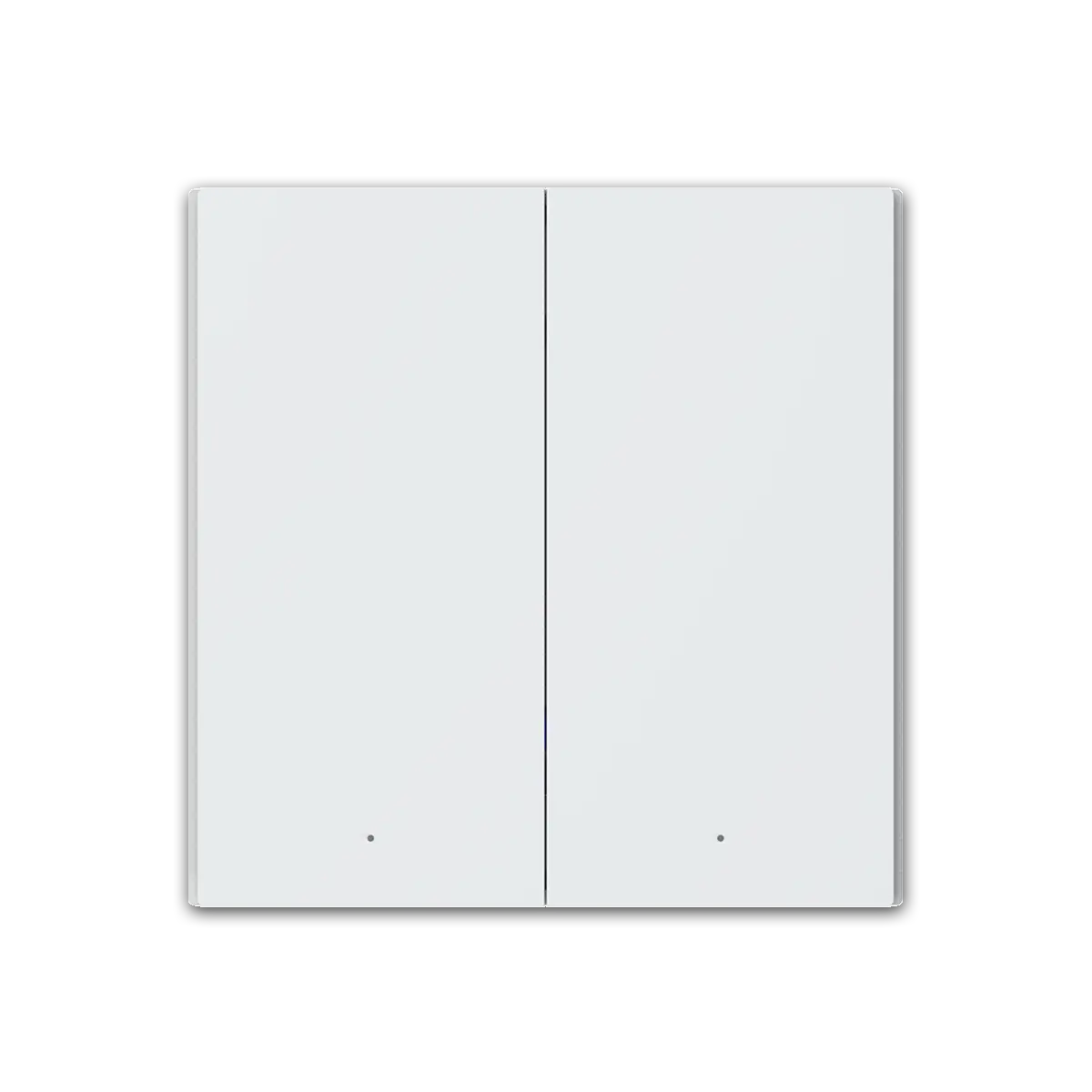
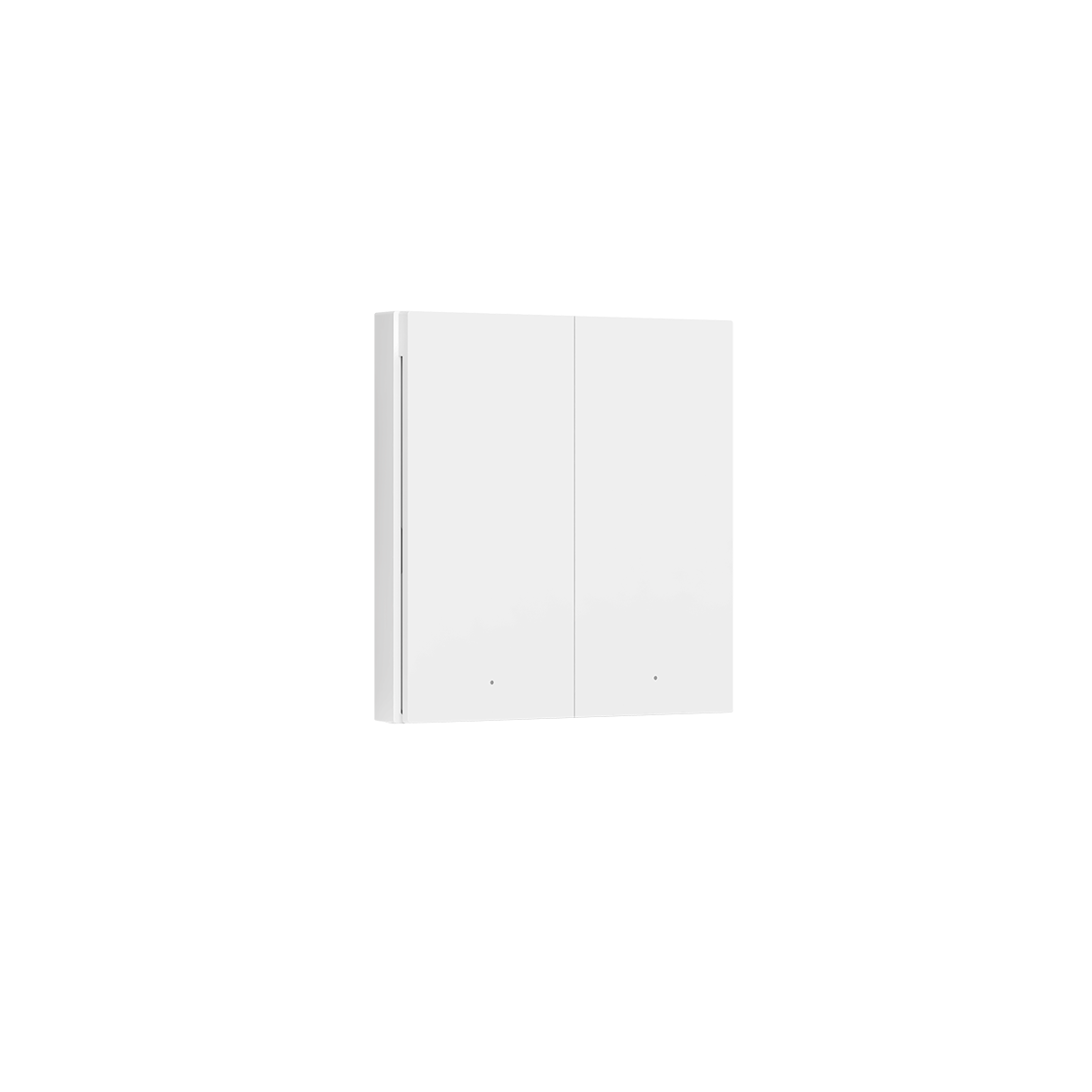
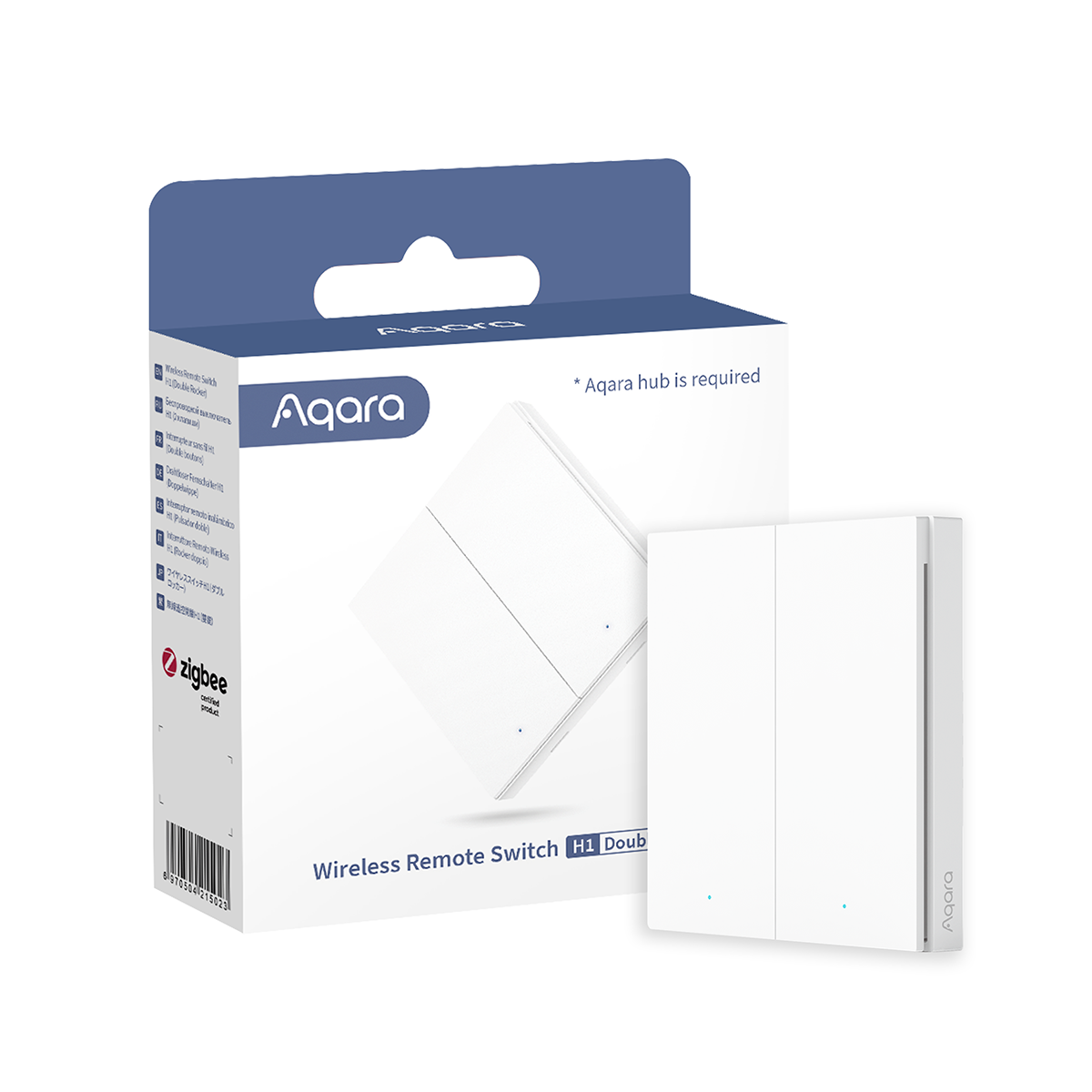
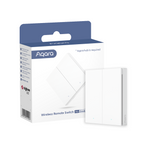
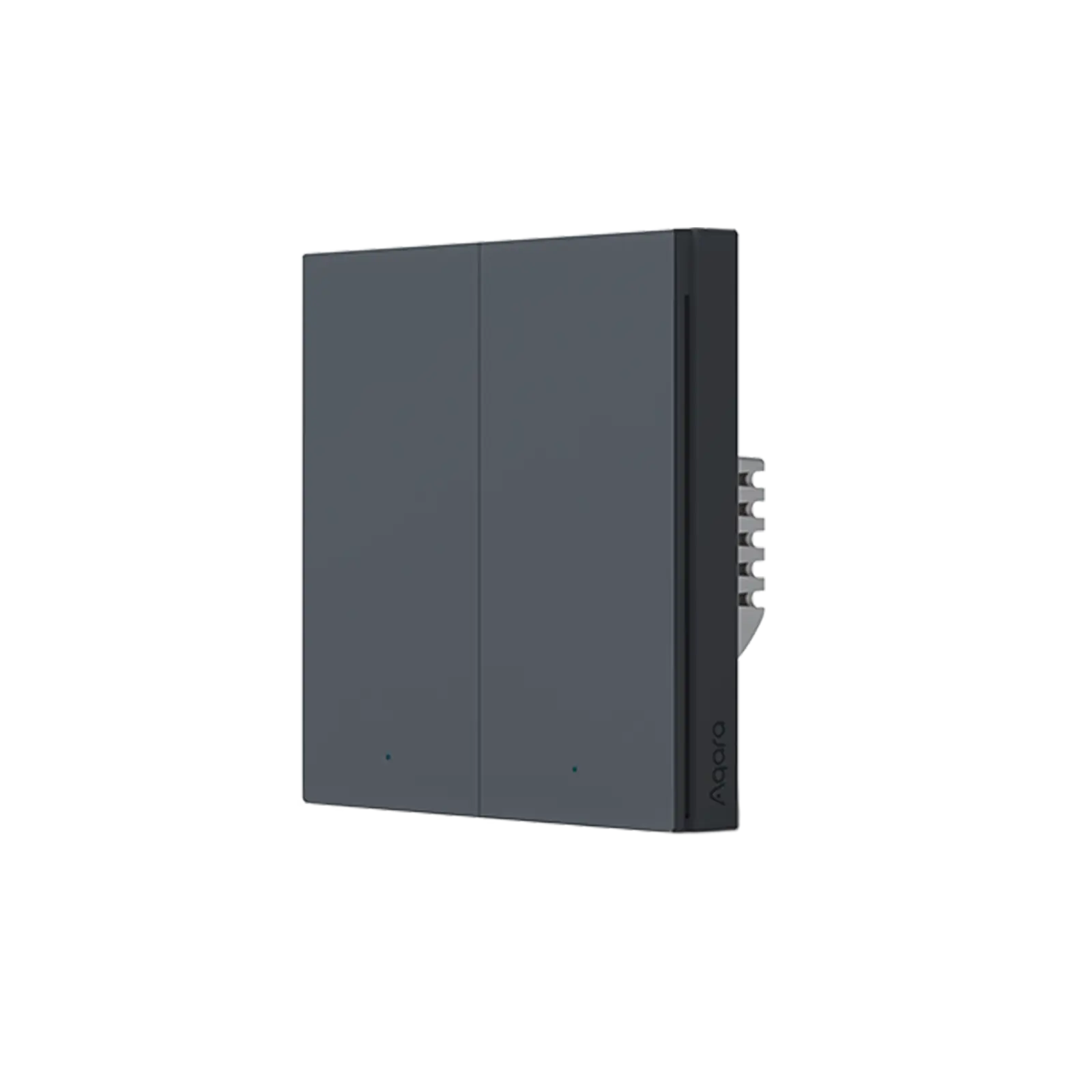
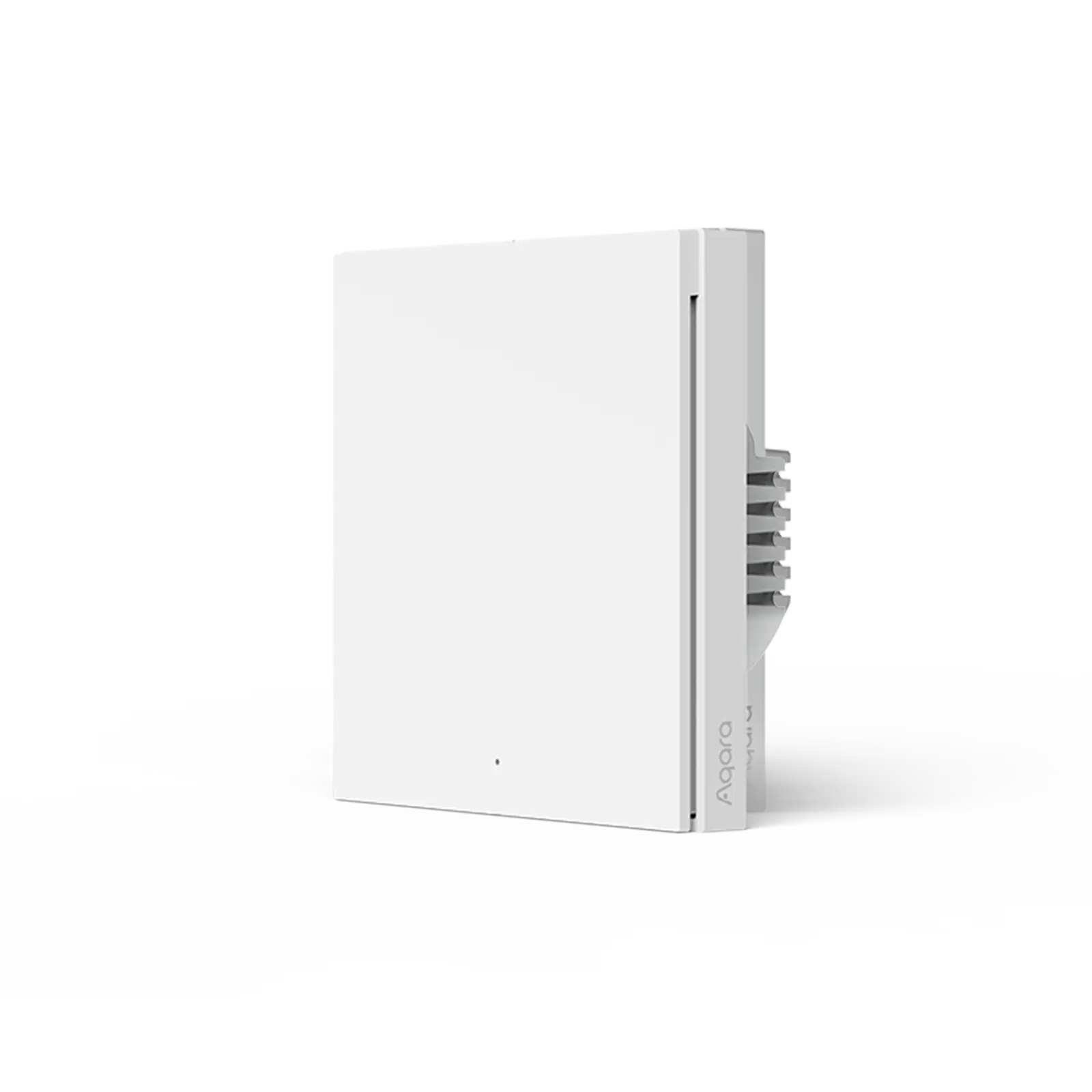
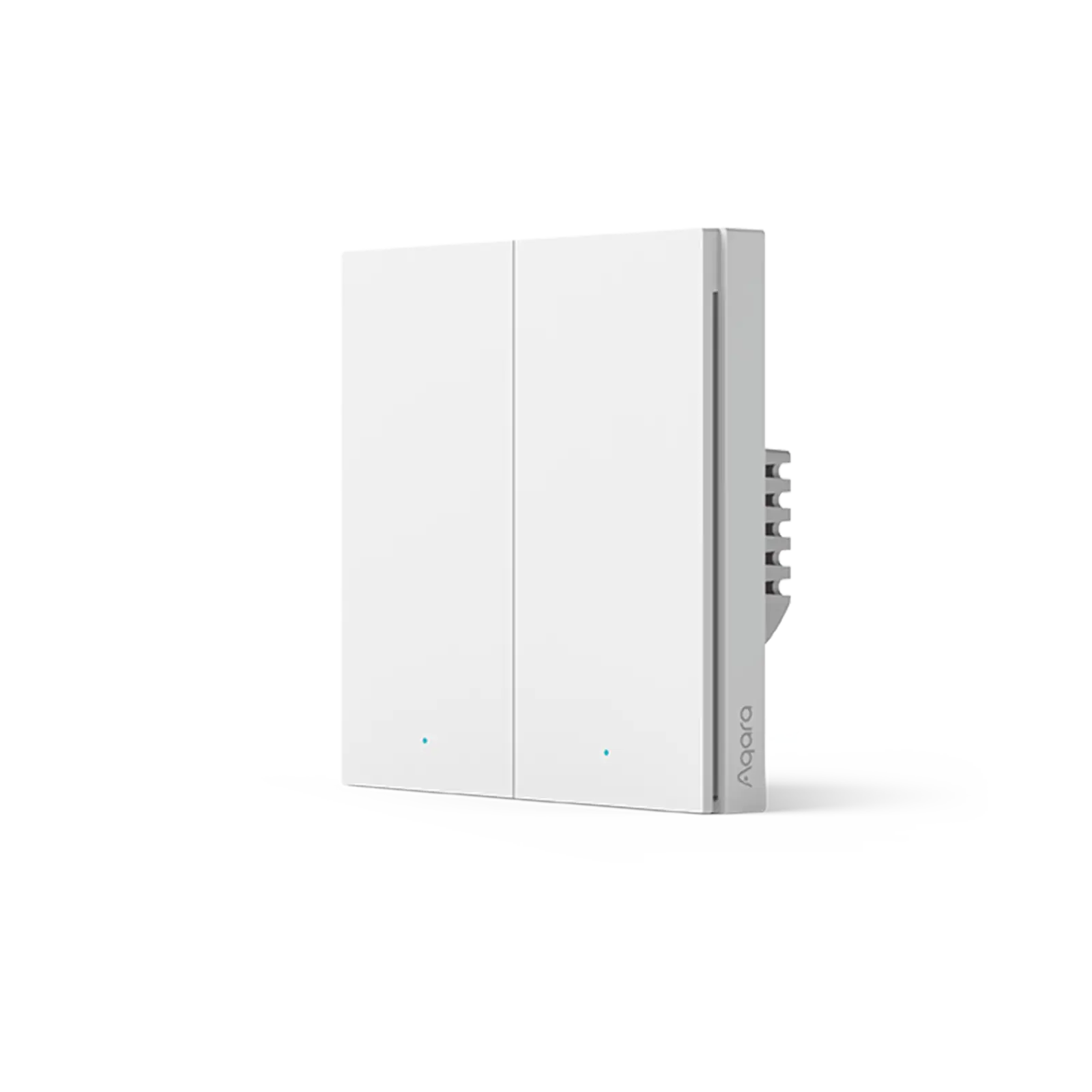
Kabelloses Fernbedienungsschalter H1

Controller Deals: Buy any 2 save 5% , Buy any 3 save 8% , Buy any 6 save 10%
€28,99

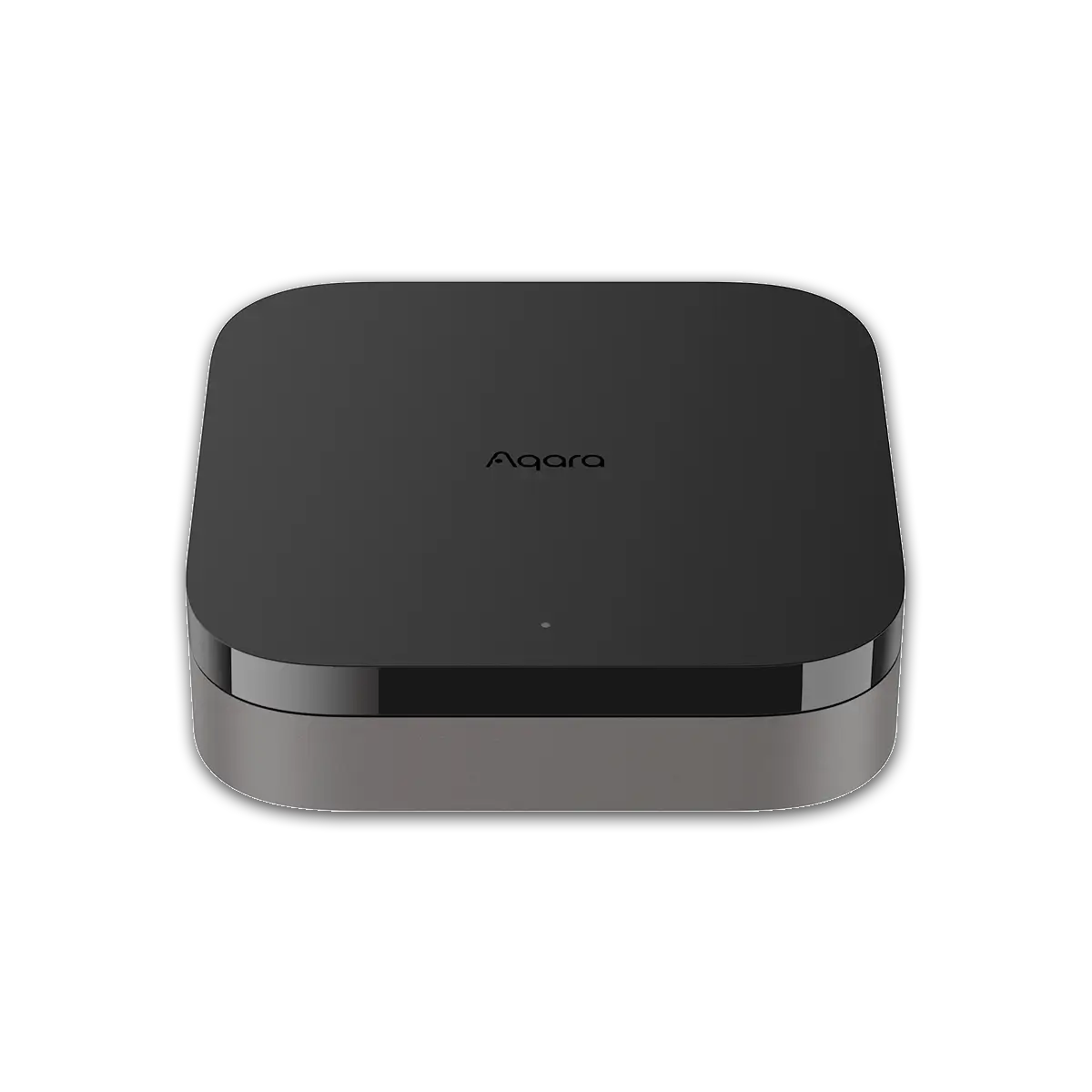
Erfordert Aqara Smart Home Central M2, M1S oder Kamera-Hub G2H für den Betrieb. Der Aqara drahtlose Fernschalter H1 verwendet Zigbee 3.0, das bessere Stabilität, Kompatibilität und mehr Funktionen bietet. Er hat eine Autonomie von fünf Jahren, die längste Autonomie aller unserer Aqara-Produkte (die Erfahrung kann je nach Betriebsumgebung variieren)

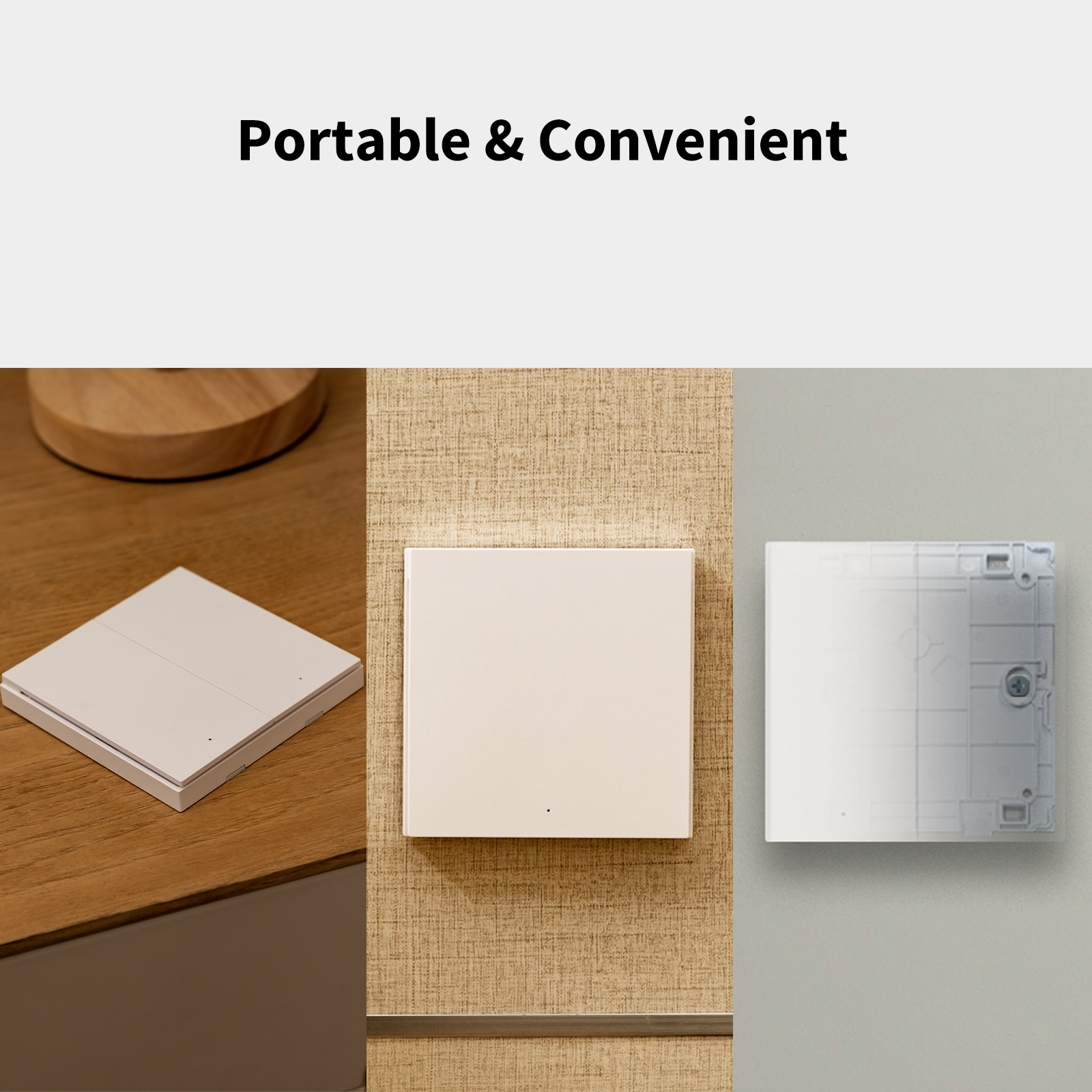
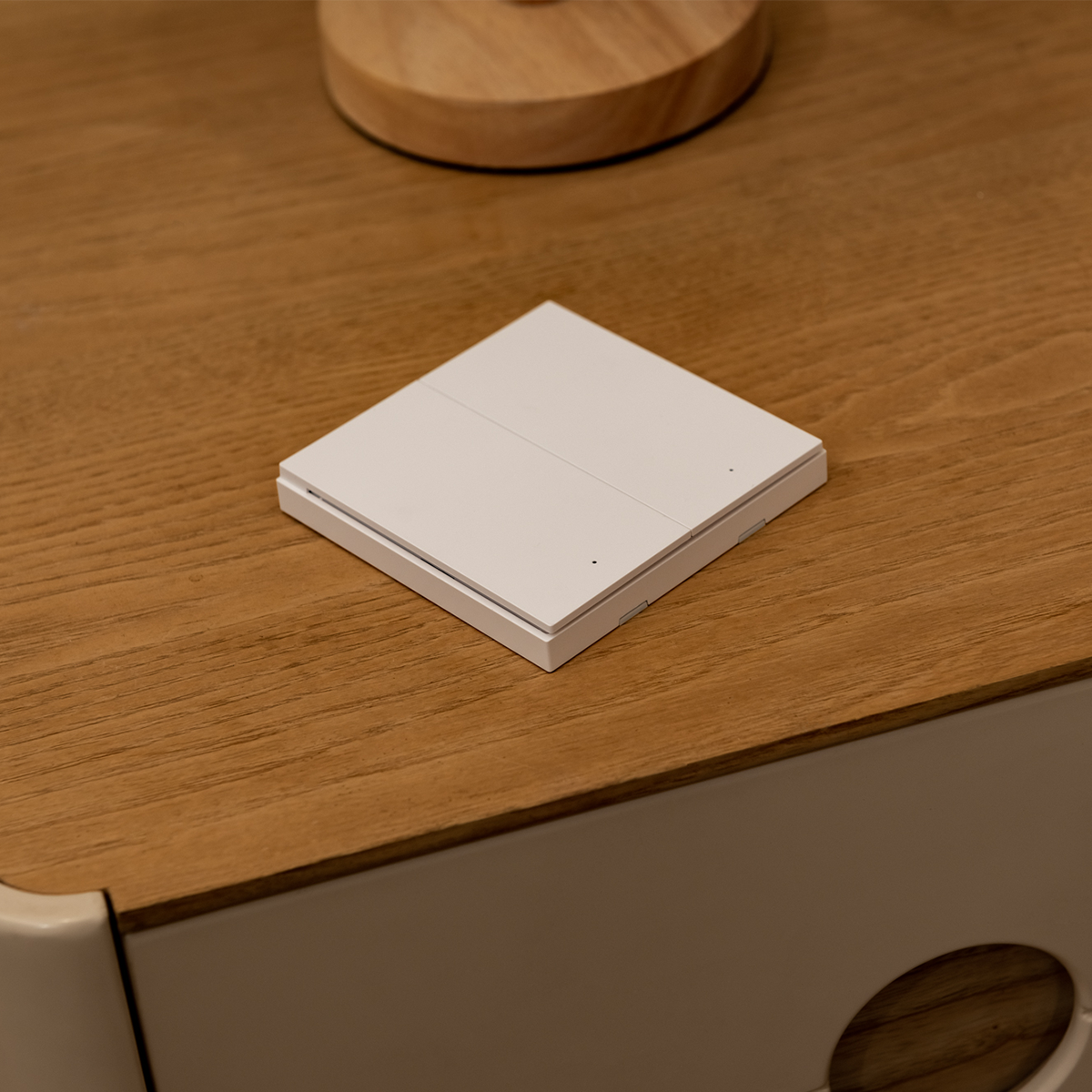
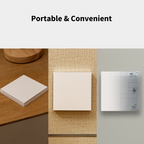
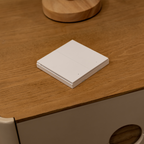
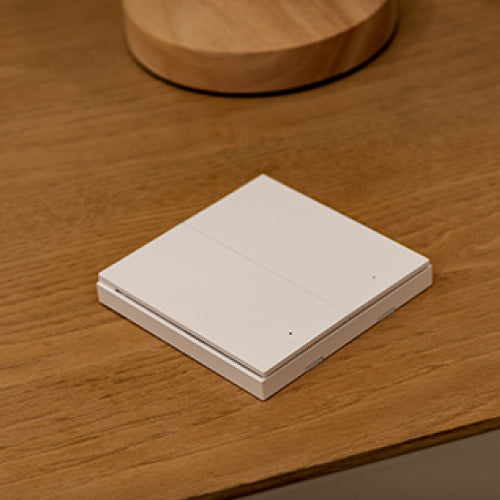
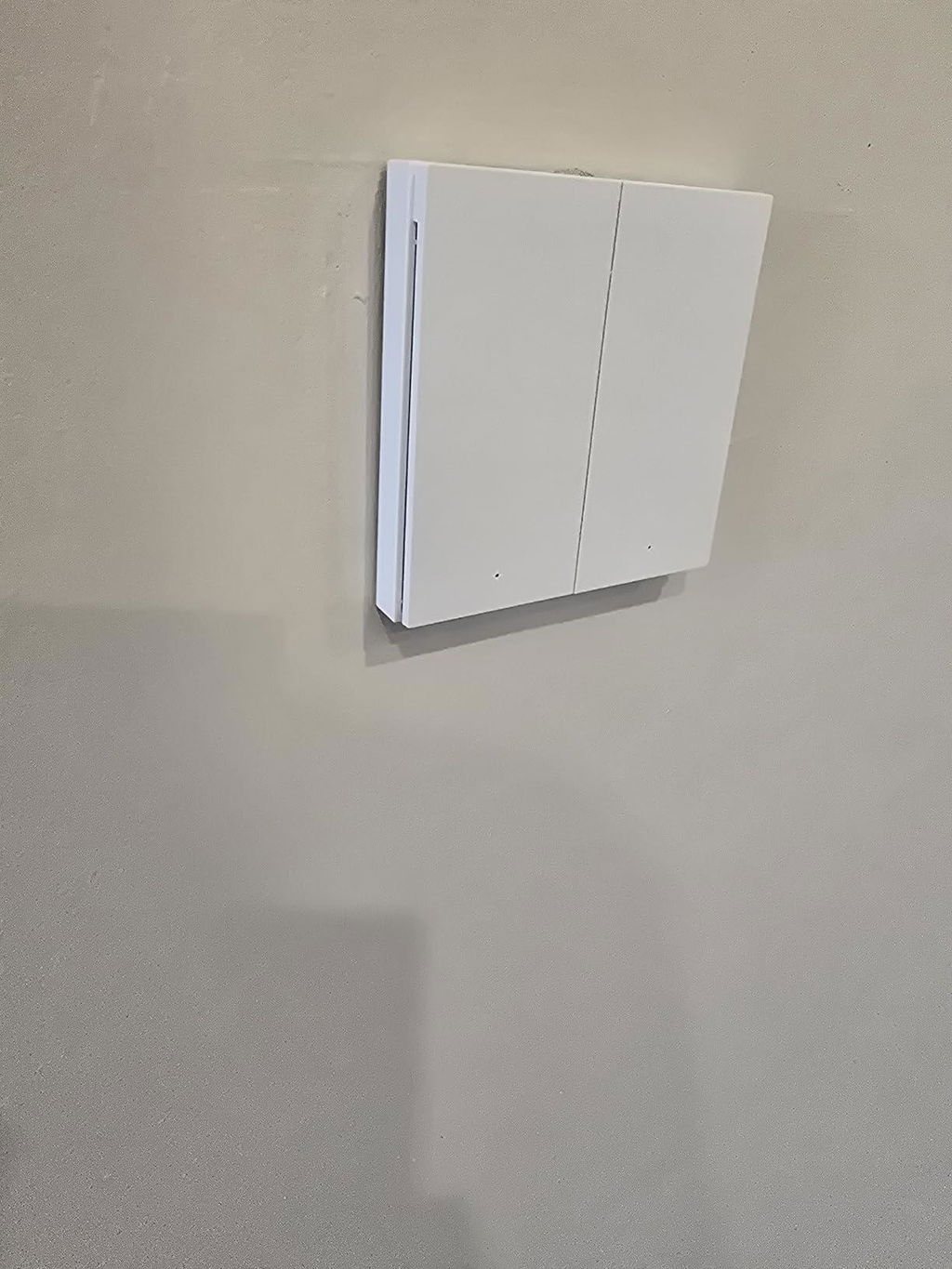
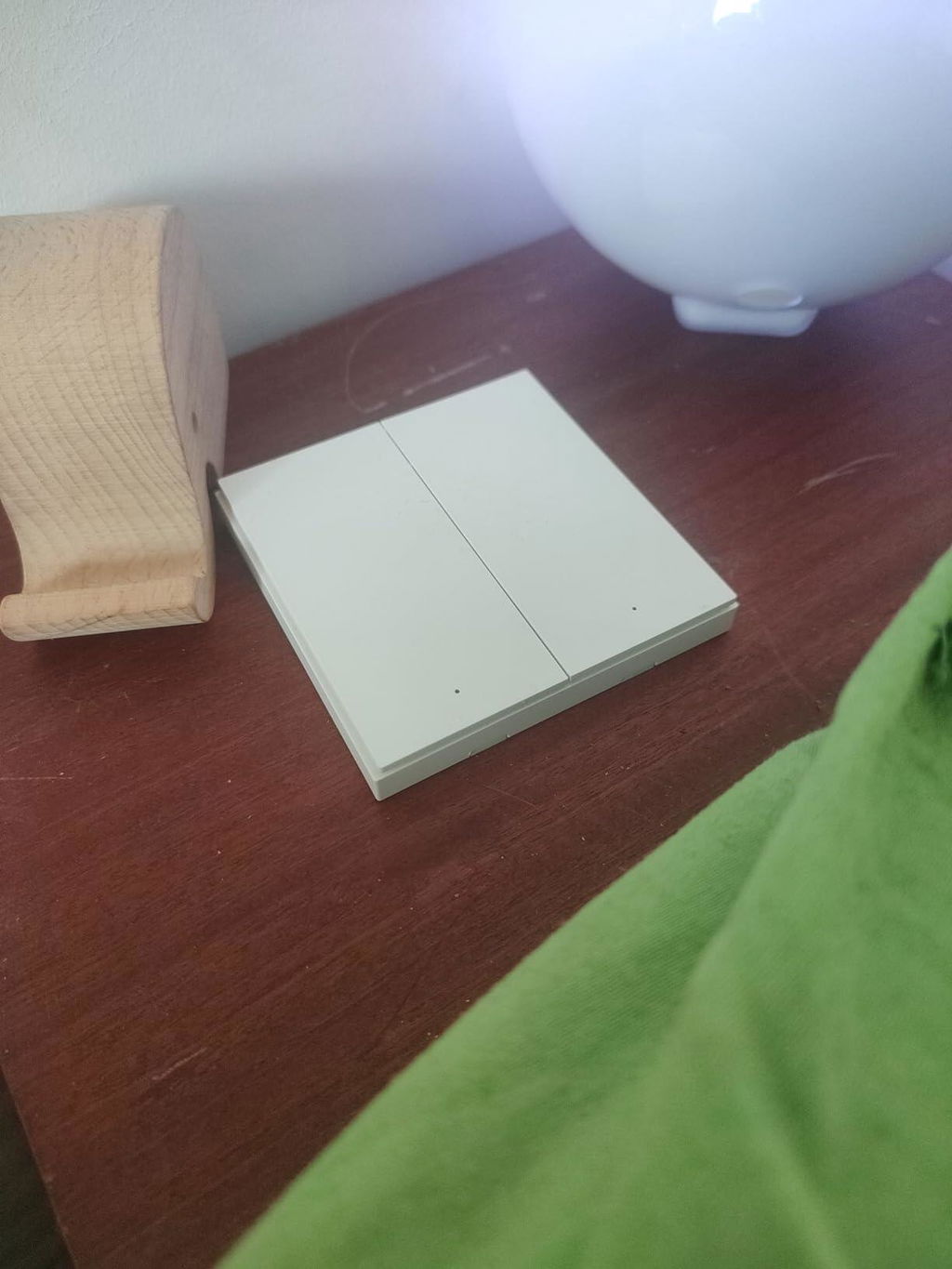
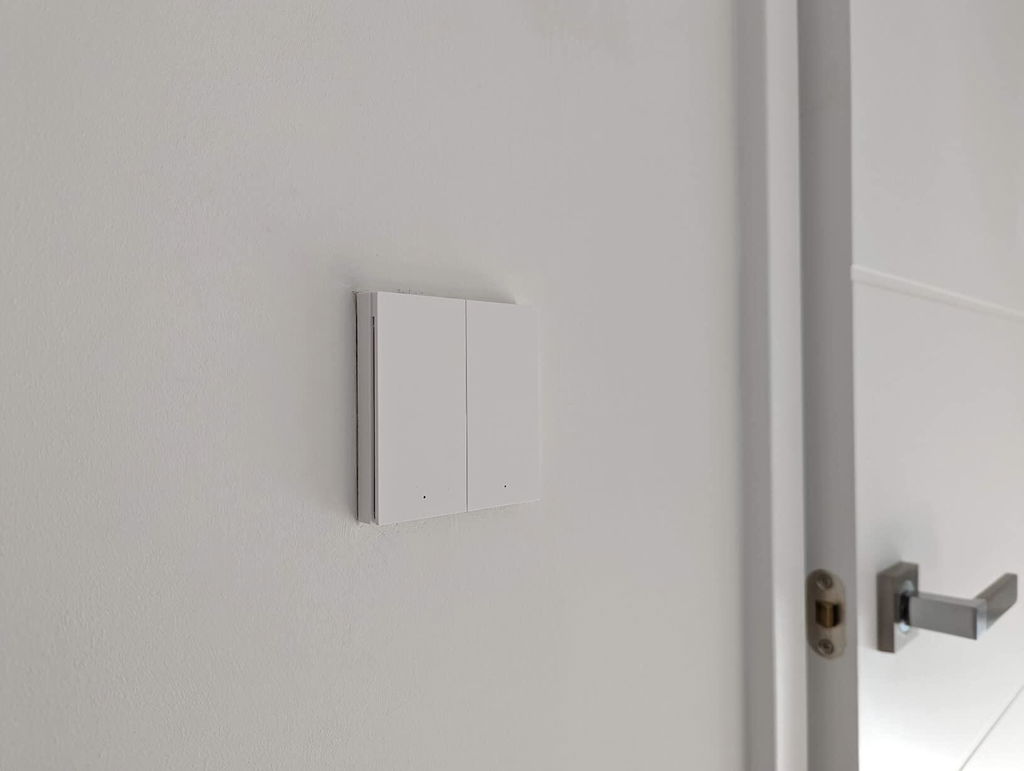
[TRAGBAR & PRAKTISCHER ALS gewöhnliche Schalter] Stellen Sie sich vor, Sie können Lichter oder Geräte von überall im Haus einschalten. Sie können es auf einer horizontalen Fläche platzieren, es mit einem mitgelieferten Klebepad an einer flachen Oberfläche befestigen oder es anstelle des vorhandenen Wandgehäuses anschrauben. Es kann überall im Inneren platziert oder fixiert werden.

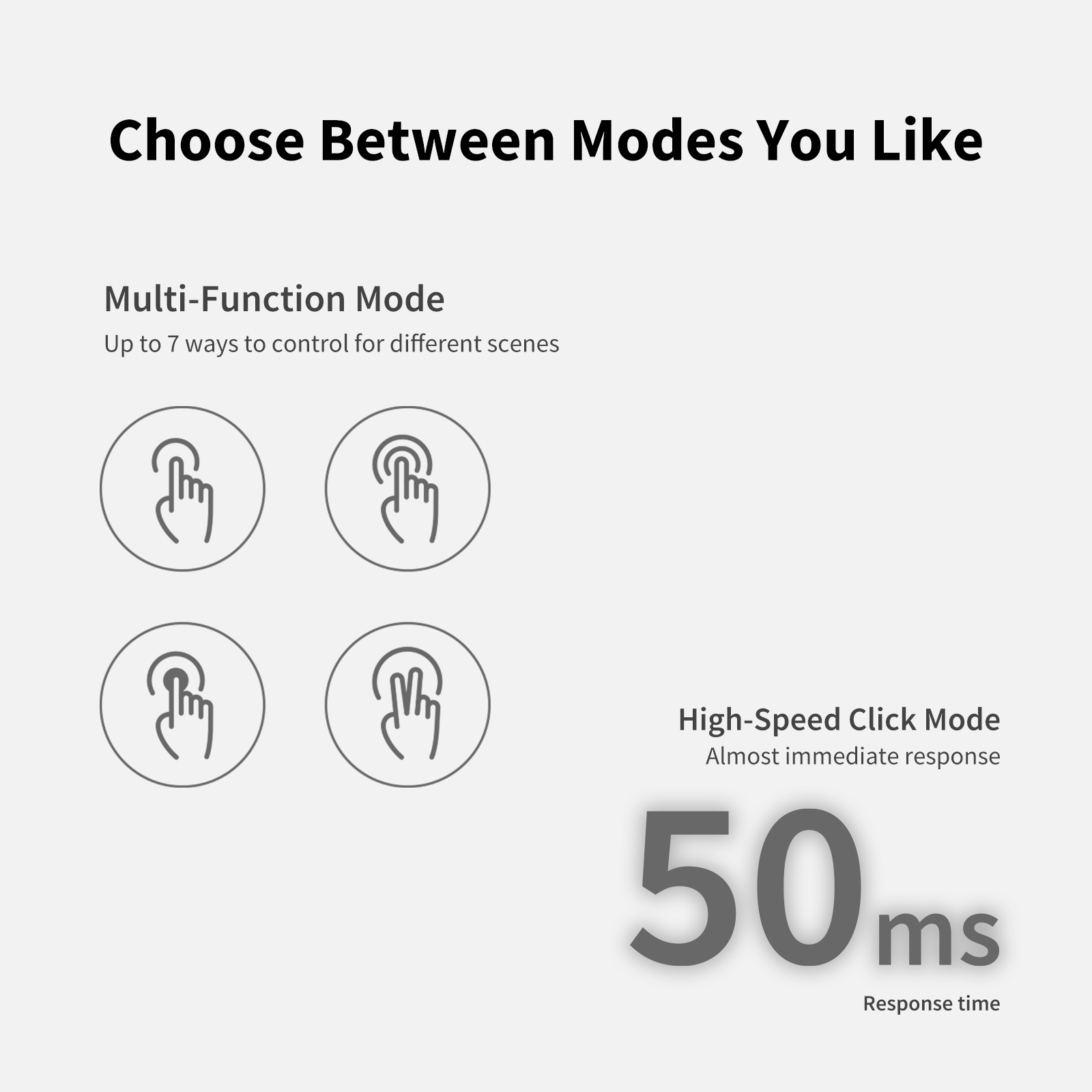
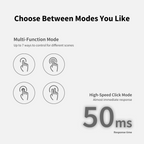
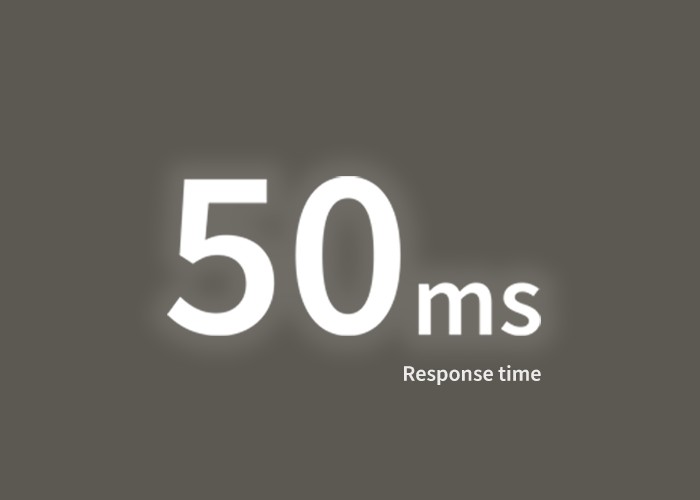
[2 Modi Multifunktionsmodus & Hochgeschwindigkeits-Ein-Klick-Modus] Der Aqara Wireless Remote Switch H1 ermöglicht es Ihnen, viele Funktionen mit 7 konfigurierbaren Aktionen einfach auszuführen: Einfachklick, Doppelklick, langer Druck (für jede Taste) und gleichzeitiges Drücken beider Tasten oder nur Einfachklicks mit einer Latenz von nur 50 ms.

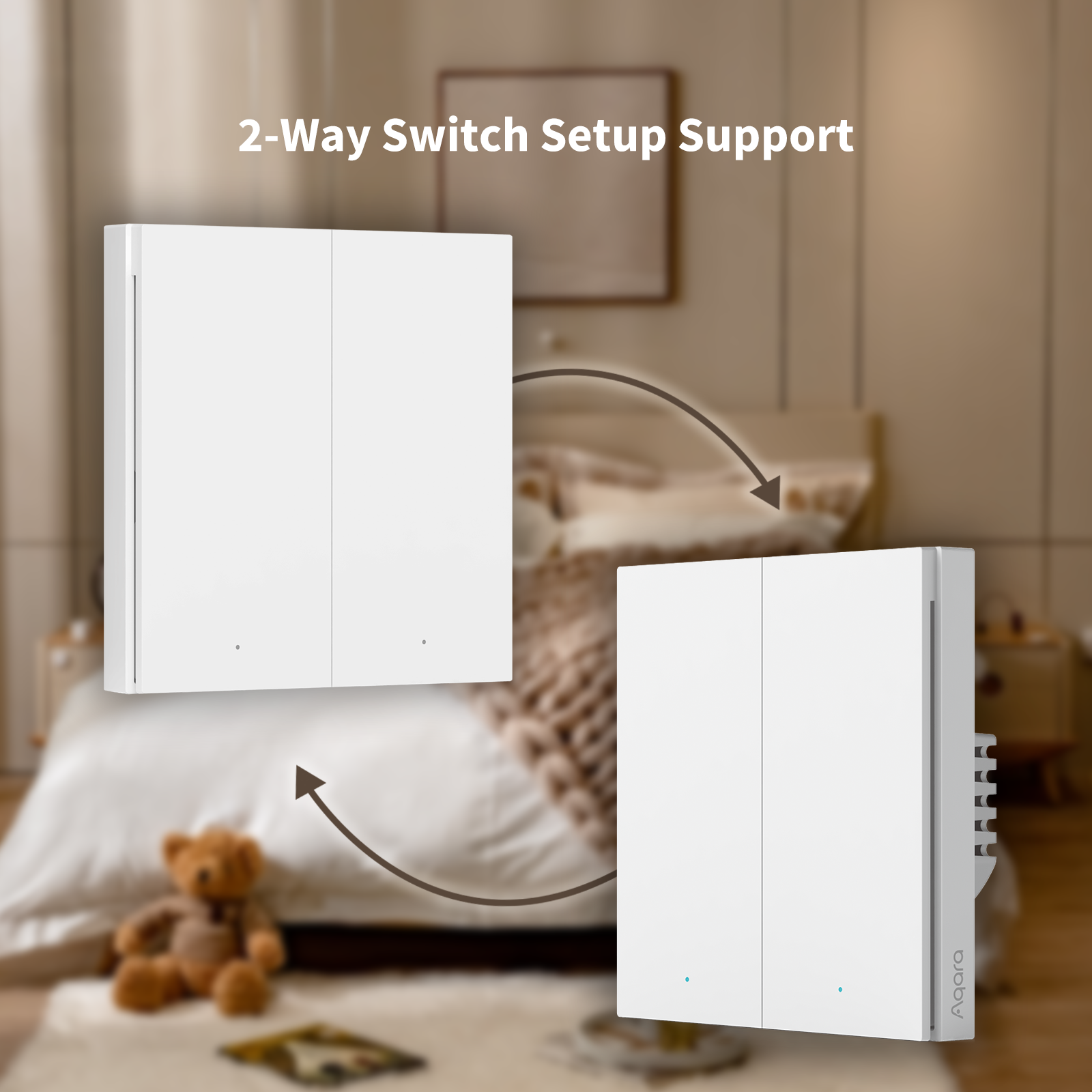
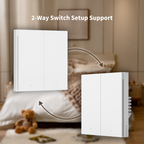
[Zwei-Wege-Schalter-Konfiguration] Sie können mehr Verwendungsmöglichkeiten erzielen, indem Sie den Aqara Wireless Remote Switch H1 mit anderen Aqara-Produkten kombinieren. Mit dem Aqara Smart Light Switch H1 EU können Sie dieselben Lichter problemlos von zwei oder mehr Orten aus steuern, ohne zusätzliche Verkabelung verlegen zu müssen. Hinweis: Ein zusätzlicher Aqara Smart Light Switch H1 EU ist erforderlich, um die Lichter zu steuern.

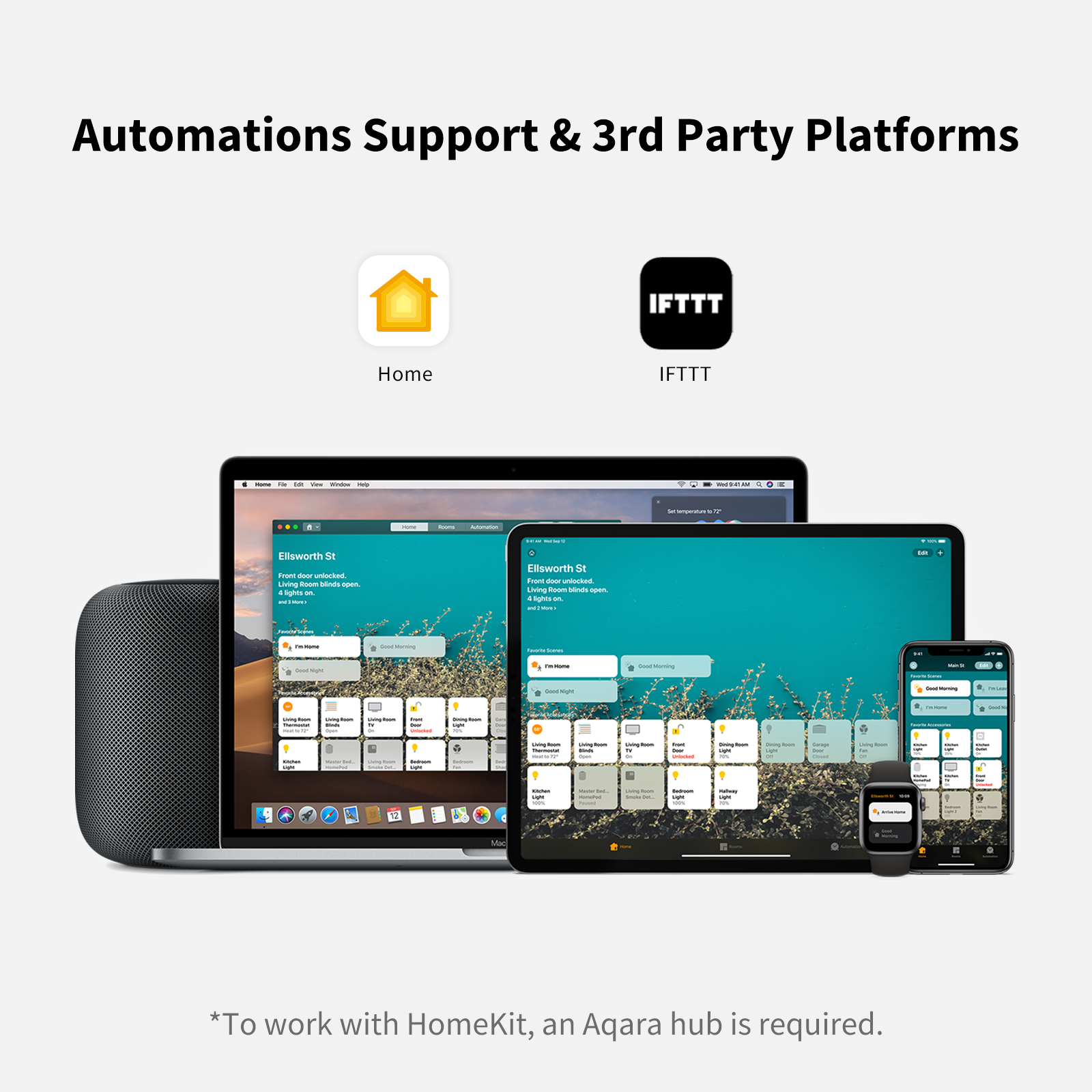
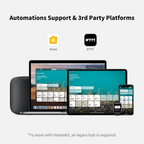
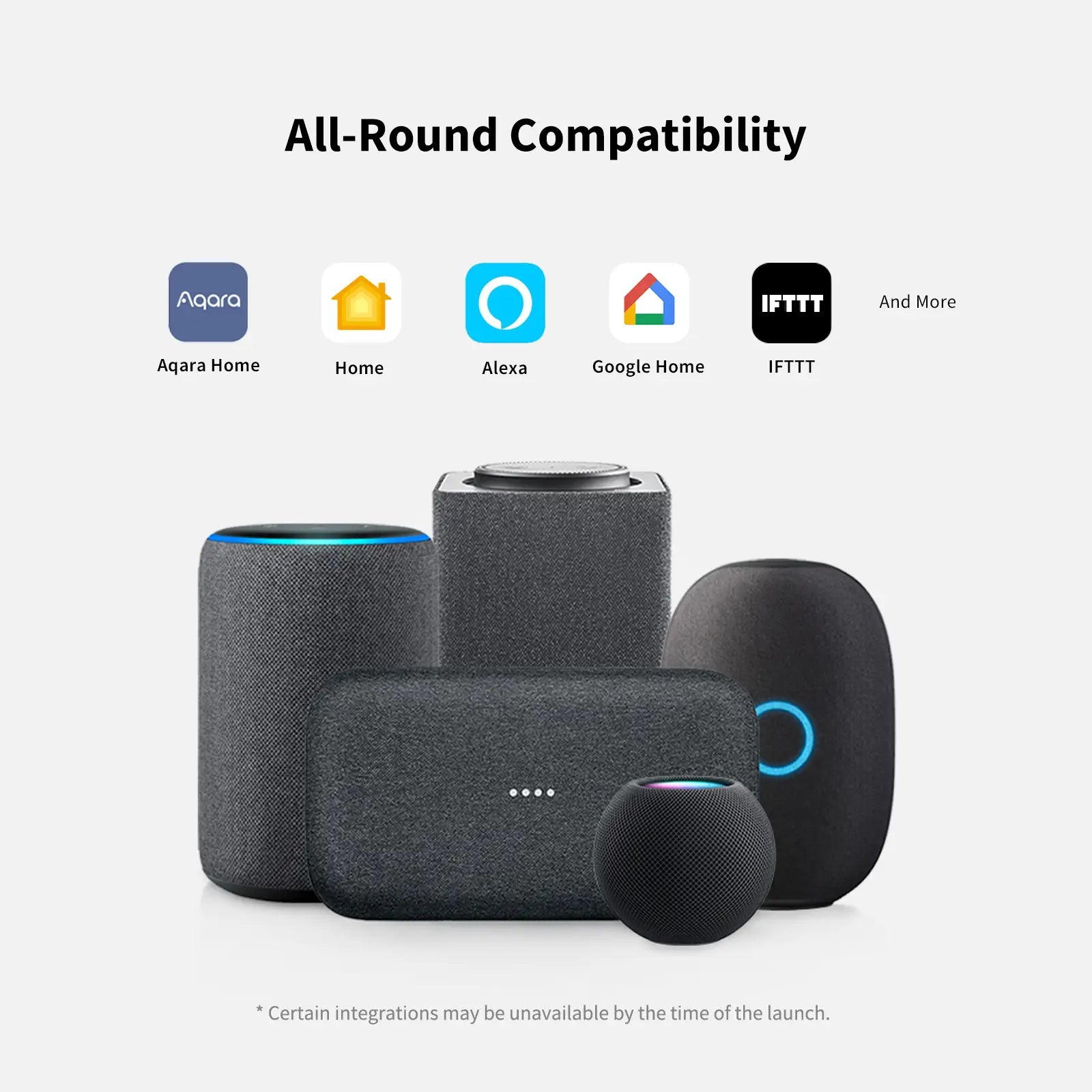
[Automation] Unterstützung Der Aqara Aqara Wireless Remote Switch H1 kann Automatisierungen durchführen, zwischen Smart-Home-Umgebungen wechseln und seine Funktionen je nach Tageszeit oder anderen Bedingungen ändern. Aqara Home, Apple HomeKit, IFTTT werden unterstützt.

Kompatibel mit:
Aqara
Aqara
Apple Home
Apple Home
IFTTT
IFTTT
View full details

Drahtloser Fernschalter H1

Befreien Sie sich von Kabeln
Mühelose Steuerung auf Knopfdruck von überall

*Der Wireless Remote Switch H1 kann alle Ihre Aqara Zigbee 3.0 Geräte steuern, selbst wenn Ihre Internetverbindung oder Ihr Smart Home Hub ausfällt.

Banner Image

Eigenschaften

Zigbee 3.0 Protokoll

Genießen Sie die Vorteile der schnellsten, stabilsten und energieeffizientesten Smart-Home-Technologie.

Automatisierungsunterstützung

Der Schalter kann Automatisierungen ausführen, zwischen intelligenten Szenen wechseln und seine Funktionen je nach Tageszeit oder anderen Bedingungen ändern.

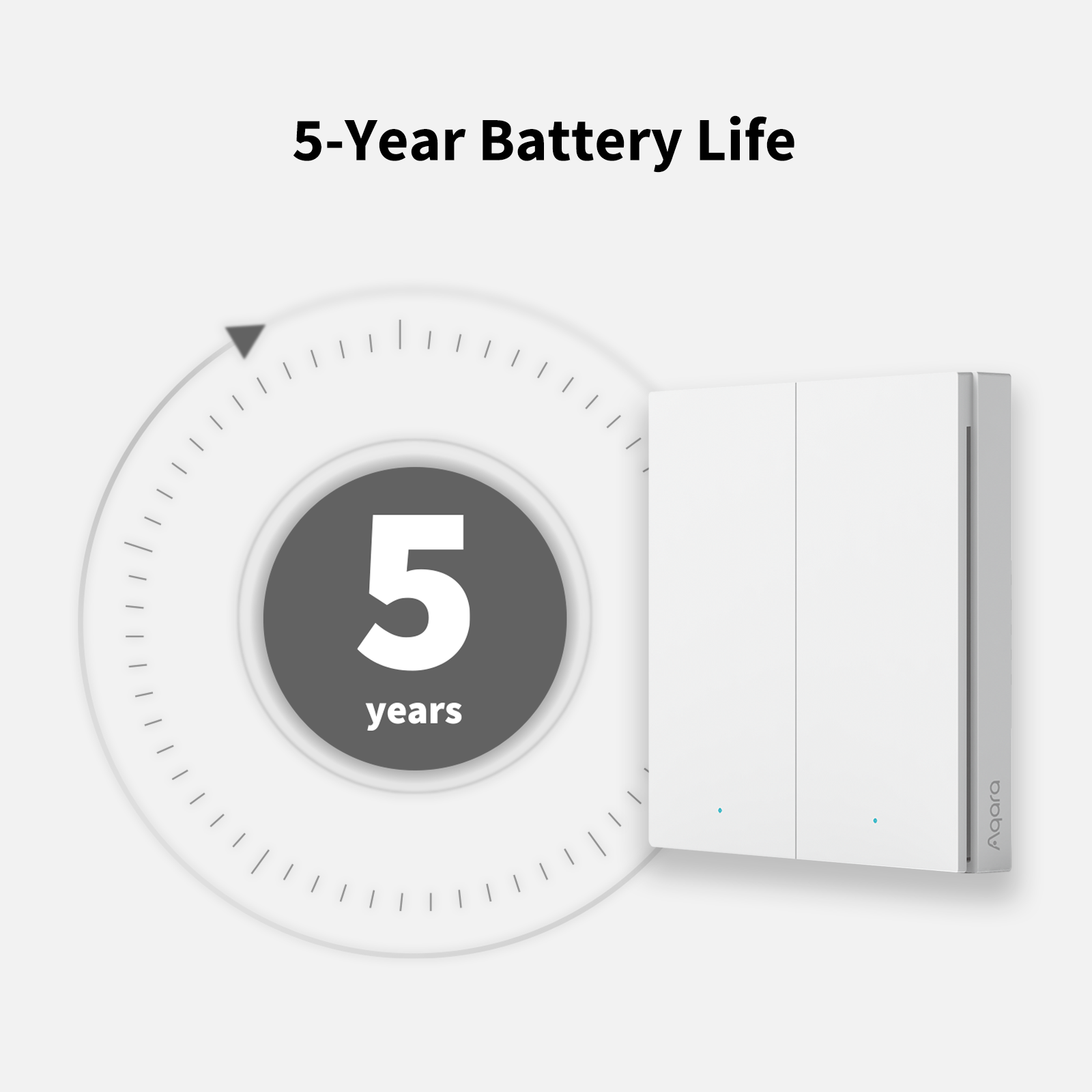
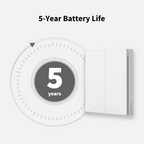
5 Jahre Batterielebensdauer

Verbraucht sehr wenig Energie und kann 5 Jahre lang ohne Batteriewechsel betrieben werden.

Hochgeschwindigkeits-Klickmodus

Für eine nahtlose Steuerung verringert sich die Reaktionszeit auf bis zu 50 ms.

Mehrere konfigurierbare Aktionen

Einzelklick, Doppelklick, langes Drücken, 2 Tasten gleichzeitig drücken.

Flexible Installation

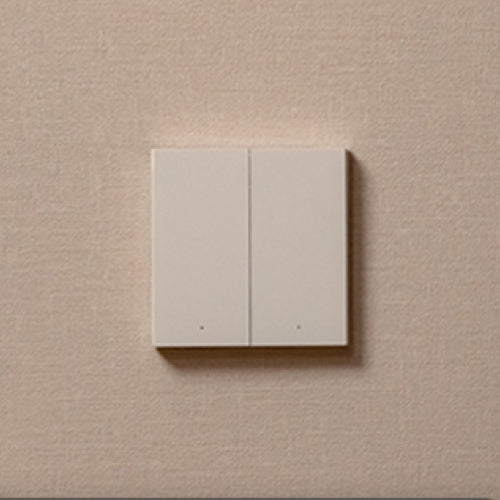
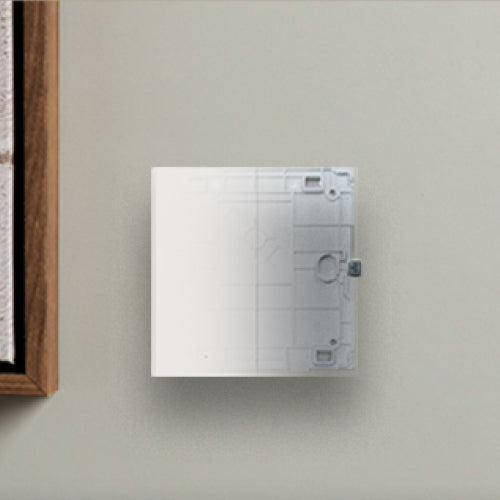
Direkt auf eine waagerechte Fläche legen, mit dem beiliegenden Klebepad auf eine ebene Fläche kleben oder anstelle der vorhandenen Wanddose anschrauben.

Preisgekröntes Design

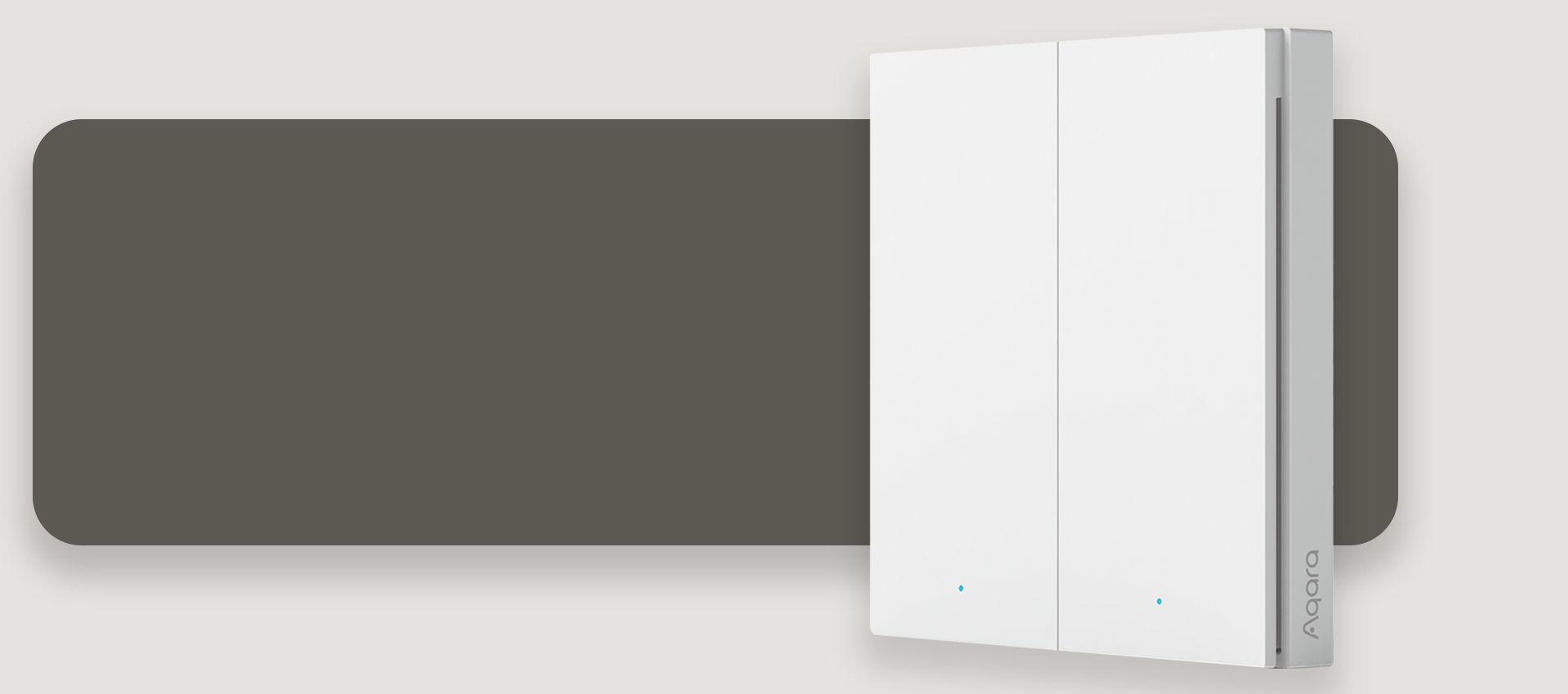
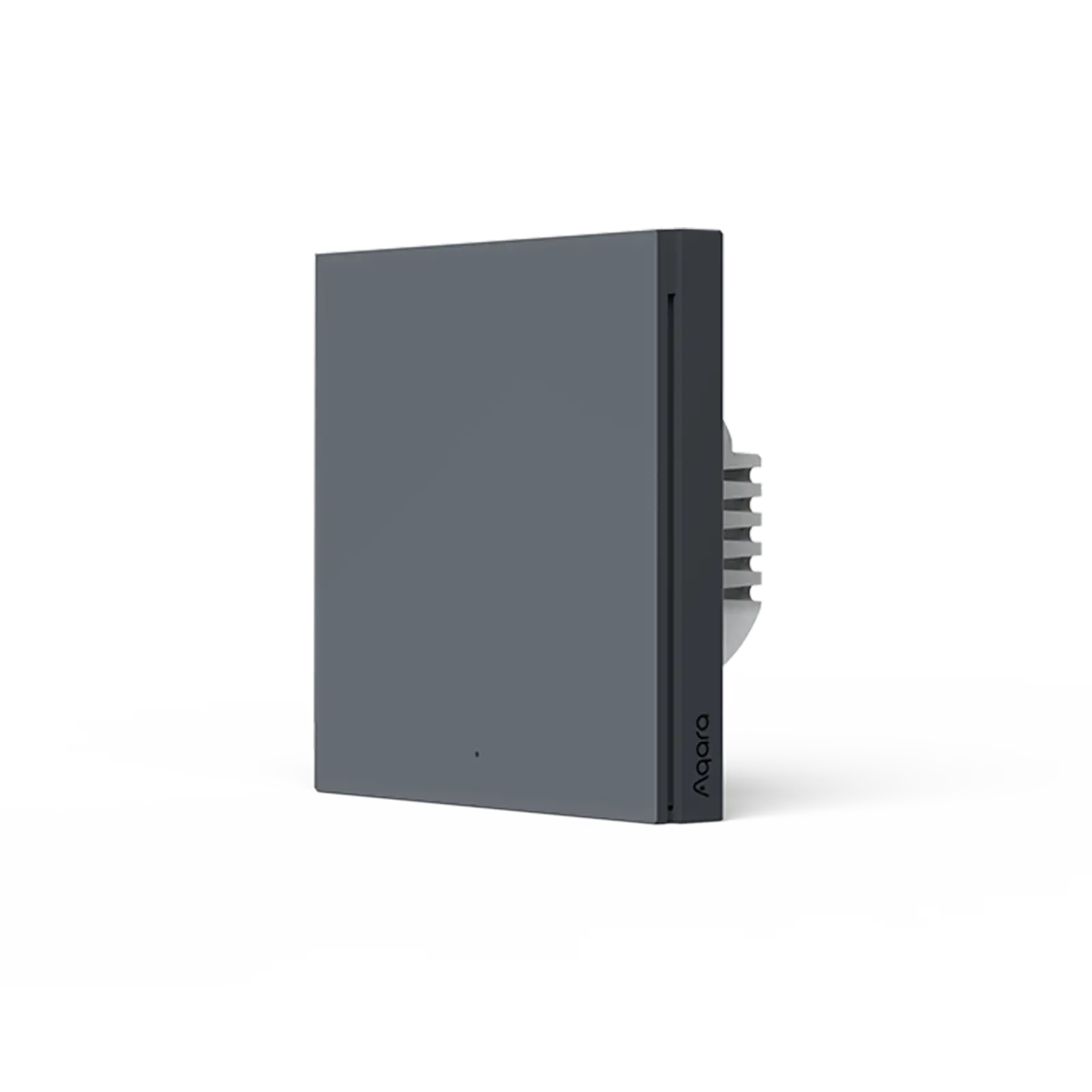
Unser Premium-Design, das auch beim Wandschalter H1 EU zum Einsatz kommt, verleiht ihm ein langlebigeres und hochwertigeres Gefühl.

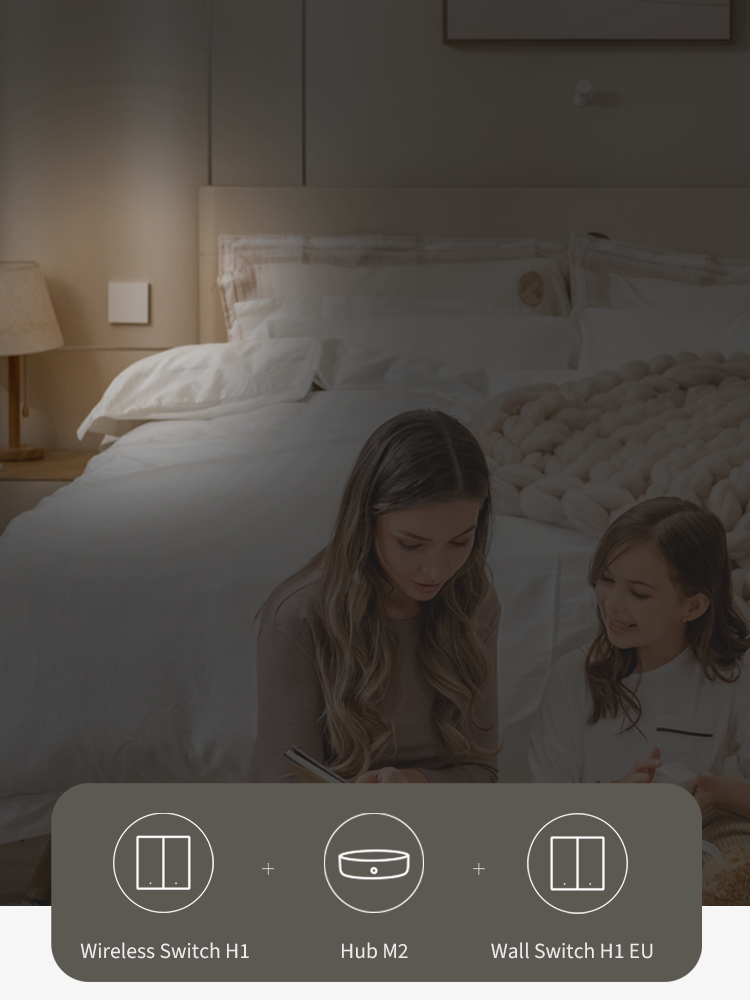
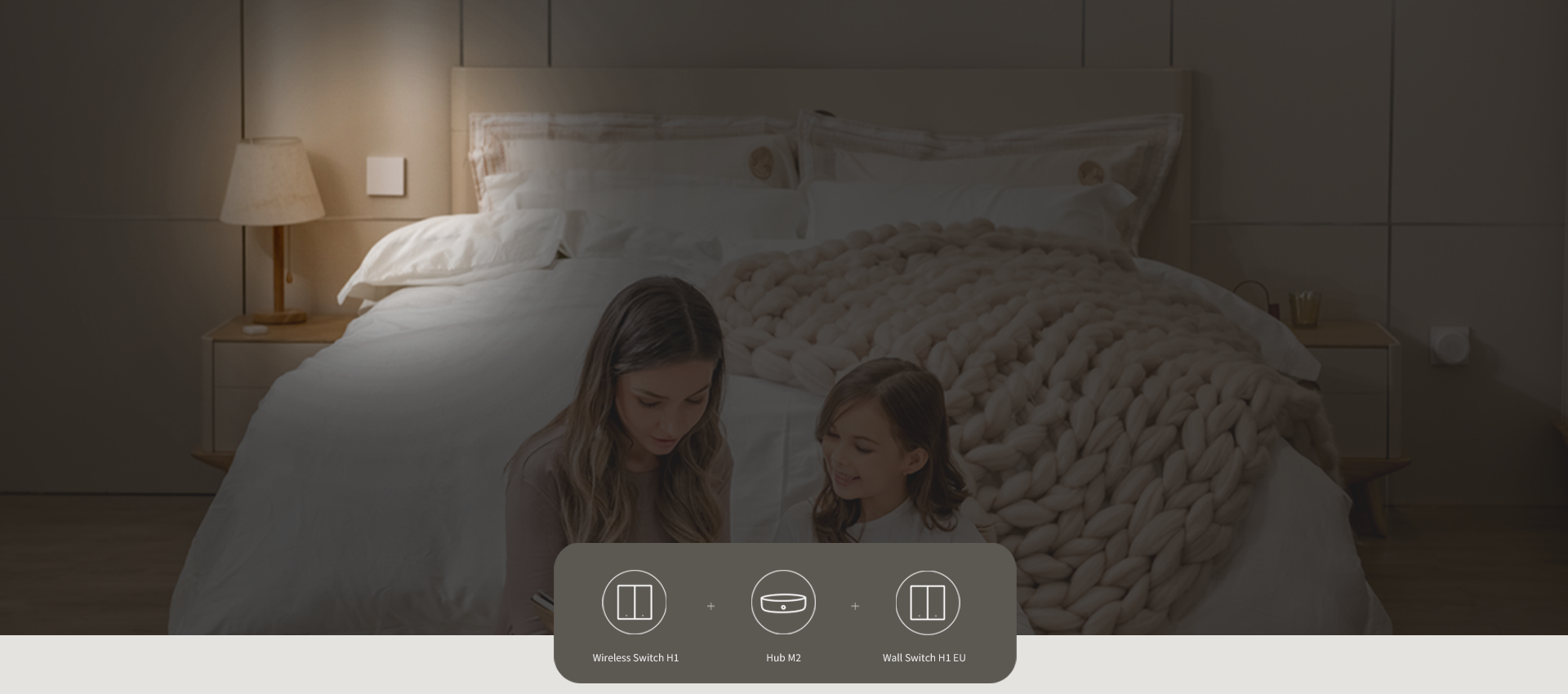
Unterstützung bei der Einrichtung eines 2-Wege-Schalters mit dem Wandschalter H1 EU

Upgrade dein bestehendes 2-Wege-Setup mit dem Wandschalter H1 EU und dem kabellosen Schalter H1, der auf der vorhandenen Wanddose für den sekundären 2-Wege-Schalter platziert werden kann.

* Ein kompatibler Zigbee 3.0 Aqara-Hub ist erforderlich.

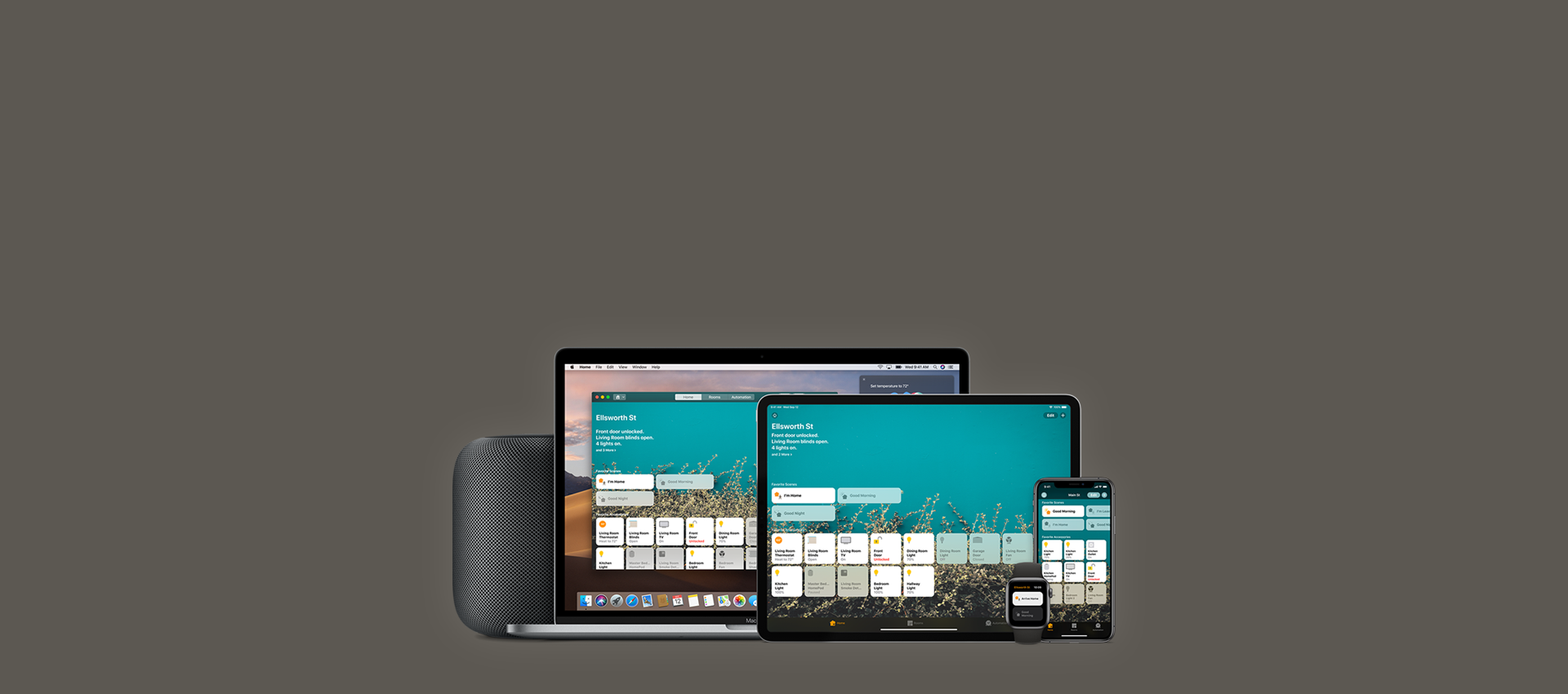
Unterstützt Apple HomeKit

Sie können die Apple Home App oder die Aqara Home App verwenden, um den Wireless Switch H1 zu steuern.
Er funktioniert auch mit anderen Aqara-Zubehörteilen oder HomeKit-fähigen Zubehörteilen, um Ihnen ein intelligenteres Zuhause zu bieten.

*Für die Arbeit mit der HomeKit-Technologie ist ein Aqara-Hub erforderlich
Banner Image

Drahtlose und stabile Verbindung
Nahtloses Erlebnis
Premium-Qualität

Banner Image

Geringer Stromverbrauch für mehr als 5 Jahre Standby-Zeit

Banner Image
Banner Image

Wählen Sie zwischen mehr Funktionen und schnellerer Reaktionszeit
dank des neuen Hochgeschwindigkeits-Klickmodus.

Multifunktionsmodus

Bis zu 7 Möglichkeiten zur Steuerung für verschiedene Szenen

Hochgeschwindigkeits-Klickmodus

Fast sofortige Reaktion

Mehrere Installationsoptionen

Möglichkeit 1:

Ohne Kleber, direkt auf eine Oberfläche legen.

Möglichkeit 2:
Schutzfolie vom Klebepad abziehen und Gerät auf der gewünschten Oberfläche befestigen.
Möglichkeit 3:

Öffnen Sie die Rückseite des Wireless Remote Switch H1
und befestigen Sie ihn an der Wanddose.

Kleben Sie den Wireless Switch H1 an eine beliebige Stelle und steuern Sie das Licht von zwei verschiedenen Stellen aus: Der H1 funktioniert genau wie ein fest verdrahteter 2-Wege-Schalter mit einer Batterielebensdauer von 5 Jahren.
Aqara-Smart-Wandschalter-H1-Doppelwippe

Kabelloses Fernbedienungsschalter H1

€28,99

Details anzeigen

Nomad X Sunglasses

€19,99

Details anzeigen
Aqara Smart-Wandschalter H1

Smart-Wandschalter H1 (Ohne Nullleiter)

Ab €31,99

Details anzeigen
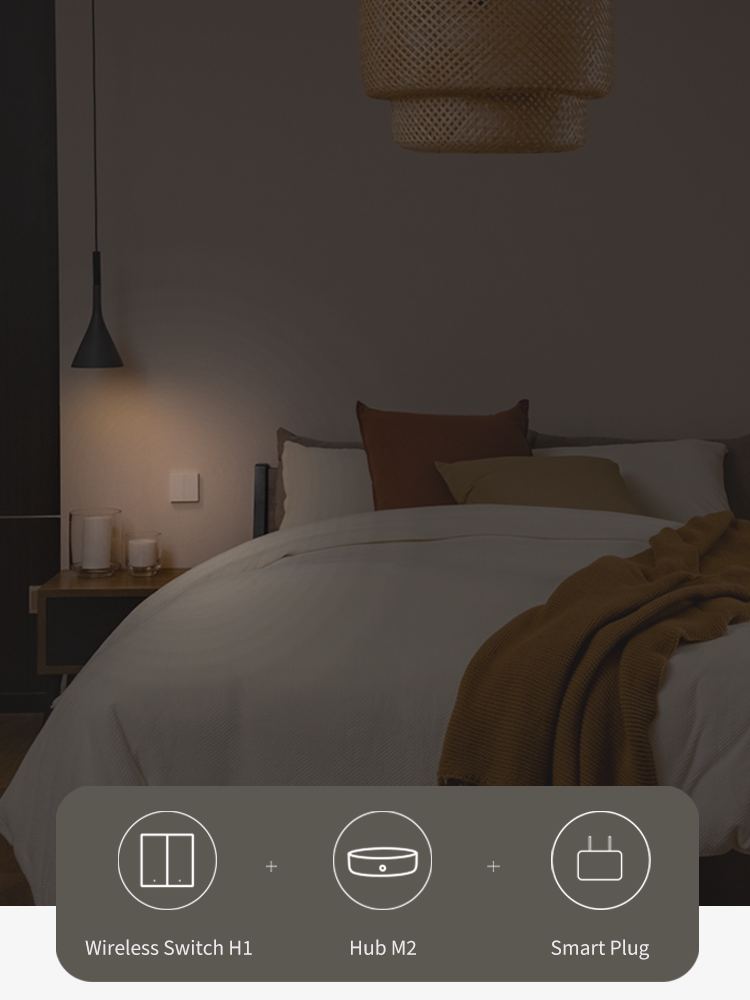
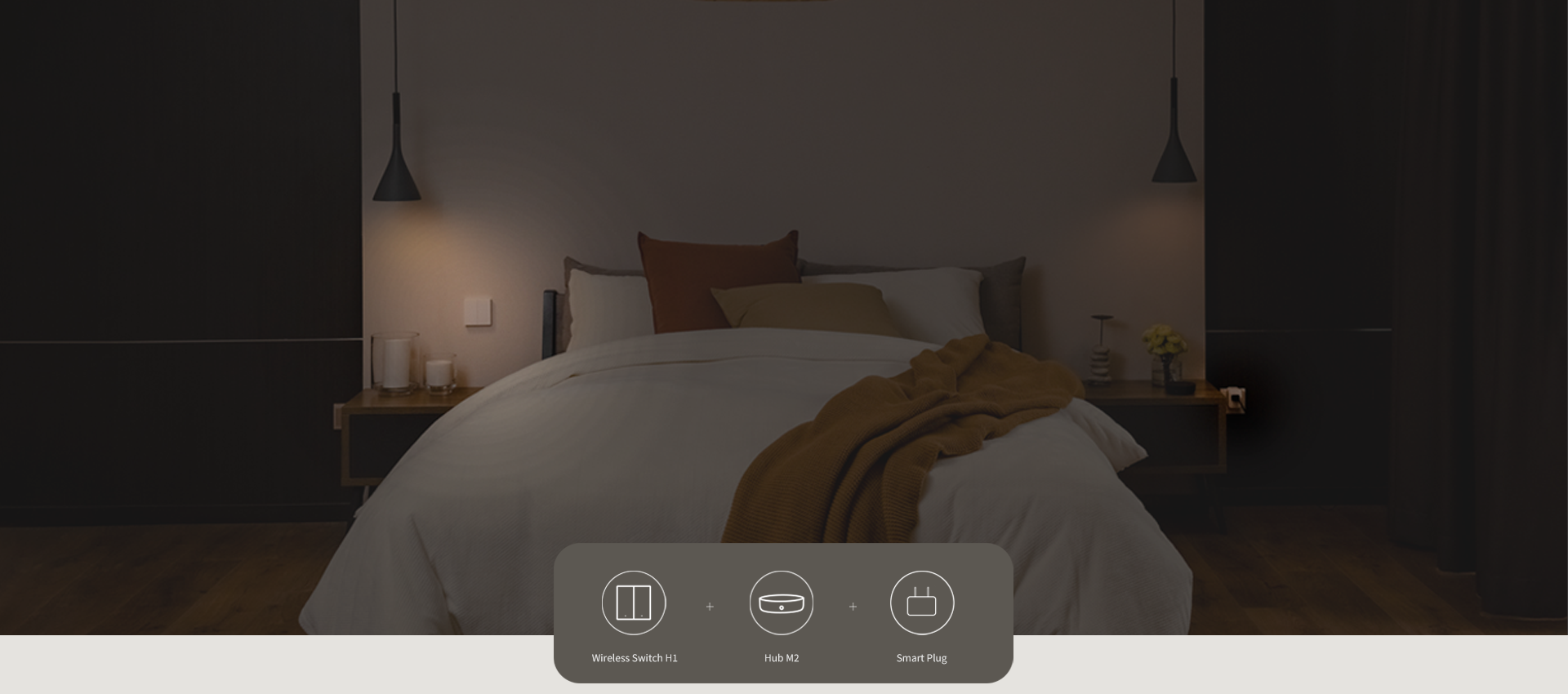
Verbinden Sie Geräte und Lichter mit dem Smart Plug und dem Wireless Switch H1, um sie mit nur einem Druck auszuschalten, bevor Sie das Haus verlassen.
Aqara-Smart-Wandschalter-H1-Doppelwippe

Kabelloses Fernbedienungsschalter H1

€28,99

Details anzeigen

Nomad X Sunglasses

€19,99

Details anzeigen
Aqara Smart Plug EU

Smart Plug (EU)

€24,99

Details anzeigen

Spezifikation

Batterien

Farbe

Kompatible Geräte

  • Aqara
  • Apple Home
  • IFTTT

Hub erforderlich

Ja (Aqara HUB)

Artikelgewicht

0,18 Pfund / 80g

Betriebliche Luftfeuchtigkeit

0-95% RH, ohne Kondensation

Betriebstemperatur

Betriebsmodus

Produktabmessungen

3,38×3,39×0,49 Zoll(85,8 × 86 × 12,5 mm)

Drahtlose Protokolle

Zigbee IEEE 802.15.4

Enthaltene Komponenten

Kabelloser Fernschalter H1 (Doppelwippe) x 1, Aufkleber x 1, Isolationslasche x 1, Benutzerhandbuch x 1

Sie könnten auch mögen


Aqara Smart Hub M3
 
 
Aqara Smart Hub M100
  • 5 stars: 115 (98%)
  • 4 stars: 2 (2%)
  • 3 stars: 0 (0%)
  • 2 stars: 0 (0%)
  • 1 star: 0 (0%)
J
Jephrey
Sehr guter Schalter mit etwas umständlicher Home Assistant einrichtung.

⭐ 4 von 5 Sternen

Solider Zigbee-Szenenschalter mit sehr guter Haptik und einfacher Zigbee2MQTT Integration – mit kleinen Schwächen bei der Montage und Home Assistant Einrichtung.

Ich nutze den Aqara H1 als Szenenschalter für verschiedene Lichter im Wohnzimmer sowie für das Balkonlicht. Insgesamt macht der Schalter einen sehr hochwertigen Eindruck und funktioniert bei mir zuverlässig mit Home Assistant.

Haptik & Verarbeitung:

Die Haptik gefällt mir sehr gut. Der Druckpunkt ist klar definiert und angenehm klickig, wodurch sich der Schalter deutlich hochwertiger anfühlt als viele andere batteriebetriebene Zigbee-Buttons. Auch optisch passt er gut zu klassischen Lichtschaltern.

Montage:

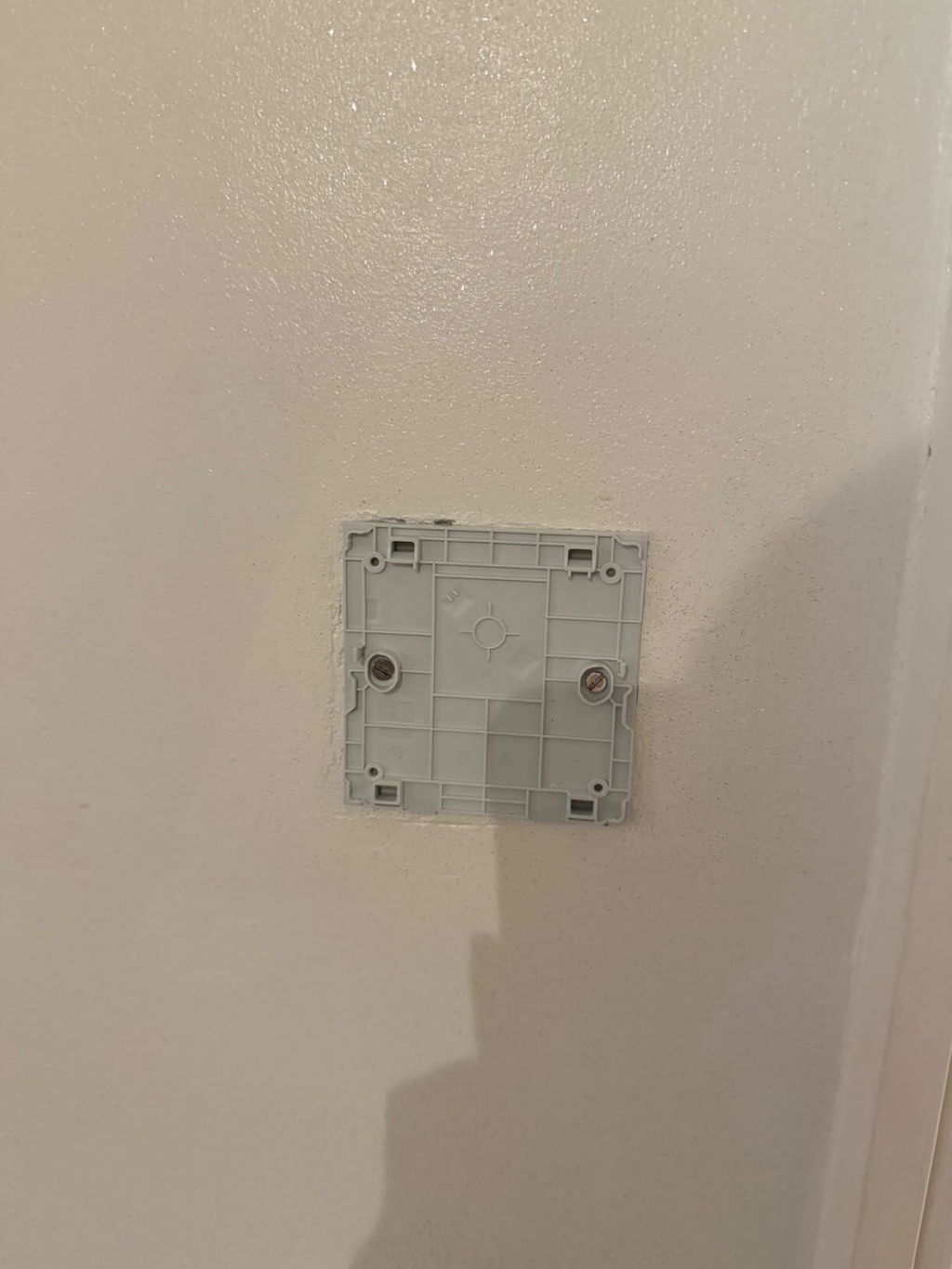
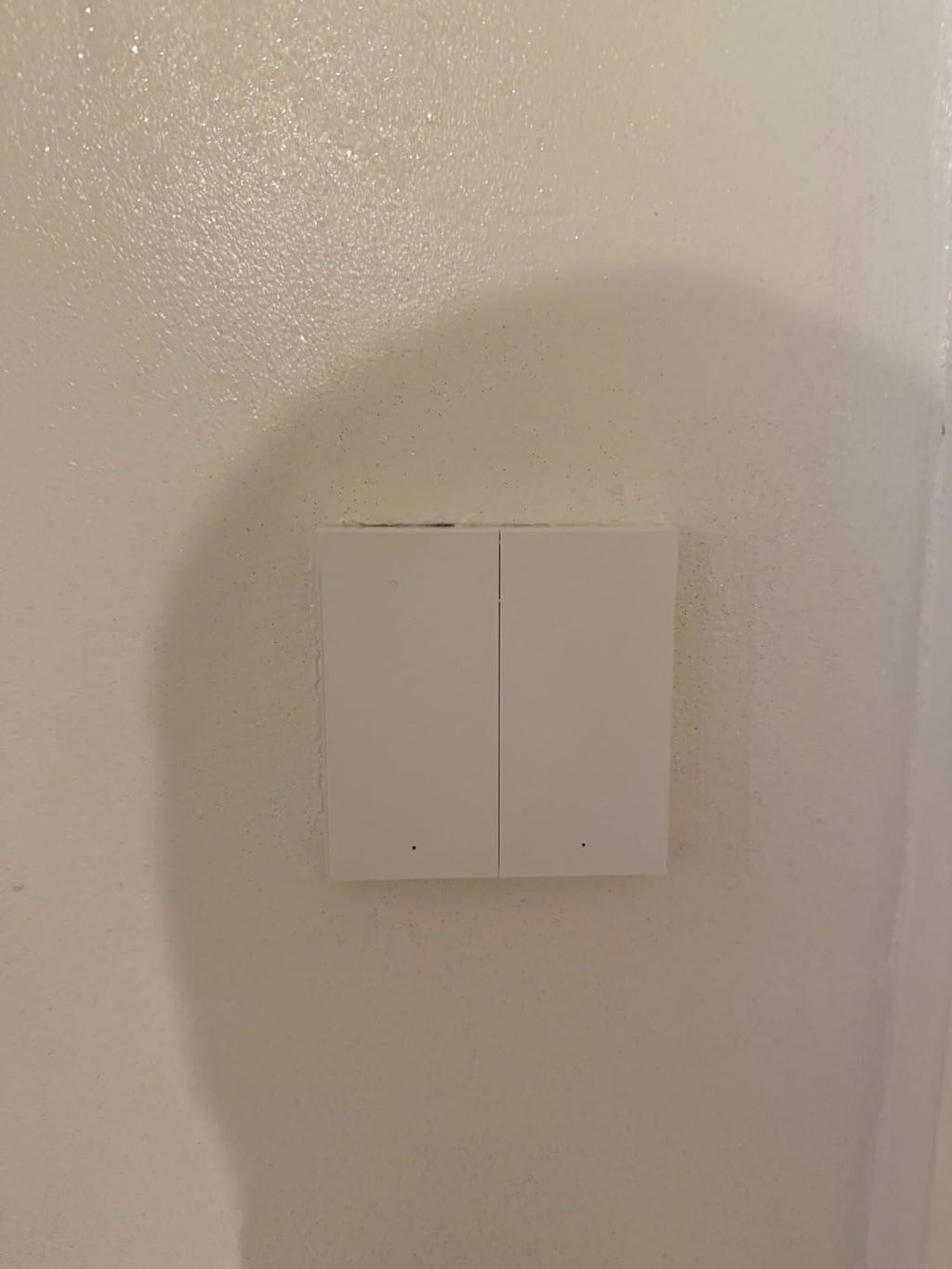
Ein großer Vorteil sind die verschiedenen Montagemöglichkeiten. Der Schalter kann entweder geklebt oder auf eine Unterputzdose geschraubt werden.
Ich habe ihn auf eine Unterputzdose montiert.

Ein kleiner Nachteil:
Die Löcher für die Unterputzdose sind auf der Rückseite nicht vorgebohrt. Man muss sie selbst setzen. Das ist zwar nicht schwierig, aber etwas umständlich.

Integration in Home Assistant / Zigbee2MQTT:

Das Pairing über Zigbee2MQTT war sehr einfach. Ich nutze einen Sonoff Zigbee 3.0 Dongle als Coordinator.
Der Schalter ist etwa 7 m entfernt und hängt über eine Zigbee-Steckdose als Router im Netzwerk.

Die Reaktionszeit ist gut, Aktionen werden mit sehr geringer Verzögerung ausgelöst.

Wichtiger Hinweis für Home Assistant Nutzer:

Standardmäßig ist der Schalter im „Single“-Modus. In diesem Modus wird nur ein einfacher Tastendruck erkannt.
Wenn man Double-Click, Triple-Click oder Long-Press nutzen möchte, muss der Modus umgestellt werden.

Kurzanleitung in Zigbee2MQTT:

Schritte in Zigbee2MQTT (Siehe Fotos):
-Gerät in Zigbee2MQTT öffnen
-In die Einstellungen des Geräts gehen
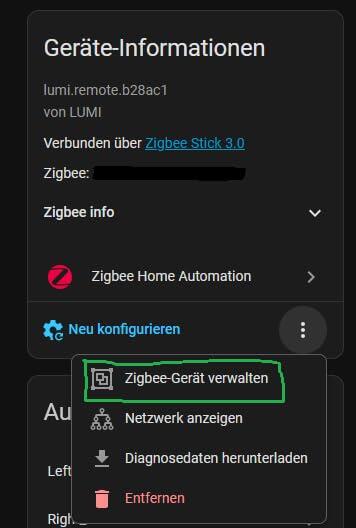
-Auf die drei Punkte neben „Neu konfigurieren“ klicken -> Zigbee Gerät Verwalten
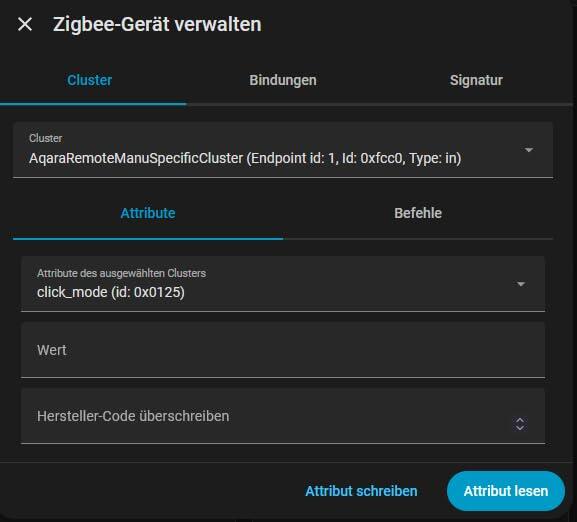
-Wie im Bild gezeigt „AqaraRemoteManuSpecificCluster“ und „click_mode“ auswählen

Jetzt den Schalter konfigurieren:
-Eine Taste des Schalters 5× schnell drücken
-Direkt danach in Zigbee2MQTT auf „Attribut lesen“ klicken

Auswertung:
-Wert 0 oder AqaraSwitchClickMode.Single → Schalter ist im Single-Modus

Modus ändern:
-Im Feld Wert „1“ eintragen
-Wieder 5× schnell eine Taste drücken
-Danach sofort auf „Attribut schreiben“ klicken

Nach kurzem Warten befindet sich der Schalter im Multiple-Modus.
Danach funktionieren Double-Click, Triple-Click und Long-Press wie erwartet.

Beispiel aus meiner Nutzung:
-Linke Taste – Klick: Hauptlicht Wohnzimmer
-Rechte Taste – Klick: Ambient-Licht
-Rechte Taste – Doppelklick: Balkonlicht

Damit lassen sich sehr komfortabel mehrere Szenen steuern.

Batterie:
Der Schalter wird mit einer CR2450 Batterie betrieben, die bereits im Lieferumfang enthalten ist. Durch die Zigbee-Verbindung ist der Energieverbrauch sehr gering, da der Schalter nur bei Betätigung funkt. Laut Hersteller soll die Batterie mehrere Jahre halten, Langzeiterfahrung habe ich allerdings noch nicht.

Stabilität:
In manchen Reviews wird von Verbindungsabbrüchen berichtet. Das konnte ich bei mir bisher nicht beobachten, der Schalter läuft stabil im Zigbee-Netz.

Fazit:
Ein sehr guter Zigbee-Szenenschalter mit wertiger Haptik, flexiblen Automationsmöglichkeiten und einfacher Zigbee2MQTT-Integration.
Ein Stern Abzug wegen der etwas umständlichen Montage auf Unterputzdosen und der umständlichen Umstellung von Single auf Multiple Modus.

J
Jérémy
Au top

Intégration très facile dans ZHA de home assistant.
Réactivité hallucinante, avec ZHA j'allume une lumière avec une automatisation aussi vite qu'un interrupteur classique.
Je recommande.

C
Craig F
Great For Activating Already Smart Lights

This is just what I needed!

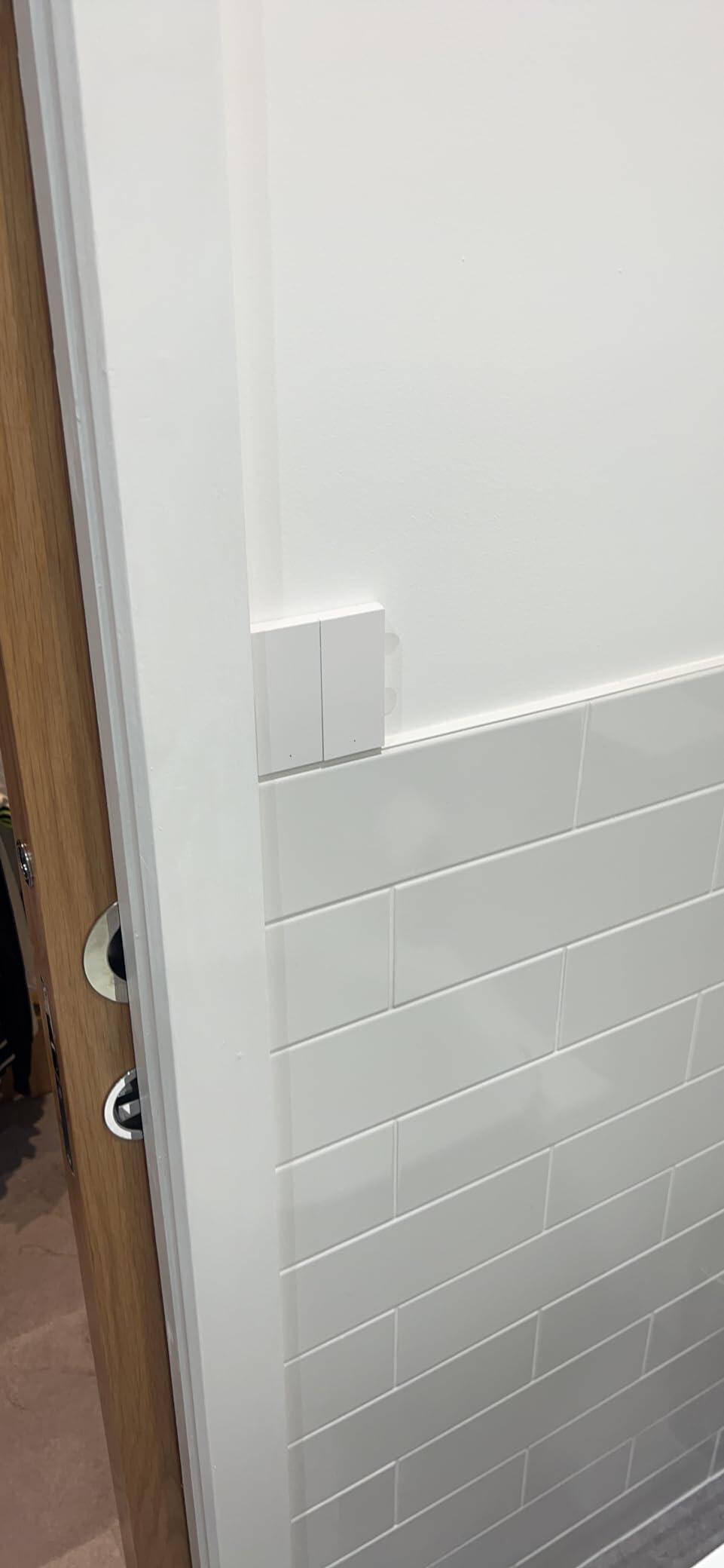
For years I’ve been running on routines through sensors, but those of you who do this will know the issue of guests turning off the actual light switch in confusion if you didn’t quite adjust your routine times enough by winter or on an unexpectedly dark day. This solves it! Provided your light itself is already smart (online). This switch can be drilled out in premarked holes and mounted in place of your conventional UK wall switch (you can then link the l1 and l together behind the switch) and never have the worry again (rec sparky if not familiar with electrics).

The one point I would make is this device does not play well with Alexa but you can routine it through the Apple home app or the Aqara app to turn on particular lights in your house. I mainly rely on an Apple eco system and this works ideal.

A
Amazon Kunde
Aqara Geräte sind top

Schnelle Lieferung und rats fatz in Home Assistent eingebunden

A
A. Bruchhardt
Nutzbar in Homeassistant

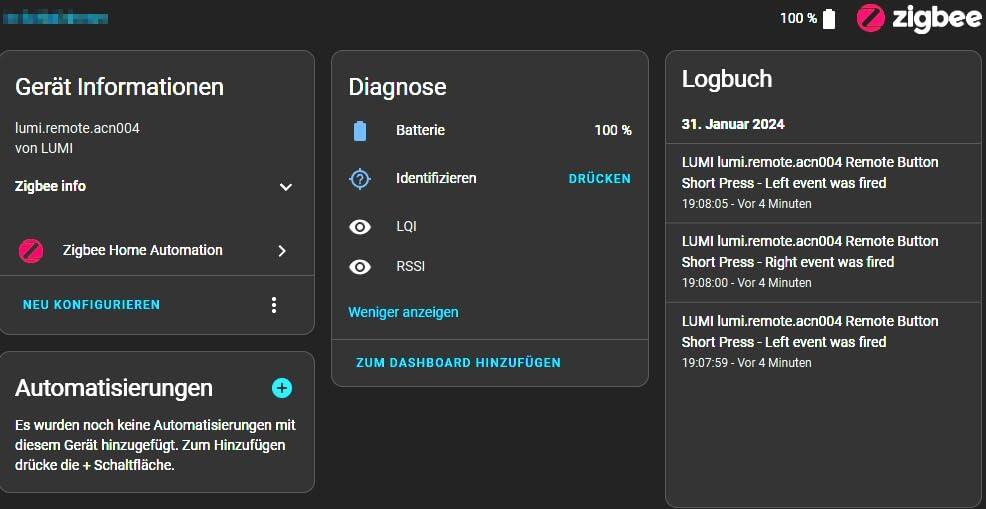
Man benötigt kein Hub um es in Homeassistant nutzen zu können, wie der Screenshot zeigt. Entgegen der Bedienungsanleitung, die beiliegt (Chinesisch), muss man den linken Taster für mindestens 15 Sekunden drücken, damit der Kopplungsmodus aktiviert nicht. Keine 10 Sekunden, keine 5x schnell drücken!
Zur Kommunikation dient das Zigbee Netzwerk (SkyConnect Stick).
Der Druckpunkt ist sehr angenehm und fühlt sich wertig an. Die Oberfläche des Schalters fühlt sich auch hochwertig an. Es ist problematisch die Batterie zu tauschen. Ich glaube persönlich nicht, dass sie fünf Jahre hält, mit zwei Jahren wäre ich zufrieden.
Beiliegend ist ein breites Klebepad, jedoch ist die Unterseite des Schalters gummiert, wodurch er auf dem Tisch nicht ganz so schnell hin und her rutscht.
Fazit: Ich werde mir nochmals einen einfachen Schalter holen. Ich kann den Schalter empfehlen!

B
Barmy army Bob
You need to have the Aqara Hub

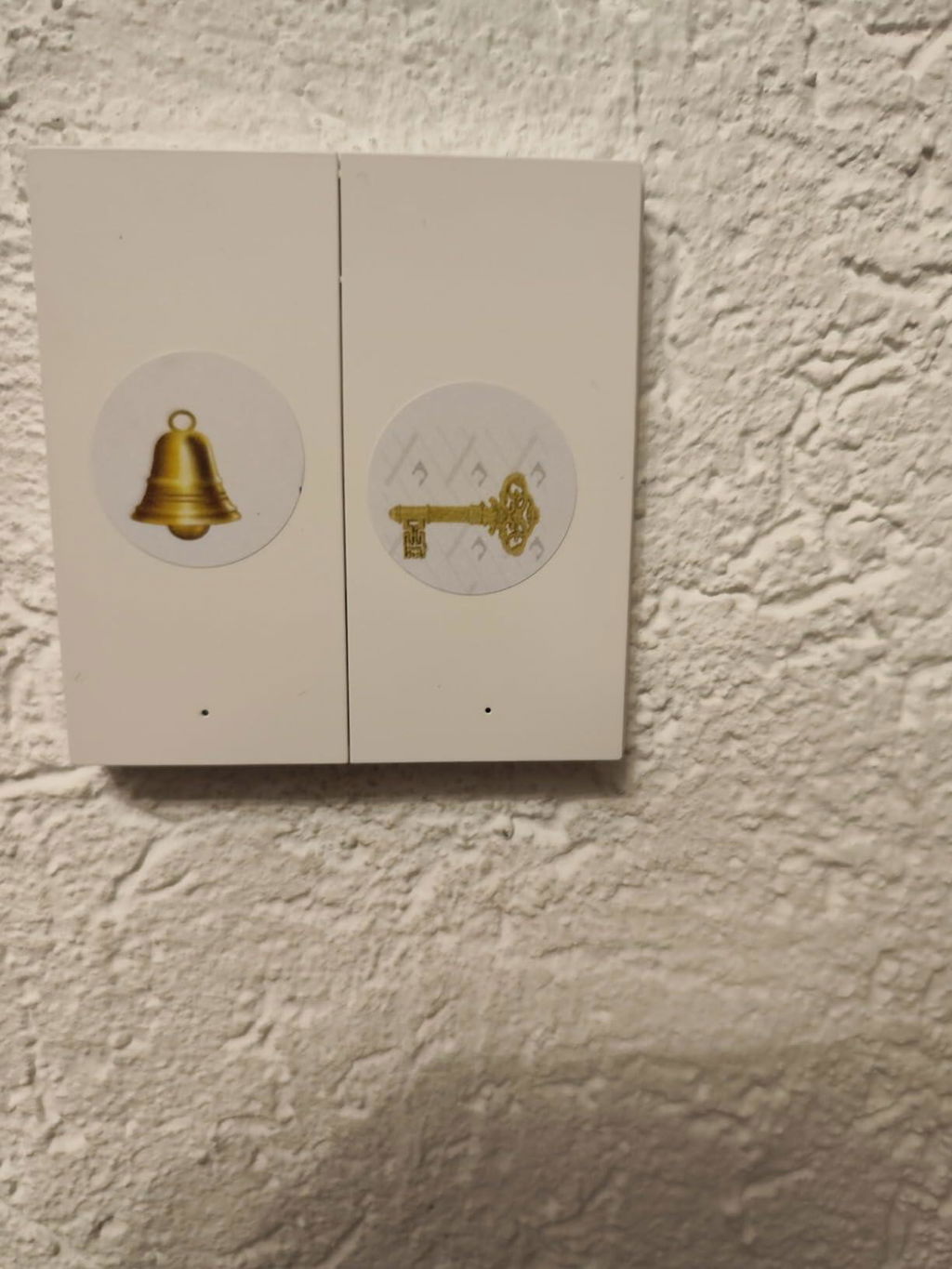
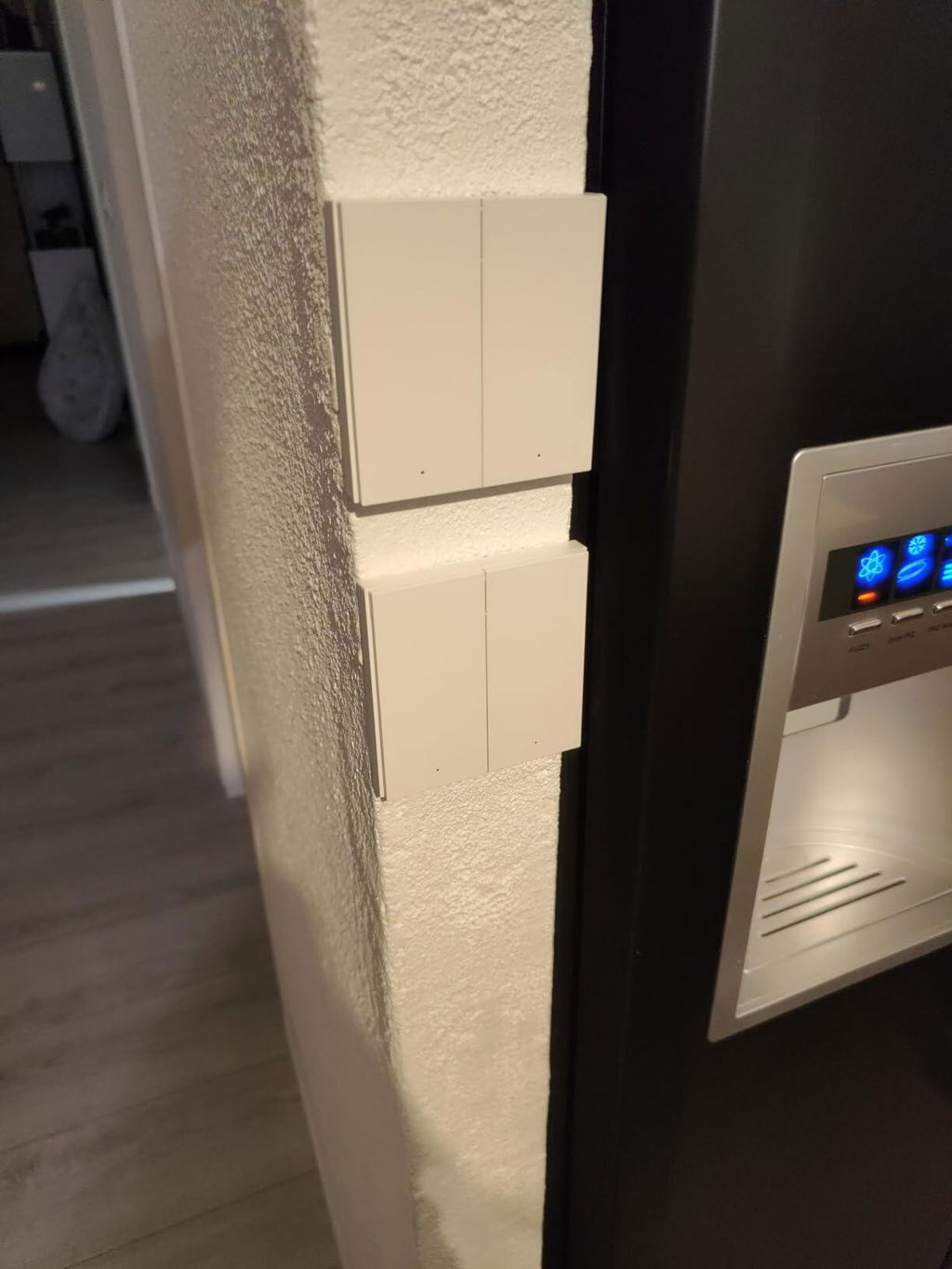
All my wall switches area Aqara, and I wanted a switch in the toilet (having lived in NZ where they allow switches in the toilets it seemed odd not having one) the Aqara wireless switch was the answer. I stuck it to the wall and linked it to the main Aqara switch for the toilet.

A
Anthony
Très pratique

Se couple rapidement à un micro module, permet d'ajouter un interrupteur n'importe où dans la pièce. M'a permis d'avoir un interrupteur pour les lumière de mon bar sans avoir à tirer de gaines.

T
Thibaud
Pas mal mais un peu cheap

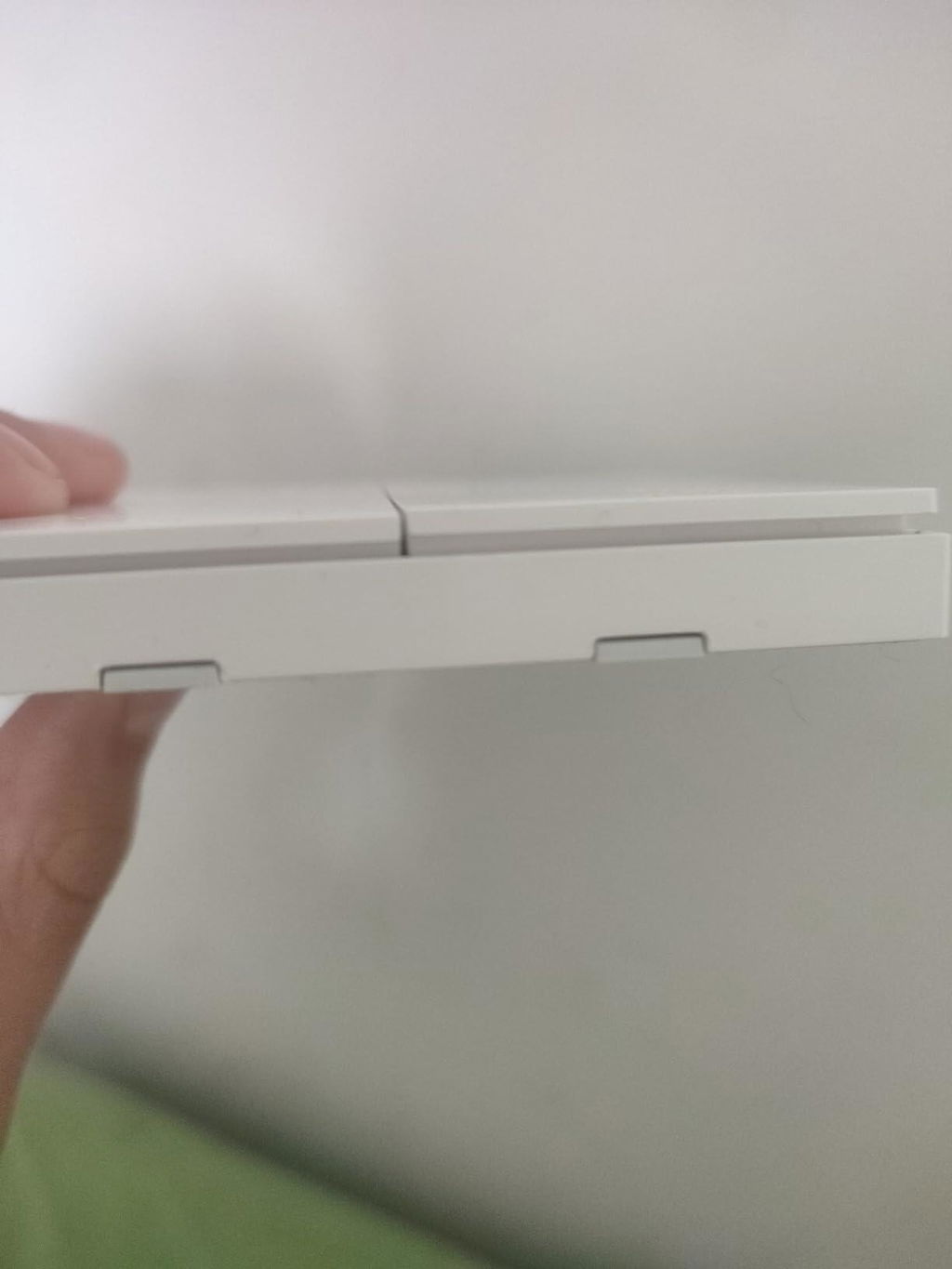
Il fonctionne très bien avec homey malgré le fait que pour le connecter ça n'a pas été facile... Il y a une petite languette pour la pile (à la première utilisation) elle a été diablement dur à avoir, j'ai du ouvrir l'interrupteur pour enlever la pile puis la remettre ( ce qui n'est pas facile). Autre point agaçant, les deux boutons n'arrivent pas à la même hauteur

A
Amazon Customer
Great way to replace your dumb switches and stay friendly to your smart lights

So, the problem: you have smart lights and a dumb switch. You flick the switch and your lights are dead now. Not cool! So you go and buy a smart switch and you wire it in. And the problem persists! Because wired in smart switches still kill the power. Sounds familiar? Well, this wireless switch is the answer.

It works as a smart button (two buttons actually) so instead of killing power you can send a signal to your lights to turn on and off, change scenes, etc. You can also clamp lights wiring from dumb switch days so they always stay on and then replace your dumb switch with H1. H1 can be installed on standard UK switch sockets. You just need to drill two holes in its backplate (hole locations are marked, no need to guess).

H1 switch is a ZigBee device, but as we all know not all ZigBee hubs support all devices. My advice is to use Zigbee2MQTT with Sonoff ZigBee dongle running on Raspberry Pi - that will make ALL ZigBee devices compatible with each other. And then use Home Assistant to control and automate everything instead of using a multitude of silly proprietary apps.

All in all - great switch which solves an actual problem. It also looks good. I only wish it would come in more colours. My dumb switches and outlets are grey and I would love to see Aqara devices in grey as well.

A
Amazon Customer
Great way to replace your dumb switches and stay friendly to your smart lights

So, the problem: you have smart lights and a dumb switch. You flick the switch and your lights are dead now. Not cool! So you go and buy a smart switch and you wire it in. And the problem persists! Because wired in smart switches still kill the power. Sounds familiar? Well, this wireless switch is the answer.

It works as a smart button (two buttons actually) so instead of killing power you can send a signal to your lights to turn on and off, change scenes, etc. You can also clamp lights wiring from dumb switch days so they always stay on and then replace your dumb switch with H1. H1 can be installed on standard UK switch sockets. You just need to drill two holes in its backplate (hole locations are marked, no need to guess).

H1 switch is a ZigBee device, but as we all know not all ZigBee hubs support all devices. My advice is to use Zigbee2MQTT with Sonoff ZigBee dongle running on Raspberry Pi - that will make ALL ZigBee devices compatible with each other. And then use Home Assistant to control and automate everything instead of using a multitude of silly proprietary apps.

All in all - great switch which solves an actual problem. It also looks good. I only wish it would come in more colours. My dumb switches and outlets are grey and I would love to see Aqara devices in grey as well.

A
Amazon Customer
Great way to replace your dumb switches and stay friendly to your smart lights

So, the problem: you have smart lights and a dumb switch. You flick the switch and your lights are dead now. Not cool! So you go and buy a smart switch and you wire it in. And the problem persists! Because wired in smart switches still kill the power. Sounds familiar? Well, this wireless switch is the answer.

It works as a smart button (two buttons actually) so instead of killing power you can send a signal to your lights to turn on and off, change scenes, etc. You can also clamp lights wiring from dumb switch days so they always stay on and then replace your dumb switch with H1. H1 can be installed on standard UK switch sockets. You just need to drill two holes in its backplate (hole locations are marked, no need to guess).

H1 switch is a ZigBee device, but as we all know not all ZigBee hubs support all devices. My advice is to use Zigbee2MQTT with Sonoff ZigBee dongle running on Raspberry Pi - that will make ALL ZigBee devices compatible with each other. And then use Home Assistant to control and automate everything instead of using a multitude of silly proprietary apps.

All in all - great switch which solves an actual problem. It also looks good. I only wish it would come in more colours. My dumb switches and outlets are grey and I would love to see Aqara devices in grey as well.

T
Toni Lou
all fine

all fine

v
vwk
er funktioniert jetzt sehr gut.

Die Einrichtung war für mich nicht so einfach, aber er funktioniert jetzt sehr gut.

C
Chris W.
Top

Funktioniert super

M
Mevi
Expensive... for good reason.

Expensive and you'll need an Aqara hub or a custom built Home Assistant setup.

That said, I have an Aqara hub and was frustrated with IKEA Matter over Thread buttons.

There is a reason this button is expensive. It's perfect. Nice click and instant response over ZigBee.

It would be nice to pay less, of course, but hey... I picked mine up on discount here on Amazon and got another 2 switches before the deal ended.

Also to add, be careful of eBay or AliExpress as the listing could be a Chinese market switch that will probably refuse to work with a EU/UK Aqara hub and app.

M
Max
Funkschalter für Homeassistant

Habe den Schalter in Homeassistant integriert. funktioniert über einen Zigbee Stick wunderbar. Vielseitig belegbar (links, rechts, Single, Double,..)
Praktisch wenn man irgendwo vergessen hat einen Lichtschalter zu planen..

C
Cliente Amazon
Qualità e semplicità d'integrazione

Ottimo prodotto, utilizzato per integrazione in home assistant con gateway zigbee per automazione tapparelle.
Può essere usa tranquillamente al di fuori dell'ecosistema Xiaomi Aquara.

Z
Zdzichu Paleta
Bardzo dobre

Najlepsze przełączniki

C
Cgf
Calidad

Envío en orden y excelente calidad del interruptor

Z
Zino_FR
Interrupteur sans fil fiable, parfait en domotique

Très bon interrupteur sans fil, comme souvent avec Aqara.

Installation ultra simple et excellente réactivité en Zigbee avec un hub Aqara. Parfait pour piloter des lumières ou déclencher des automatisations dans Home Assistant.

Très polyvalent : simple clic, double clic, appui long… idéal pour créer des scénarios personnalisés.

Bonne qualité de fabrication, boutons agréables à utiliser.

À savoir : nécessite un hub Aqara.

Globalement, une valeur sûre. Aqara reste une marque très fiable en domotique.

M
Marcos M.
Gran interruptor inteligente

El mejor interruptor inalámbrico, de dos pulsadores, y con montaje en superficie que he probado. Rápido en respuesta y con la mejor capacidad de batería del mercado. Tengo varios por casa, y seguiré usando estos de Aqara. Necesitan un hub zigbee, y se integran bien en mi ecosistema domotico

b
bmweulondon
As expected

As expected

FAQ