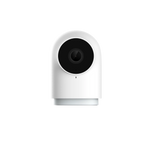
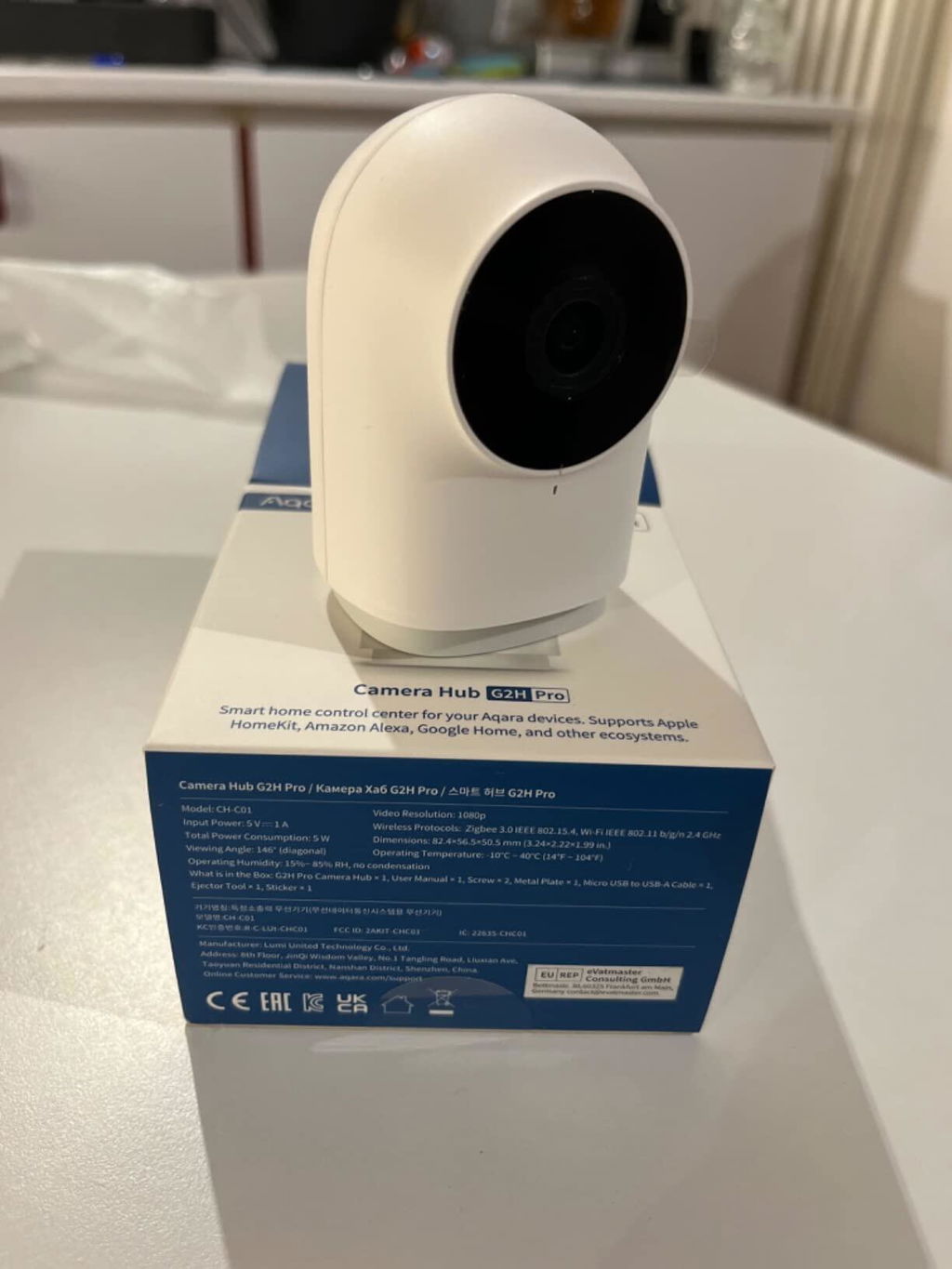
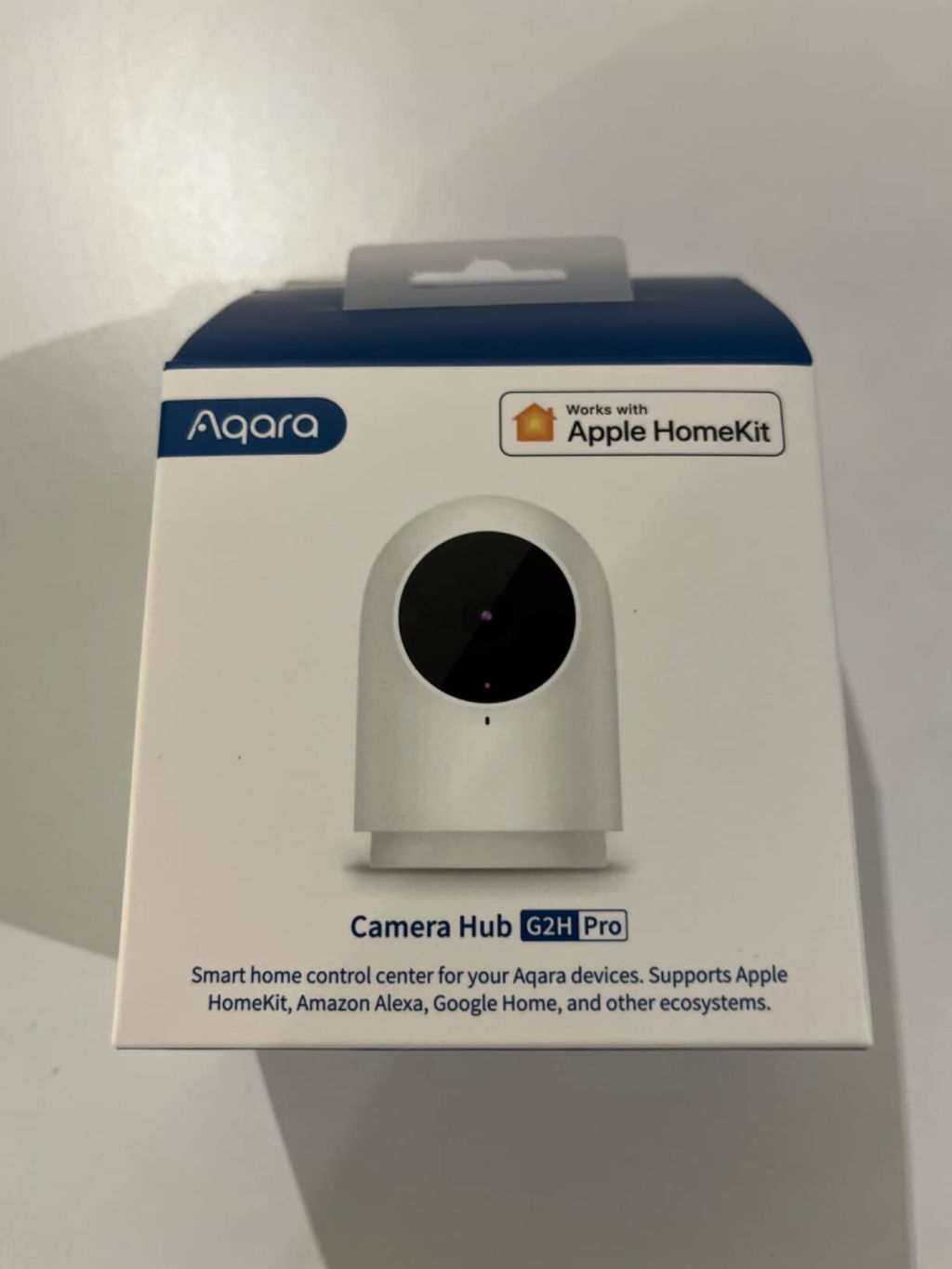
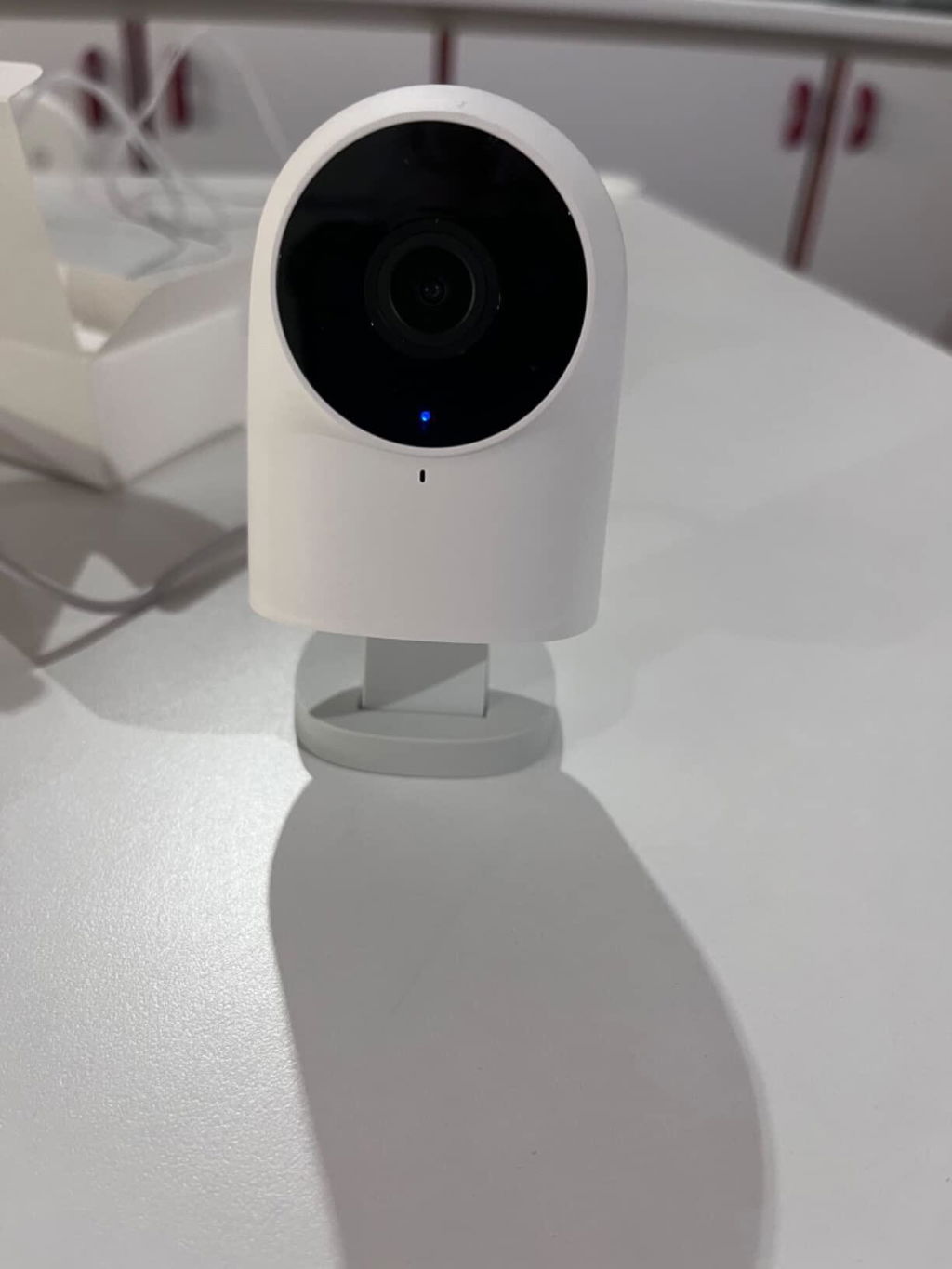
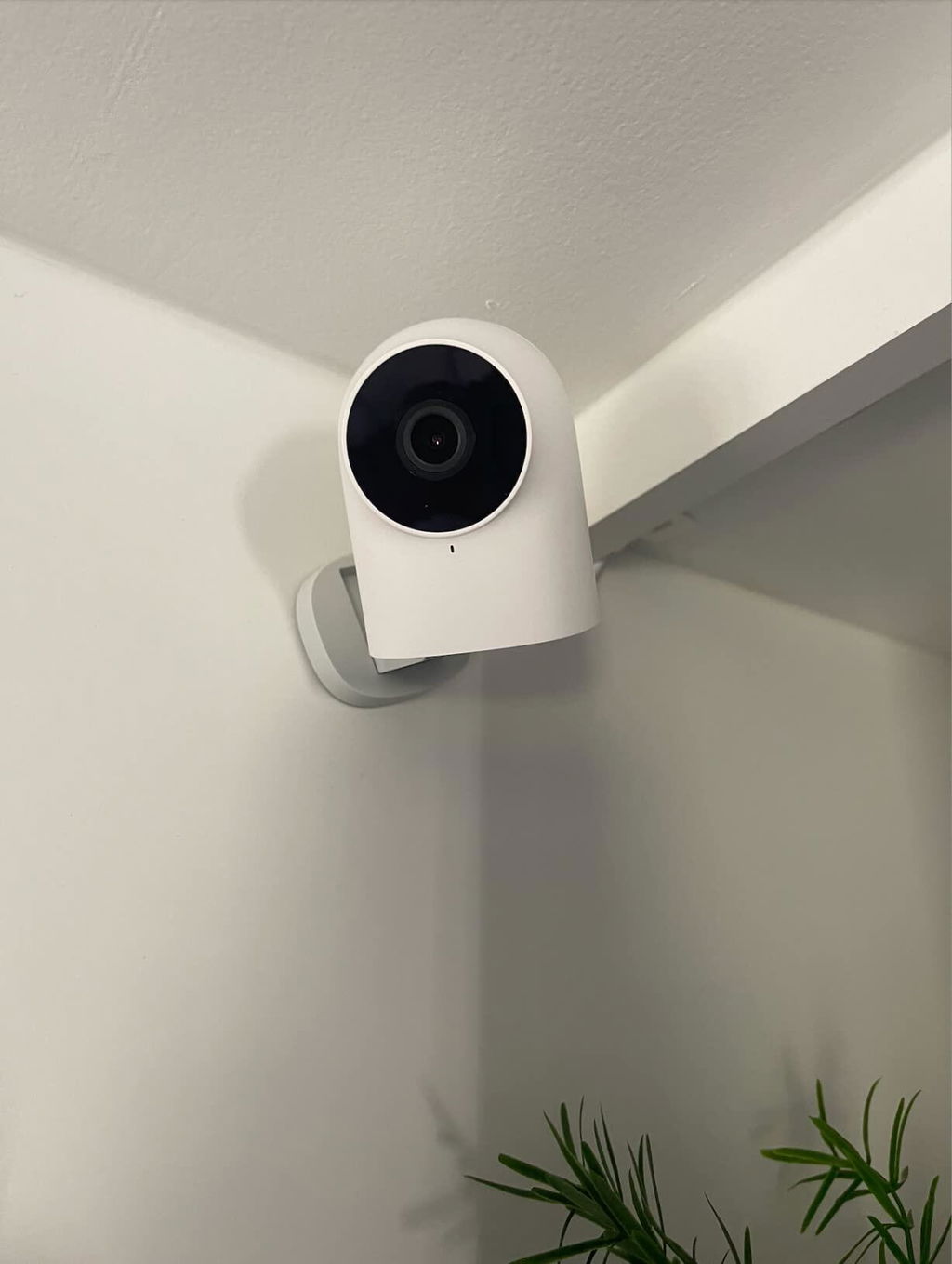
Camera Hub G2H Pro

€75,99

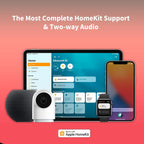
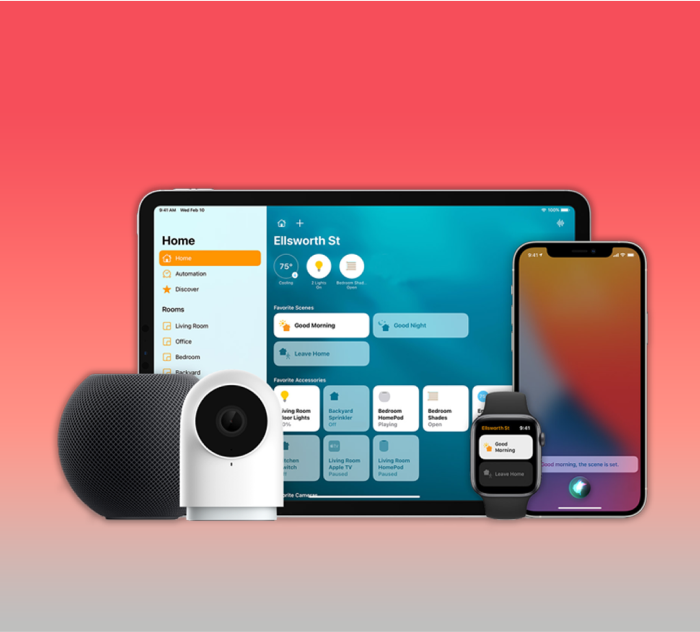
[The Most Complete HomeKit Support & Two-way Audio] Connect your Aqara Indoor Camera G2H Pro to Apple HomeKit Secure Video, which can prevent hackers from stealing your data and protect your privacy at home. The G2H Pro supports face and package recognition and notifications that are processed locally on your HomeKit hub. You can speak with your family using two-way audio while viewing real-time video images remotely. (*Note: Power adapter is not included.)

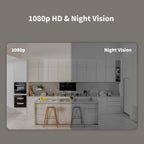
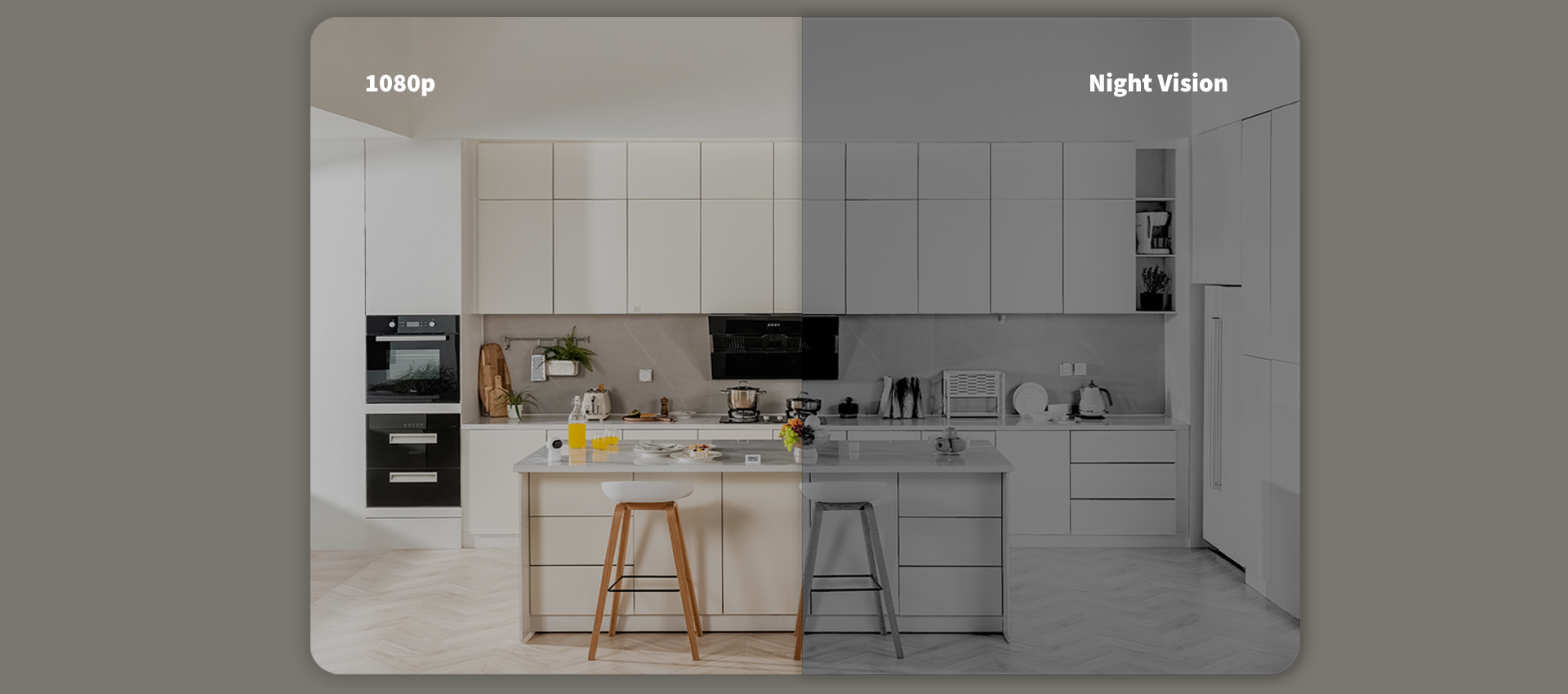
[1080p HD & Night Vision] 1080p Full HD recording with 146° wide-angle lens offers you stable and smooth video day or night. It will notify you via smartphone and built-in siren, and record a short clip in case of an abnormal sound or motion being detected. The short clip will be sent to the cloud immediately(no subscription or monthly fees required), while the full footage will be recorded locally.
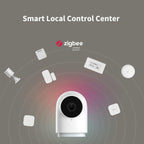
[Smart Local Control Center] The Camera G2H Pro can also work as a Zigbee 3.0 hub, which can connect up to 128 Aqara Zigbee child-devices and allow for seamless integration across Aqara’s sensors and home automation devices. With the G2H Pro, when your Aqara sensors are triggered by an event such as opening the door, it will be marked on the video timeline, and you will be able to see video notifications. Alexa, HomeKit, Google Assistant and IFTTT are supported.
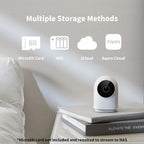
[Multiple Storage Methods & WPA3 Wi-Fi] Apart from iCloud (50 GB or more iCloud Subscription is required) and micro SD card (up to 512 GB, not included) storage methods, the G2H Pro also supports local NAS storage that uses the Samba protocol. Please note: to use NAS storage, a supported micro SD card as well as SMB1.0-compatible software are required. 2.4 gigahertz Wi-Fi network connection is required and 5 GHz Wi-Fi is not supported.
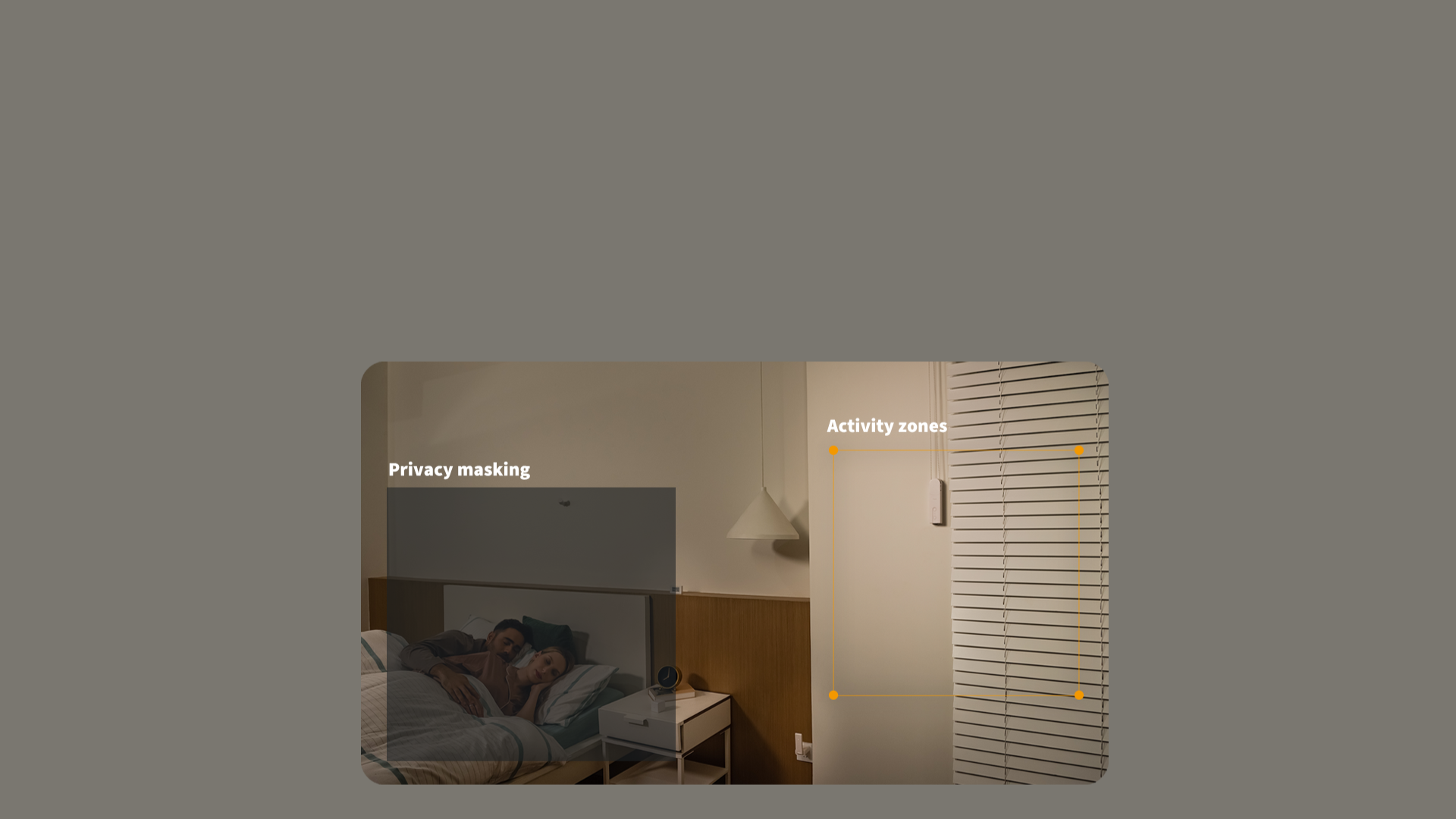
[We Care About Your Privacy] The G2H Pro has a local software masking function, which can prevent certain parts of the image from being recorded or sent to third-party servers. Besides, the data streams from the camera are encrypted and the latest Wi-Fi security standard WPA3 is supported to further protect your data. Moreover, by setting the configurable activity zones, unnecessary alerts can be reduced.

Compatible with:
Aqara
Aqara
Apple Home
Apple Home
Alexa
Alexa
Google Home
Google Home
IFTTT
IFTTT
View full details

Aqara Camera Hub G2H Pro

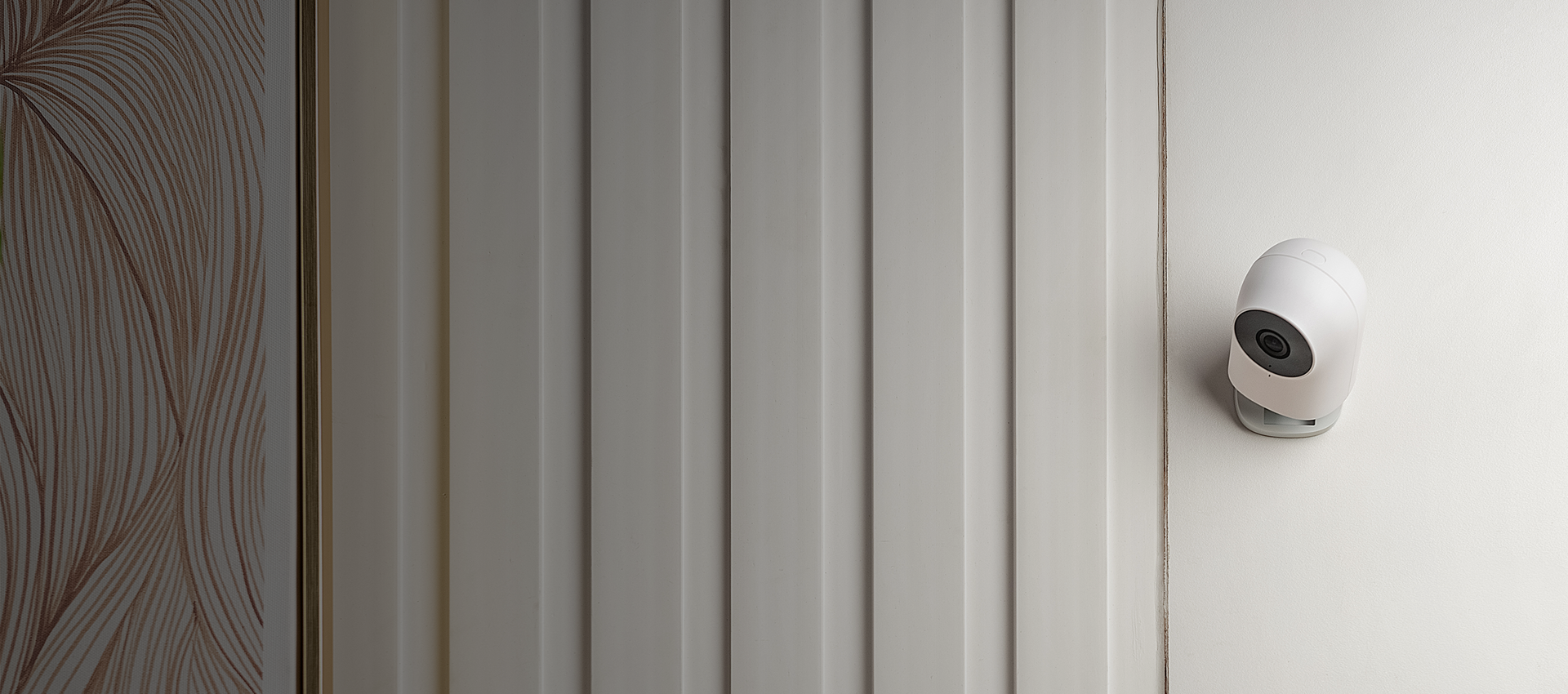
Our best-selling security camera hub is now even better.

Banner Image

Features

Built-in Zigbee 3.0 Hub

You can connect up to 128 Aqara sensors and controllers and enjoy home automation, remote control, and third-party ecosystem support*.

All-Round Compatibility

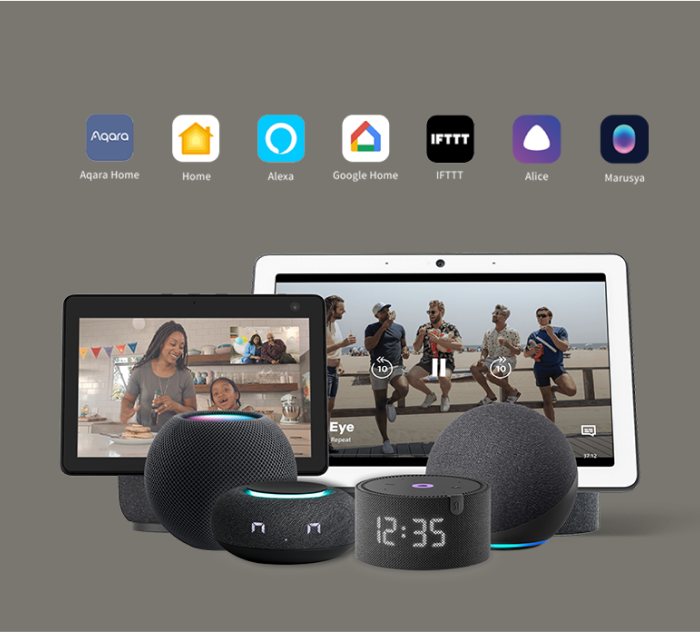
The G2H Pro now supports Apple HomeKit, Amazon Alexa, Google Home, and IFTTT, and connects compatible child devices to HomeKit, Alexa, Google Assistant, and more.

HomeKit-Enabled 2-Way Audio

You can make voice calls while viewing real-time video images and communicate with your family remotely. A microphone is equipped for noise reduction and the recording distance is up to 5 meters.

Fullest HomeKit Support

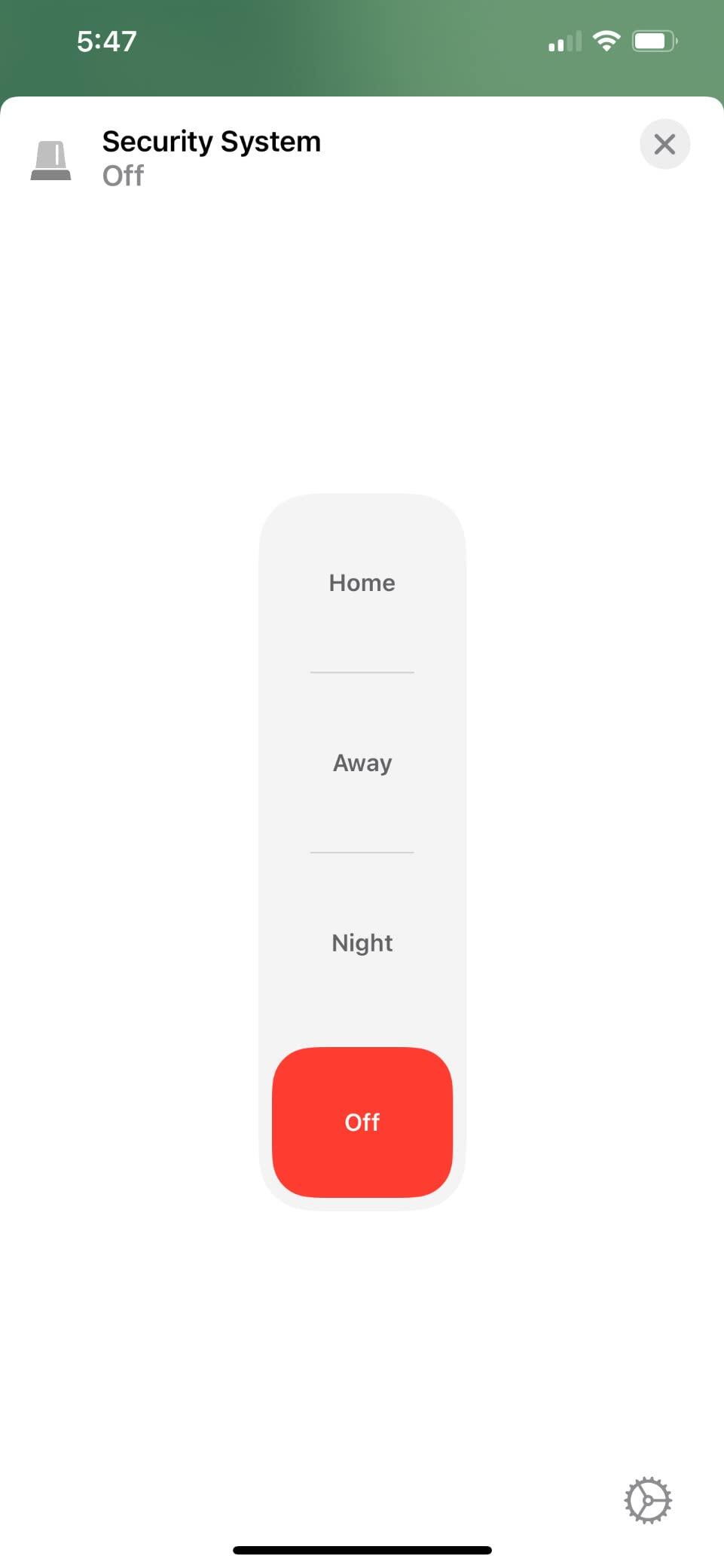
Apart from HomeKit Secure Video**, it now supports all 4 modes of the HomeKit Security System which is also automatically synced with the Aqara Home Alert System.

IR Night Vision with Invisible LEDs

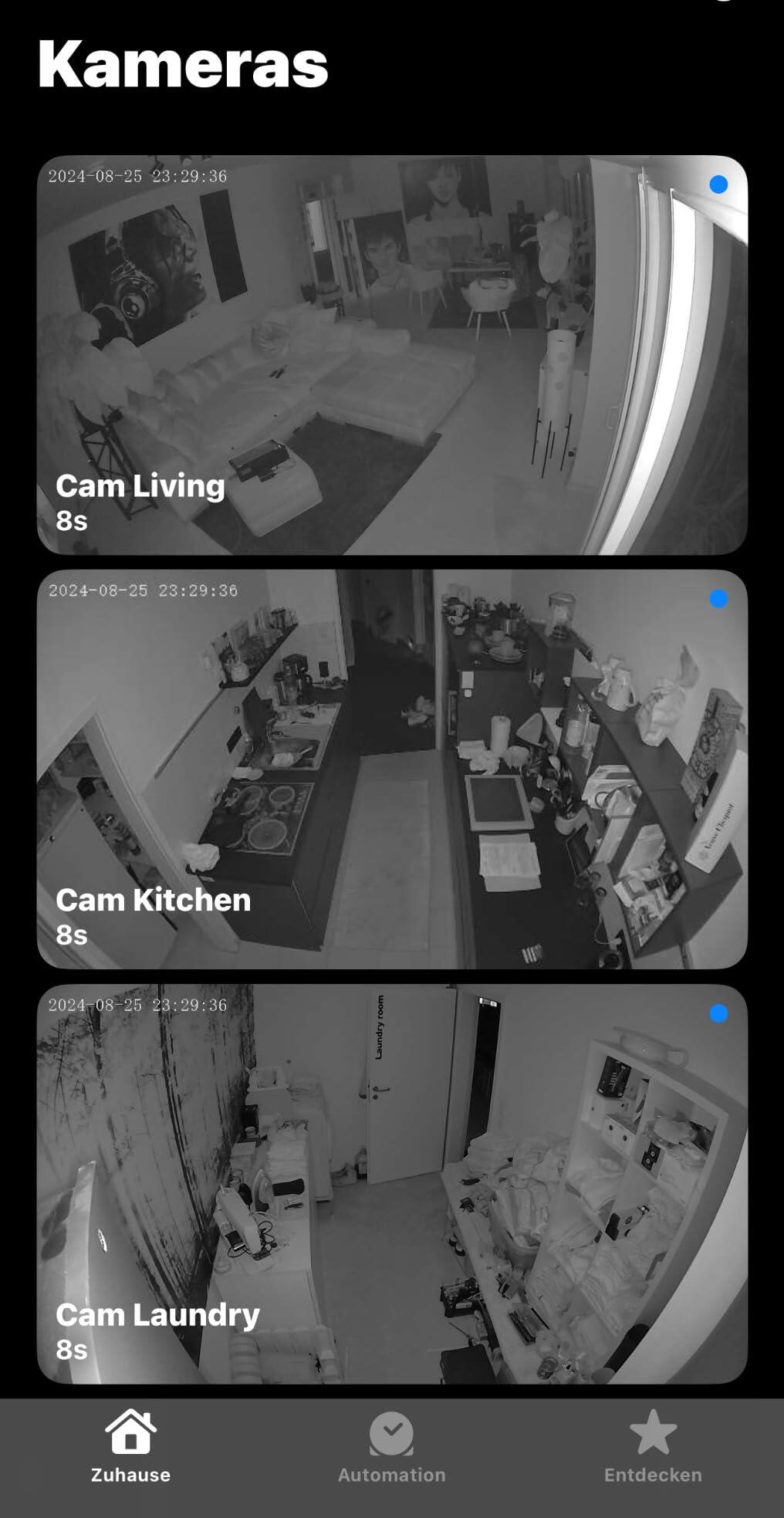
Thanks to 940 nm infrared night vision LEDs, the G2H Pro Camera Hub doesn't have an annoying glow that could disturb your sleep during the night.

NAS and Larger Capacity MicroSD Support

Apart from the microSD card ***, which now has an increased maximum capacity of up to 512 GB, the G2H Pro also supports local NAS storage that uses the Samba protocol.

Quick View with Timelapse and Event Timeline****

The G2H pro now supports a time-lapse clips generation to summarize the day in one short video. Moreover, the event timeline makes each of the events visible on the video timeline.

Activity and Privacy Masking Zones

Apart from the configurable activity zones, the G2H Pro has a local privacy masking, that can prevent certain parts of the image to be recorded or sent to the third-party servers.

*1. Repeaters such as Wall Switch with Neutral or Smart Plug are required to achieve this number of connected devices.
**2. To support HomeKit Secure Video, an iCloud subscription, HomeKit hub, and up-to-date iOS/iPad OS/ tvOS are required.
***3. MicroSD card not included.
****4. Aqara sensors are required for this functionality.

All-Round Compatibility

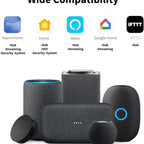
The Camera Hub G2H Pro is compatible with a wide range of smart home ecosystems and voice assistants.
It can stream to Apple’s Home app, as well as Amazon and Google smart displays.
At the same time, it exposes the connected child devices to HomeKit, Alexa, Google Assistant, Alice, IFTTT and more.

Now, the Most Complete HomeKit Support

The G2H Pro HomeKit support has improved. Apart from HomeKit Secure Video, it now fully supports all 4 modes of the HomeKit Security System which is also automatically synced with the Aqara Home Alert System.

  • End to End Ecryption

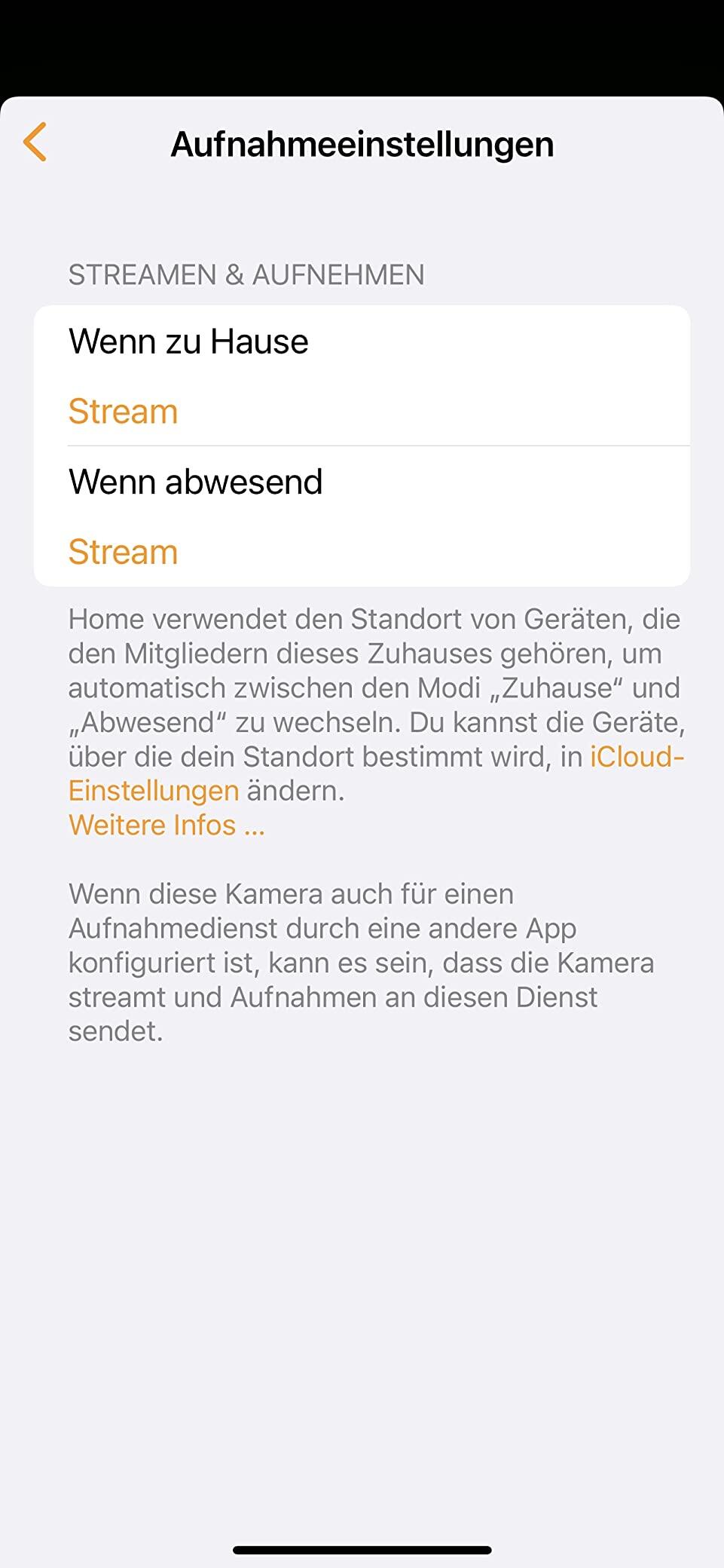
The data streams from the camera are encrypted, and your recordings are stored in your iCloud, which are only accessible to you and the people you share with via the Home app.

  • Intelligent Recognition

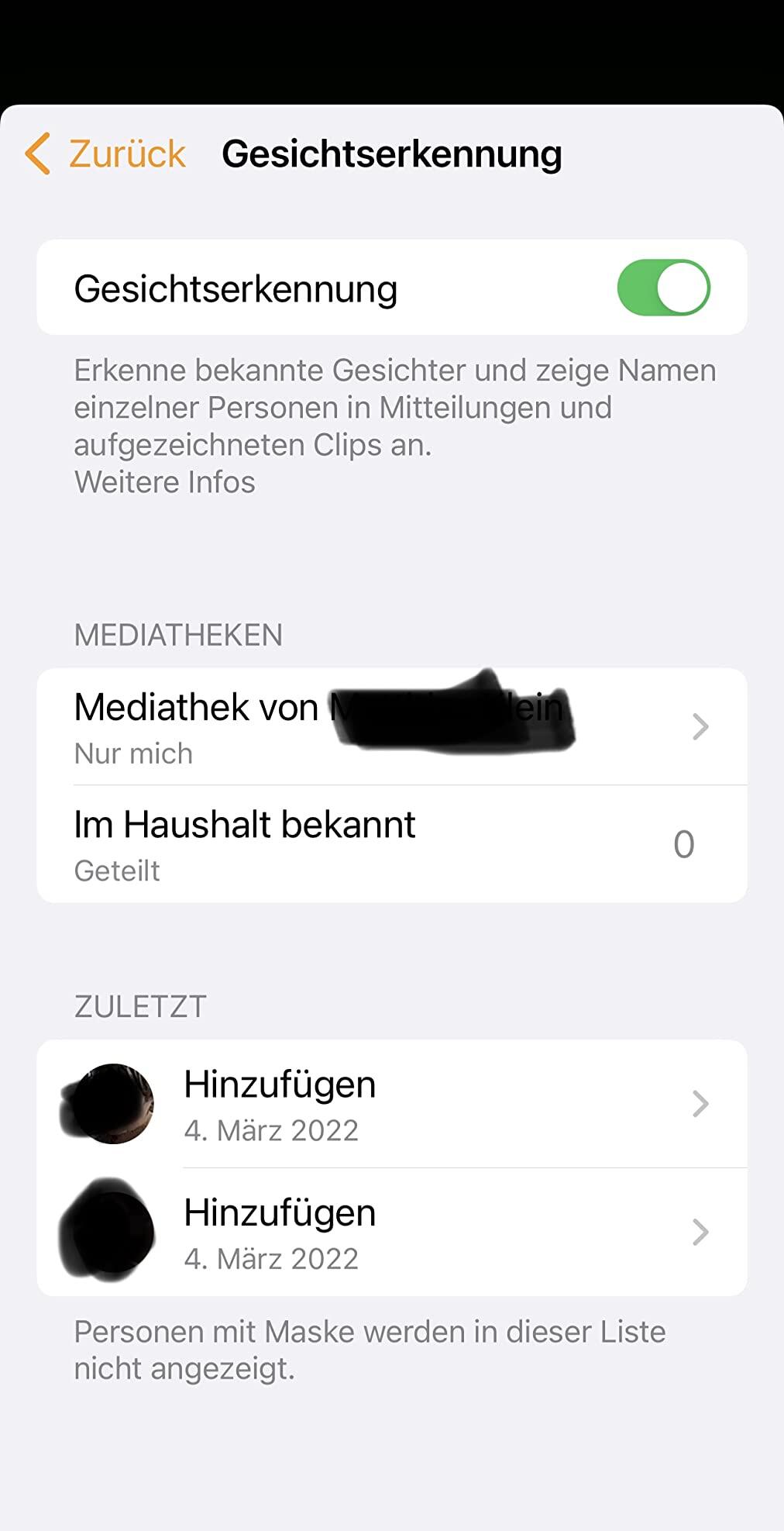
Face and package recognition are now supported, and notifications are processed locally on your HomeKit hub such as HomePod, Apple TV, or iPad.

  • HomeKit Security System

Basic, Home, Away, and Night alarm modes are introduced for additional customization, in order to allow the alarm to be triggered in different areas and/or at specific times.

  • Real-Time Two-Way Audio

You can use the G2H pro to send high-quality video messages and speak with your family in real time using two-way audio with a maximum pickup distance of up to 5 meters.

  • Wide Angle
  • Night Version
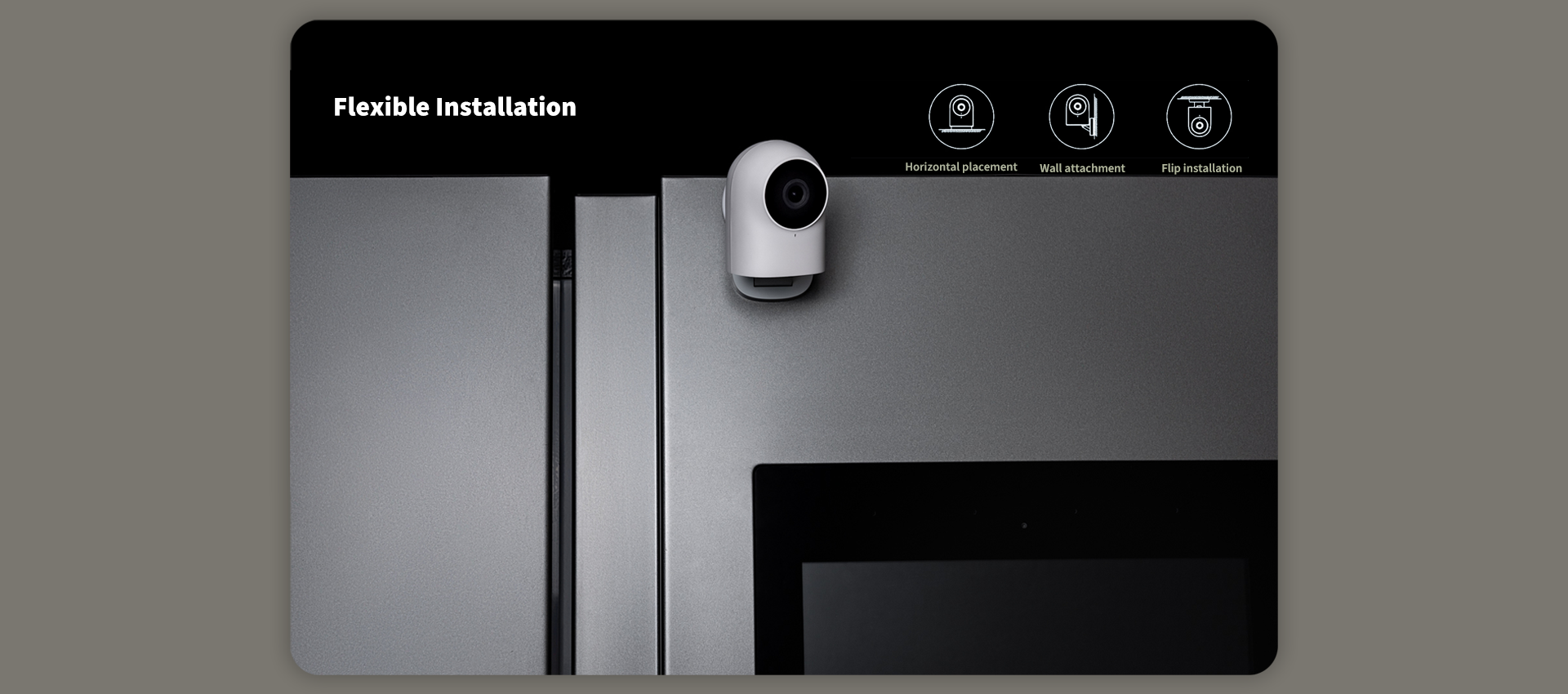
  • Flexible Installation

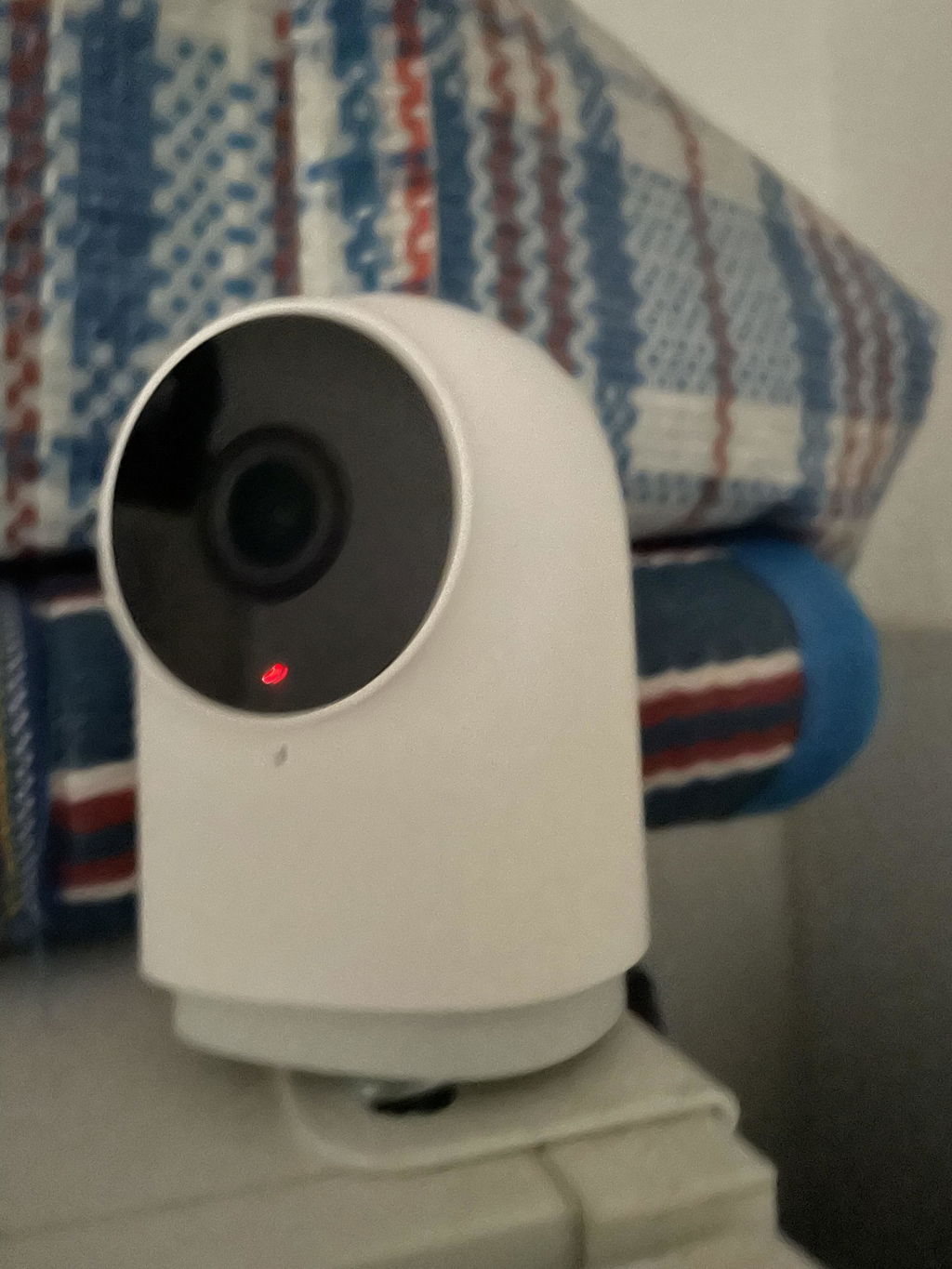
View of Wider-Angle, 1080p Full HD with Flexible Placement

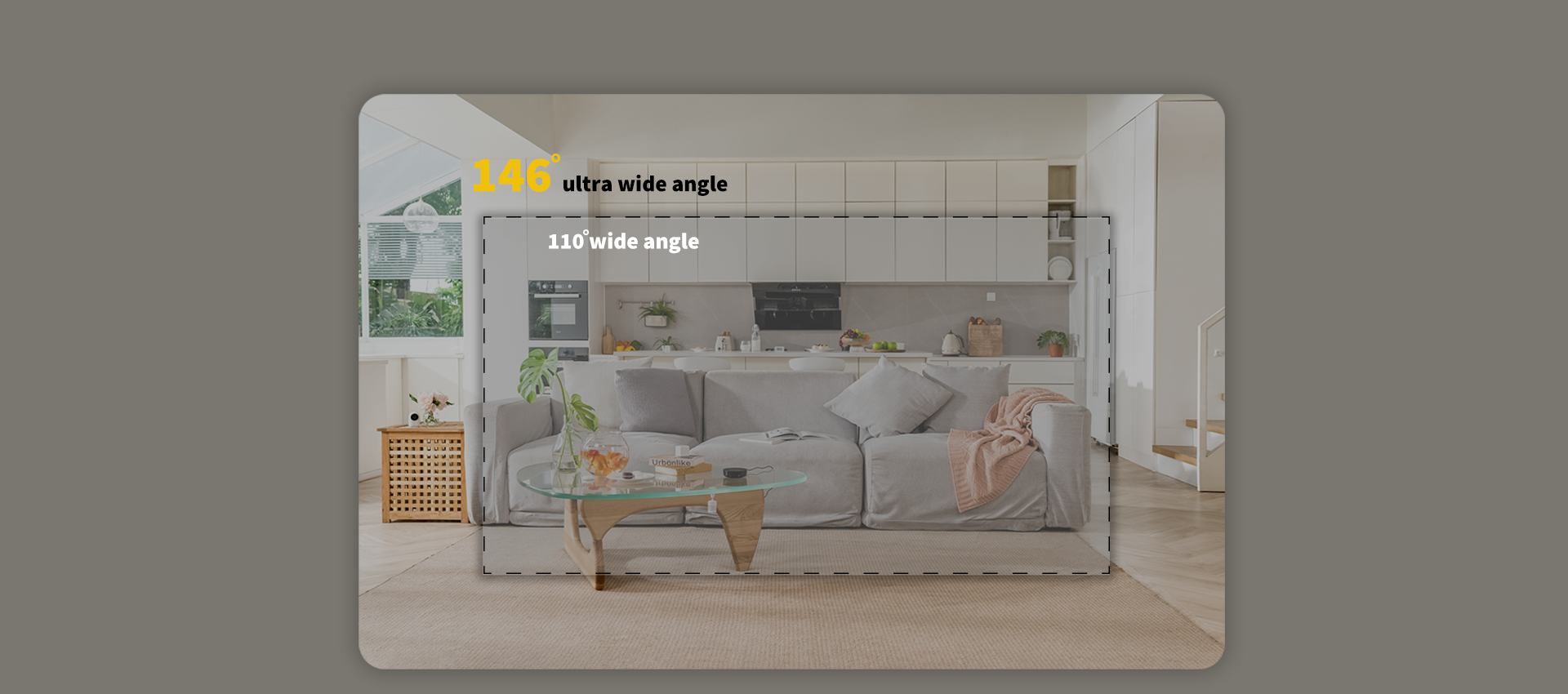
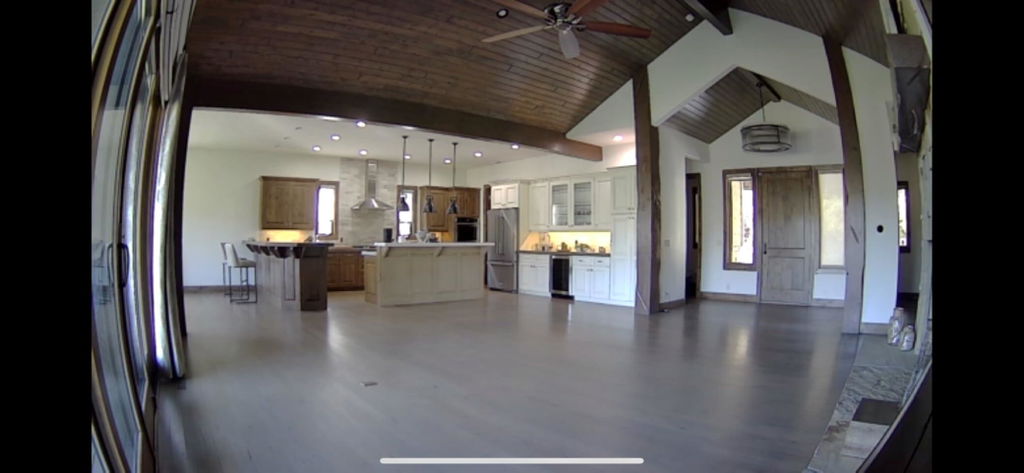
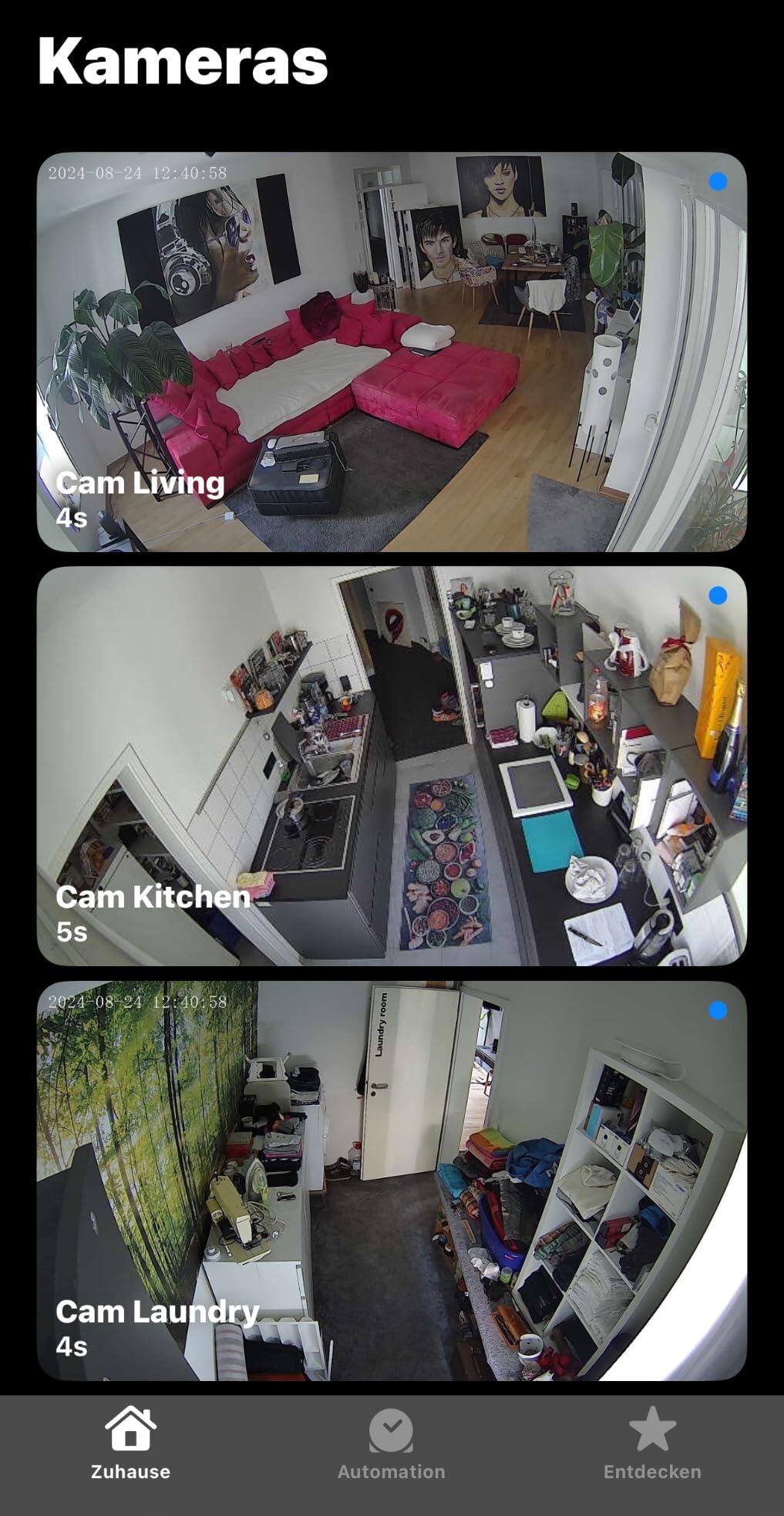
G2H Pro now supports an even wider viewing angle of 146° (diagonal), a more "fish-eye" look, that enables a single camera for the entire room.

Slideshow Image 1

Captured by a crisp 1080p sensor, the viewing is crystal clear no matter how bright or dark the environment is. The built-in 940 nm infrared night vision LEDs don't have an annoying glow that could disturb your sleep during the night.

Slideshow Image 2

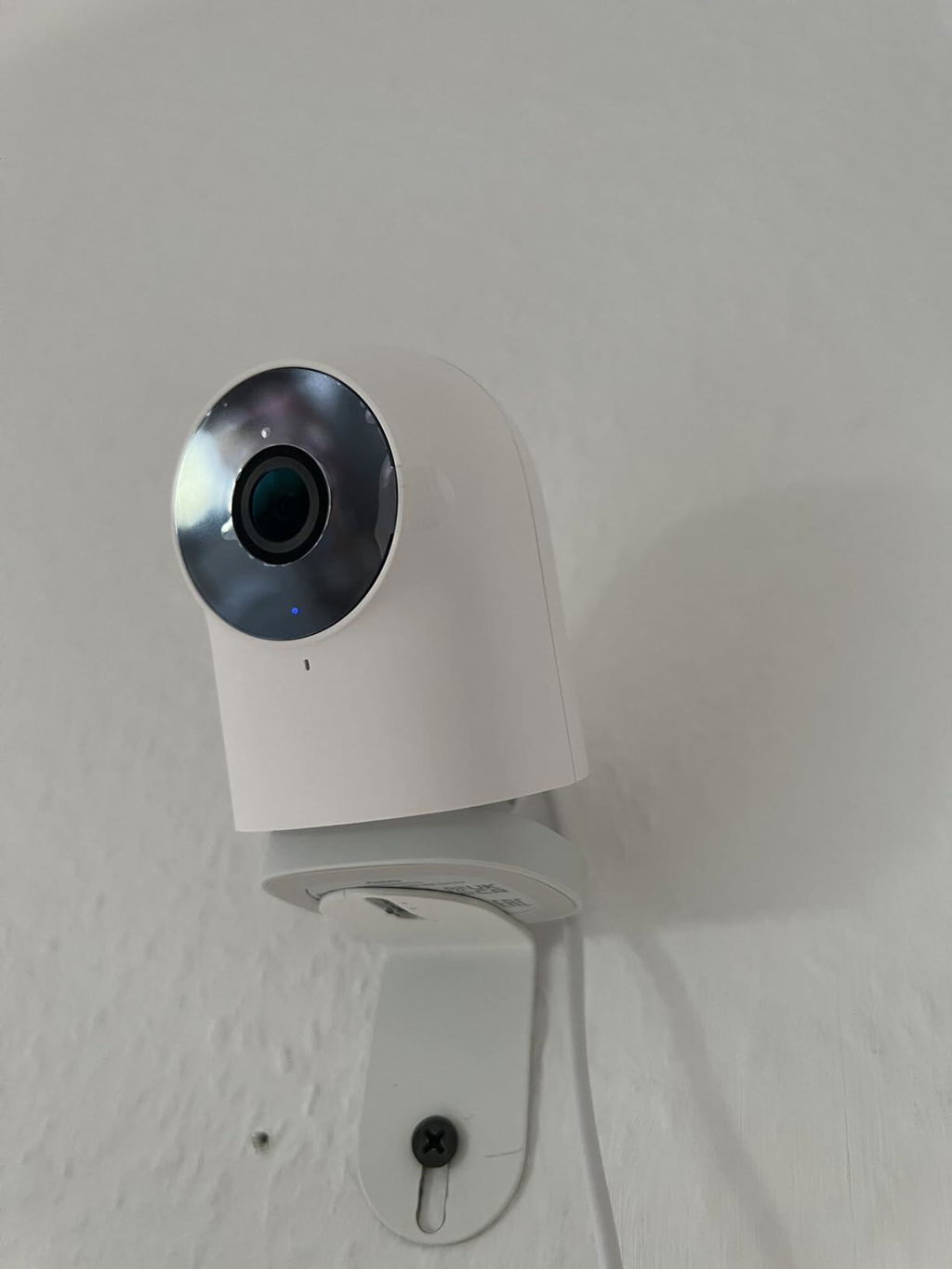
The strong magnet inside the base makes it capable of attaching to the surface of metal objects. The package includes an iron wall mount and screws, which support multiple installation methods.

Slideshow Image 3

Receive Useful Notifications, or Easily Check by Timelapse and Event Timeline when You are Away

Useful notifications

The G2H Pro Camera Hub will notify you via the smartphone push message and built-in siren, and records a short clip in case of an abnormal sound or motion is detected.

Time-lapse generation

Apart from that, the camera now supports a time-lapse clips generation, which allows summarizing the day in one short video.

Event timeline

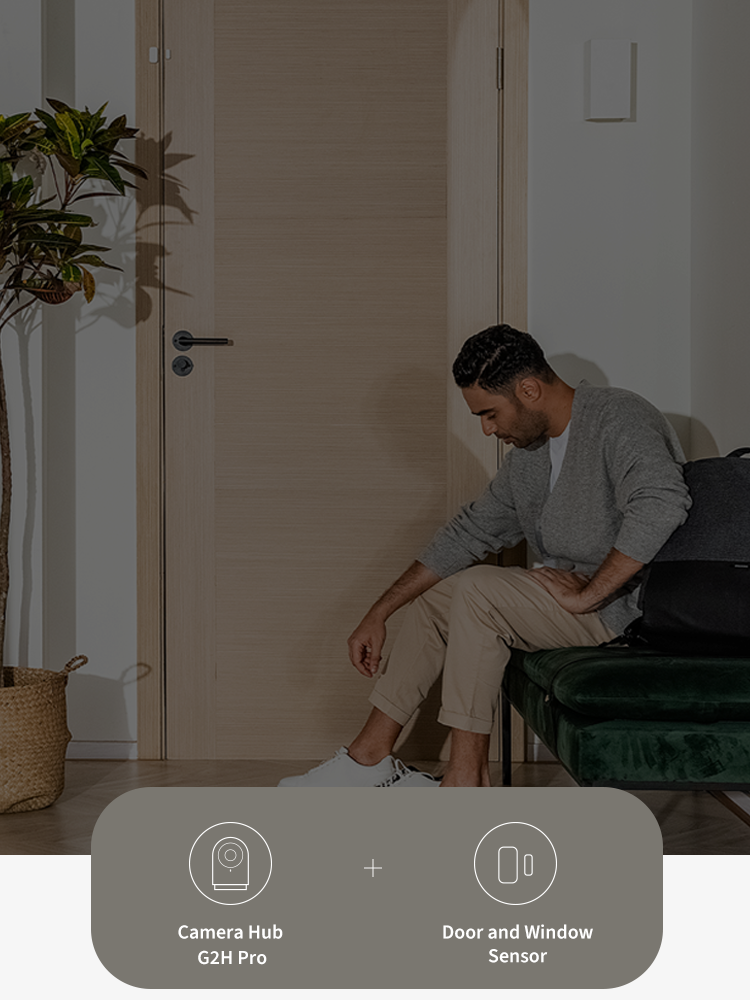
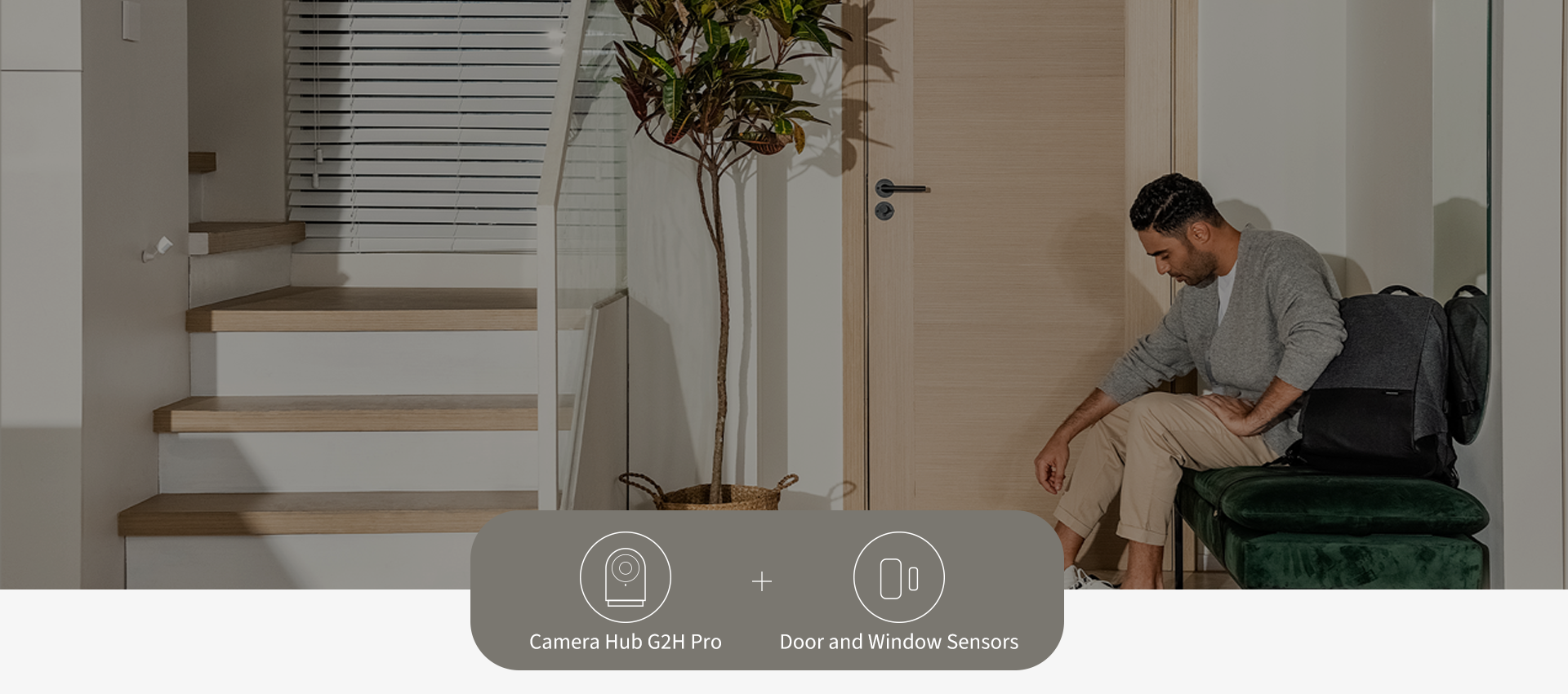
For customized automations, when your Aqara sensors are triggered by an event such as opening the door, you will get notifications and be able to view it on the timeline.

Banner Image

Mark Zones You Care About, or Exclude Partial Areas for Enhanced Privacy

Mark zones you want to be tracked to take good care of your baby or pets and reduce unnecessary alerts. Moreover, the G2H Pro now has a local privacy masking, that can prevent certain parts of the image to be recorded or sent to third-party servers such as Google or Amazon.

Banner Image
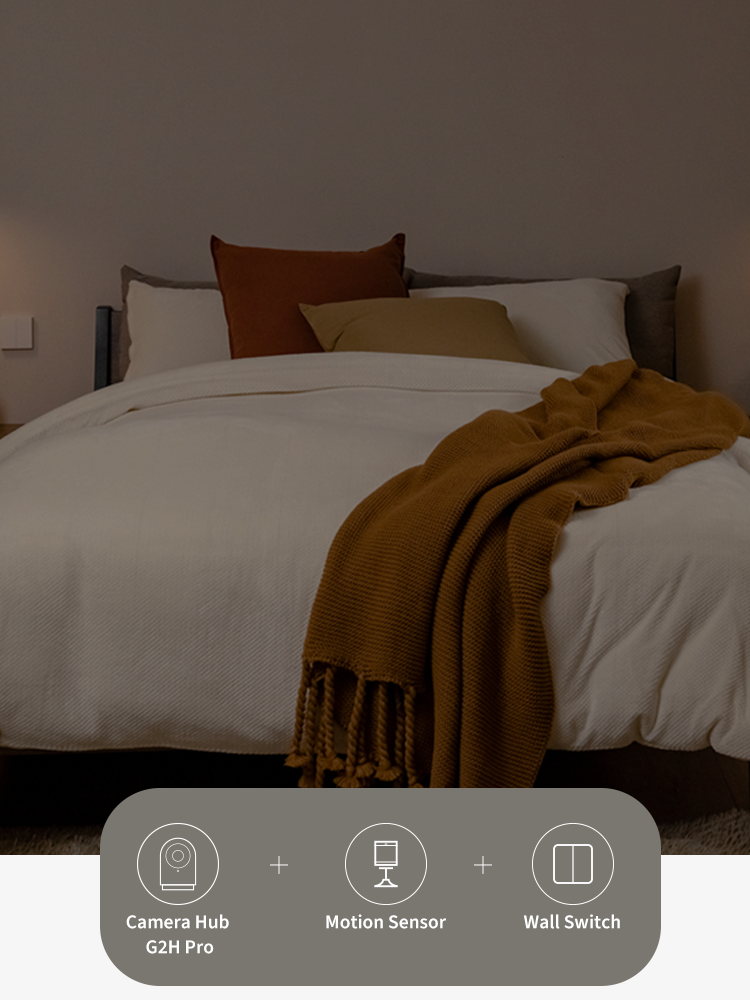
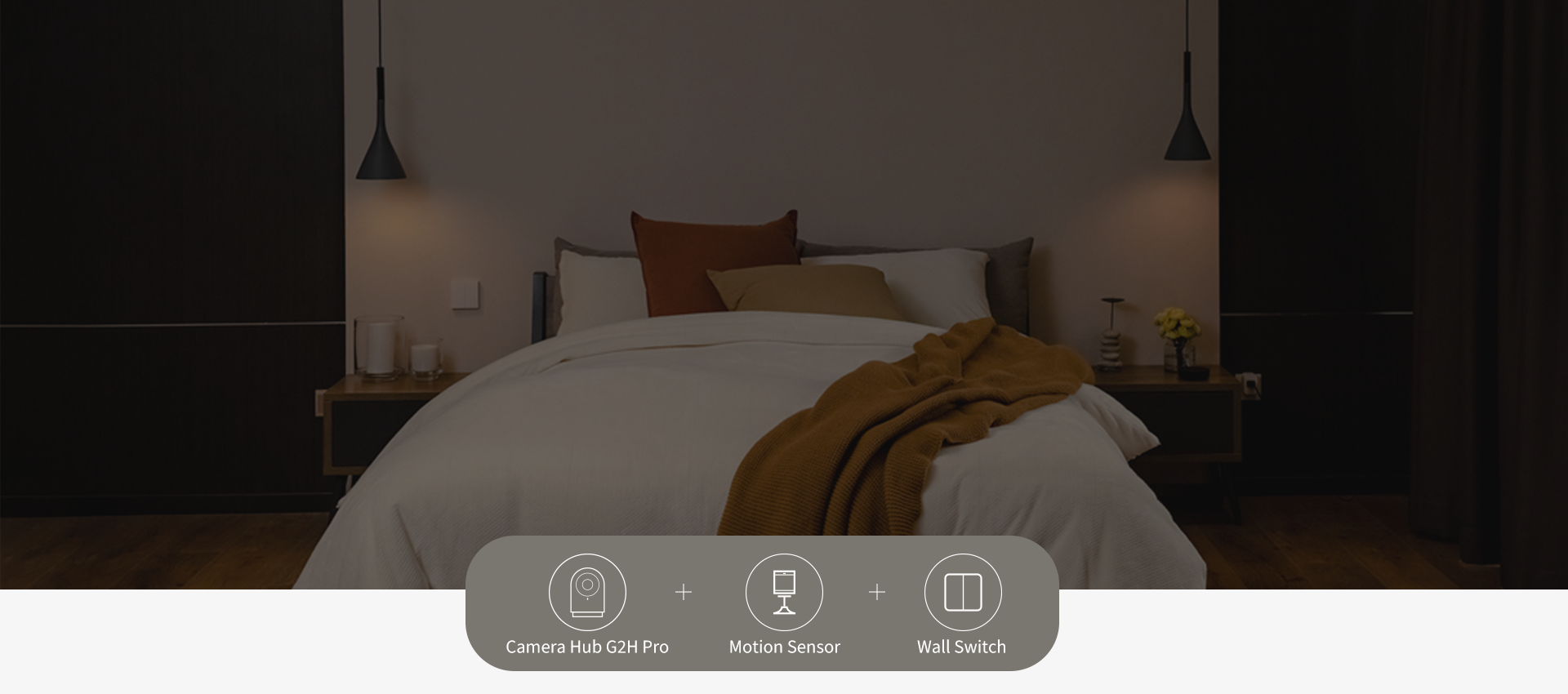
Powerful local automations with Aqara sensors and controllers

Connect Aqara sensors and controllers to the Camera Hub G2H Pro, and you will be able to configure powerful local automations.

IF Motion is detected

THEN The lights will turn on and you will get immediately notified.

All of such events will be marked on the video timeline.

Camera Hub G2H Pro

Camera Hub G2H Pro

€75,99

View Details
Aqara Motion Sensor P1

Motion Sensor P1

€22,99

View Details

Nomad X Sunglasses

€19,99

View Details
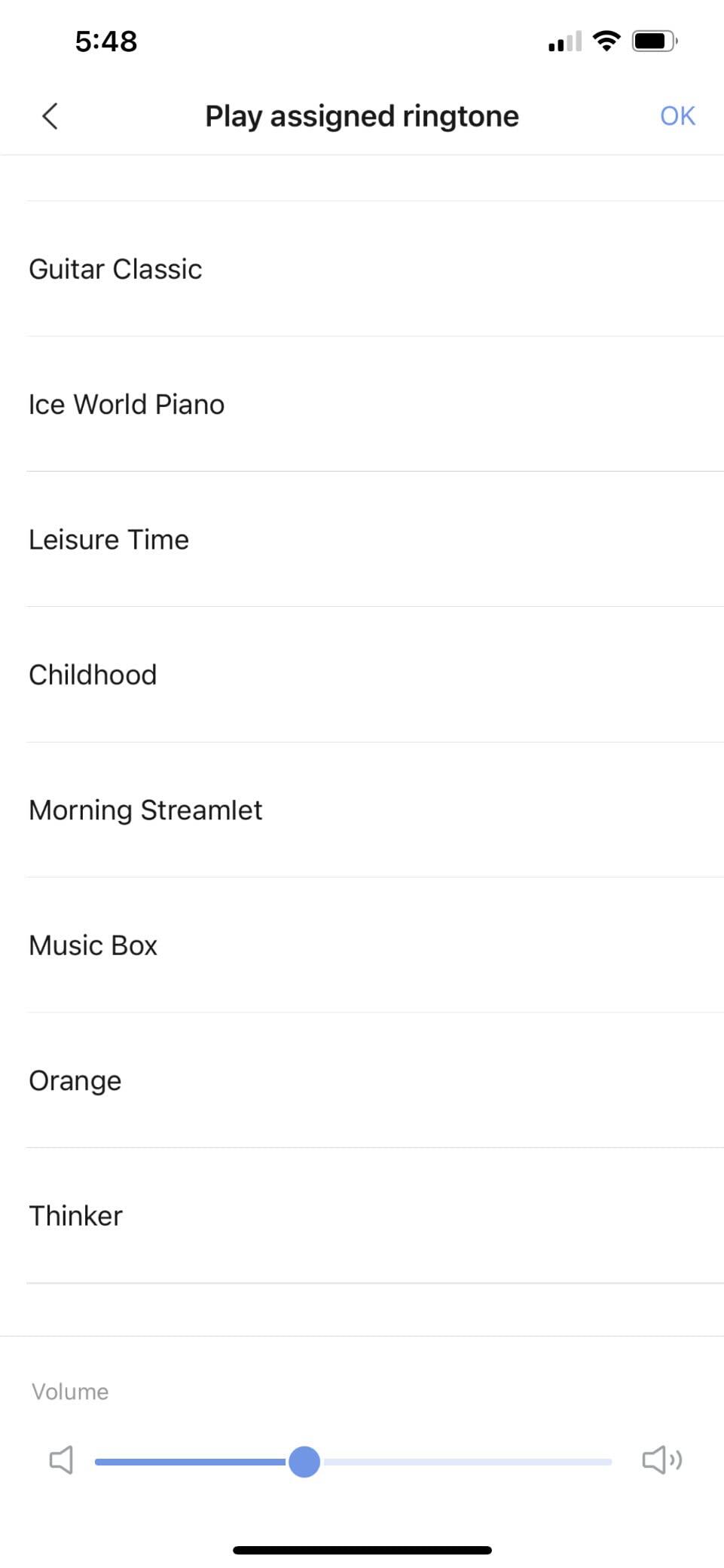
Personalized greetings using the new custom ringtone function

Connect Aqara sensors and controllers to the Camera Hub G2H Pro, and you will be able to configure powerful local automations.


IF Your boyfriend comes home


THEN Trigger the ringtone “Hey honey!“

Camera Hub G2H Pro

Camera Hub G2H Pro

€75,99

View Details
Door and Window Sensor

Door and Window Sensor

€16,99

View Details

Specifications

Color

White

Power Source

AC

Input Power

5V-1A

Wireless Protocols

Zigbee 3.0 IEEE 802.15.4, Wi-Fi IEEE 802.11 b/g/n 2.4 GHz

Compatible Platforms

  • Aqara
  • Apple Home
  • Alexa
  • Google Home
  • IFTTT

Video Capture Resolution

2MP 1920×1080p

Video Capture Format

MPEG-4

Photo Sensor Technology

CMOS

Local Storage

MicroSD card (not included). CLASS 4 or above is supported, up to 128 GB storage.

Maximum Webcam Image Resolution

2 MP

Viewing Angle

146° (diagonal)

Low light technology

Night Color

International Protection Rating

IP66

Ports

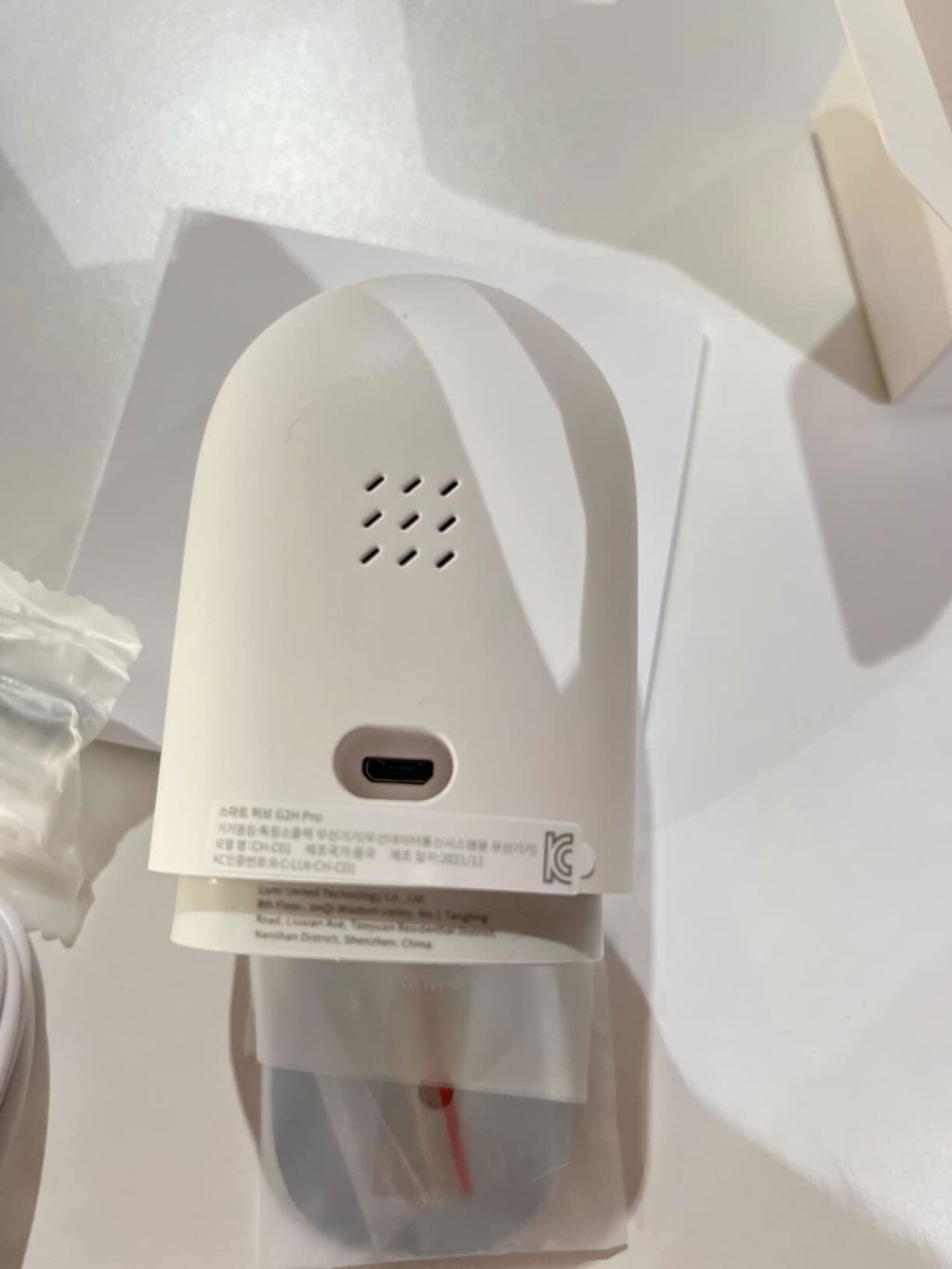
Micro USB

Item Net Weight

‎0.25 pounds/115 g

Operating Temperature

-10°C —+40°C (14°F—104°F)

Operating Humidity

15% ~ 85% RH, no condensation

Product Dimensions

‎3.24×2.22×1.99 in.(82.4×56.5×50.5 mm)

What's in the box

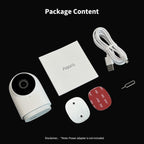
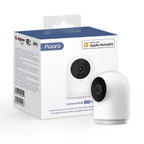
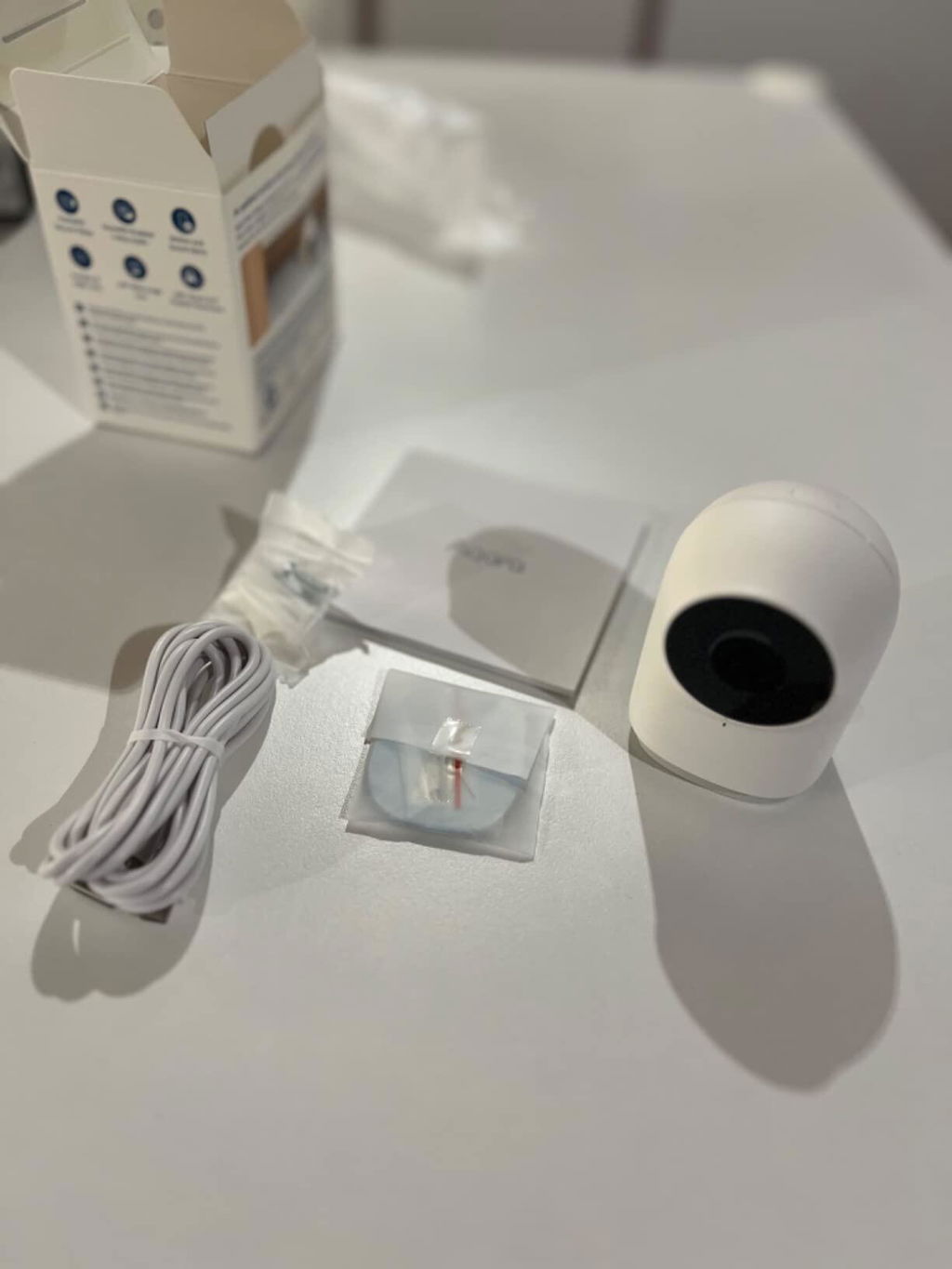
G2H Pro Camera Hub × 1, User Manual × 1, Screw × 2, Metal Plate × 1, Micro USB to USB-A Cable × 1, Ejector Tool × 1, Sticker × 1

You May Also Like


Aqara Motion Sensor P1
 
  • 5 stars: 106 (96%)
  • 4 stars: 4 (4%)
  • 3 stars: 0 (0%)
  • 2 stars: 0 (0%)
  • 1 star: 0 (0%)
F
Fabia Boix
Solid camera

replaced another brand, as i needed WPA3 support. I found it very stable about a year of continuous use, reliable Apple HomeKit support. Magnetic stand is useful, not power hungry for backup battery. Doesn't get much hot. Just the app could be better, I just use one button "Enable movement detection" or disable it, and have to navigate several sub menus just to fins this button. Or at least allow us to put a favourite function in the App start! Anyway excellent brand.

T
Troy D.
Great compact camera with clear picture

Easy to set-up within 10 minutes. I'm using HomeKit so compatibility was important. Camera has great view angles. I can see back and front doors at same time. Mountable to different surface (put on ceiling, shelf, extra). Didn't come with electrical box only USB cable. I like the local storage and no need for subscription.

A
Assassins
Tolle Qualität

Klein fein und macht was sie soll. Schnell installiert und in HomeApp eingebunden. Bildqualität am Tag wie in der Nacht super. Bin vollstes zufrieden und hab jetzt schon drei davon und es kommen noch mehr dazu. Selbst der Support war schnell und konnte direkt helfen bei einem Problem. Kann ich nur empfehlen.

E
Emily Merrill
Cute little camera, not perfect yet

This is certainly a security camera meant for just catching things like porch pirates or hit and runs on parked cars, it’s an affordable option to get evidence saved in the cloud.
There are cool capabilities on it like rewriting the memory on the memory card automatically, always recording footage while simultaneously cropping out 15 second video chunks to watch movement in the app, etc., but it’s not the best option if you want something to watch a pet or a baby.
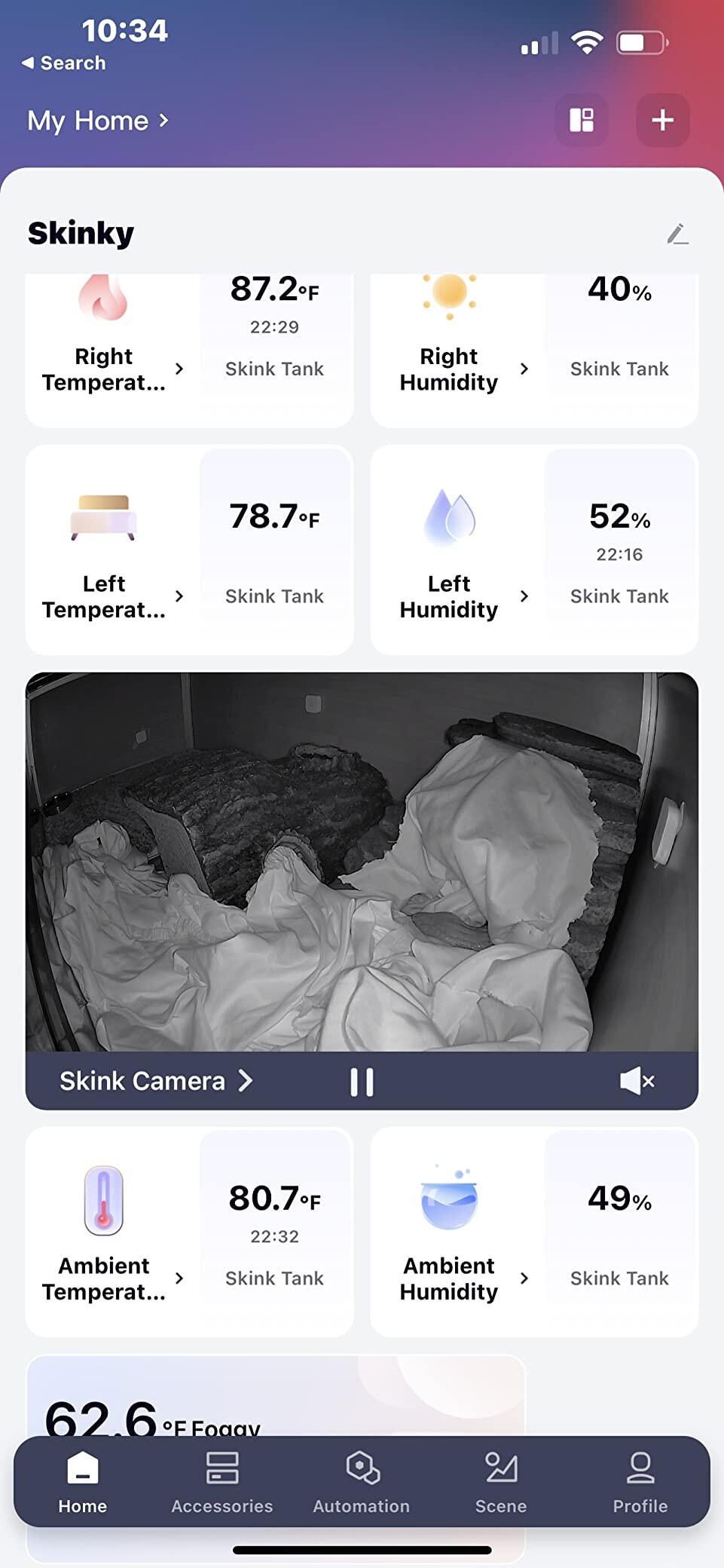
I think I might move this to my front doorstep to see when my packages arrive and for extra security but for a lizard cam I might go with a cloud camera with more vivid colors and imagery. I notice this footage skips a lot, and my skink is often on the other side of his tank within a frame and I miss something he does. Also, the movement sensor always takes 15 second clips even if the movement is a minute long. That is really odd to me, why doesn’t it just record the duration of the time the sensor is sensing movement in the frame?
may need to get a WiFi repeater to help and see if that fixes image quality, I think a lot of the problems here are from poor saturation of the video and poor WiFi.
It’s a good cheap camera for security, absolutely worth the money if you want to do 5+ cameras and have a very secure home perimeter, it will absolutely catch a recording of someone hitting your parked car, but it may not catch a clear image of the license plate or their face due to the frame skipping issues, it’s just enough evidence for your insurance to reimburse. The more expensive Aqara camera may be a better option if it can catch more frames in its videos.
As far as the app goes I always love Aqara products, seamless HomeKit integration and works beautifully with my other Aqara products. I have a very affordable high tech reptile tank now and sometimes I catch funny clips.

H
Hans
HomeKit kompatibel und direkt nutzbar

Ich bin begeistert von Preis/Leistung bei Aqara. Die Installation war kinderleicht in Verbindung mit Homekit. Die Aqara App selbst habe ich nicht verwendet.

Homekit lässt leider nur Auflösungen von 1080p zu. Reicht aber bisher in allen Szenarien aus. Die Bewegungserkennung funktioniert in unserem Fall mit Katzen im Haus sehr gut. Wir hatten bisher einmal eine fehlerhafte Erkennung einer Person.

Die Kamera ist hochwertig verarbeitet und sieht schick aus. Der magnetische Fuß erleichtert die Montage an der Wand oder Decke enorm. Hier habe ich erst nach 2 Wochen gemerkt, dass man diesen verstellen kann. Habe noch vorerst beschwert über fehlenden Fuß oder Montagemöglichkeit - mein Fehler.

Ein Fehler der bei uns regelmäßig auftritt ist der Wiederaufbau der Verbindung. Unser Router startet jeden Morgen um 4 Uhr einmal durch. Die Kamera macht das ein paar mal mit und hat dann unbestimmt Probleme die Verbindung wieder aufzubauen. Vielleicht kommt hier noch ein Update seitens Aqara.

Für den reduzierten Preis von 68€ würde ich die Kamera wieder kaufen.

A
Antonio
Aqara Camera Hub G2H Pro

Buon prodotto, non è il massimo per qualità video ma è ottimo da abbinare ad un sistema HomeKit, considerando che il limite del protocollo secur HomeKit è di 1080P.
Facile da abbinare, piccola e facile da installare grazie al supporto magnetico. Unica nota negativa è il fatto che non dispone di alimentatore ma in dotazione è previsto solo il cavo.

G
Gabe
Improved over regular G2H by exposing security system to HomeKit

I have been running 5 regular G2H cameras both indoors and outdoors under my roof for a few months already. I have now added 3 more G2H Pro cameras to my HomeKit system.

I do not see much difference between the two cameras when it comes to image quality. Dimensions are pretty much the same and so are the mounting options. Night light images are also very comparable. Both cameras use the micro USB port for charging. Both cameras can act as a hub for sensors such as door sensors, motion detectors, etc. The G2H Pro can handle more child devices but even the G2H can handle a large number of them. However, there is a downside with the G2H as I will elaborate below.

The big difference between the two cameras is that the G2H Pro exposes the Security System to HomeKit. See, the G2H camera also has a security system that is exposed to Aqara but not HomeKit. So assuming that you have an M2 or M1S hub, whenever these hubs get triggered for the alert, the signal is also transmitted to the cameras assigned to the same house. So, all G2H cameras start playing the siren sound. However, when you disarm the M2/M1S hub, sometimes the G2H camera keeps playing the alarm. I can only imagine that this is some kind of bug but it is very annoying. You would have to either use the Aqara app to turn them off or basically unplug them from the wall to have them shut up. Since I also have cameras mounted outside, I cannot have them play a siren indefinitely, especially when I am not at home.

Once the G2H gets trapped playing the alarm, there is no way to turn it off from HomeKit since the security system functionality is not exposed. So in the Aqara app, I was forced to assign the cameras to a separate house, this way the G2H cameras do not play the alarm whenever the hub alarm goes off. Instead, I have installed a dedicated and very loud horn that gets triggered by a switch. This leads to the downside of this approach. Since the G2H cameras are assigned to a separate house, they also do not function as a hub. See, any sensors that get triggered through the camera is not visible by the M2 or M1S hubs. So I ended up adding all sensors to the hardwired M2 hub and do not use the hub functionality on the G2H cameras.

The G2H Pro basically fixes this issue. You can now put the cameras on the same network as the M2 or M1S hub, and the camera will play the alarm sound together with the hub, but it will also turn off the alarm reliably. Now, I haven't tested it long enough yet so I will update this description if I run into more problems down the road. But it is safe to say, that since the security system is exposed to HomeKit, you are able to turn it off from your phone remotely. There is also a small advantage when it comes to the default ringtones. The G2H can also play a few ringtones, but it does not have the same capability as other hubs or the G2H Pro. Most notably, there is no doorbell sound on the G2H but there is on the G2H Pro. It is also possible to trigger playing the alarm through the Aqara app, whereas on the G2H the alarm sounds are also handled as ringtones.

If you live in a small apartment or college dorm and need a very simple system, the G2H Pro is all you need. One camera can cover the entrance door, and it can also act as a parent for the child sensor devices such as door sensors or motion sensors. It can also trigger to play the alarm and notify you through the phone. So you basically don't need to buy another hub. The G2H cannot do this and requires and external hub for the alarm functionality.

Finally, there is one more downside with the G2H Pro vs the G2H. The G2H Pro does not include the USB power plug, whereas the G2H does. So they basically make the install process more annoying just to save a buck. I would still recommend the G2H Pro as long as the price is close enough, just don't forget to order a pack of USB plugs with all the cameras. Overall I think the G2H Pro is still the best camera for HomeKit right now.

A
A.
Die wohl kompletteste HomeKit Kompatible Kamera

Die G2H Pro ist die Nachfolgerin bzw. Erweiterung zu der schon existierenden G2H und wurde in sinnvollen Punkten weiterentwickelt.

Auf den ersten Blick gibt es keine nennenswerten Unterschiede zu der alten G2H Version, beim näheren betrachten fällt einem die kleine Status LED auf. Diese kann nun dank der Mehrfarbigen Anzeige verschiedene Status Informationen direkt sichtbar machen.
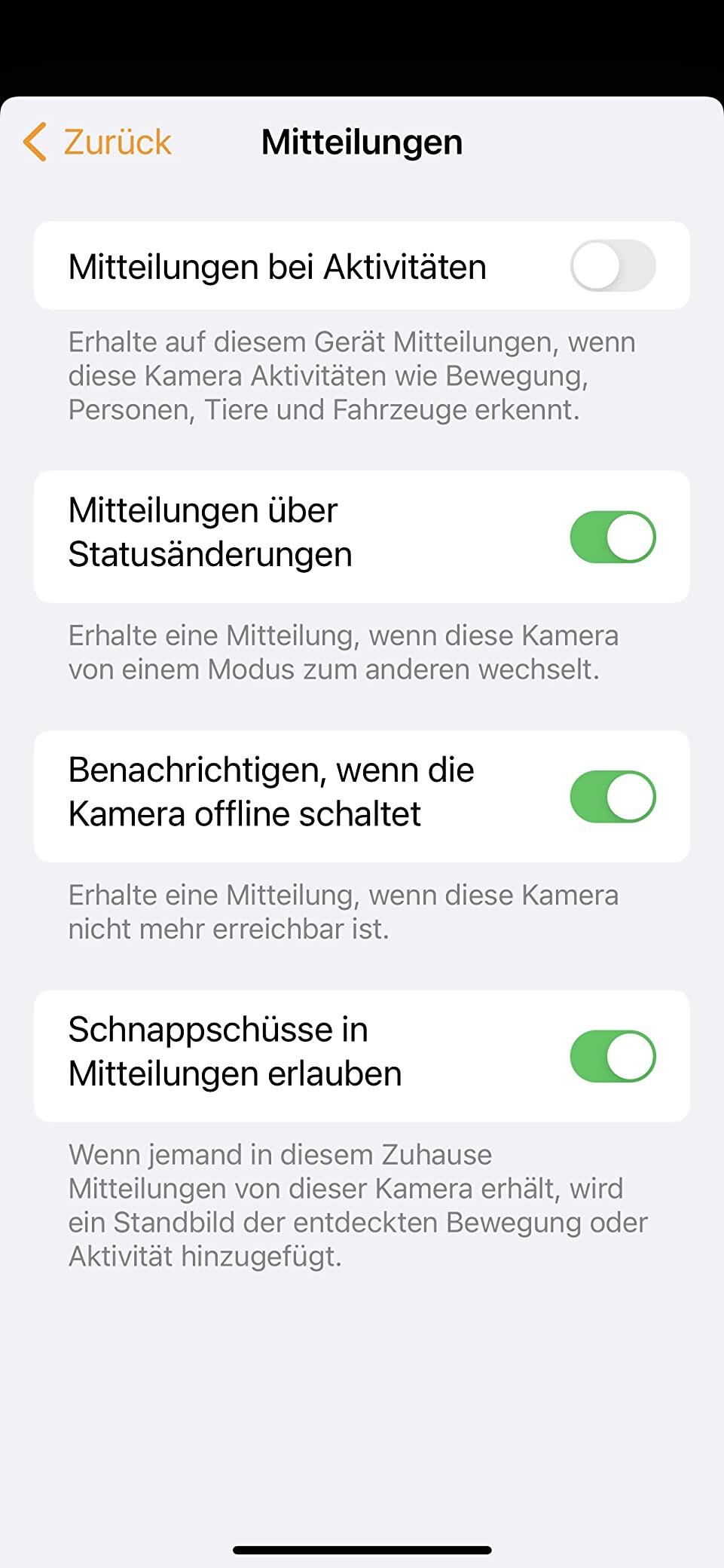
Leider wurde wie schon bei der G2H auf Micro-USB gesetzt. Diesen Punkt finde ich etwas schade, aber da die Kamera ja konstant am Netzteil hängen wird ist es noch zu verkraften.

Worin liegen nun die Unterschiede? Äußerlich zu 99% Identisch verbergen sich die Neuerung im Inneren.

Hier die Unterschiede zur der G2H
✅ Micro SD Karte nun bis 512GB möglich
✅ 128 Untergeräte verknüpfbar (ENDLICH! Vorher nur 32)
✅ Privacy Modus (Areale können geschwärzt werden)
✅ Breiteres Sichtfeld ( 146° gegenüber 140°)
✅ Erweiterte Status Einstellungen ( “Zuhause”, “Abwesend”, “Nacht” und “Aus”.)

Das Bild ist im vergleich zum Vorgängermodell unverändert gut und weiß auch im Dunklen zu überzeugen.

Nach wie vor kann die Kamera direkt in HomeKit eingebunden werden, ich empfehle zwecks Updates dennoch die Bindung auch über die Aqara App.
Die App steht sowohl für Android als auch iOS kostenfrei in den jeweiligen Stores zur Verfügung, eine Anmeldung ist von Nöten.
Im HomeKit Verbund bietet die Kamera den vollen Umfang von HomeKit Secure Video.

Von uns gibt es eine klare Empfehlung, auch wenn noch immer primär auf WiFi mit 2,4GHz und Micro-USB gesetzt wird.

Nachtrag 16.03.2022:
Es ist wichtig zwei getrennte Netzwerke zu verwenden (2,4GHz und 5GHz). So kann zwar durch Zufall die Einrichtung im gemischten Netzwerk funktionieren, aber dieser Umstand ist nicht von Dauer und führt nur zu Frust.
Die Kamera läuft bei mir, wie schon die Vorgänger, absolut stabil und zuverlässig.

A
Amazon Customer
Works with Apple Home

Works great with Apple home for E2E encryption streaming

I
Igors
Ok

Ok

M
M. Schlosser
Super Indoorkamera

Es ist schon die zweite dieser Kameras. Problemlos einzubinden in Apple Home!!

A
Andrea c.
Davvero soddisfatto dell’acquisto!

Ottimo prodotto, valido sia come hub che come telecamera. Buona anche la qualità dell’immagine al buio.
Non ho mai riscontrato problemi, la configurazione è semplice e si integra perfettamente con l’ecosistema Apple HomeKit.
Davvero soddisfatto dell’acquisto.

S
Sam Amen
Quality of video.

Easy to set up and connect to the home app. Great camera.

K
Kenan
Top

Alles Einwandfrei. Gerne wieder.

B
Benoit Manuel
Petite, de très bonne qualité et compatible HomeKit

C'est ma quatrième caméra.

J
Jeff
Good quality

Good quality camera. Connects fast and easy

J
JS
-

Gutes Qualität, viele Funktionen

I
Ioannis Delioniatis
Preis Leistung sehr gut mit Apple Home einwandfreie Funktion

Preis Leistung sehr gut mit Apple Home einwandfreie Funktion

G
Gema
Aqara Camara

Buena camara para controlar un poco el hogar y las posibles intrusiones.

A
Andrea Fabio
Ottima

Perfetta per HomeKit apple

F
Friedrich W. Röllinghoff
Ok

Sehr gut

H
Heki
Sehr schöne Kamera

Es ist mir nicht leicht gefallen Die Kamera zu installieren. Die Installation stockte immer an der gleichen Stelle. Warum sie sich dann doch installieren ließ, ist mehr ein Rätsel. Die Kamera liefert sehr schöne Bilder auch im Dunkeln. Die Bewegungserkennung ist sehr empfindlich und sendet Benachrichtigungen auf das iPhone und SmartWatch, sobald eine Bewegung erkannt wird. Einbindung in Appel Home bereitete keine Probleme.

FAQ