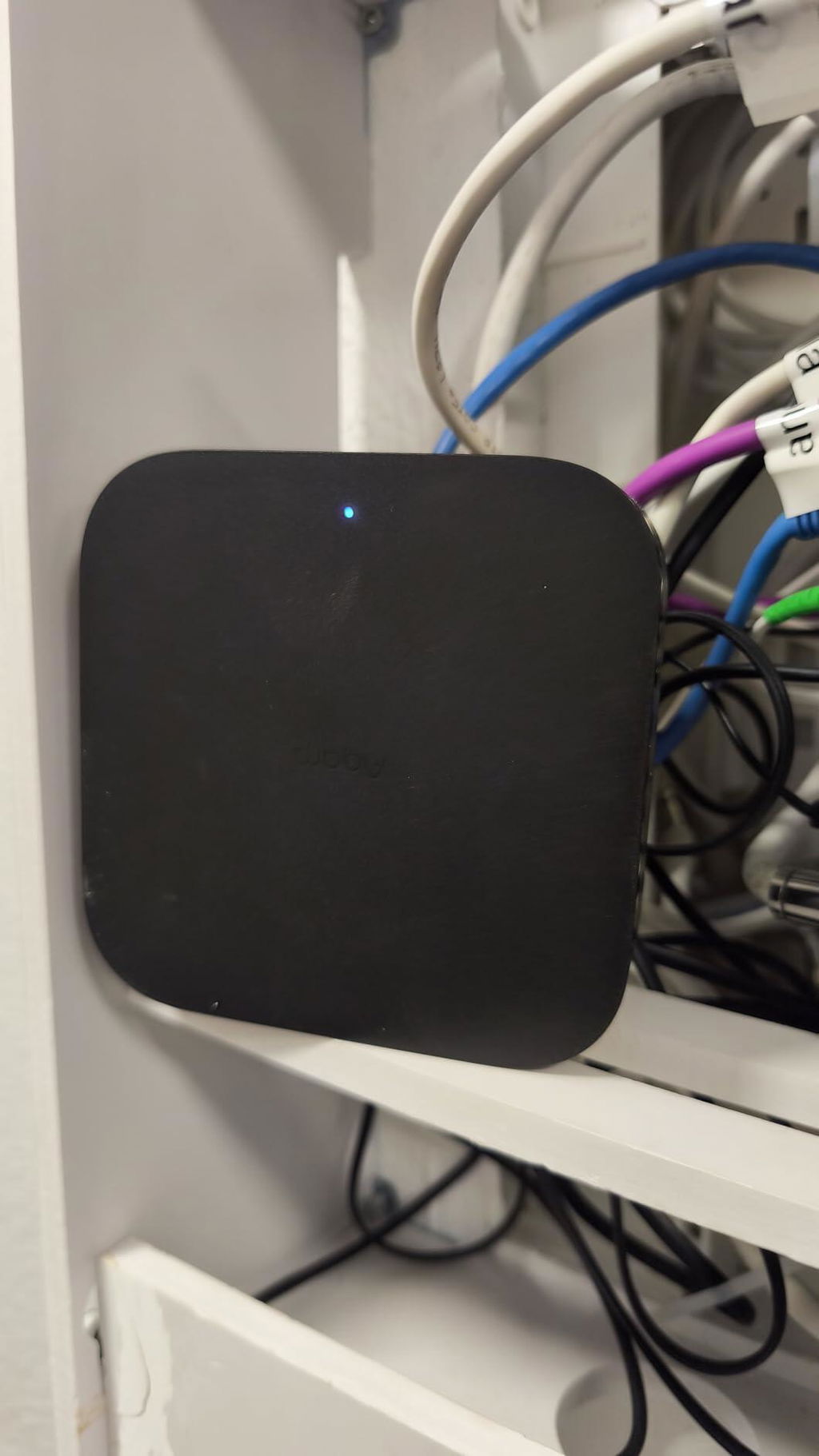
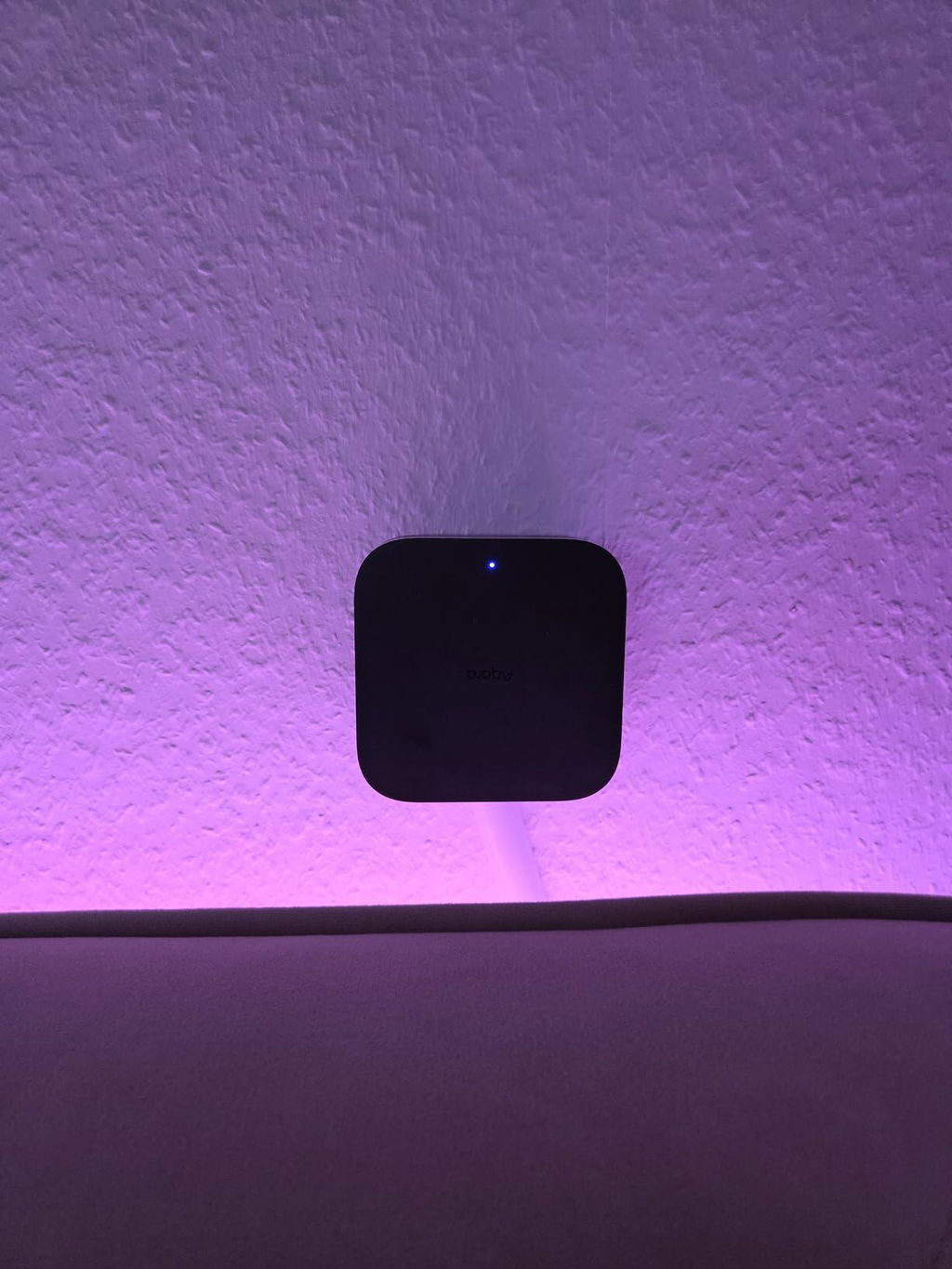
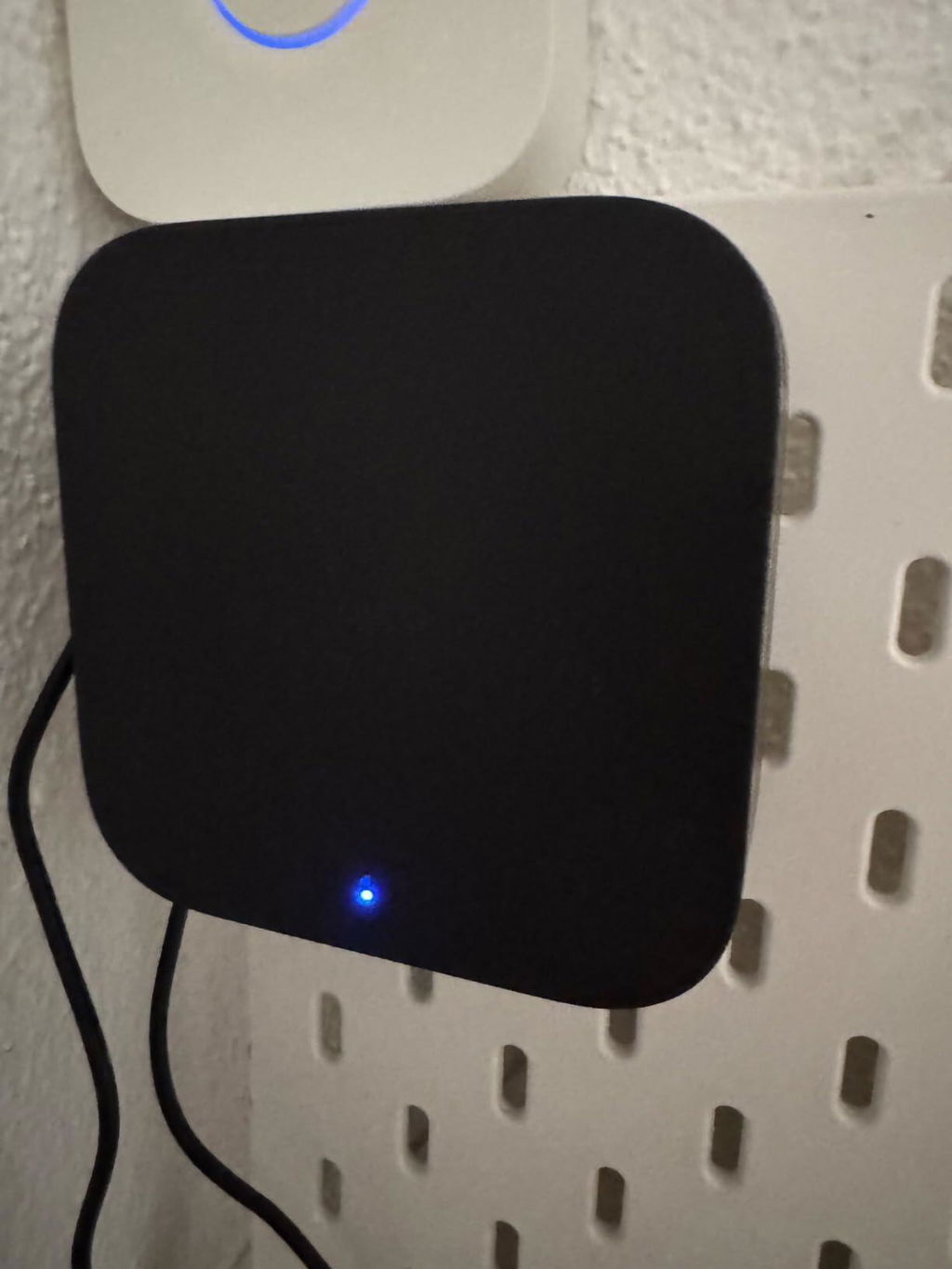
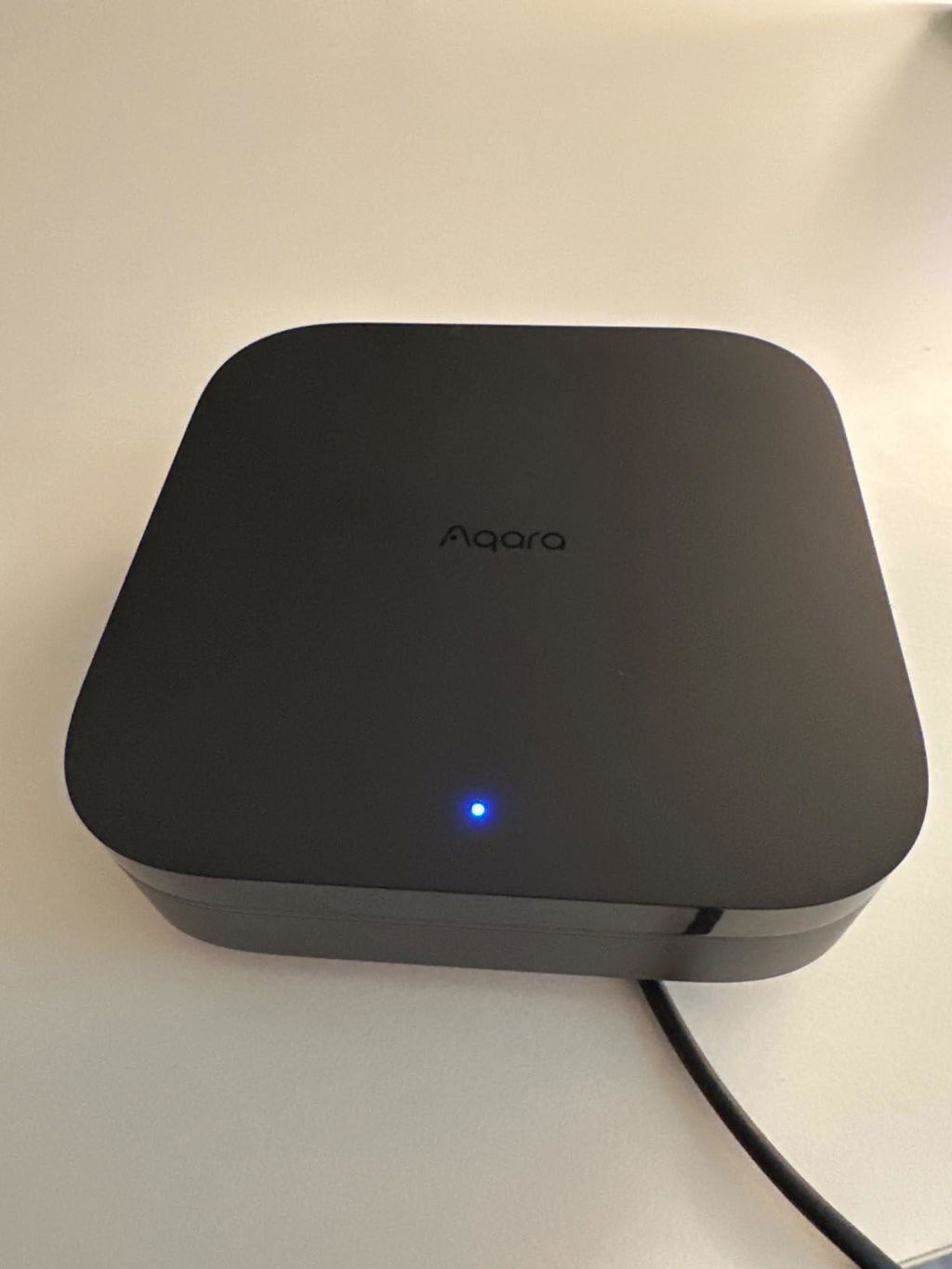
Hub M3

£129.99

Item is in stock Only 0 left in stock Item is out of stock Item is unavailable

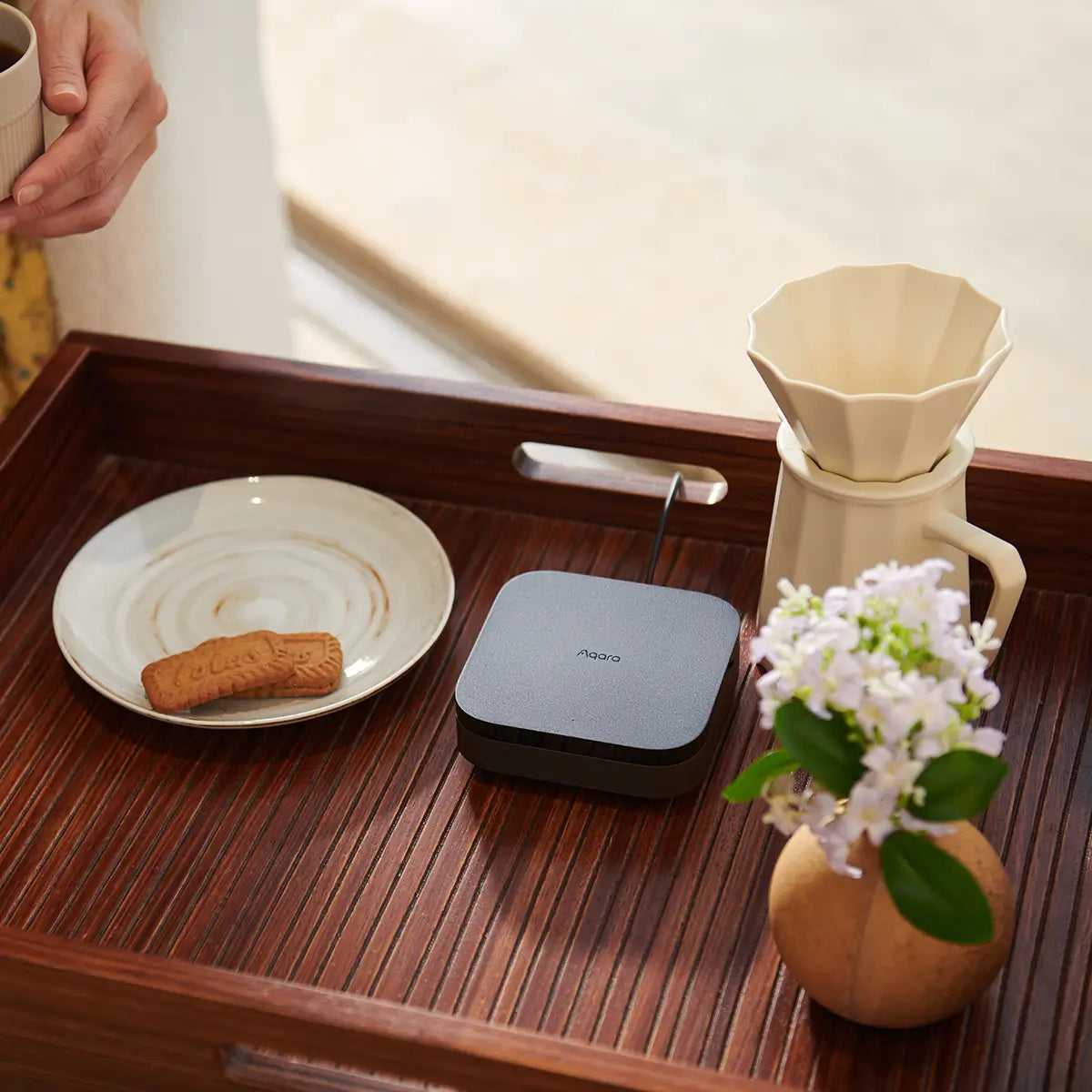
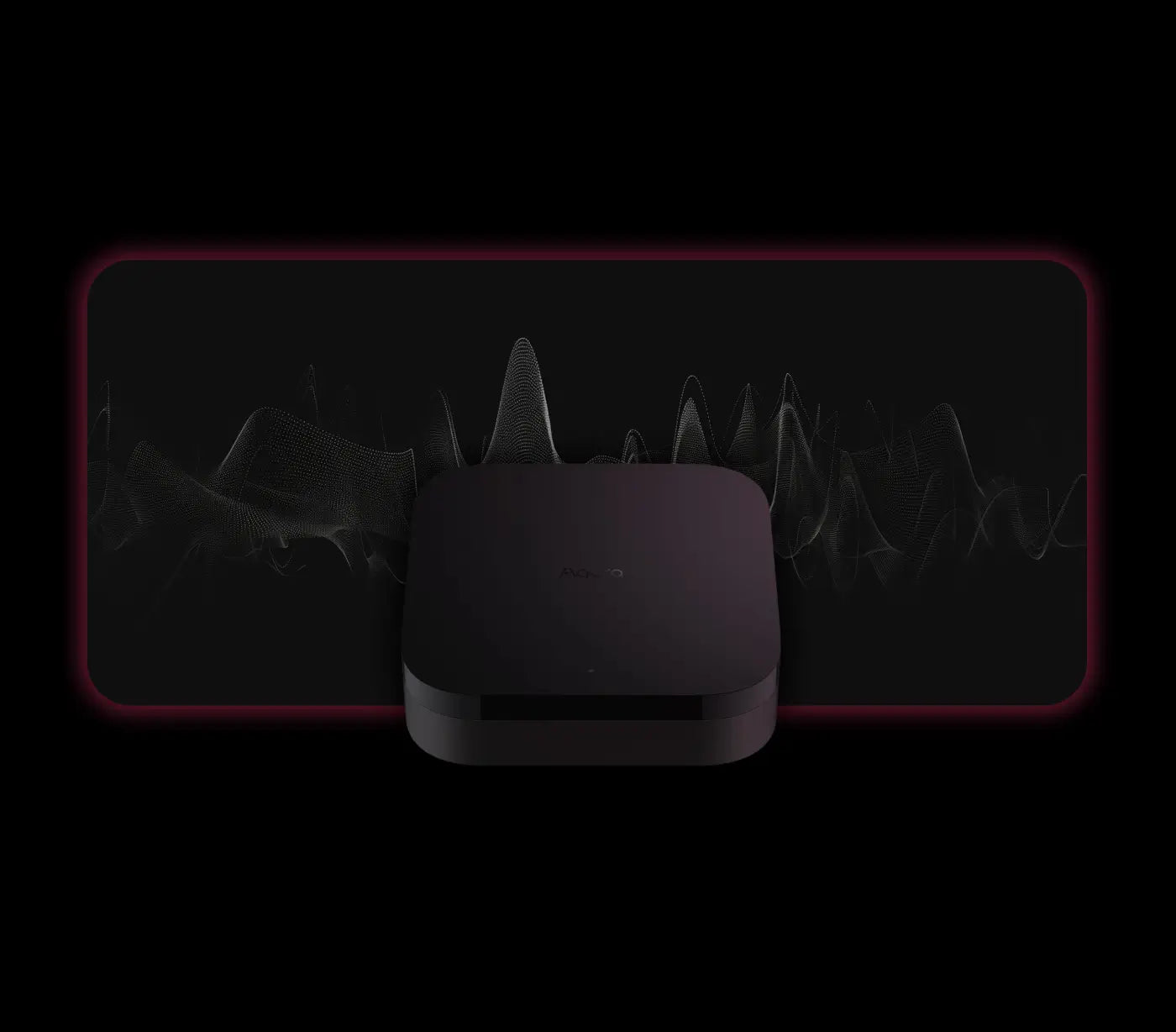
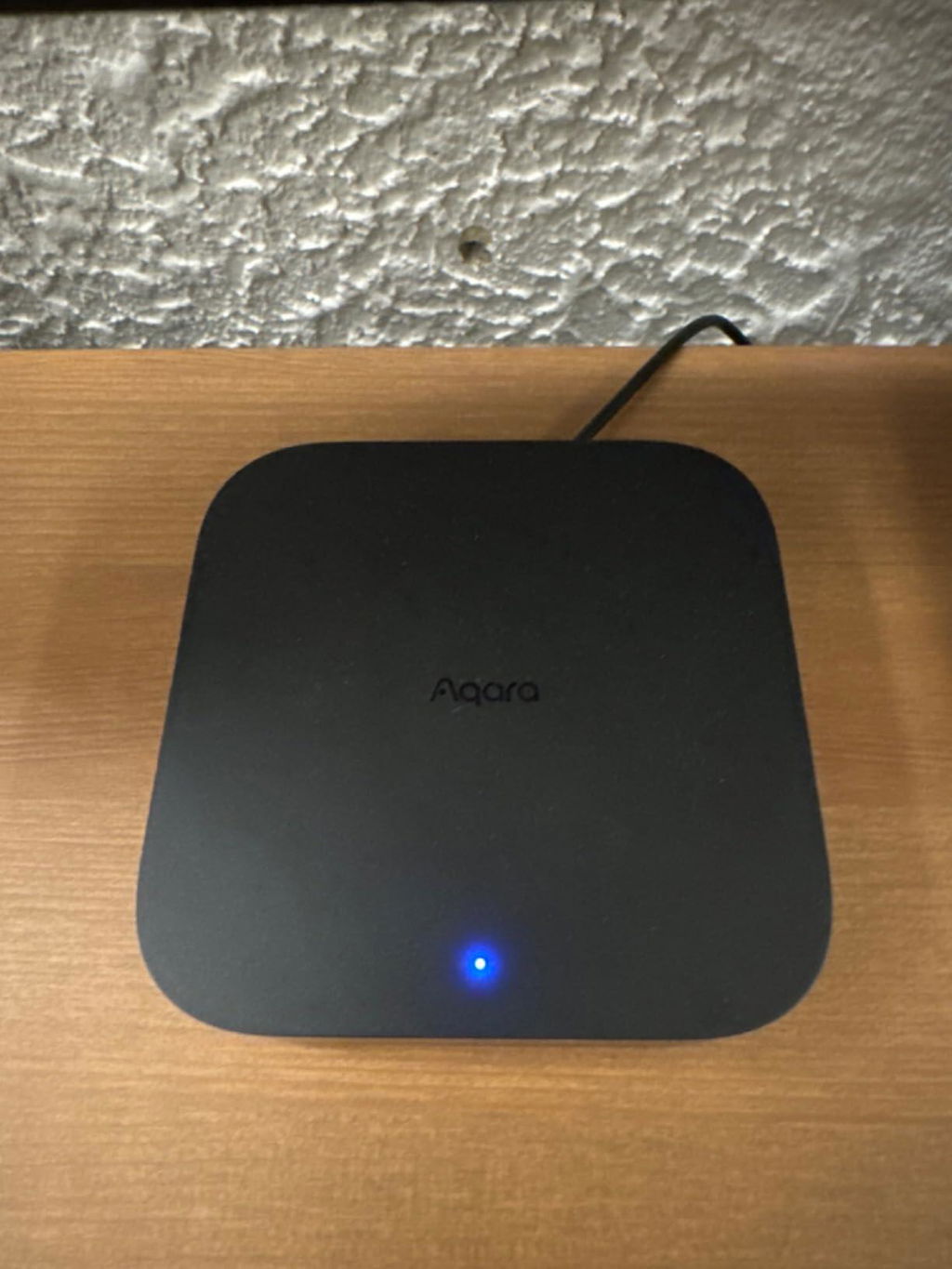
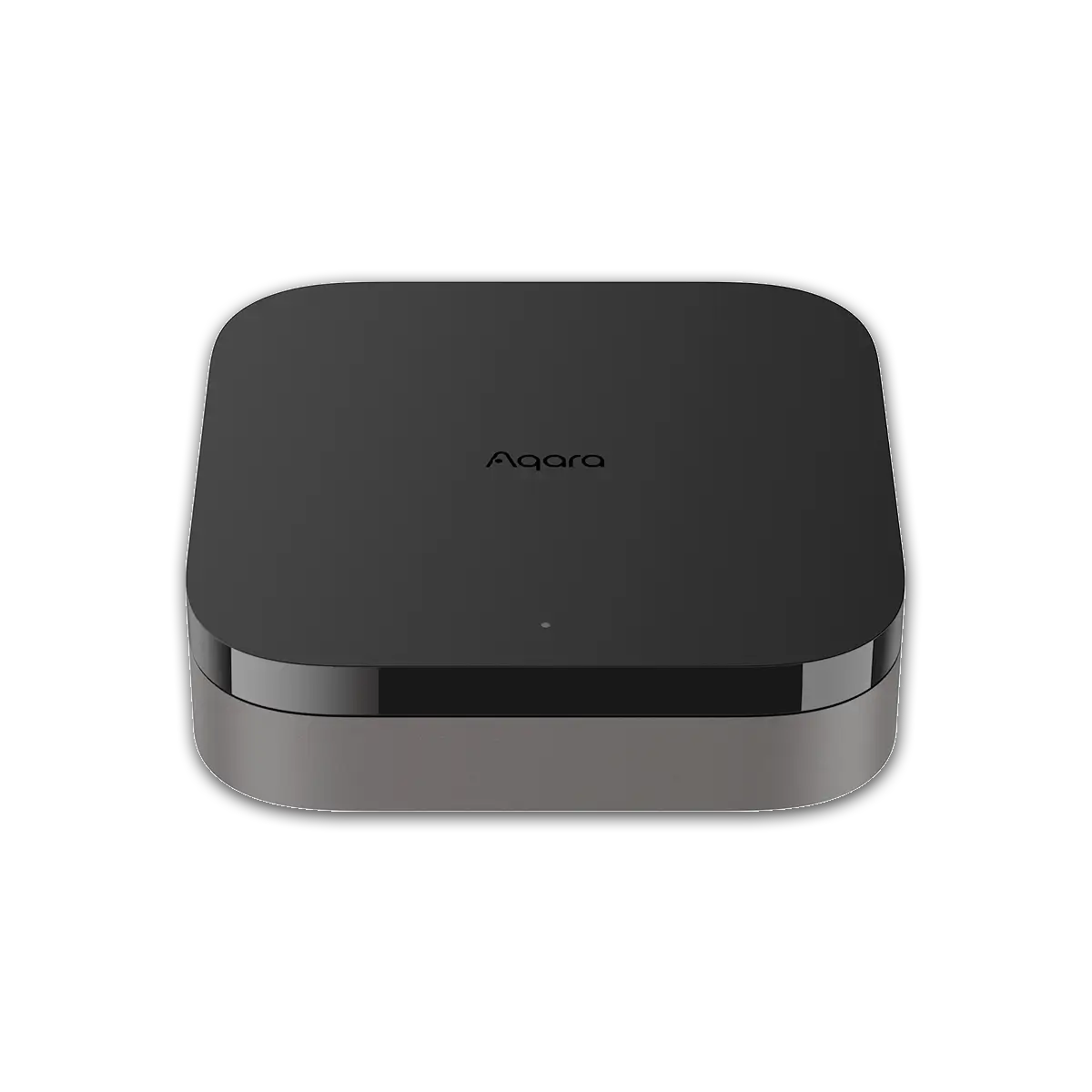
Upgrade your smart home with the Aqara M3 Hub. Featuring multi-protocol support (Zigbee 3.0, Thread, Matter), seamless integration with Apple HomeKit, Google Home, and Amazon Alexa, advanced security features, and easy installation. Enhance your home automation and security today!

Advanced Multi-Protocol Connectivity

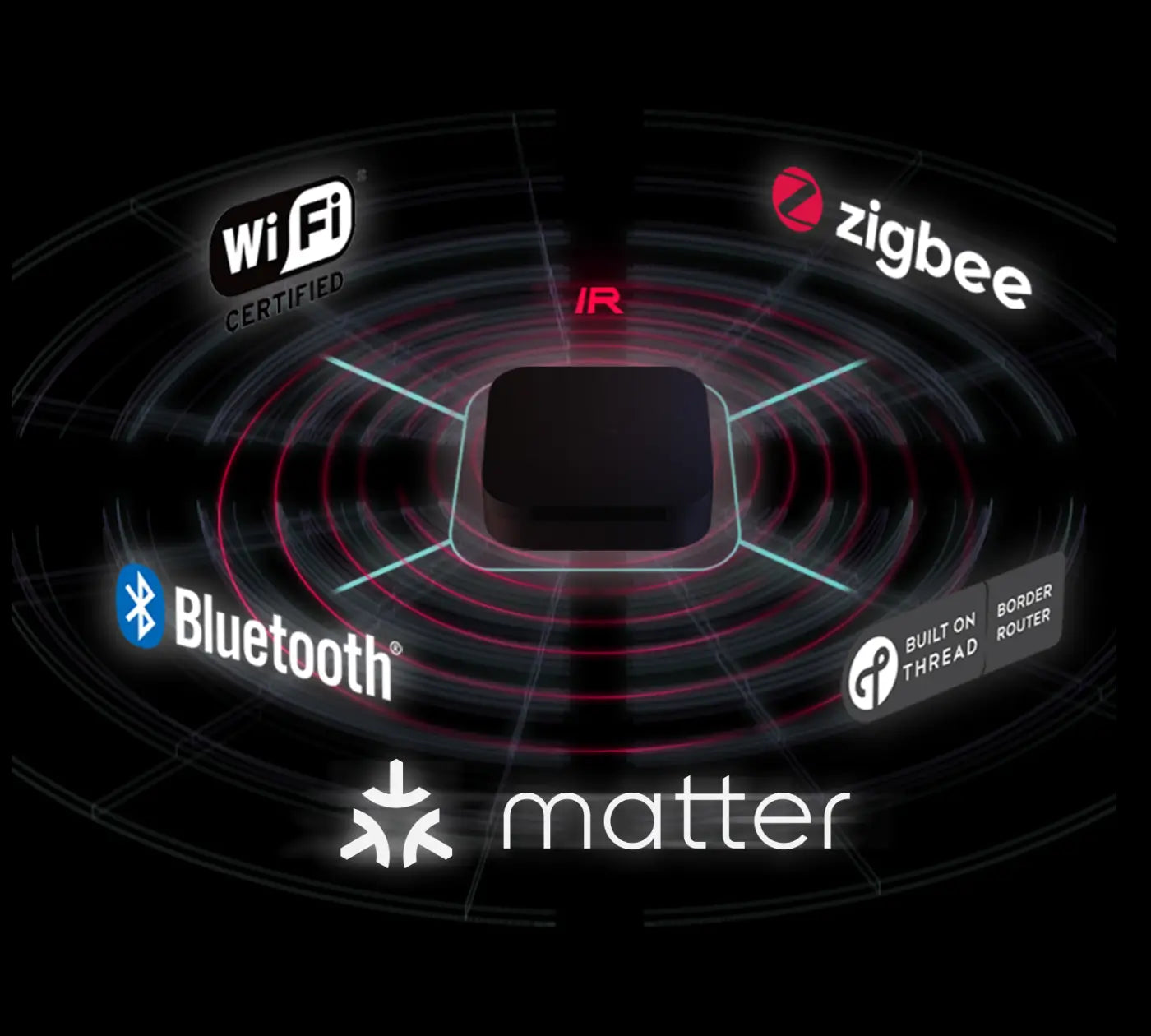
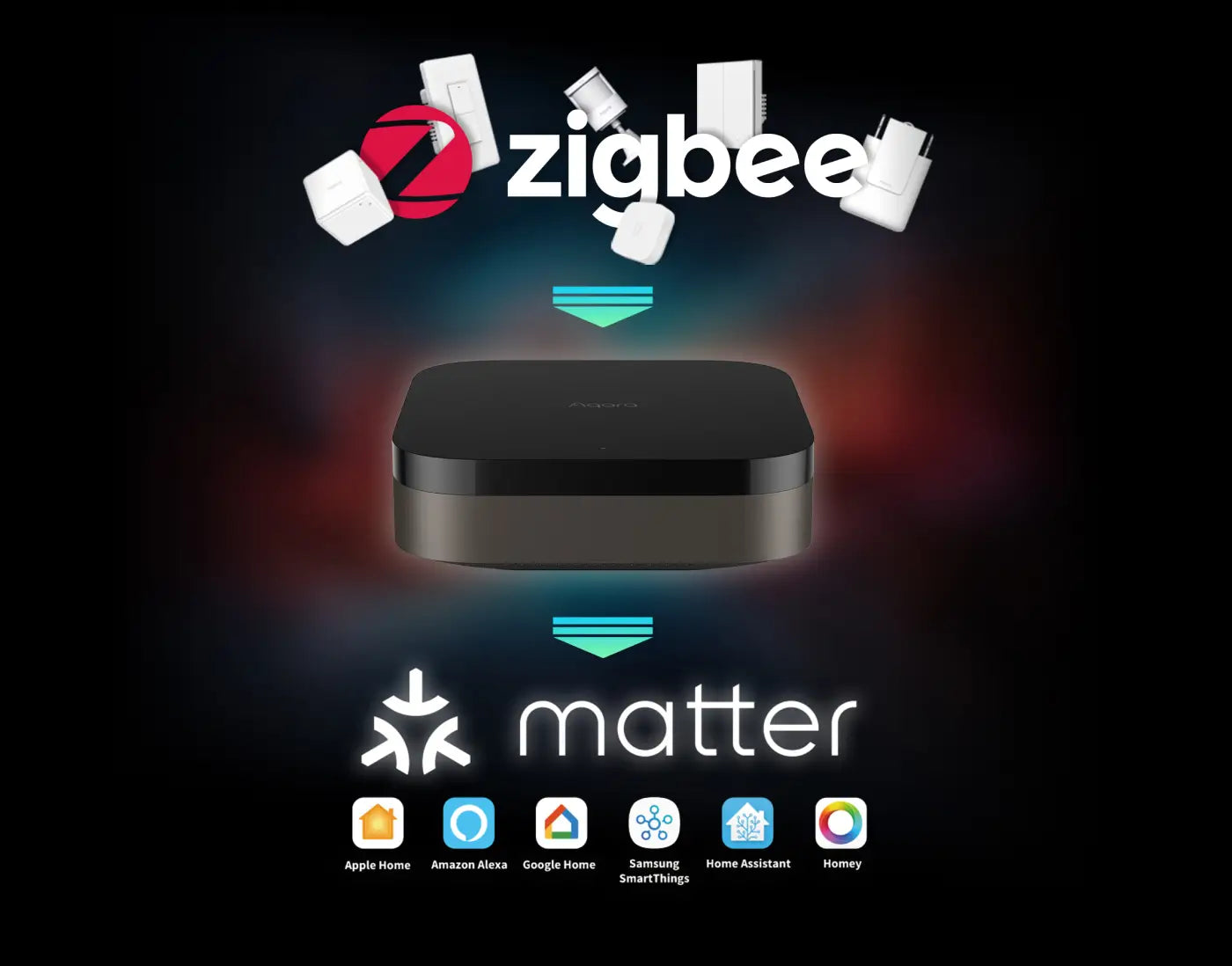
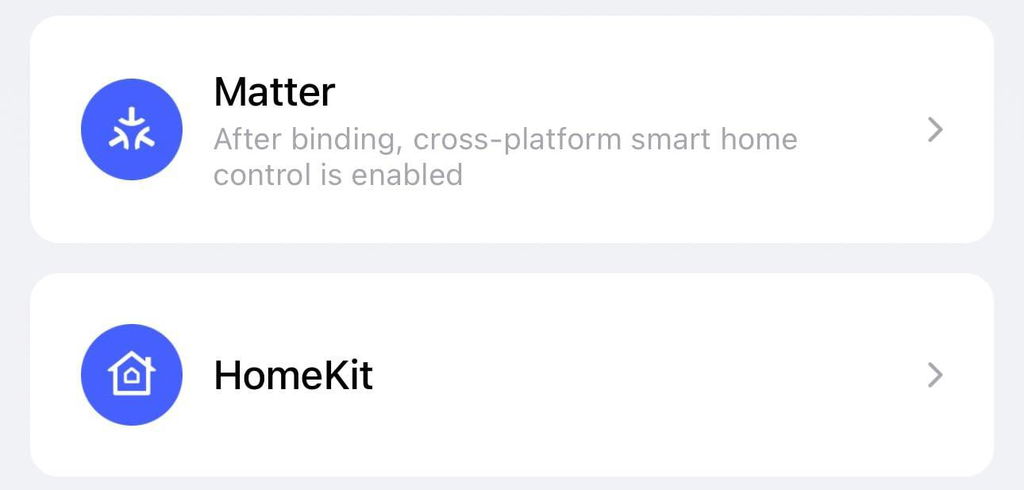
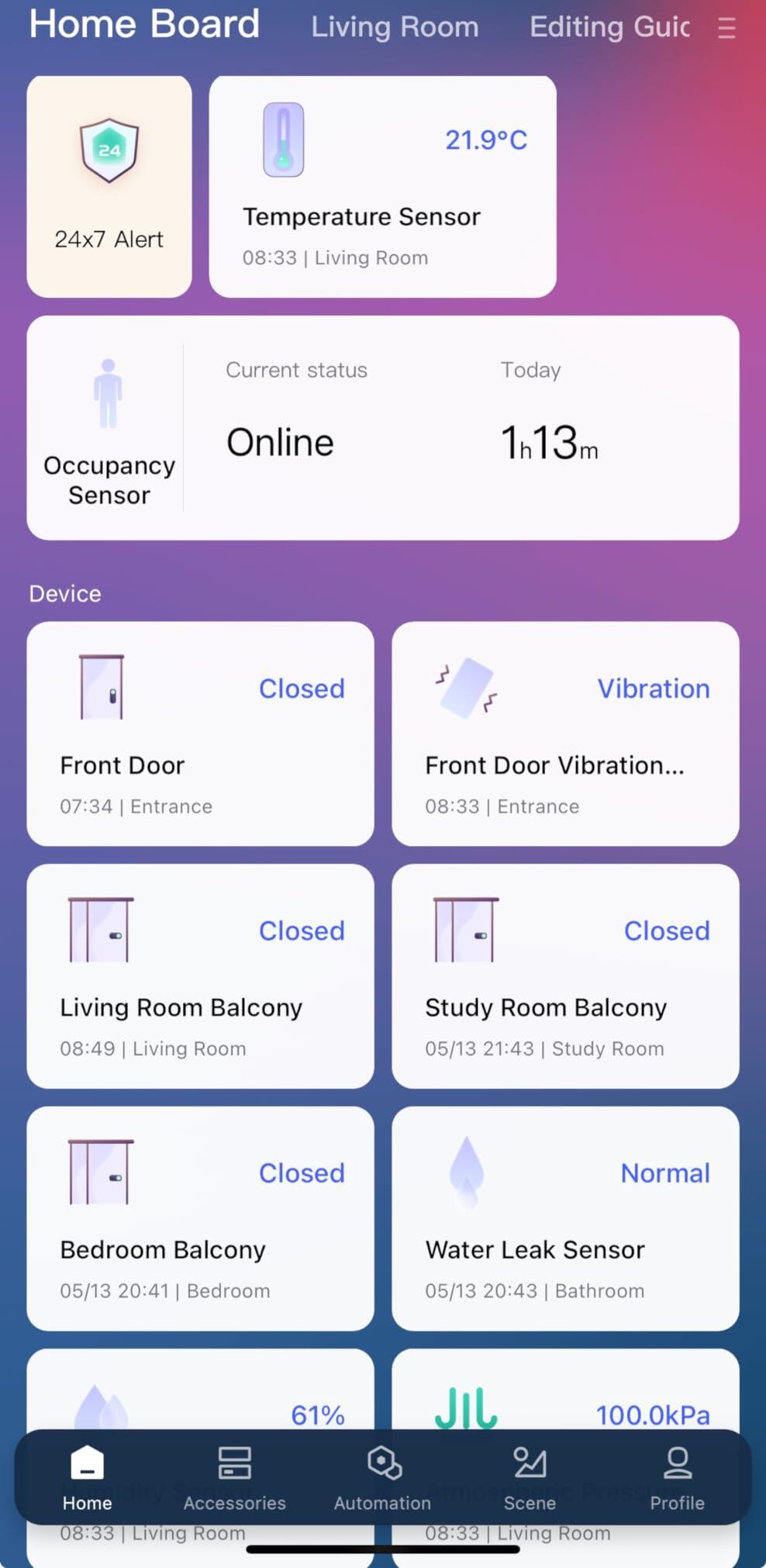
Experience unparalleled connectivity with the Aqara M3 Hub, supporting Zigbee 3.0, Thread, and Matter protocols. Seamlessly integrate up to 127 Thread/Zigbee devices and connect third-party devices through the Aqara Home app. As a Matter bridge, the M3 Hub exposes existing Aqara Zigbee devices to Matter-compatible apps like Apple Home, enhancing flexibility within your smart home ecosystem.

Edge Compatibility & Local Automations

Prioritize local control and automation with the Aqara M3 Hub’s Edge Hub capabilities. By superseding existing Aqara hubs, the M3 Hub shifts automations to local operations, ensuring faster response times and increased reliability. Easily migrate Zigbee devices from older hubs and enjoy seamless integration with Matter and HomeKit (reconfiguration required). While most automations run locally, cloud-based notifications remain available for comprehensive home monitoring.

Smart IR Blaster with Feedback & Learning

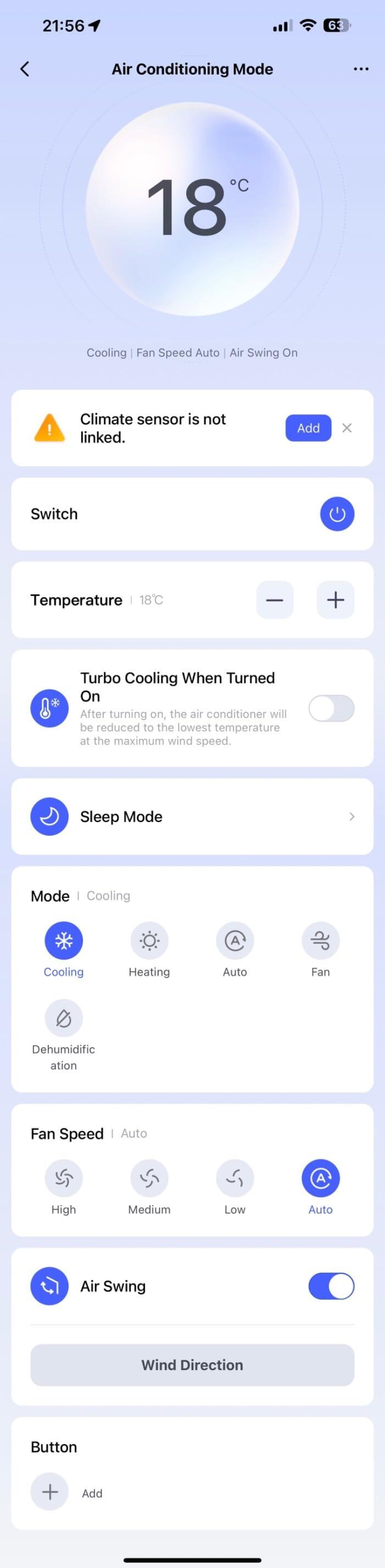
Enhance your home’s automation with the built-in 360° IR Blaster. This smart IR blaster not only sends commands but also provides accurate status updates by detecting traditional remote use. Connect your IR-controlled air conditioning units to Matter and function as an AC thermostat when paired with the Aqara Temperature and Humidity Sensor. (Note: Only one AC device can be exposed to Matter; functionality may vary based on the Matter integration app.)

Optimal Wired & Wireless Connectivity

The Aqara M3 Hub offers both wired and wireless connectivity options to ensure stable and secure performance:

  • Dual-Band Wi-Fi (2.4/5 GHz) with advanced WPA3 security for robust wireless connections.
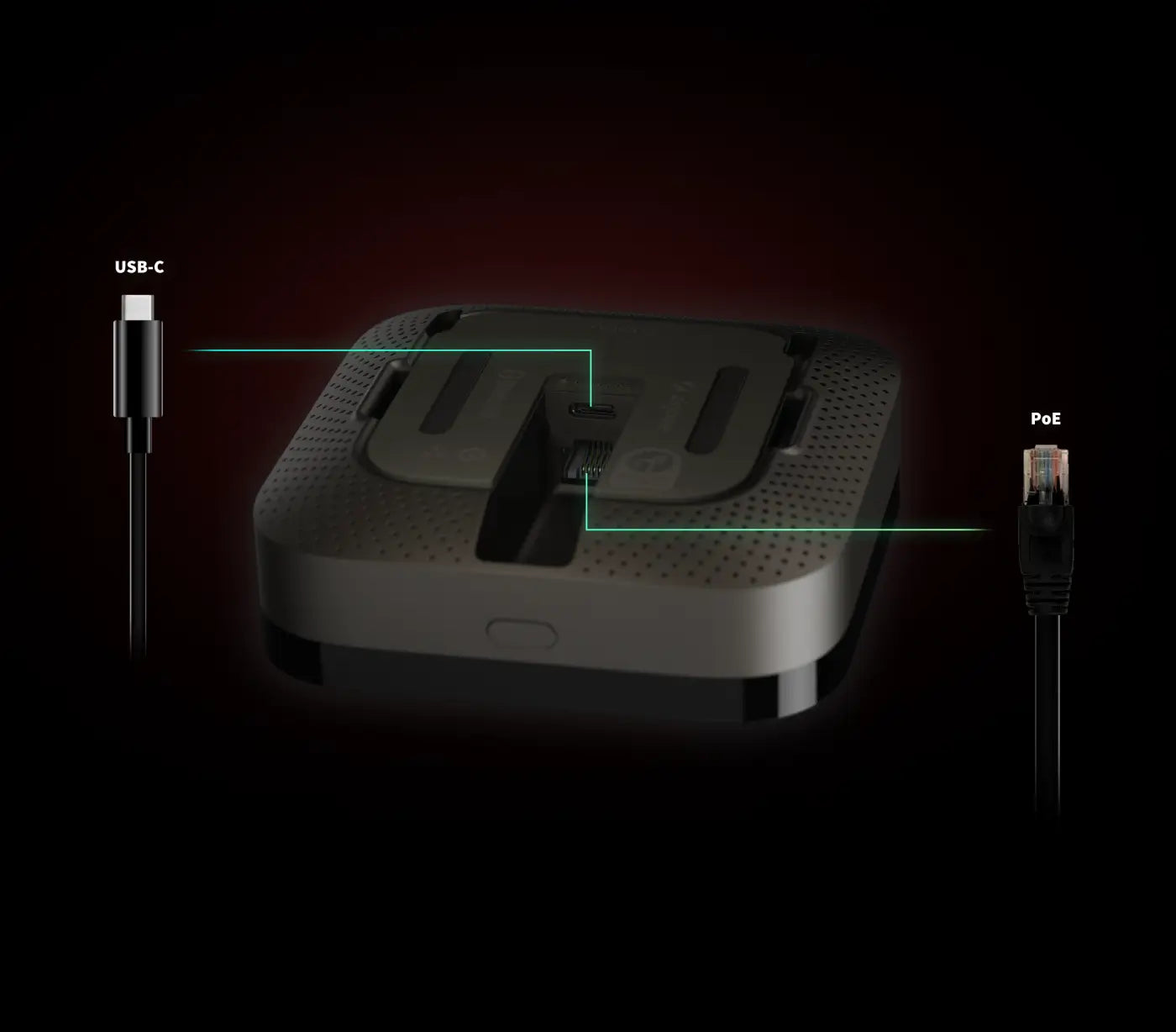
  • Power over Ethernet (PoE) Port for reliable wired connectivity.
  • USB-C Port for mini-UPS and power bank connections, providing unparalleled stability during power outages.
  • (Note: 2A USB power adapter not included.)

Privacy-Focused & Easy Setup

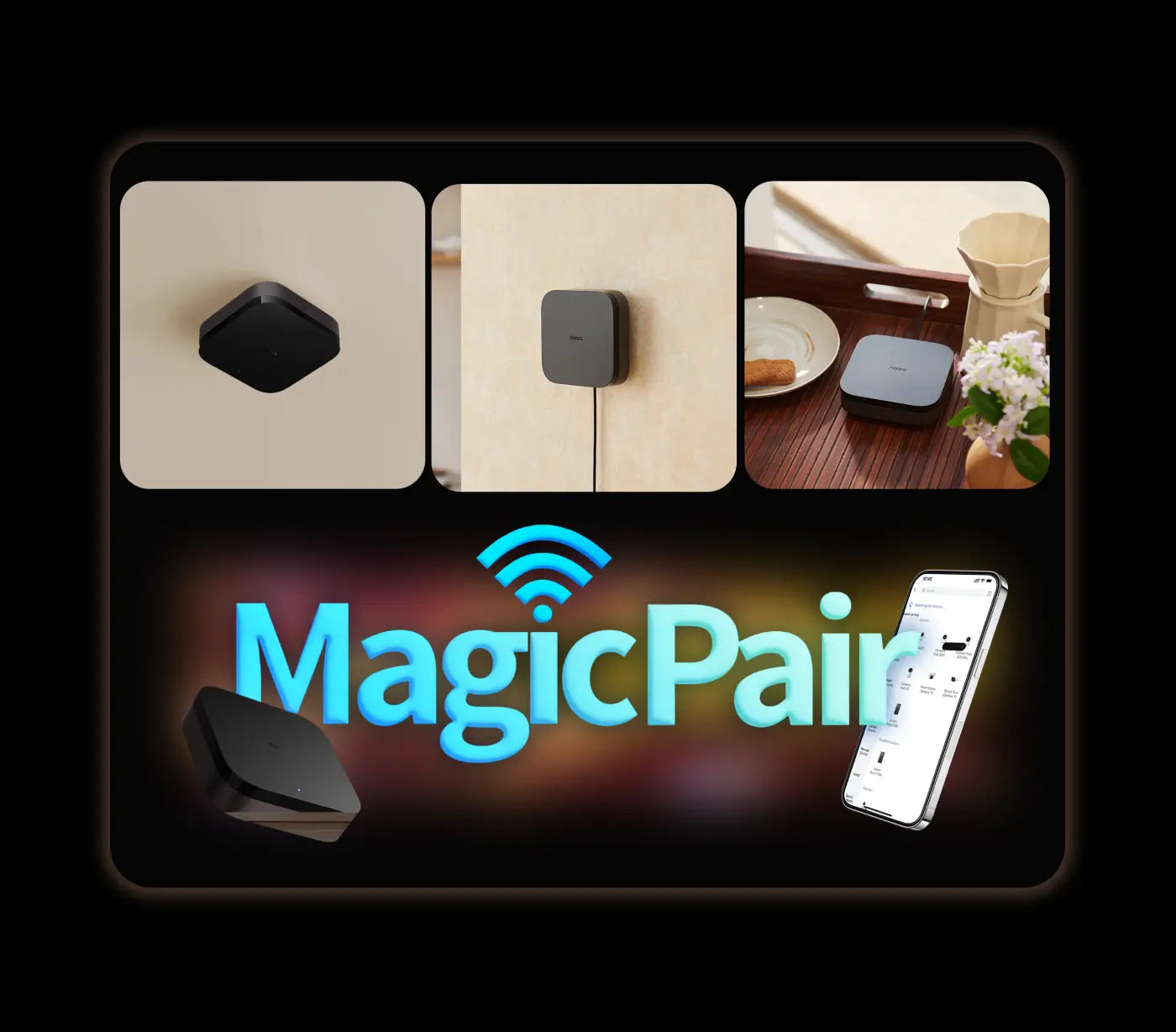
Your privacy is paramount with the Aqara M3 Hub. Designed without microphone or camera components, it ensures your data remains secure. Featuring 8GB end-to-end encrypted local storage, the hub safely stores device lists, configuration parameters, and automation data. The Magic Pair technology guarantees effortless detection by the Aqara Home app upon power-up, while included mounts and screws offer versatile placement options on flat surfaces, walls, or ceilings.


Compatible with:
Aqara
Aqara
Apple Home
Apple Home
Alexa
Alexa
Google Home
Google Home
SmartThings
SmartThings
View full details

Aqara Hub M3

Continuous Connectivity for Your Smart Devices.

Aqara Smart Hub M3 - banner

Features

Multi-Protocol Hub with Matter Bridge

Connects Aqara Zigbee and Thread devices, plus third-party gadgets, all via the Aqara Home app.

Local Control & Automation

Acts as the primary hub for seamless, prioritizing local control and shifting all automations to operate directly within your network.

Reliable Connectivity

Offers dual-band Wi-Fi, Power over Ethernet (PoE), and USB-C for stable wired and wireless connections with WPA3 security.

Privacy & Security

No microphone or camera, featuring encrypted local storage with 8GB eMMC to keep your data private.

Smart IR Blaster

360° IR control with status feedback and AC thermostat functionality when paired with Aqara Temptature Sensor.

Easy Setup & Flexible Placement

Includes mounting accessories and MagicPair technology for quick setup and versatile installation options.

* Visit the Aqara website for the current list of Zigbee devices compatible with Matter.

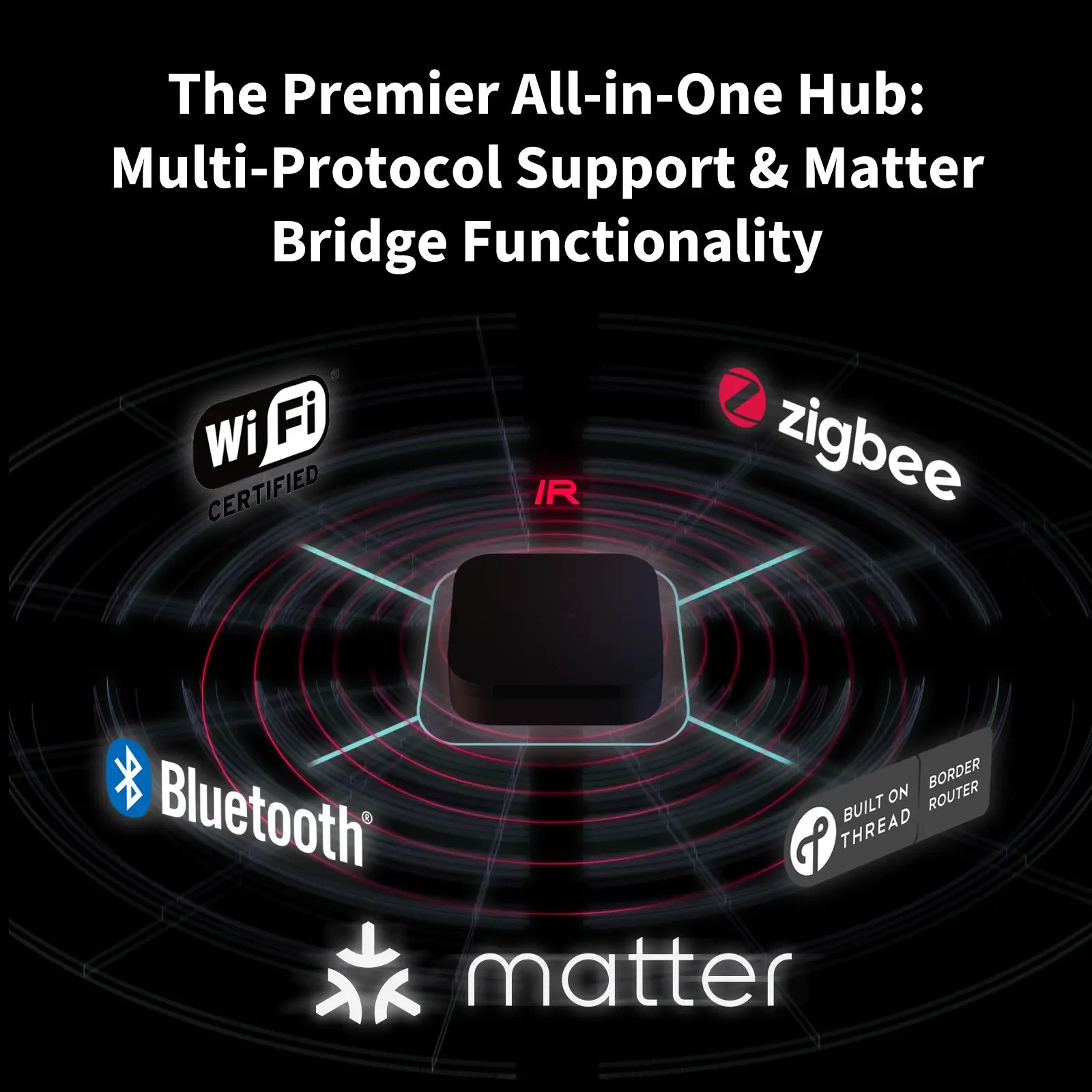
Premier All-in-One Hub: Multi-Protocol & Matter Bridge

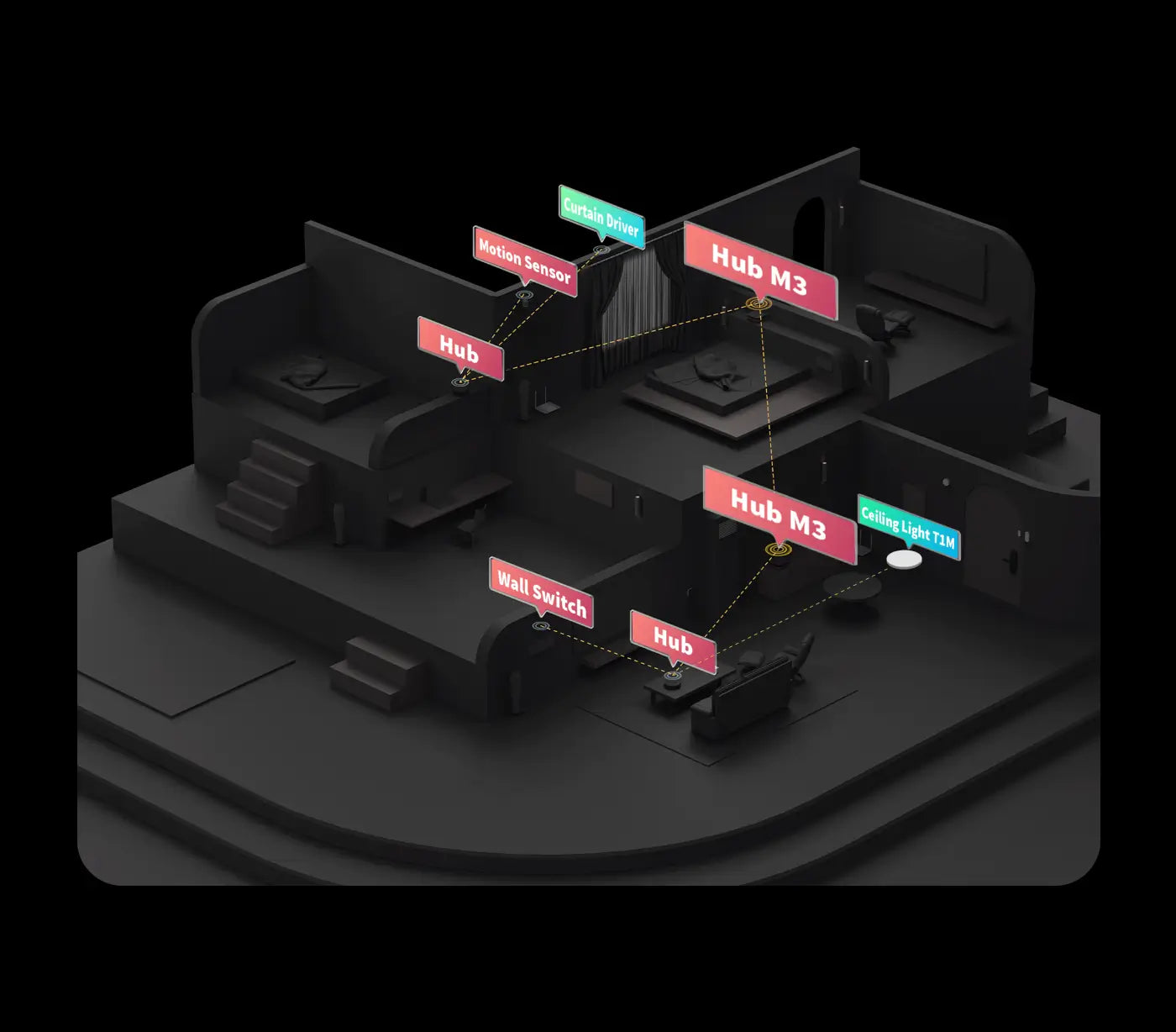
The M3 supports Aqara Zigbee and Thread devices and integrates third-party devices into the Aqara Home app. As a Matter bridge, it ensures seamless communication with other Matter-compatible platforms. Connect up to 127 Thread/Zigbee devices for comprehensive smart home control.

*Device support may vary by ecosystem.

Aqara Smart Hub M3 - multo protocol support
Aqara Smart Hub M3 - matter bridge hub

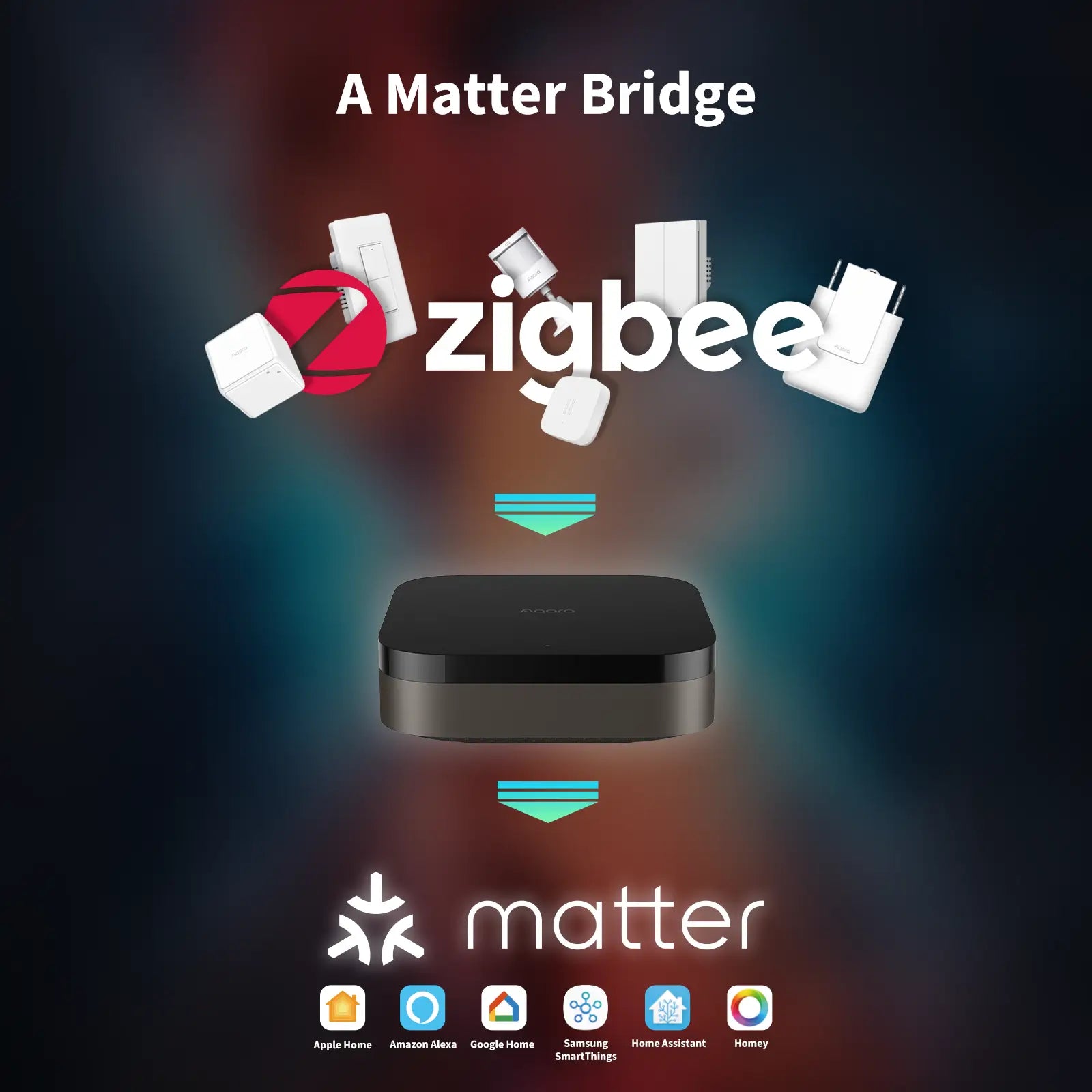
Matter Bridge: Seamless Smart Home Integration

Connects Aqara Zigbee devices with Matter and HomeKit apps, enhancing interoperability and control over your smart home.

*Features may vary depending on the Matter app.

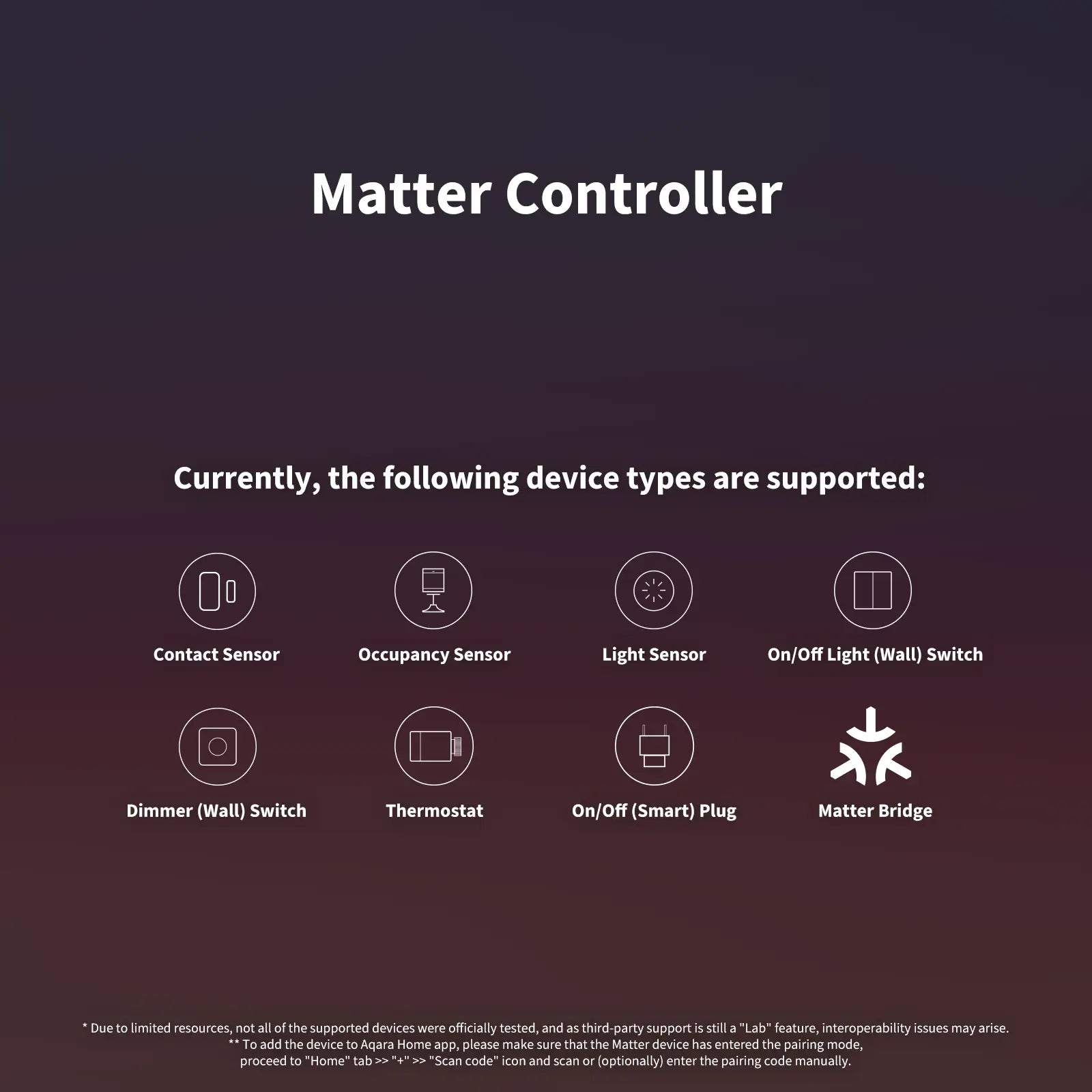
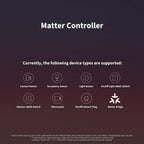
Matter Controller

With Matter Controller functionality, the M3 integrates third-party Matter devices into the Aqara Home app, unlocking easy yet powerful automations for thousands of Matter-compatible devices.

Contact Sensor

Occupancy Sensor

Light Sensor

Light (Dimmable, CCT, RGB)

On/Off,Dimmer (Wall) Switch

Thermostat

On/Off Plug and Outlet

Matter Bridge

*For a list of supported devices, please visit the Aqara.com.

Privacy & Encrypted Storage

The M3 excludes microphones and cameras, ensuring your privacy. It features end-to-end encrypted local storage* for device lists, settings, and automation data.

*More data types will be supported in future updates.

Aqara Smart Hub M3 - local storage data
Aqara Smart Hub M3 - hub migration

Hub Migration: Easy Upgrade & Data Transfer

Seamlessly migrate from older Aqara hubs with the M3, upgrading your network without needing to reconnect devices manually.

*Note: Camera Hub G2H is not currently supported.

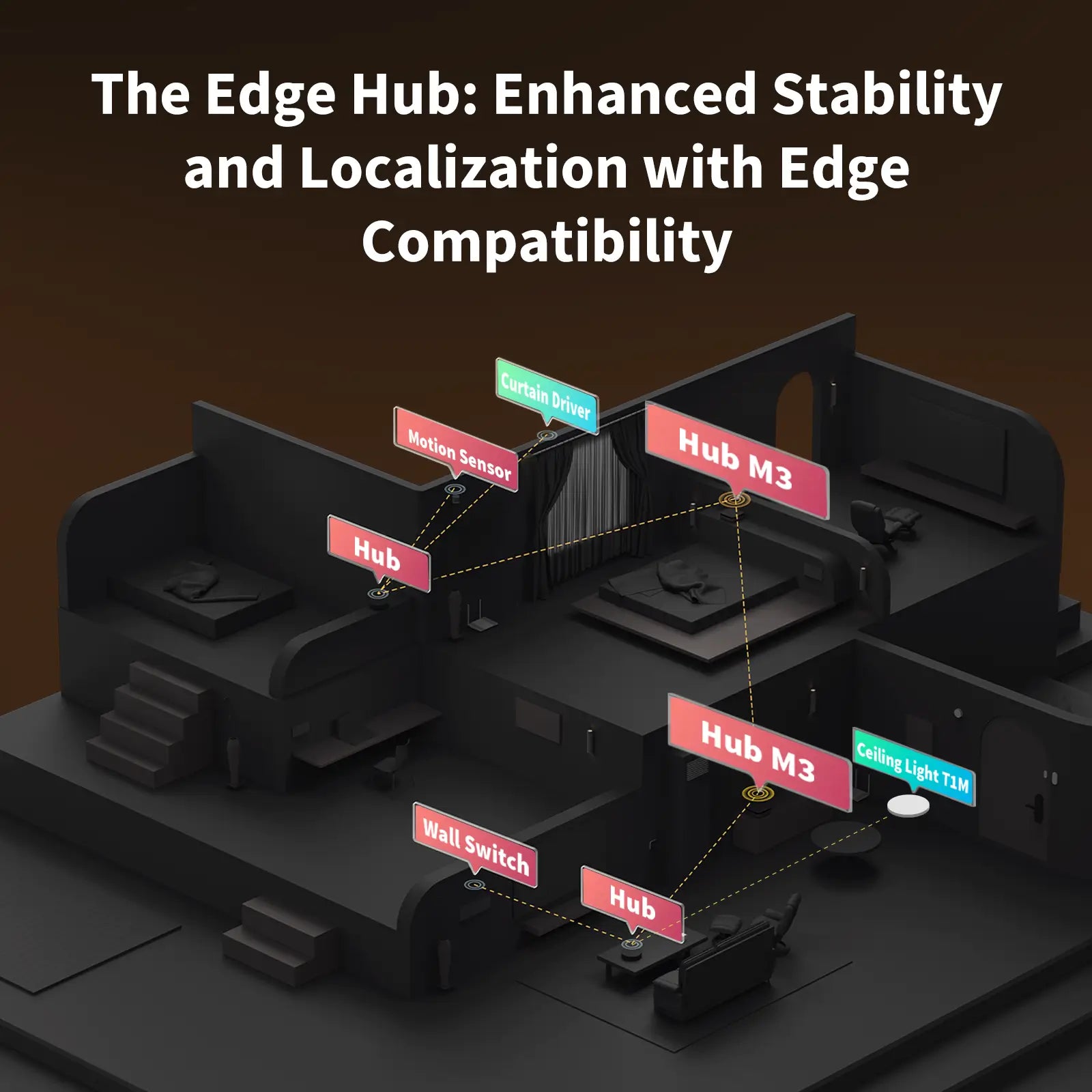
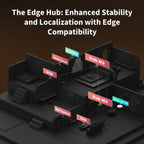
Enhanced Stability & Localization

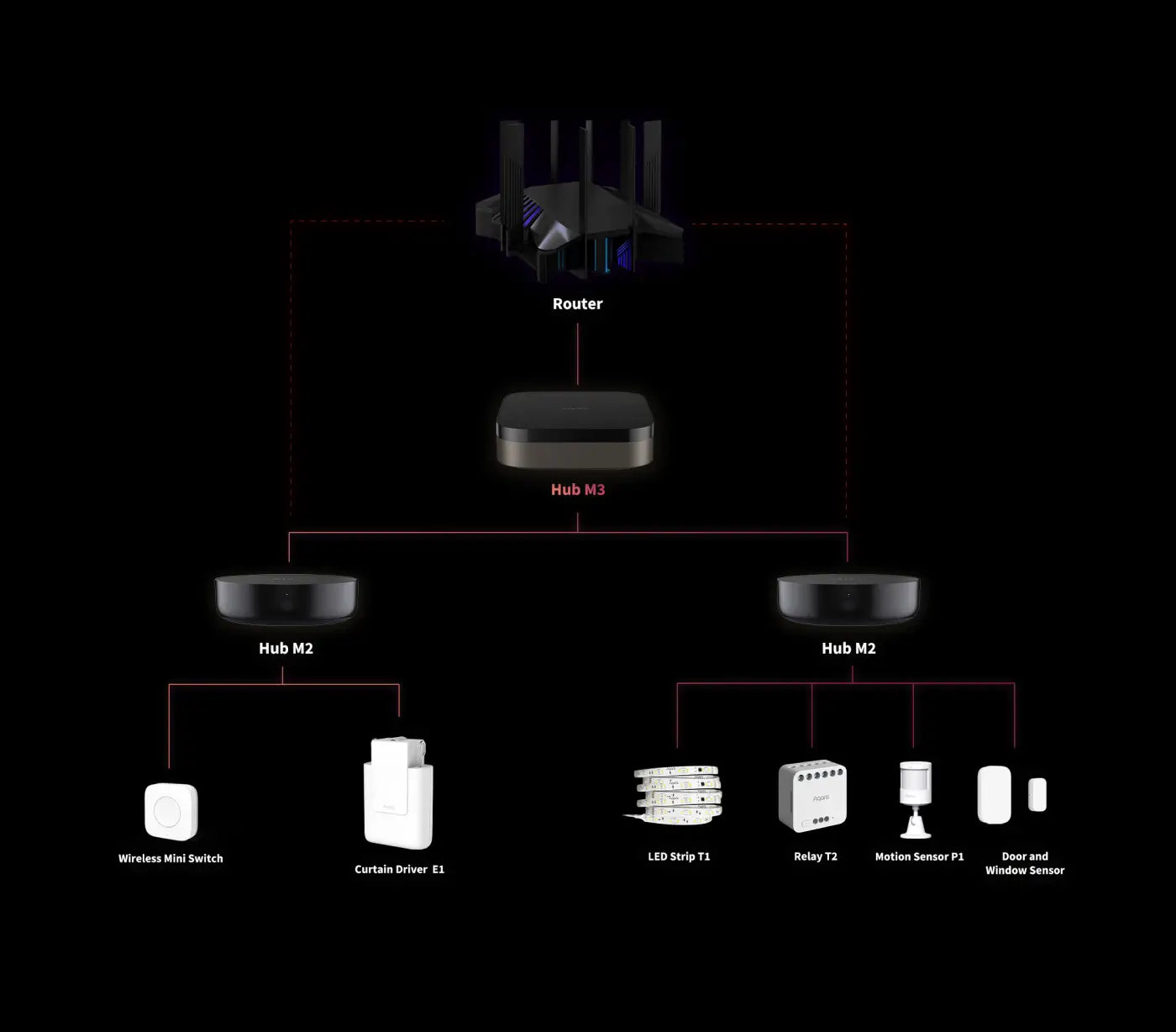
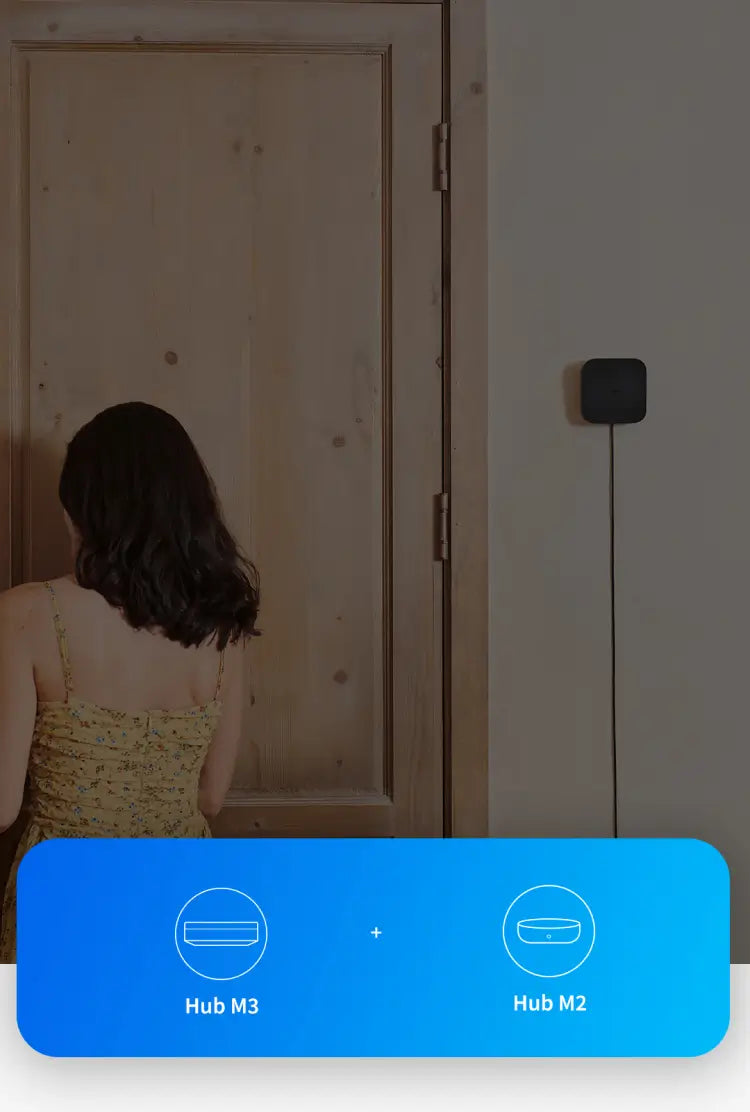
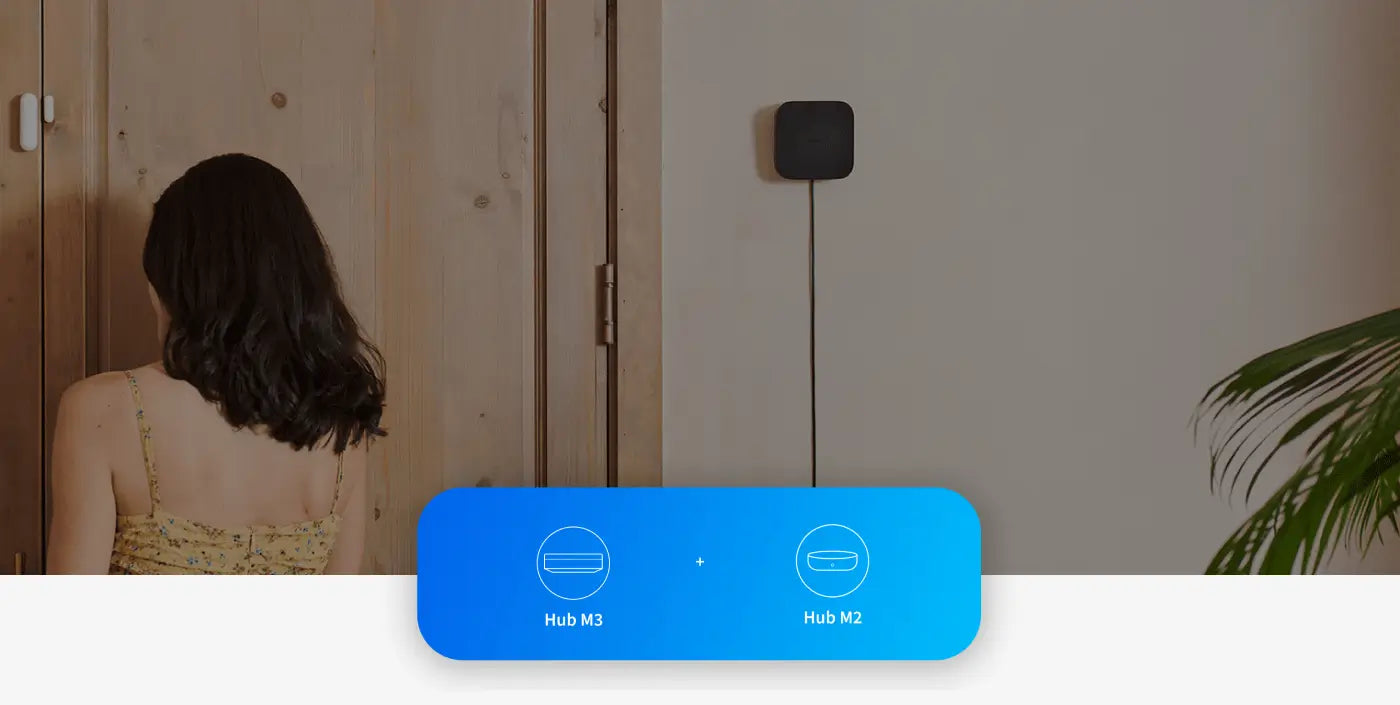
Centralized-Distributed Smart Home System. Once integrated into the network, it assumes leadership over existing Aqara hubs, centralizing data processing and commanding other hubs for distributed computing.


Aqara Smart Hub M3 - The edge matter hub for smart home
Aqara Smart Hub M3 - local cross hub autmation

Local Cross-Hub Automation

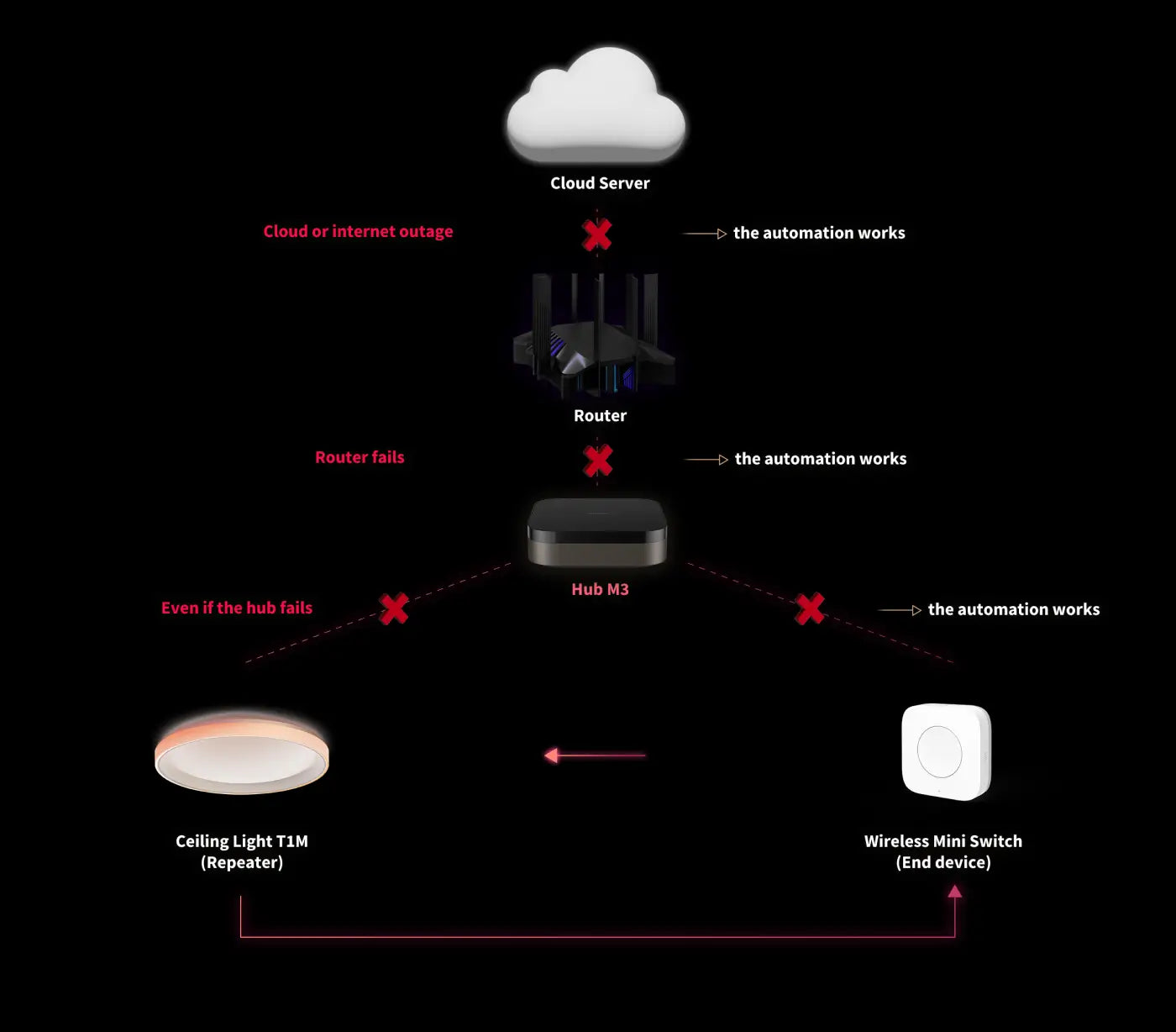
Automations move from the cloud to local Edge, ensuring they work even when the internet is down.

*Cloud push notifications still need an internet connection.

Ultimate Stability & Device Binding

If the M3 Hub fails, select routers or mesh repeaters handle basic automations*, keeping Curtain Drivers and Door/Window Sensors operational for uninterrupted smart home functionality.

*For a list of supported devices, please visit the Aqara.com.

Aqara Smart Hub M3 - seamless automation
Aqara Smart Hub M3 IR Controller
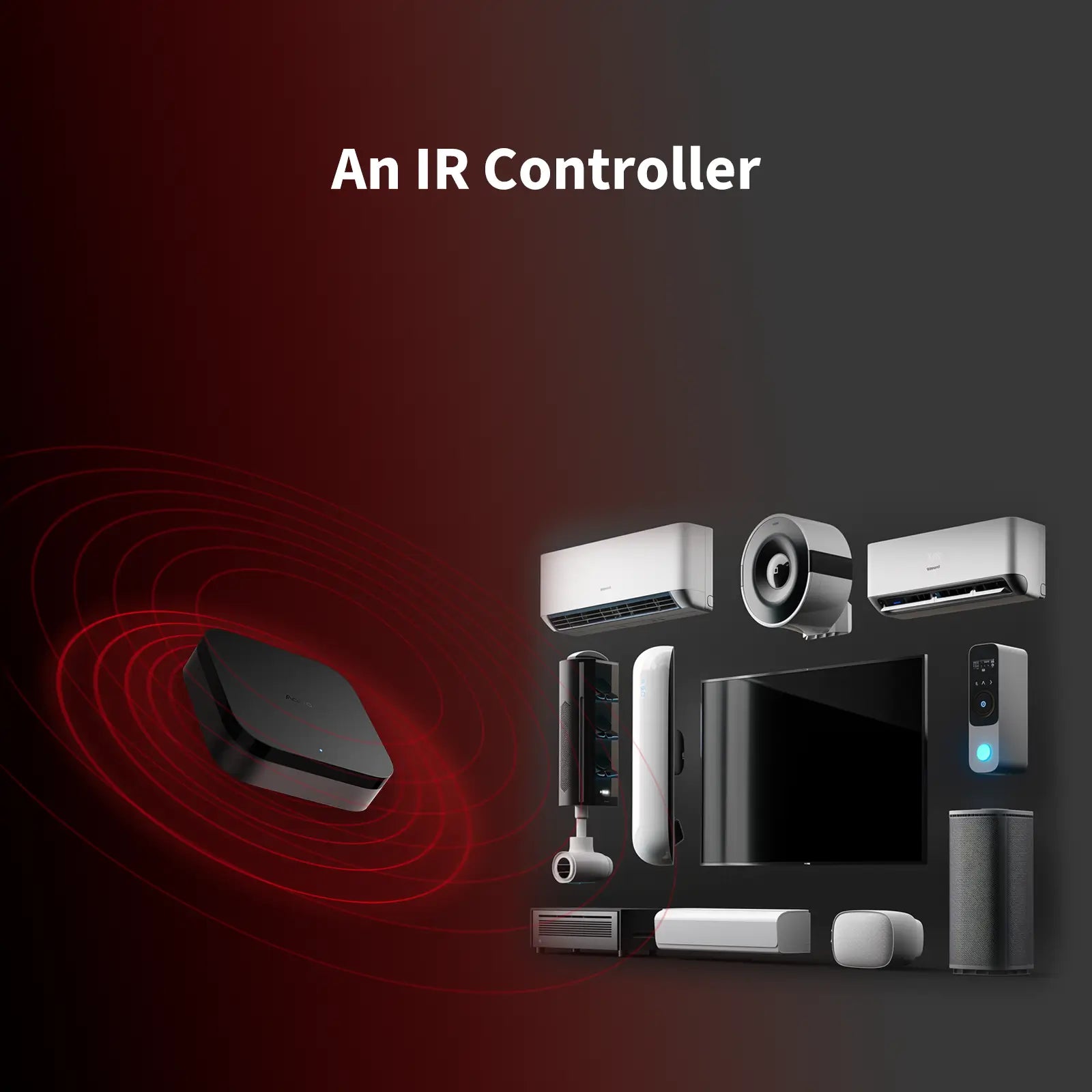
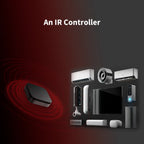
IR Controller

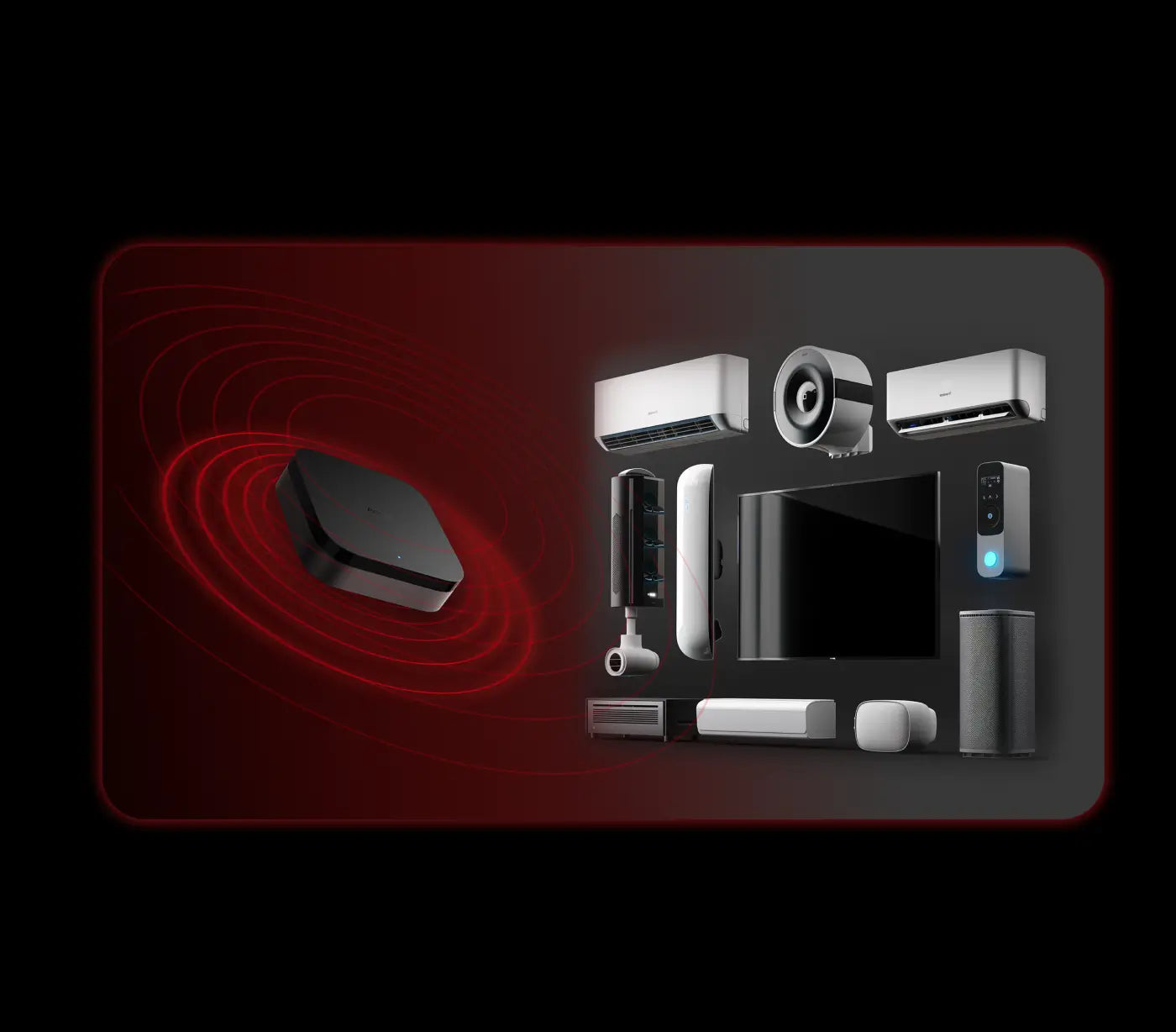
Control a wide range of IR devices with feedback and learning capabilities. Detects status and integrates ACs into the Matter system.

Aqara Smart Hub M3 - versatile connectivity options
Versatile Connectivity

Enjoy dual-band Wi-Fi with WPA3, PoE support, and USB-C for UPS or power banks. Provides robust and flexible wired and wireless connections.

Aqara Smart Hub M3 - cutomize alert
Powerful Speaker

Features a 95dB speaker for Aqara Home alerts or announcements. Supports custom ringtones in automations, even without an internet connection.

Aqara Smart Hub M3 - flexible placement
Easy Setup & Placement

Comes with mounts, screws, and stickers for placing on surfaces, walls, or ceilings. MagicPair automatically detects the hub in the Aqara Home app when powered on.
M3 is a perfect addition of your existing Aqara setup

IF you have used Aqara Home and Aqara hubs before, you will have two options:


either make M3 lead other Aqara Zigbee hubs, which will enhance their local automation capabilities,

or to migrate all the Zigbee Aqara devices to the M3 and make your setup even more robust

Aqara Smart Hub M3 - Automation Example
Aqara smart hub M3

Hub M3

£129.99

View Details

Nomad X Sunglasses

£19.99

View Details

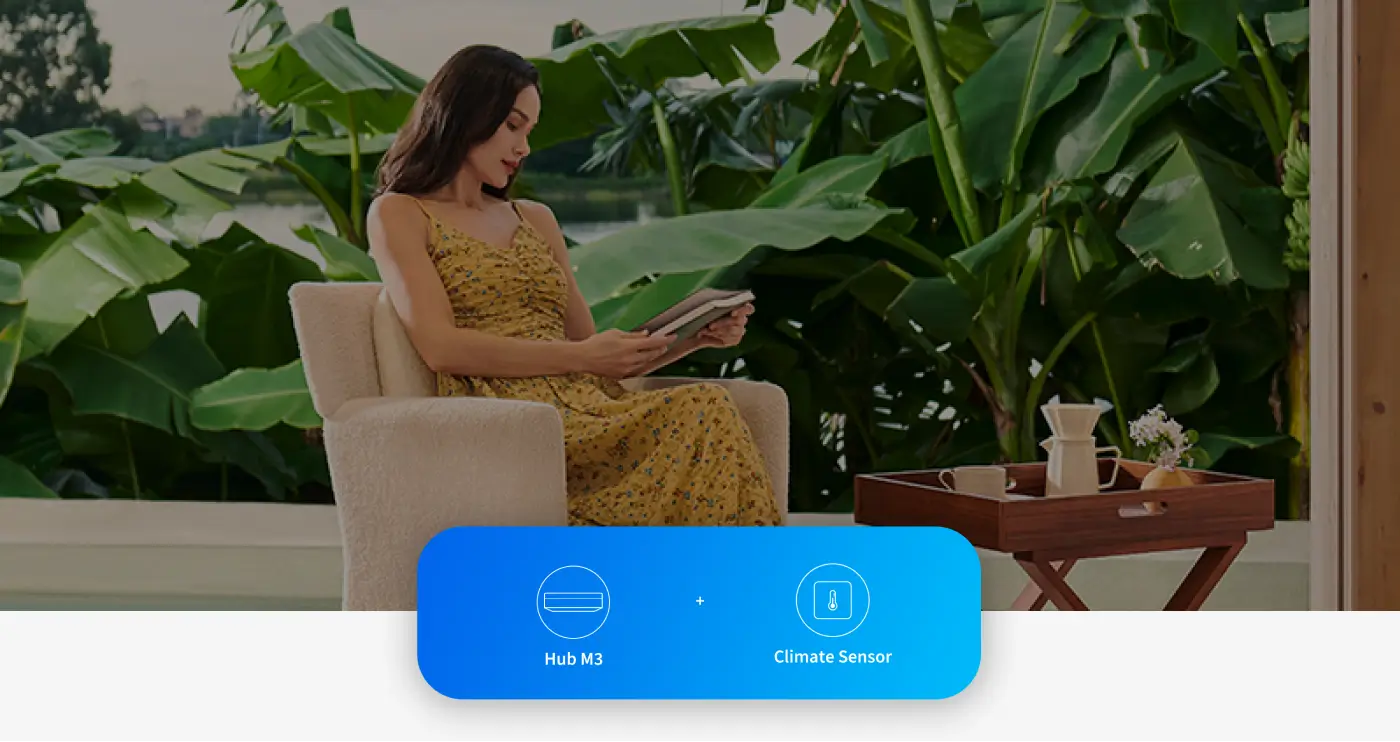
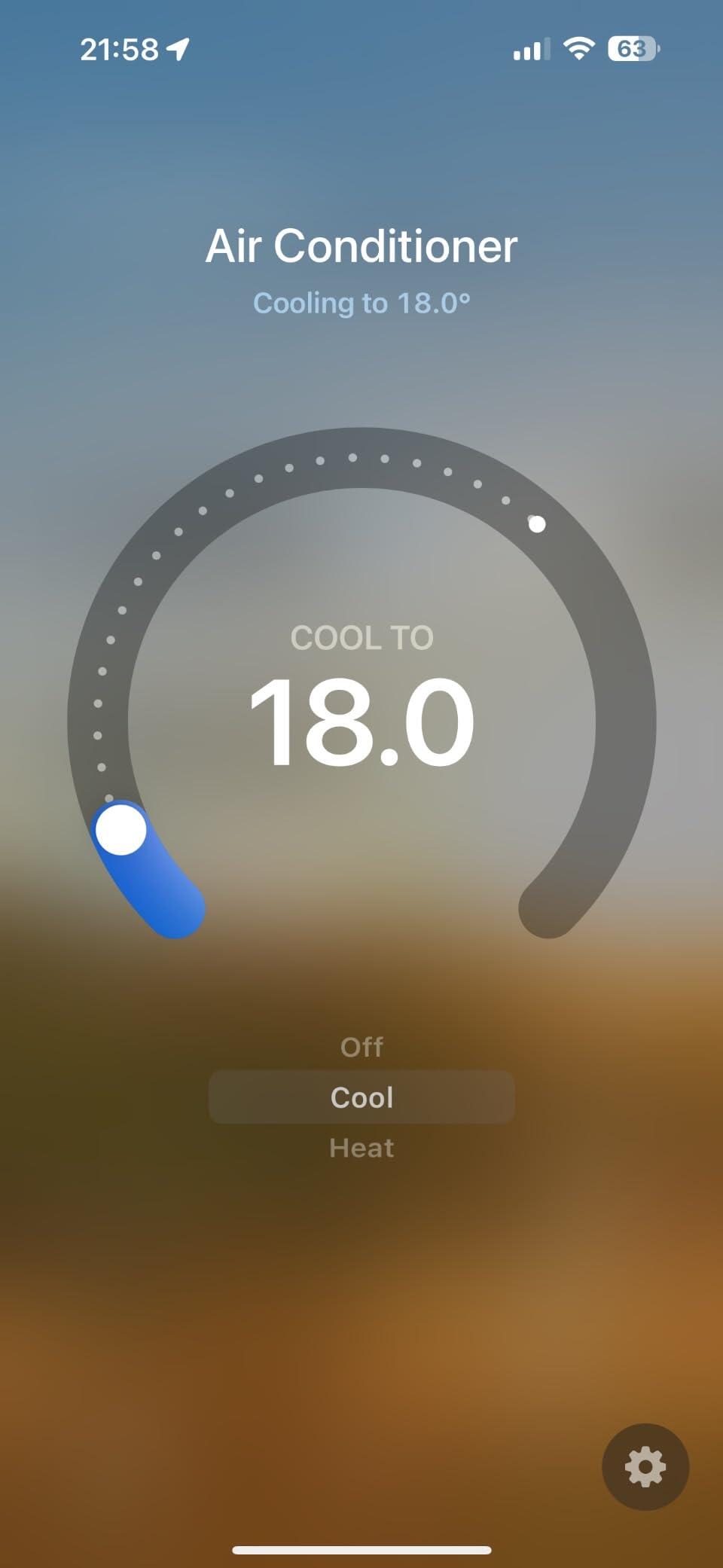
Fully functional air conditioning thermostat by simply connecting a Climate Sensor

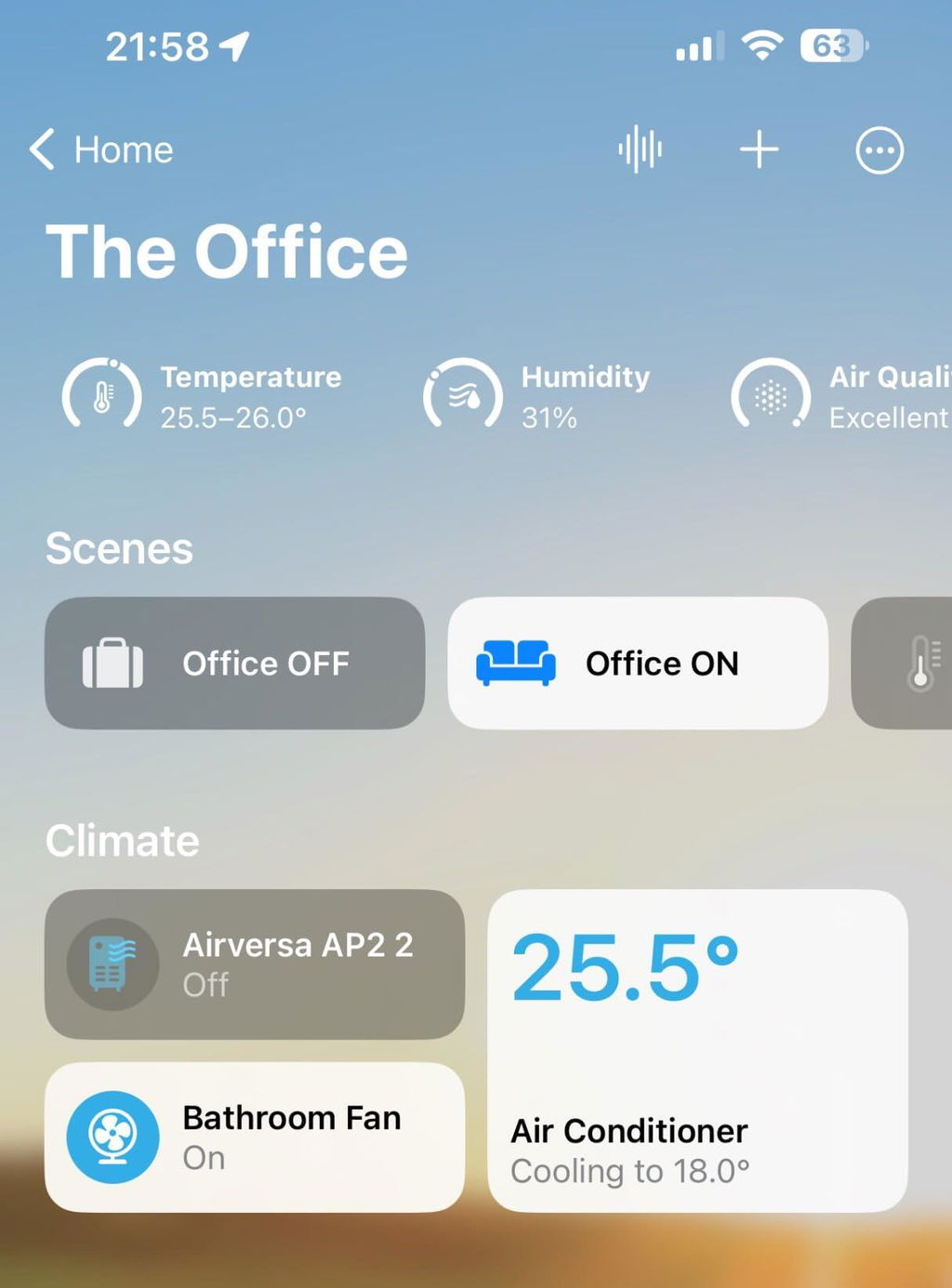
Thanks to the built-in IR blaster, the M3 can control your existing IR devices, such as an Air Conditioner. By connecting an external Aqara Climate (Temperature and Humidity) Sensor, you will be able to trigger automations based on the actual temperature of your room, and expose this AC to third-party apps such as Apple Home, Amazon Alexa and Google Home via Matter.

Aqara Smart Hub M3 - Automation Example
Aqara smart hub M3

Hub M3

£129.99

View Details
Temperature and Humidity Sensor

Temperature and Humidity Sensor

£19.99

View Details

Specifications

Compatible Platforms

  • Aqara
  • Apple Home
  • Alexa
  • Google Home
  • SmartThings

Item Weight

0.45 pounds/200g

Operating Humidity

0 ~ 95% RH, no condensation

Operating Temperature

14 °F ~ 122 °F(-10 °C ~ 50 °C )

PoE Input

48V ⎓ 0.27A

Power Input

5V ⎓ 2A

Product Dimensions

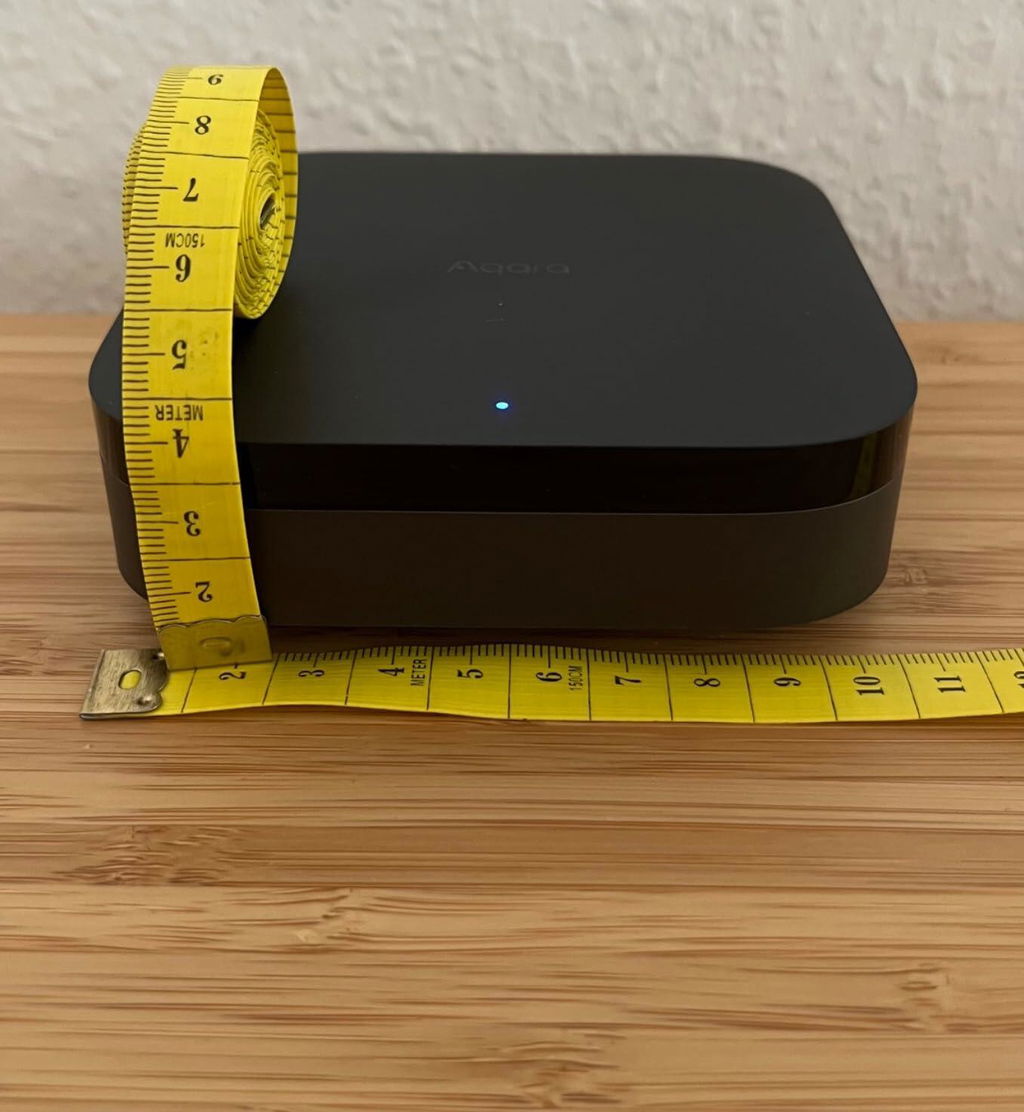
4.13 x 4.13 x 1.41 inches(105 × 105 × 36.5 mm)

Wireless Protocols

Wi-Fi IEEE 802.11 a/b/g/n/ac 2.4 GHz / 5 GHz, Zigbee/Thread IEEE 802.15.4, Bluetooth 5.1

Included Components

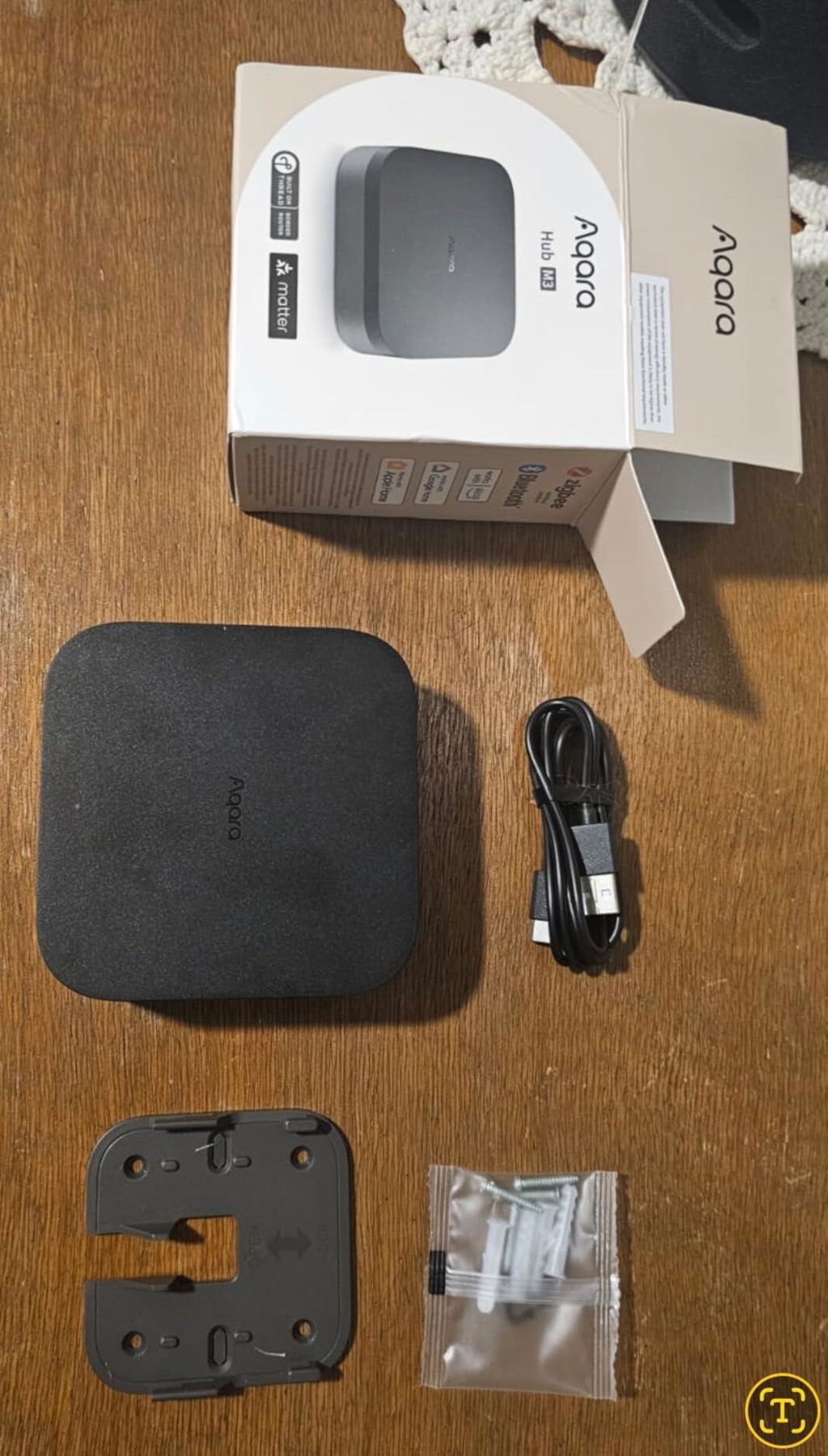
Hub M3 × 1, User Manual × 1, USB-A to USB-C Cable × 1, Screws & Anchors Kit × 1, Bracket × 1

You May Also Like

 
  • 5 stars: 111 (63%)
  • 4 stars: 65 (37%)
  • 3 stars: 0 (0%)
  • 2 stars: 0 (0%)
  • 1 star: 0 (0%)
C
Customer
HUB M3

hub molto discreto nelle forme,con lui gestisco bene tutte le mie lampadine t2 aqara senza problemi collegate via thread.
prodotto consigliato specialmente se si vuole puntare su aqara per la smart home

L
Leo
Qualidade Excepcional !!!

Hub Sensacional !!
Matter Controller, ZigBee, Thread, Bluetooth e infravermelho. Também vem com um suporte de parede para a instalação.
Entrega foi antes do previsto e recomendo a compra.

D
David Santos
bom gateway

gateway para equipamentos Aqara, neste caso uso para ligar a fechadura inteligente da Aqara

R
Reco
Beste Hub Steuergerät

Beste Hub Geräte für den preis.
Design 1A.
Aqara produkte funktionieren sehr gut sogar da war ich schockiert matter Geräte auch so.

S
Sandra G.
Gutes Hub für Aqara & HomeKit

Da ich von Nuki Türschlössern auf das Aqara U200 umgestiegen bin, hab ich mir das M3 Hub geholt. Hintergrund war, das ich gerne die Möglichkeit habe, meine beiden U200-Schlösser auch aus der Ferne zu steuern. So kann der Paketbote z.B. Pakete in den Windfang stellen, wenn keiner zuhause ist.
Positiver Nebeneffekt ist auch, das meine bestehenden G3-Kameras, neu untergeordnet unter dem M3-Hub deutlich zuverlässiger laufen. Vorher hatte ich immer mal wieder Aufhänger bei den Kameras, wo nur ein Reset half.
Jetzt, seit immerhin fast 3 Monaten, keine einzige Störung mehr.

J
Janis
Super Beginn für das Aqara Ökosystem

Ich habe mir das Aqara Hub M3 als Einstieg in das Smart Home gekauft.
DieSmarten Geräte konnten auf einfache Weise mit dem Hub verbunden werden und das Hub konnte sehr schnell und einfach eingerichtet werden!
Praktisch ist auch, dass der Verpackung ein Montageteil beiliegt, um das Hub hängend zu montieren.
Zu erwähnen ist auch, dass Geräte von anderen Herstellern durch das Hub, ob Zigbee oder Matter, einfach eingebunden werden können.

S
Sul3z
One of the best.

I’m using all Aqara hub, nothing like this one.
Amazing build amazing software and I don’t care about connecting other companies matter to Aqara hub, almost 90% of my smart house from Aqara.
When I connected with hub m3, all Aqara child devices it’s became super fast, my automation became better and reliable.
How to connect to the AC this so good, I removed all other companies remote with Aqara hub m3 and you can whole control of the AC and even if I change temperature with original remote it’s changing in Aqara app and HomeKit super fast.
Totally any where you can put it and it’s work just fine with your AC
** important Note **
If you moved child devices to hub m3
there’s 2 options to work HomeKit “exposed as Matter or Regular HomeKit”
Some of old devices from Aqara like D1 series it won’t go to HomeKit because it’s not support matter, but it’s gonna work just fine in Aqara app.
But when you expose it to HomeKit as usual without matter it’s gonna go there to HomeKit and work fine without any issue.

A
Apple-User
M3 Hub von Aqara mit Thread in Apple HomeKit

Habe mir diesen M3 Hub in erster Linie gekauft, um die tollen und günstigen Sensoren von Aqara auch in Apples Home App zugänglich zu machen und um von dort dann ggf. Automationen zu triggern. Spätere Erweiterungen, wie Schlösser, Beleuchtung oder Kameras nicht ausgeschlossen.

Die Einrichtung des Hubs war ein Kinderspiel und dauerte nur wenige Minuten.
1. Aqara App laden,
2. M3 Hub ans Stromnetz anschließen (Hinweis: Ladestecker liegt nicht bei, Kabel schon),
3. Aqara App öffnen und die geführte kurze Einrichtung erledigen,
4. den Aqara Einrichtungscode (Aufkleber direkt am Gerät) mit Handy-Cam scannen,
5. JETZT WICHTIG, erst einmal mögliche Firmware-Updates laden (bei mir waren es zwei),
6. erst jetzt die Aqara Sensoren, Kameras, Schlösser oder was auch immer von der Firma hinzufügen,
7. nun über den Menüpunkt "zu Apple Home hinzufügen" in der Aqara App den Apple HomeKit-Code scannen (Aufkleber auch direkt am Gerät) und den M3 Hub so zu Apples Home hinzufügen,
8. der Hub wird in Apples Home App als Bridge angezeigt - fertig,
9. die Sensoren, die ich unter Punkt 6 hinzugefügt hatte, erscheinen alle in Apple Home, perfekt.
10. gutes und wertvolles Extra, der M3 Hub fungiert auch als Thread-Border-Router.
Er erweitert so mein bereits existierendes Thread-Netzwerk um einen sog. vollwertigen Knotenpunkt.
Mein Thread-Netzwerk wird so noch feinmaschiger und stabiler als es ohnehin schon war.
Nehme ich aber/also gerne als Goodie.

Hinweis:
Wer mehr zu Thread erfahren will, bitte einfach googeln.
Wer sich das eigene Thread-Netzwerk anschauen will, dem empfehle ich die gelungene App von Eve.
Diese App zeigt als bislang einzige App (Stand: 07/2024) ein solches Netzwerk übersichtlich (Apple HomeKit) an.

Erfahrungen mit diesem M3 Hub unter Android oder Home Assistant habe ich keine.

Kleines Update (25. Sept. 2024):
Ein kleinen Kritikpunkt habe ich doch.
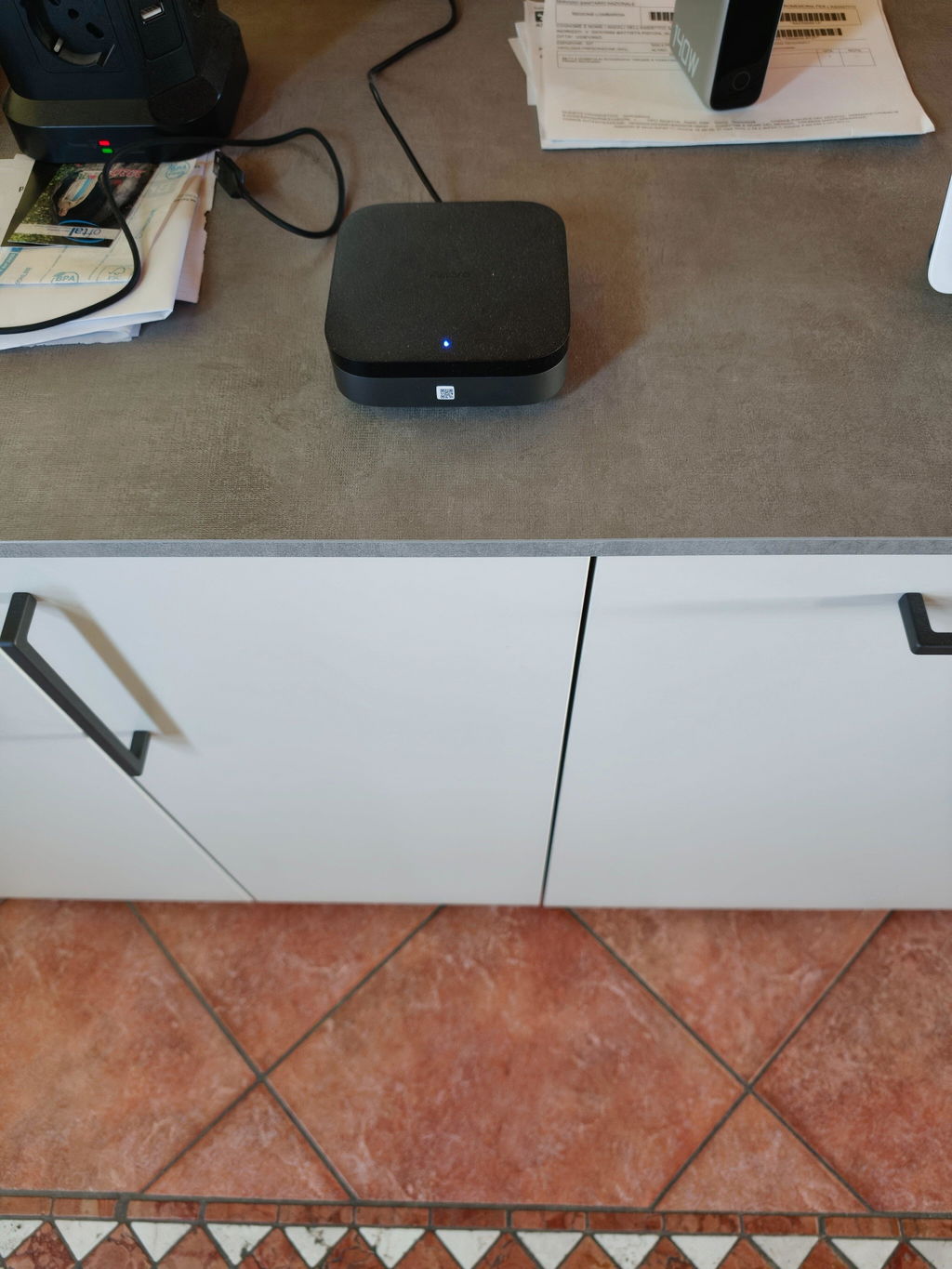
Die Status-LED lässt sich leider nicht dimmen oder ausschalten.
Eine Supportanfrage bei Aqara ergab, dass dies tatsächlich nicht möglich ist, dennoch wurde die Anfrage ans Entwicklerteam weitergeleitet. Also, vielleicht dann mal in Zukunft. ;)
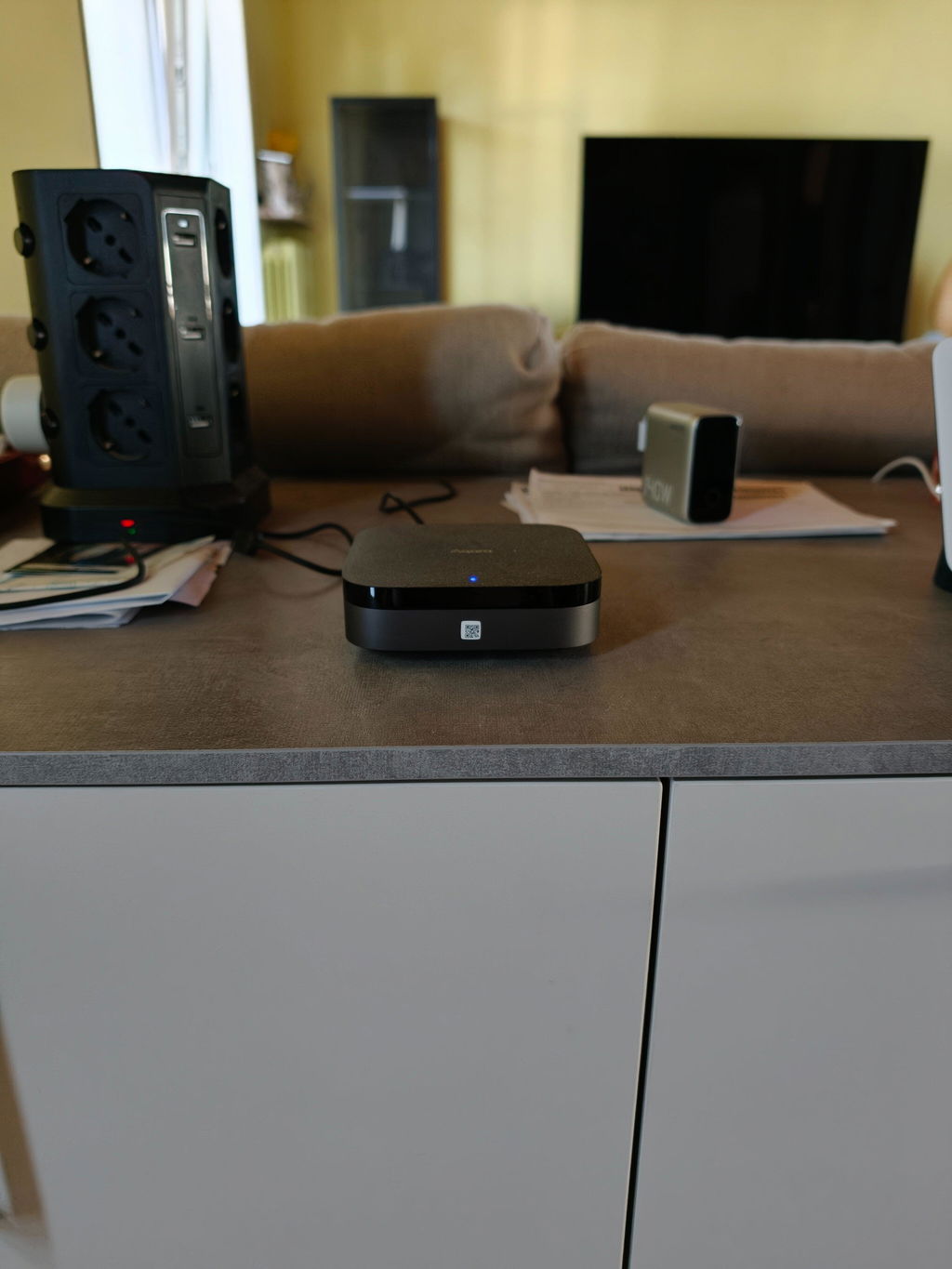
Ich empfehle den Hub nicht im Schlafzimmer oder in Sichtachse zur Couch zu platzieren, gerade abends/nachts ist diese LED meiner Meinung nach schon recht grell.

E
Ercan Kaymak
A Reliable Hub

I’ve been using this hub for almost 1 week and honestly recommend it. Here is my summary:
Pros:
1. All Aqara and Philips Hue ecosystem devices connected seamlessly and working superb so far.
2. My main purpose was to build a DIY home security and apparently it’s working fine.
3.Apple Homekit also recognised the Hub as Homekit Security item.
4. Hub’s IR blaster is also easy to set up and I’ve connected my old light strip to the home via adding IR remote of the light strip.
5. This hub has almost every type of wireless comms protocols in the market, so a strong candidate for a central brain for our smart homes.

Cons:
1. I’m aware that this hub is not allow the users to add P2 door&window sensor and I can wait for the update for this issue.
2. Some other Matter-compatible devices are not supported yet

I’ll update here after getting some additional observations.

G
Giovanni

Perfetto

A
Aashly
Reliable Smart Home Hub That Works Seamlessly With Aqara Devices

This smart home hub has worked great with our Aqara setup so far, especially with the smart door lock and door sensor we recently installed. Everything connected smoothly and has been working reliably together for our automations and smart home routines. The hub helps everything communicate quickly and consistently, making the overall system feel much smarter and more convenient to use. Setup was straightforward, and overall it has been a great addition to our growing smart home setup.

J
James Mercer
Good but should be $100 not $150+

It works, but honestly overpriced imho. I don’t like that I need their hub to do some things when o have home assistant already. Other than that it does allow more options to configure and automate their devices, and also works as a home hub. I’ll review it on those merits.

P
Paolo Conquistatore
Prodotto valido ma non a portata di neofita

Cuore dell'ecosistema domotico AQARA, è facile da installare e si rivela robusto e stabile. Compatibile con il protocollo Matter, gestisce bene tutti i prodotti della sua serie ed una moltitudine di prodotti di terza parti. Una vera delusione è l'app di configurazione, non proprio a portata di neofita, e mancano scenari predeterminati. Non tutti hanno queste capacità. Per questo do' una stella in meno.

A
Agnieszka Marciniak
Fantastic product

Its very simple to connect and great ptoduct

B
BK
M3 hub for a stable Zigby network.

I had an M1S Gen 2 Aqara Hub on WiFi but had daily disconnected of child devices. I purchased the M3 hub and use POE+ on an ethernet line and have had zero disconnects. If you want a stable zigby network, this is the hub you need.

C
Circe330
Easy tech

Super easy to set up. I wish all my home devices worked perfectly out of the box. No issues and it hasn’t dropped connection yet.

M
Morten Nicolajsen

Super godt produkt.

D
Daniel
facil de conectar y buen funcionamiento

Muy contento con el hub. lo uso para puertas y para cámara y funciona muy bien.

K
Katrine
Boîte noire

Oui ça marche très bien avec la poignée

J
Jeisson David Osorio Bohorquez
great

great

M
MATTEO
AMAZING

WOW

J
Jason C
Good Upgrade

Great hub, and good upgrade over my previous M2

M
Matt
Excellent hub for smart home

Really good product. I was surprised to find out how easy it was to set it up with my AC unit, even without getting the remote. The app design by Aqara is really good and linking different (even non-Aqara) items is very easy.

G
GeoffA
Hub for a home

I knew that I needed a hub but I’didn’t know which hub to buy so I just jumped in and bought the M3. I couldn’t find anything that explained what each was able to do. I have a home to smart tech to and the M3 looks like it will do what I need. It’s easy to add items and to program. It looks to be well made so I’m happy

A
Aymen
Amazing but expensive

Amazing product, but I find it a bit expensive

T
Tomica
Ok

Ok

FAQ