Smart Hub M2

£59.99

Item is in stock Only 0 left in stock Item is out of stock Item is unavailable

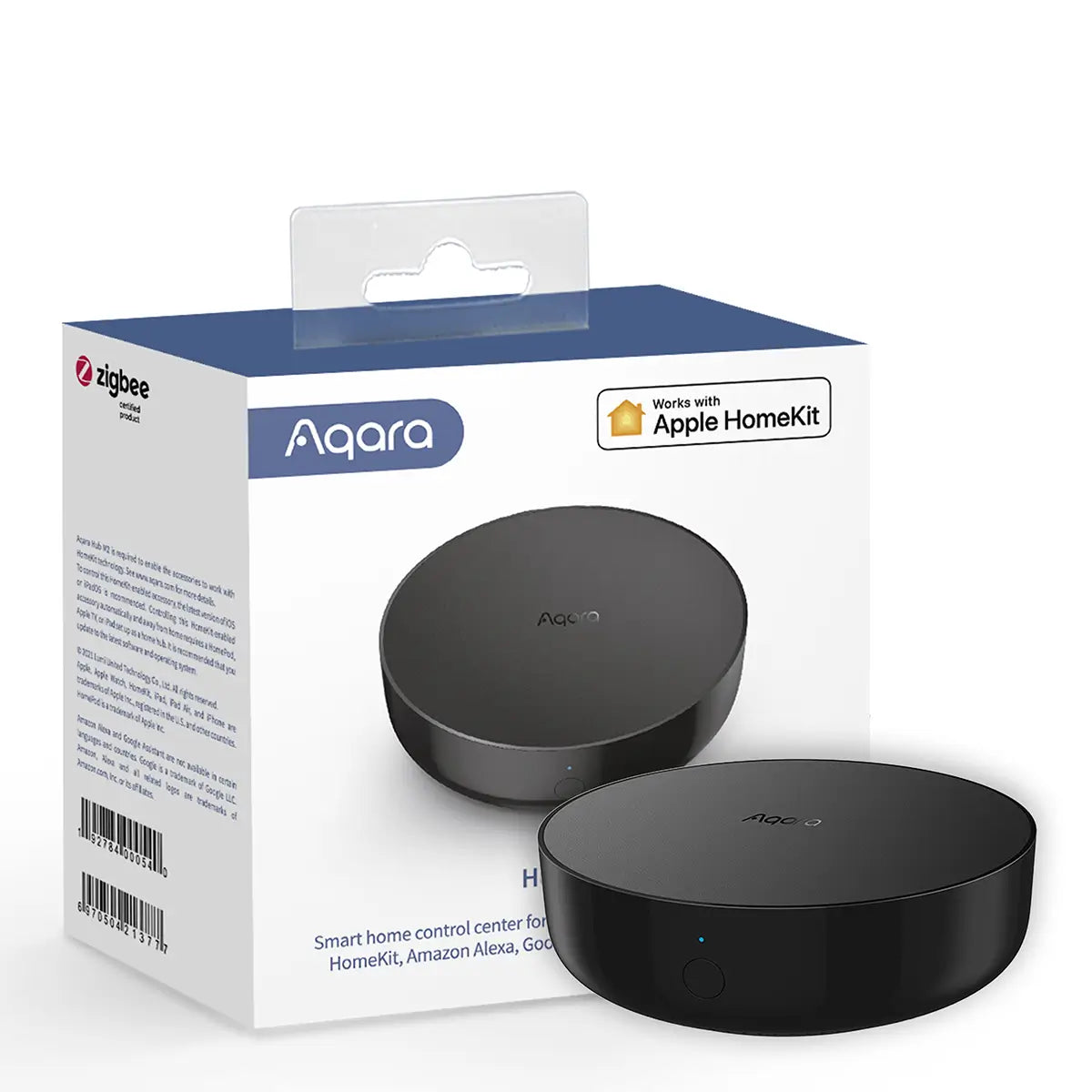
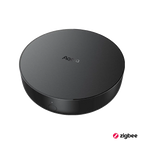
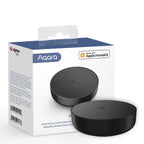
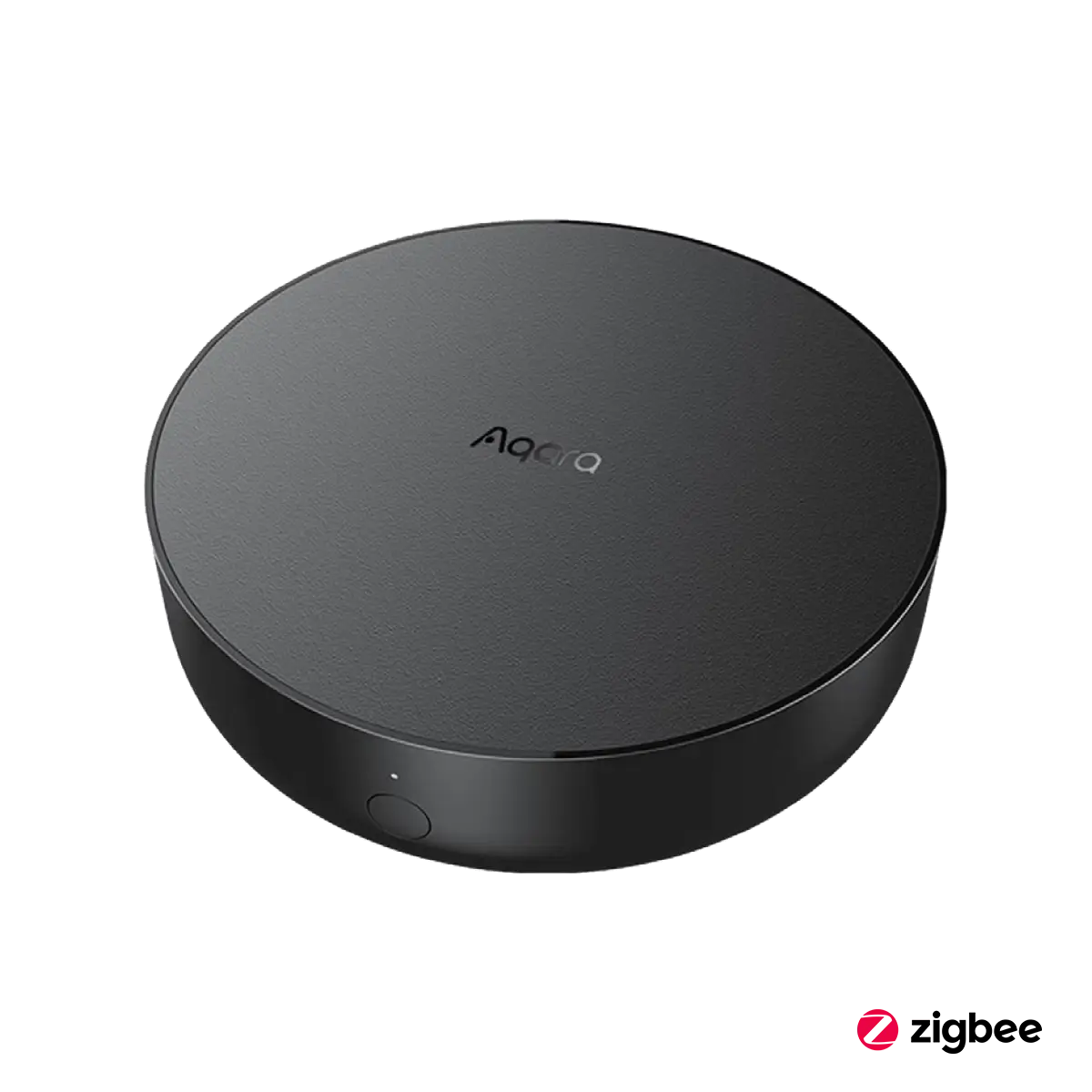
The Aqara Hub M2 is your gateway to a smarter, more connected home. Designed to support up to 128 Aqara Zigbee devices, this advanced smart home hub offers unparalleled control and integration with major ecosystems like Apple HomeKit, Google Assistant, and Alexa.

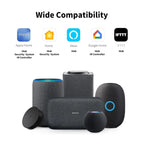
All-Round Compatibility with Major Smart Ecosystems

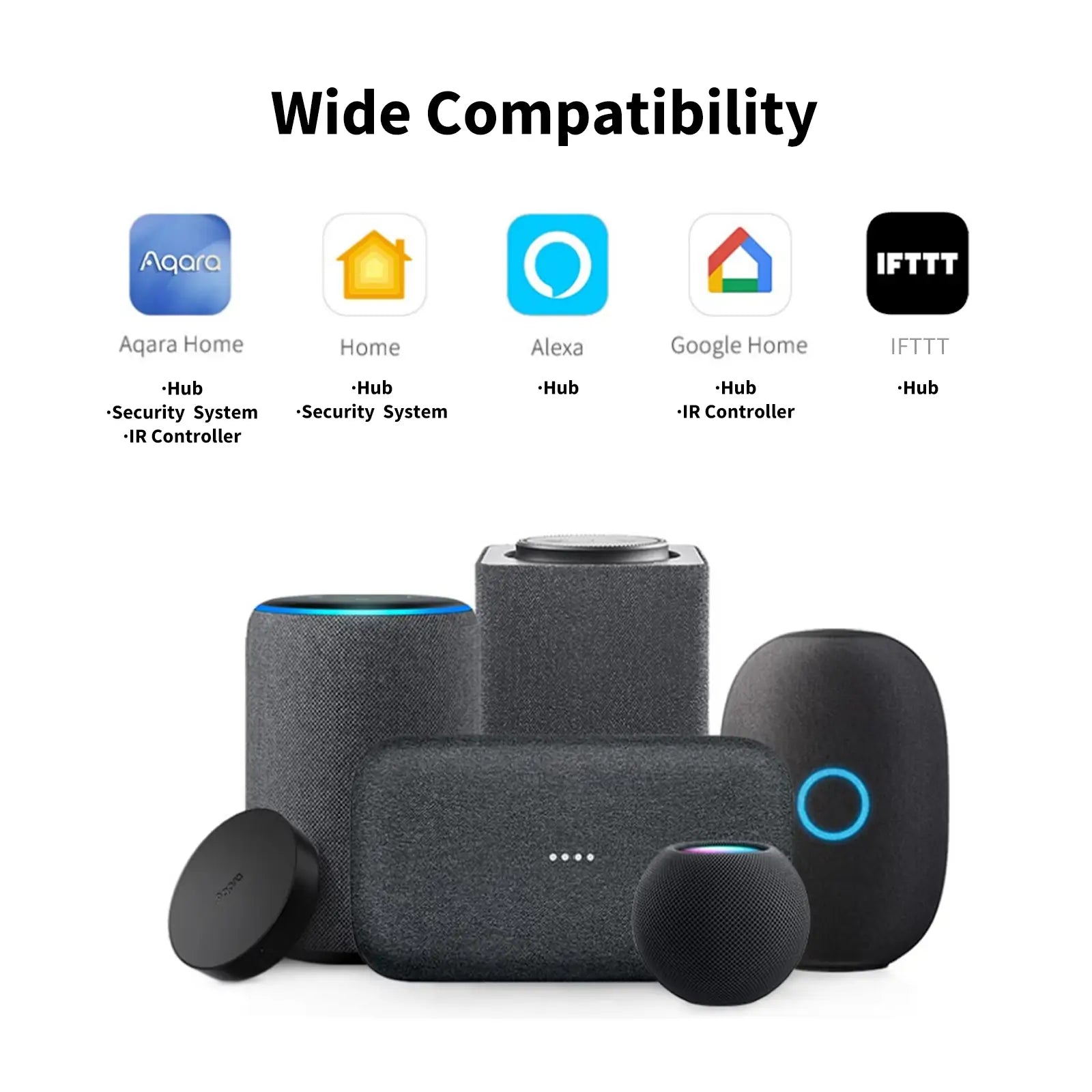
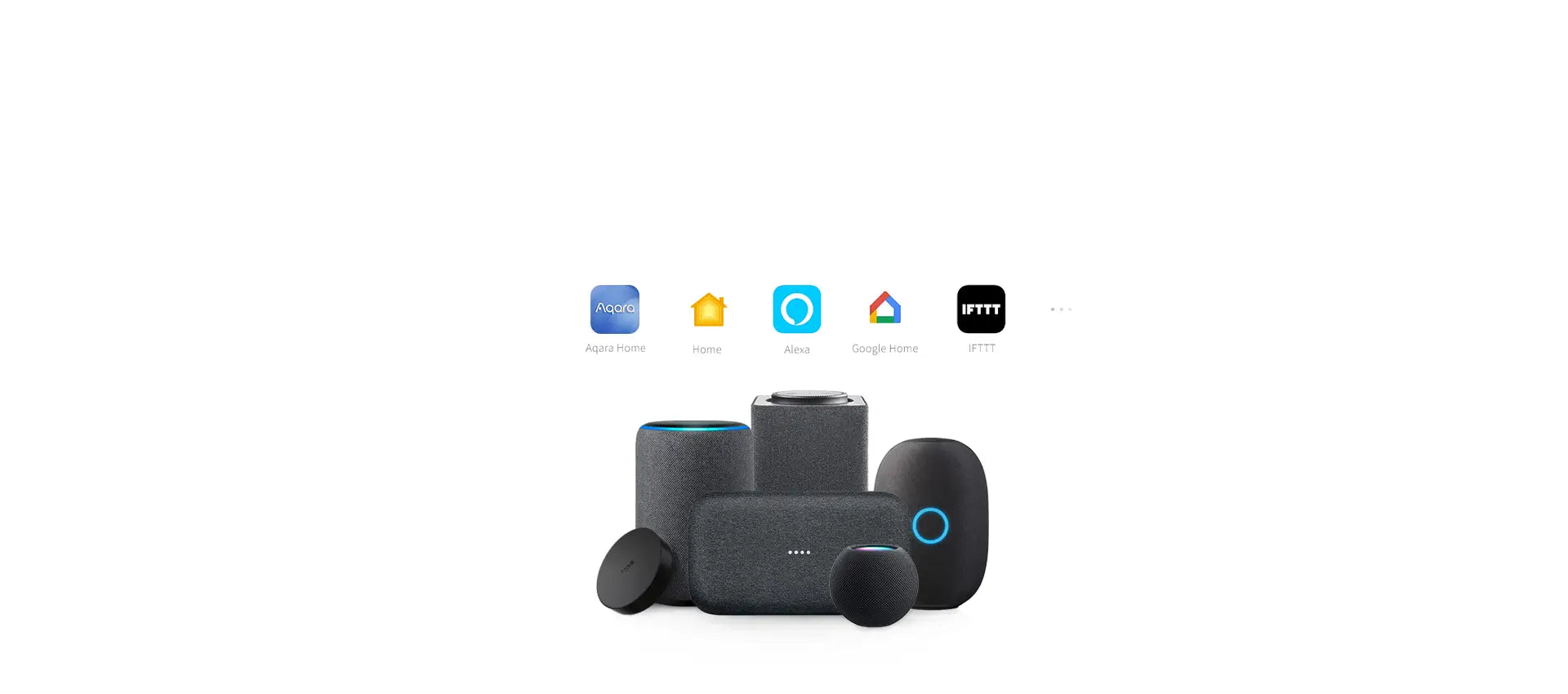
The Aqara Hub M2 seamlessly integrates with a variety of smart home ecosystems and voice assistants, including Apple HomeKit, Google Assistant, Alexa, and IFTTT. Ensure your hub is always up-to-date with the latest firmware to maintain compatibility and access new features as they become available.

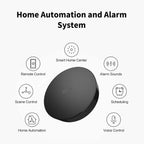
Comprehensive Home Automation and Alarm System

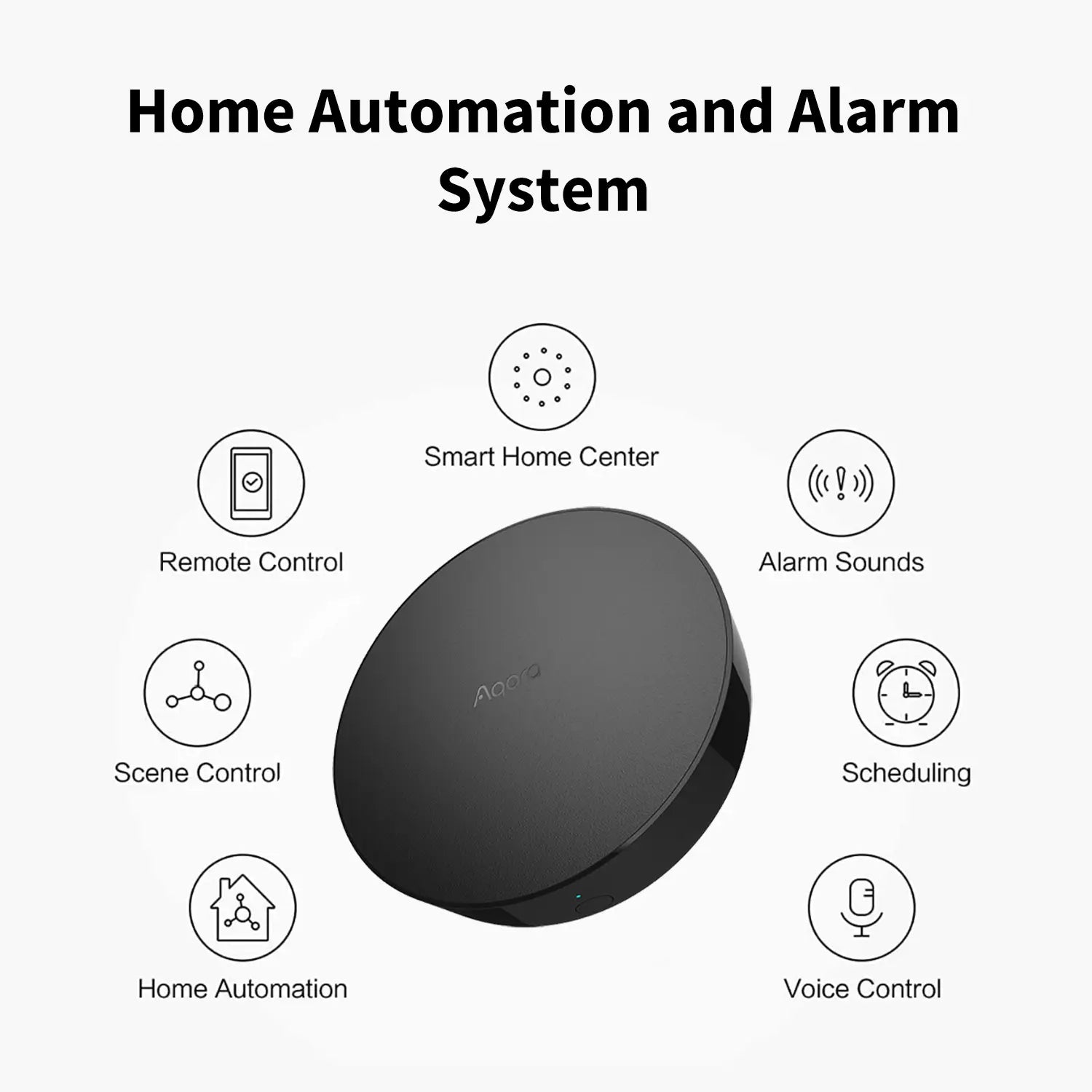
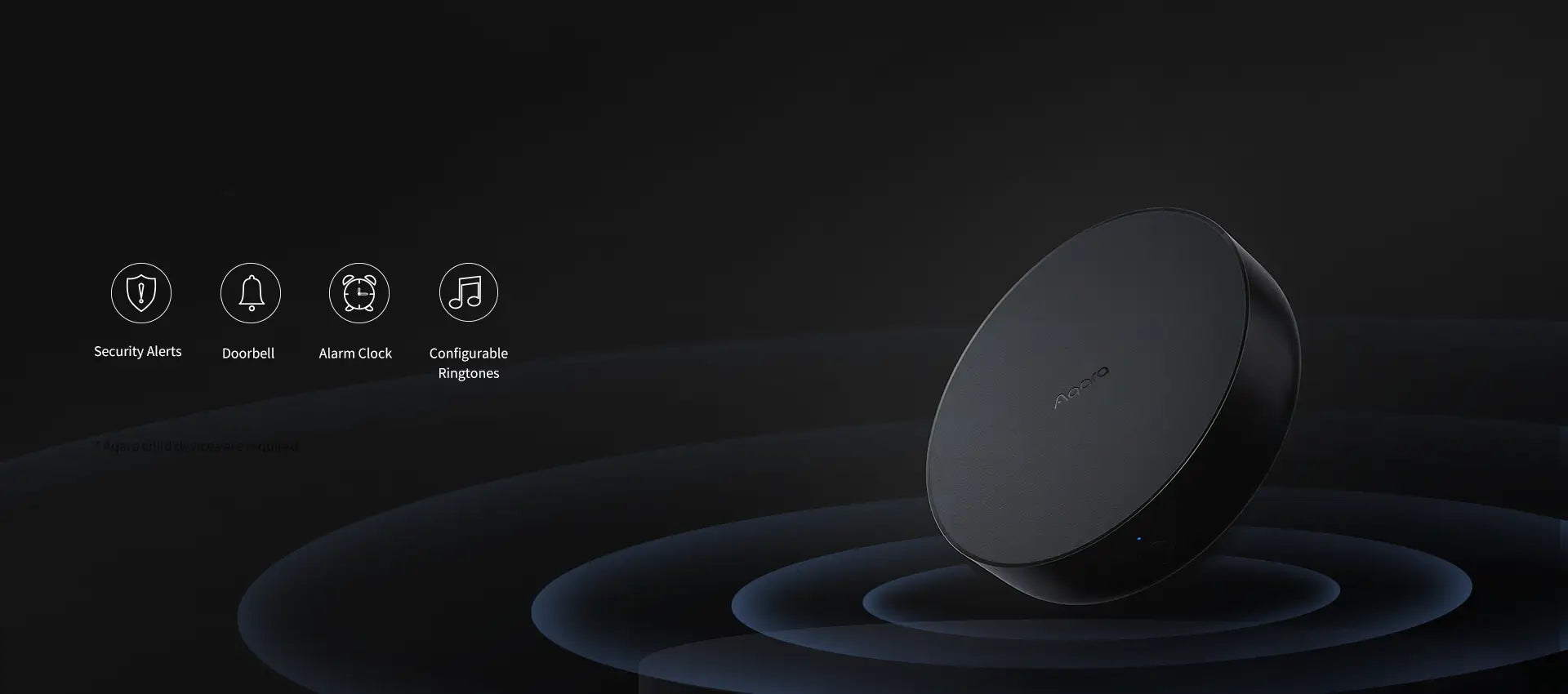
Create a secure and intelligent home environment with the Aqara Hub M2’s built-in alarm system and home automation capabilities. Equipped with a built-in speaker, it delivers security alerts, functions as a doorbell, serves as an alarm clock, and offers configurable ringtones. Ensure your home’s safety and automation needs are comprehensively met.

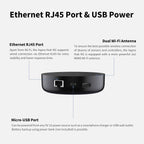
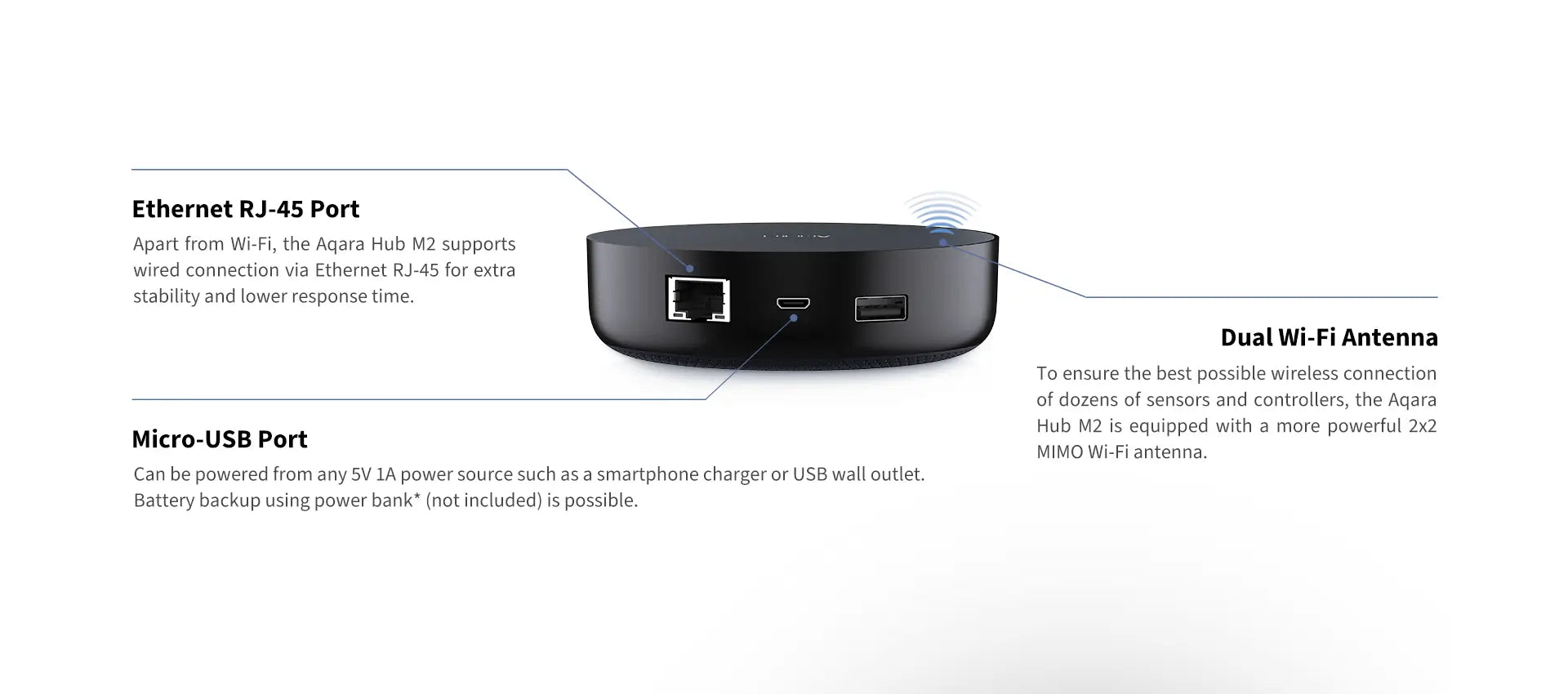
Ethernet RJ45 Port & USB Power

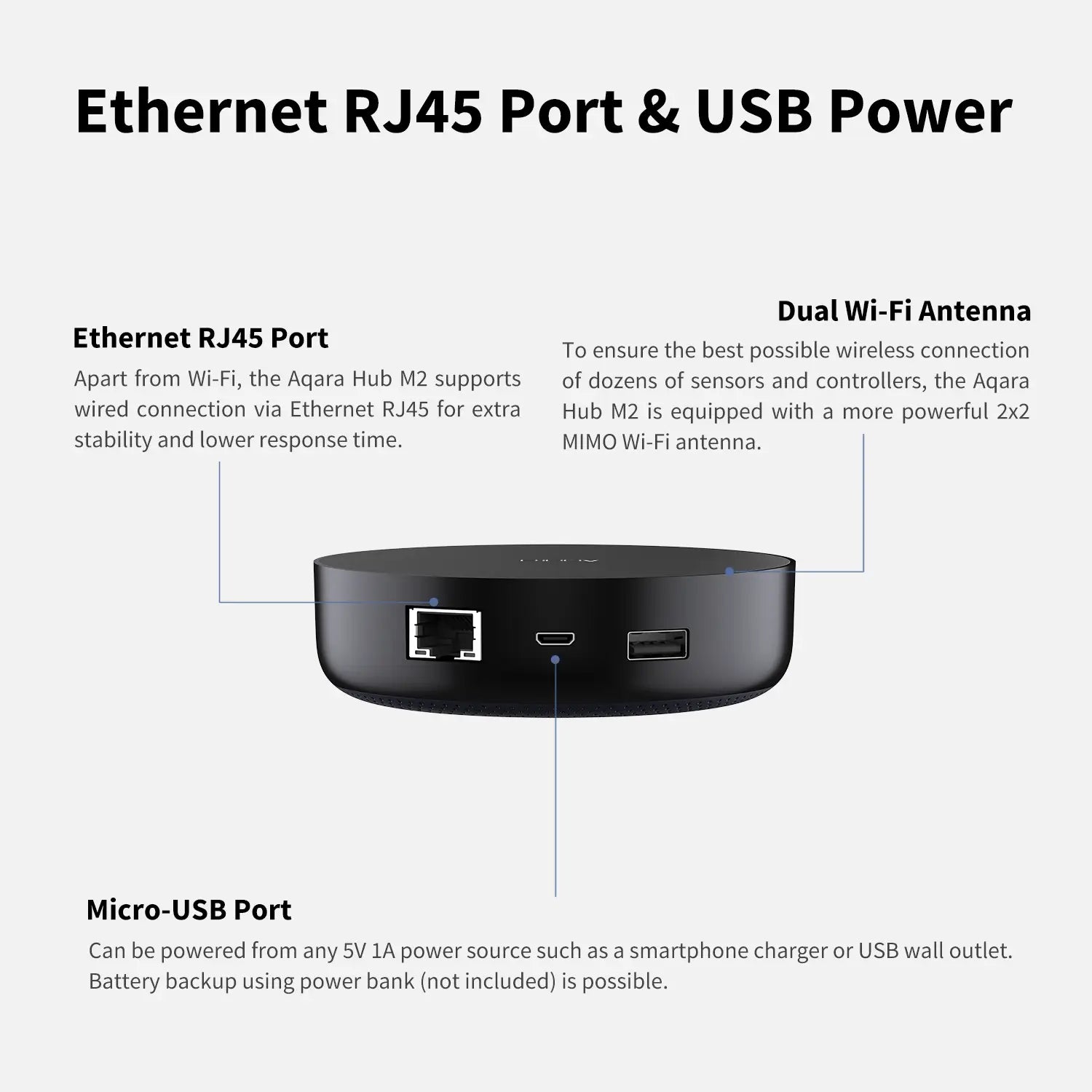
Wired connection via Ethernet RJ45 for extra stability and lower response time. More flexible installation with USB power (power bank with pass-through charging is advised).

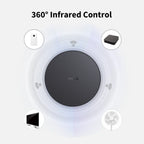
360° Infrared Control

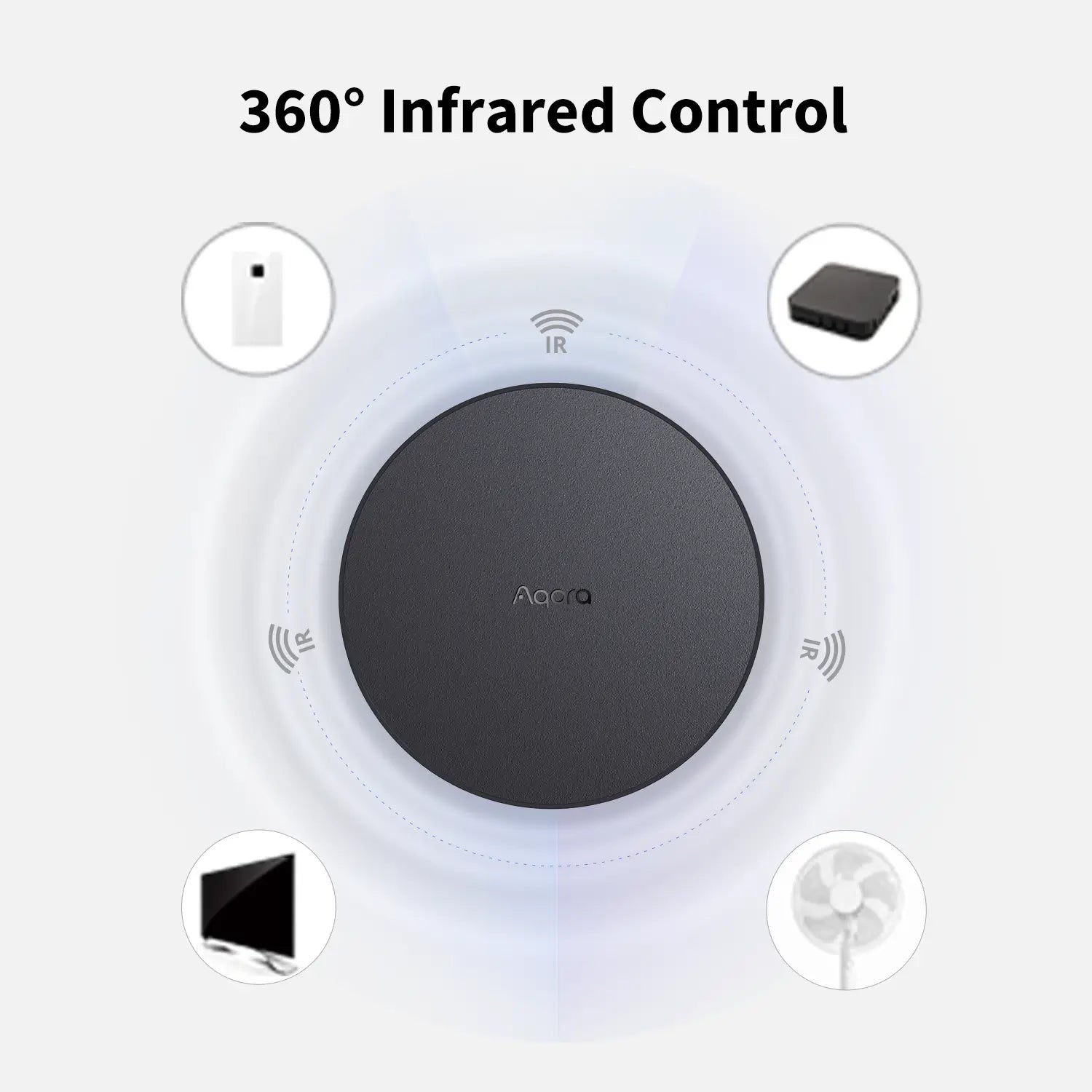
Take complete control of your indoor IR devices such as fans, air conditioners, and TVs from any part of your room. Utilize voice commands or home automation routines for effortless management and enhanced convenience.

Extensive Device Compatibility

Connect up to 128 Aqara Zigbee devices including Aqara Zigbee repeaters like the LED Strip T1, Smart Plug, and Wall Switch with Neutral. Please note, the Hub M2 supports only Aqara Zigbee child devices, not Aqara Thread devices or Zigbee devices from other brands.


Compatible with:
Aqara
Aqara
Apple Home
Apple Home
Alexa
Alexa
Google Home
Google Home
IFTTT
IFTTT
View full details

The Aqara Hub M2

Smart Home Bridge for Alarm System, IR Remote Control, Home Automation

Aqara Smart Hub M2 - banner

Features

Zigbee 3.0 Support, up to 128 devices

Supports all the latest Aqara devices based on the fastest, most stable, and energy-efficient technology.

360° Infrared Control

Control your existing I devices from any part of your room by voice** and via local automations.

Ethernet RJ-45 Port

Wired connection via Ethernet RJ-45 for extra stability and lower response time.

Built-in Speaker

Can be used as an alarm or doorbell via configurable automations.

USB Power

More flexible installation and optional battery backup thanks to Micro-USB 5V 1A power support.

All-Round Compatibility

Use your favorite voice assistant or smart home ecosystem together with Aqara Home app automations.

Extensive Smart Ecosystem Integration

The Aqara Hub M2 seamlessly connects with top smart home platforms and voice assistants, including Apple HomeKit, Google Home, Alexa, and IFTTT. Keep your hub updated with the latest firmware to ensure ongoing compatibility and access to new features.

Aqara Smart Hub M2 - support multiple platforms

* Only certain device types such as TV and AC are currently supported by Google Assistant and Amazon Alexa while Siri Shortcuts support a full list of devices.
** Due to certain limitations Hub M2 IR controller is not directly exposed to Apple’s Home app.

Multiple connection methods

Aqara Smart Hub M2 - multi connection methods

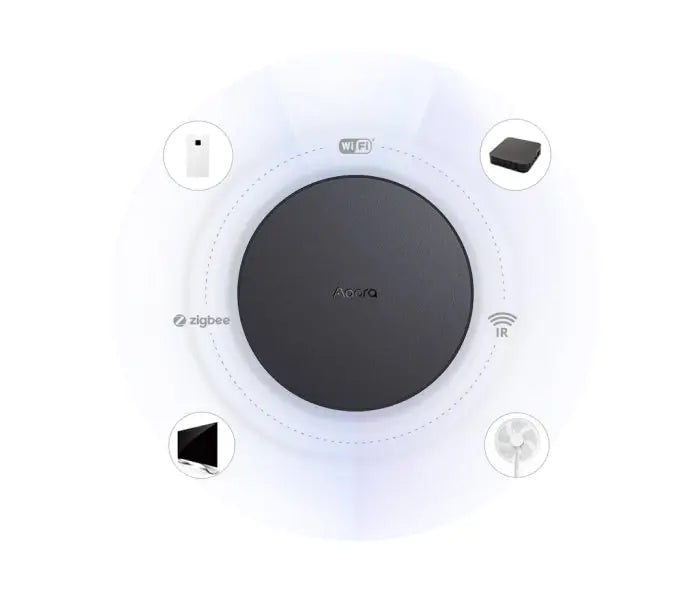
Multi-Protocol Hub

Equipped with Zigbee 3.0, an IR transmitter, Bluetooth Low Energy (BLE), and Wi-Fi b/g/n, the Hub M2 supports a wide array of devices, enabling comprehensive local automations.

Aqara Smart Hub M2 - Multi-protocol gateway

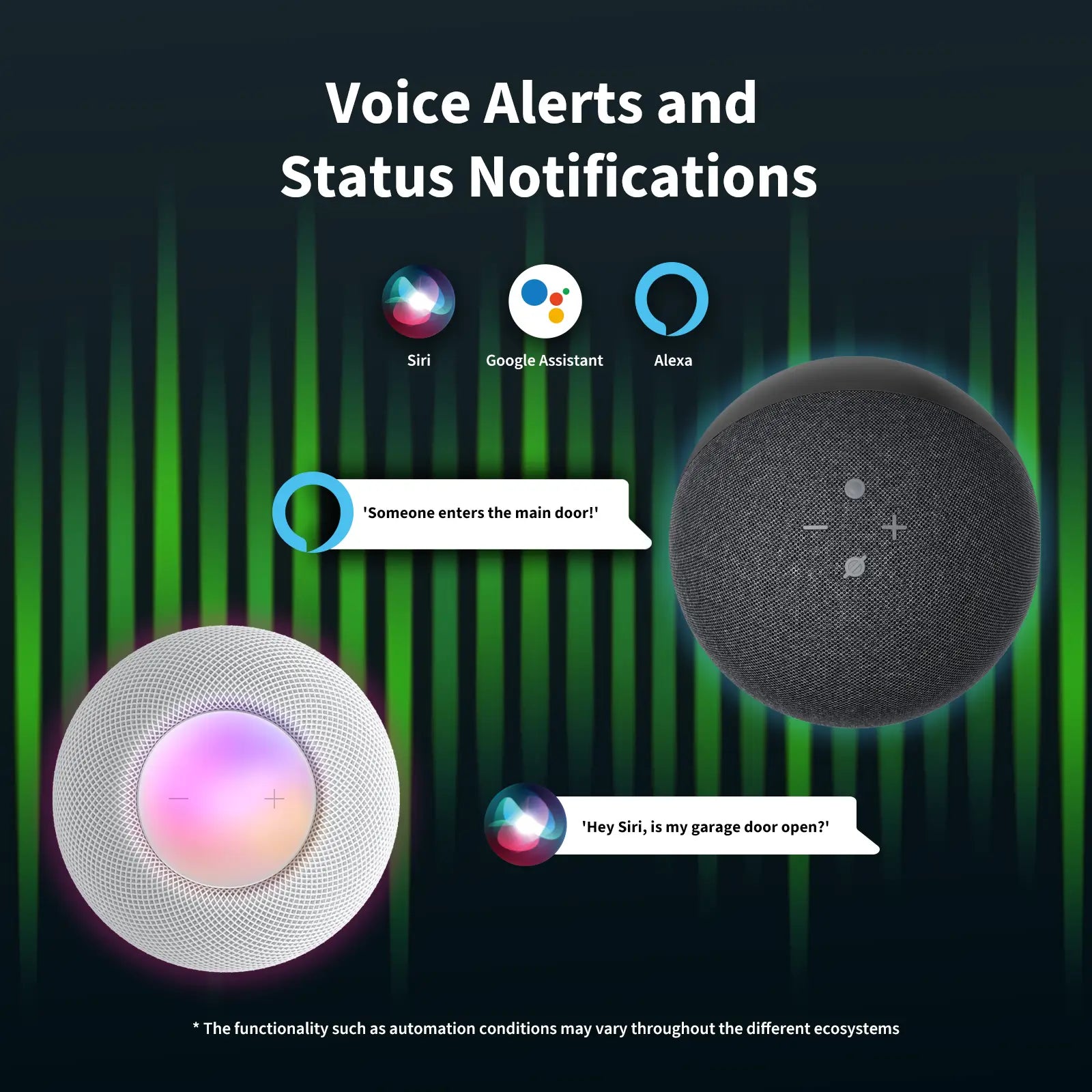
Built-in Speaker for Alarm System

The Aqara Hub M2 is equipped with a buiilt-in speaker that can be used in a variety of ways.

* Aqara child devices are required.

Aqara Smart Hub M2 - alarm system

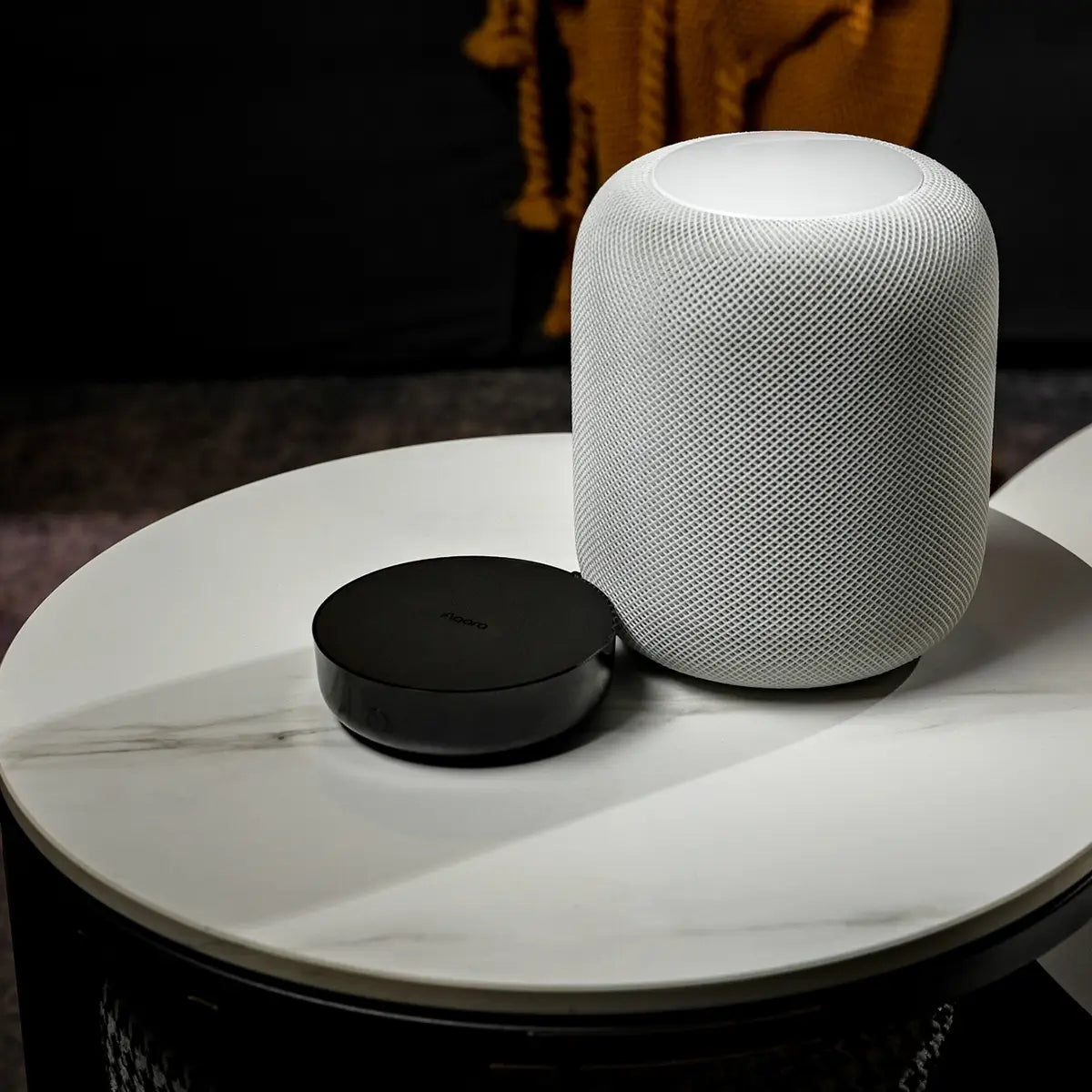
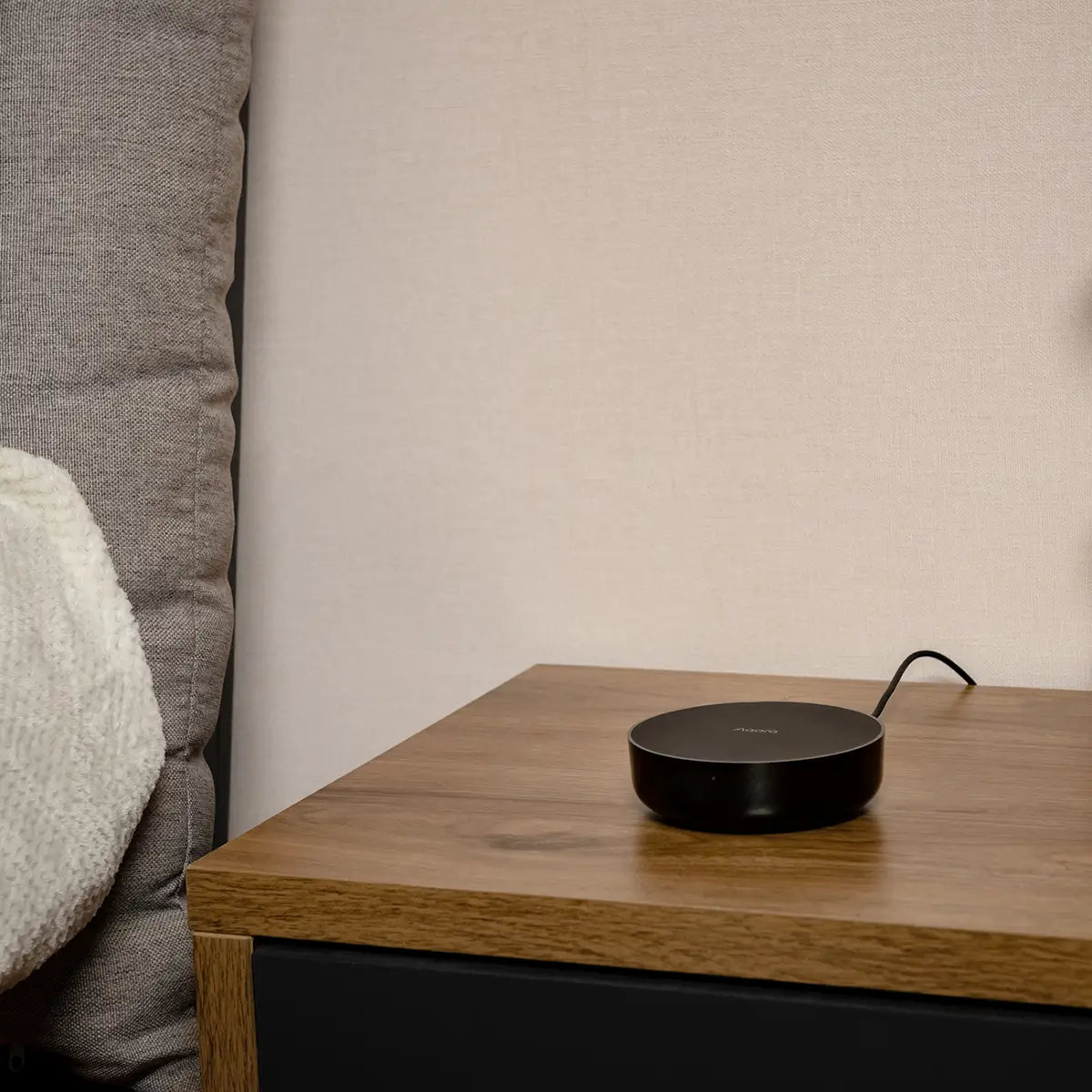
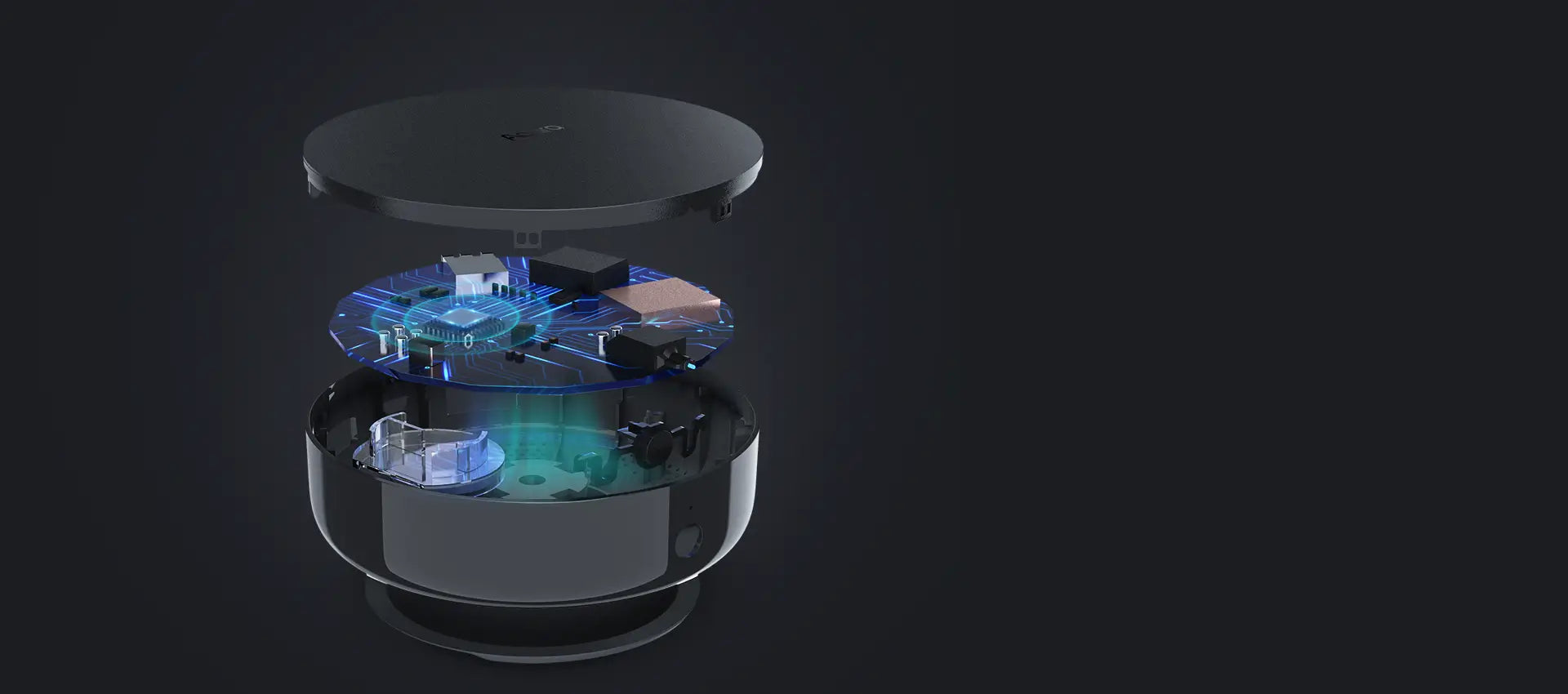
Top-class components are packed into a versatile and compact black housing that will complement any decor

High-transmittance material is used to ensure the best possible performance of the IR transmitter, Zigbee 3.0, Bluetooth, and Wi-Fi antennas.

Aqara Smart Hub M2 - Smart home system hub

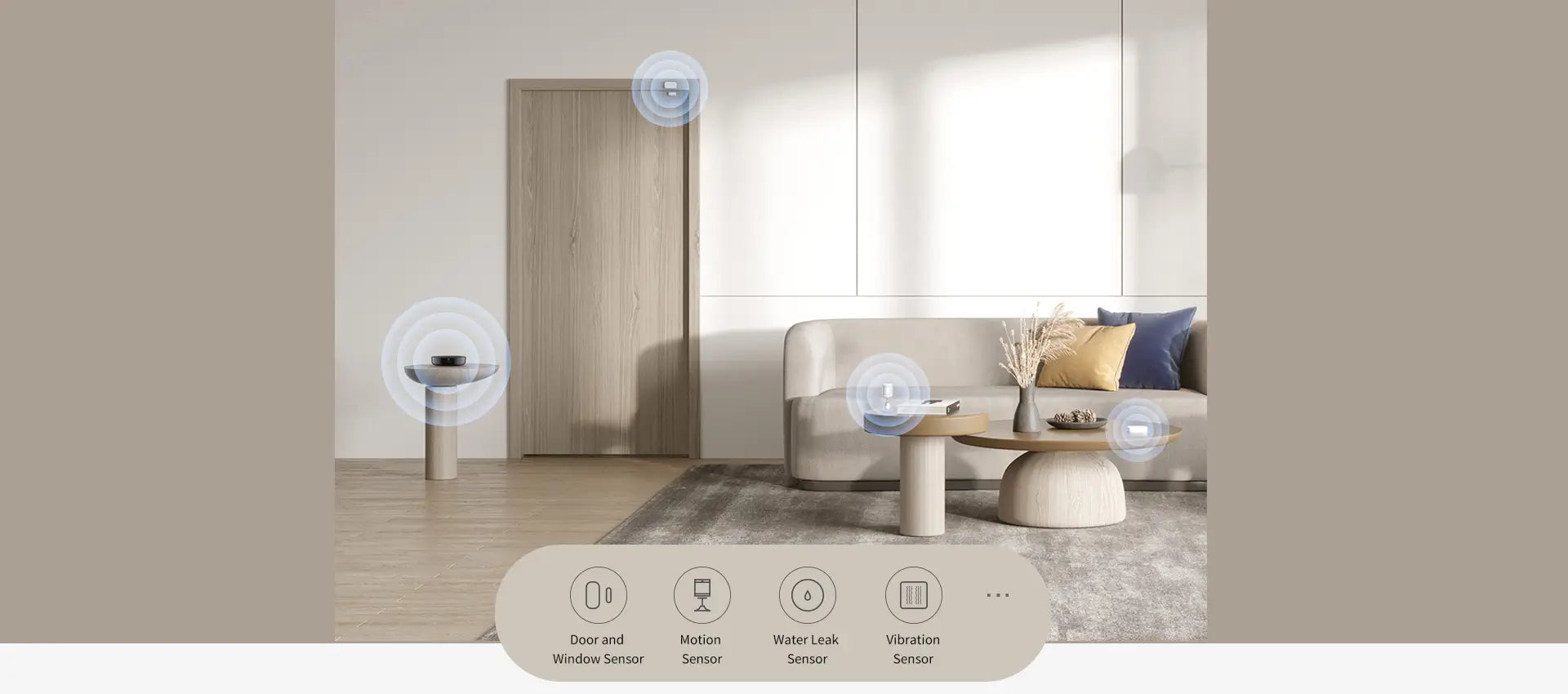
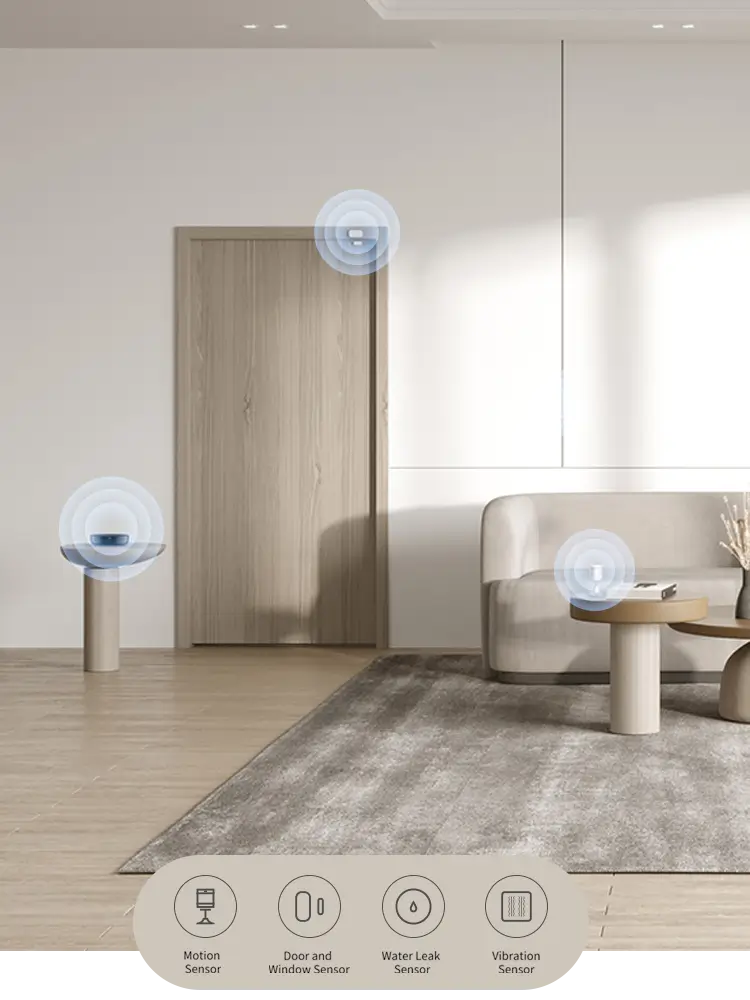
The Aqara Hub M2 supports a wide range of Aqara sensors, which make it a comprehensive, subscription-free security solution.

Each Aqara sensor has a 2+ year battery life and can be also used in automations.


* In HomeKit, all 4 native alarm modes are supported.

Aqara Smart Hub M2 - automation example
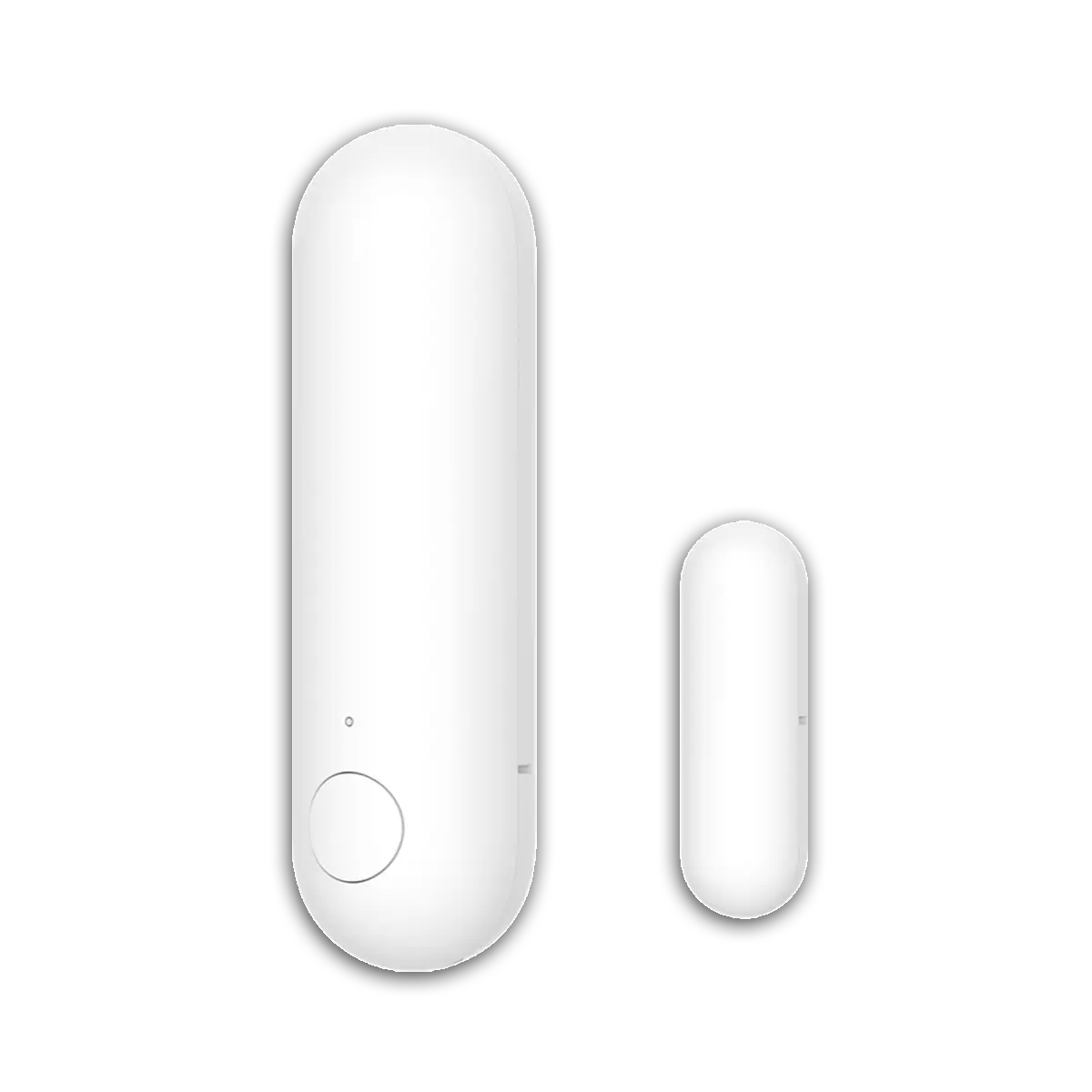
Aqara Door and Window Sensor P2

Door and Window Sensor P2

£29.99

View Details
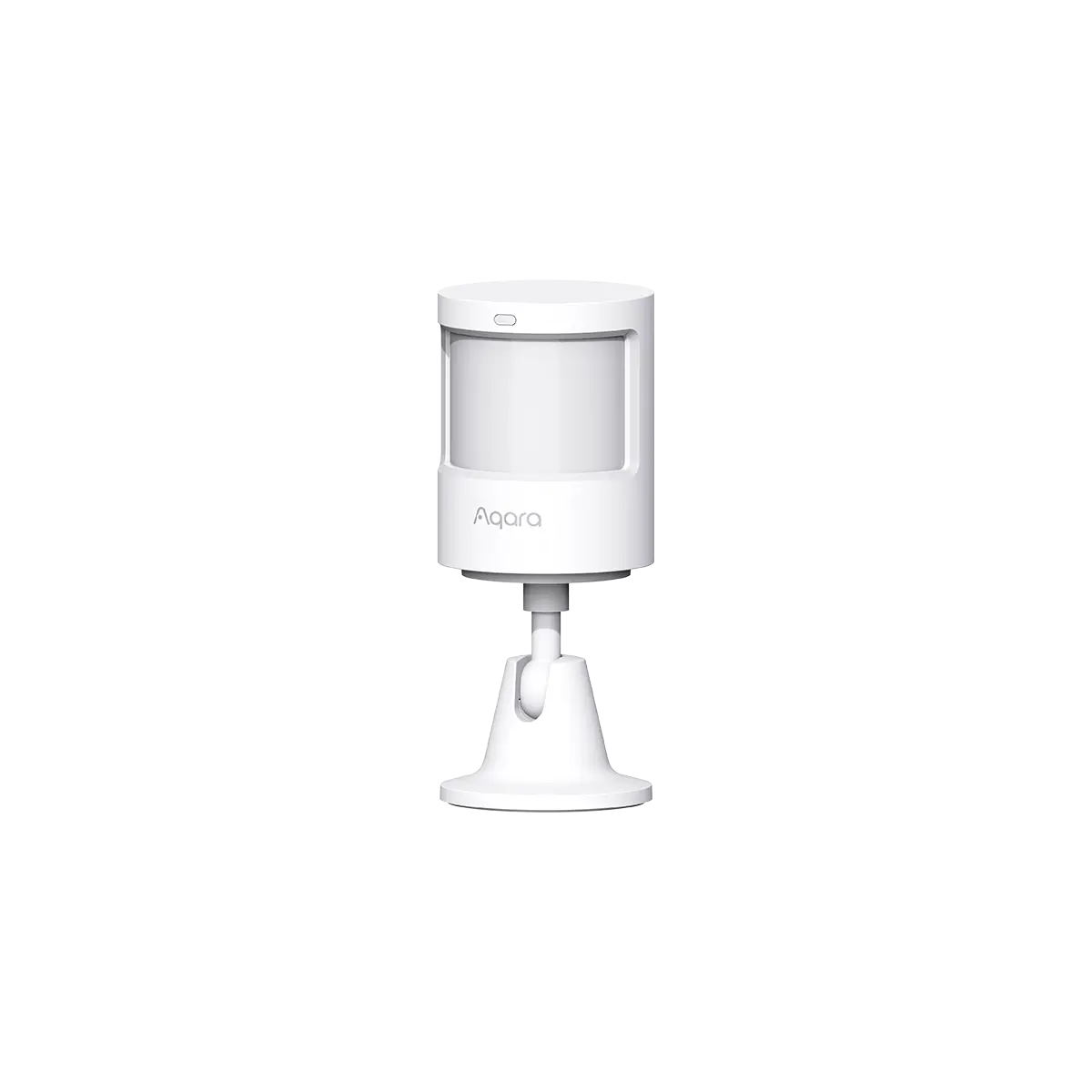
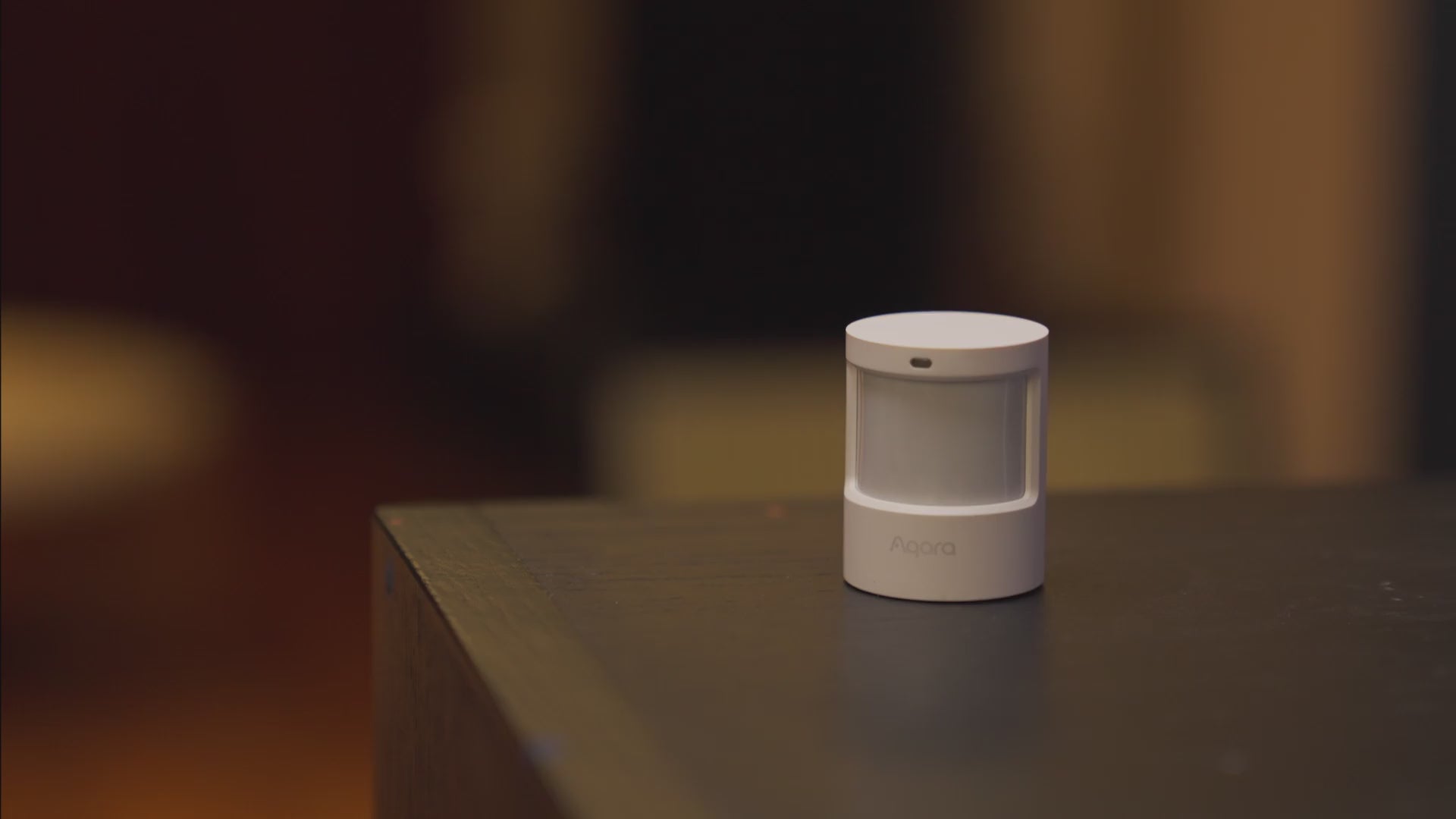
Aqara Motion Sensor P1

Motion Sensor P1

£24.99

View Details
Water Leak Sensor

Water Leak Sensor

£19.99

View Details
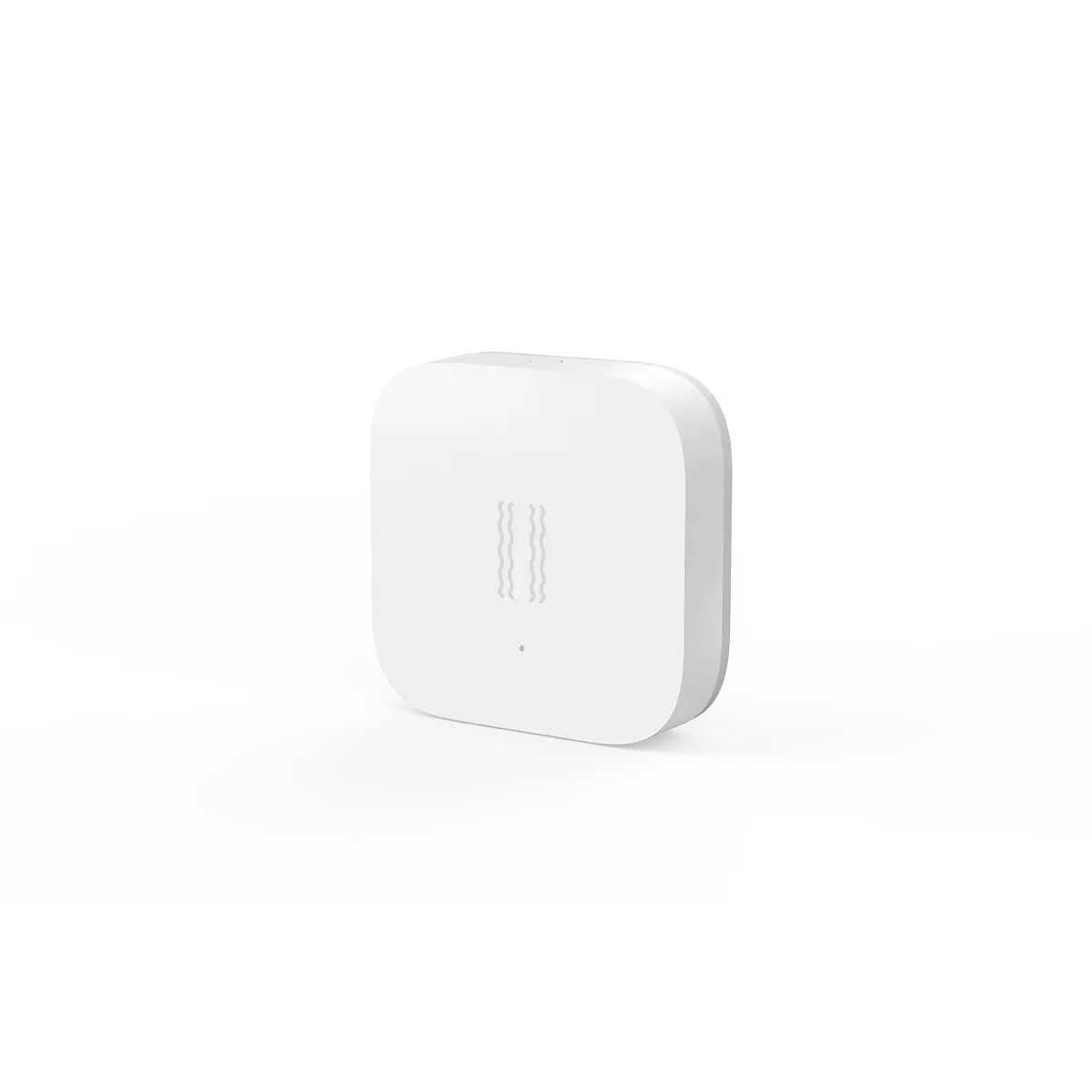
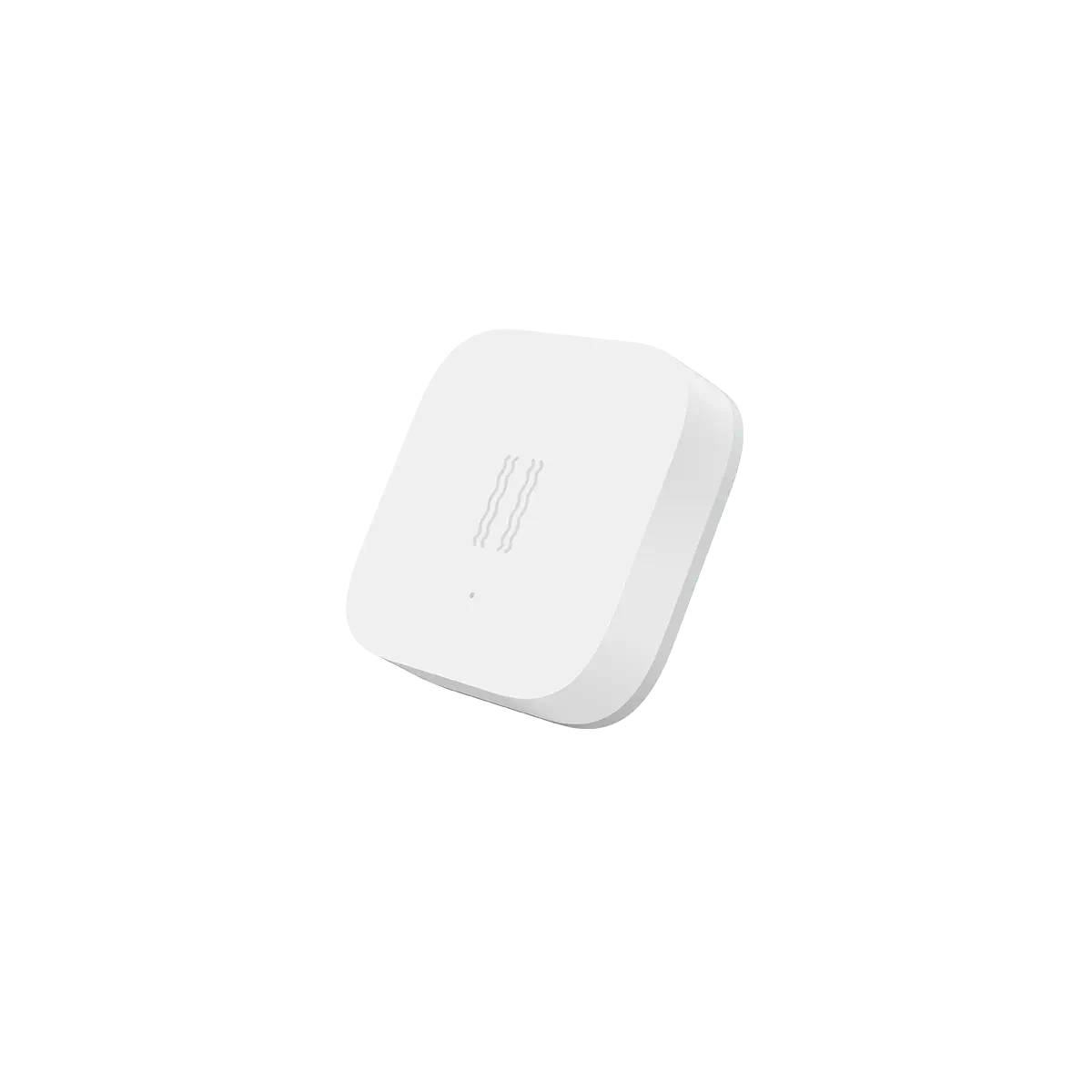
Aqara Vibration Sensor

Vibration Sensor

£19.99

View Details

Specifications

Alert Type

‎Audio (built-in speaker)

Color

‎Black

Compatible Platforms

  • Aqara
  • Apple Home
  • Alexa
  • Google Home
  • IFTTT

Connectivity Technology

‎Wireless

Input Power

5V-1A or 5V-2A

Item Net Weight

‎0.29 pounds/130 g

Maximum Range

‎10 Meters

Operating Humidity

0~95% RH, no condensation

Operating Temperature

5°C~+50°C (23°F~122°F)

PoE Input

48V ⎓ 0.27A

Ports

USB-A, USB Micro-A, RJ45

Power Source

‎DC

Product Dimensions

‎3.94 x 1.12 inches(100.5×30.75mm)

Wireless Protocol

Wi-Fi IEEE 802.11 b/g/n 2.4GHz, Zigbee3.0 IEEE 802.15.4, BLE 5.0

Included Components

Hub M2 × 1, Micro USB Cable × 1, User Manual × 1

You May Also Like

 
Aqara Door and Window Sensor P2
 
Aqara Motion Sensor P1
 
 
Aqara Vibration Sensor
  • 5 stars: 35 (90%)
  • 4 stars: 4 (10%)
  • 3 stars: 0 (0%)
  • 2 stars: 0 (0%)
  • 1 star: 0 (0%)
R
Russell
Works as expected

This thing works well but i do wish it act as a hub to other brands as well

V
Vic Mclendon
Work

This hub is required for Aqara sensors and switches. It is easy to install, is compact and works well. The range is good. I have window sensors in a non attached garage and a motion on the opposite side of my home in a bathroom. The hub communicates well with both. I put an Aqara smart plug between the hub and the bathroom to strengthen the signal to the motion sensor there to make it more reliable. The smart plug acts as a zigbee repeater.

K
Kyle F
Read this if you can't get it to connect!

I literally tried for HOURS to get this thing to connect, and I am quite good at computer networking. I have NO idea what this thing needed, I tried everything from mDNS forwarding to static firewall rules, plugging it in, etc. Nothing. Never connected. I finally got it (first try) using BLUETOOTH. Yeah, its buried in chinese in their app.Instructions are as follows:1. In the Aqara app after you select the device to add (its asking you about a blinking light) - in the upper right is a little WiFi icon, tap this.2. I know its in Chinese, but that second option must say Bluetooth. Click it.3. Now the icon in the upper right should be a bluetooth icon and you can proceed as you'd expect.I was about to return it too.

A
Ale
Super Hub M2

Uso l’hub Aqara Hub M2 da qualche mese e mi ha semplificato davvero la gestione dei sensori in casa: connessione stabile (via Ethernet nel mio caso) e automazioni sempre reattive. Apprezzo molto anche il controllo IR integrato, con cui gestisco TV e climatizzatore senza telecomandi sparsi in giro.

A
AZ
Seamless integration

This hub can be easily connected to the app. It works seamlessly, I was using it for a year now and changing it now for the m3 version.

T
The real Rock
Wish it had 5ghz connection

I wish it had 5g for WiFi so I ended up running a long Ethernet to use full gig speeds. It controls all my legacy theater equipment and adds them to my HomeKit as options for control.
D
Debbie
Easy Setup

It was quick to set up and works great with our locks and Alexa

B
Bubba751
Works flawlessly

Yes, the hub is extra expense. But, the money is well spent as the hub makes the Aqara smart switches work flawlessly. Highly recommend for a Home Assistant home automation system.

w
whatevs
second one, works as well as the first

Added some additional sensors, the first hub wouldn't reach through all of the walls and cover edge to edge quite well enough. Got a second that was on sale, no more sensors at the edges dropping off occasionally.

T
Tyler
Simple and effective home safety network

Works great with all the wireless water sensors I've placed around the house. It alerted me immediately when condensation around the toilet hit the sensor.

D
David Boyes
hub device only - no sensors

Hub device only - no sensors included. Did not test Alexa integration. Works ok with Homekit.

J
JustJenn
The Aqara hub set up fast and easy. The hierarchy is a little bit of guesswork.

The technology is good, once you understand what you are doing. I got this hub set up fairly quickly. They don't explain the hierarchy very well. So I accidentally installed a child hub under the parent hub. Don't bother using the "Home" app like they say. Stick with the Aqara app. I used this hub for door sensors only, maybe to later add presence sensors. So separate review for the door sensor install can be found under the door sensor seller.
o
obrien809
Almost perfect

Easy to set up. Only issue I can find is it uses a micro-usb vs a usb-c. Reception distance is pretty good with the sensors I have connected.

P
Peter Nielsen
You need this for Aquara sensors. Works great with Home Assistant

If you have Aquara sensors, you absolutely need this hub. It works great with Home Assistant.At first, I tried to use the Aquara humidity sensors with a ZigBee stick, but I was unable to make it work reliably. Pairing the sensors was a bear, and sooner or later - days or weeks - they would become unavailable and needed to be paired again. This M2 hub was the solution for the problem and works great!

A
Andy
Works as expected so far

I wanted to have water leak sensors and needed this device. Seems to work great. Hopefully I can find more fun things to use it with.

K
Kinformer
Bought for Siri voice command TV IR Control

I bought this product for one reason, the 360 degree IR blaster and HomeKit connectivity so that I can add Siri commands and use my HomePod to control my LG tv. This is all I tested so I cannot review it’s connectivity to other devices, but for this… IT’S PERFECT!

J
Jim Hansen
Instructions are not too good!

The unit seemed to connect to my phone with no problems. I control my cameras with it, now from anywhere!!

W
Wanzi
Great addition to a HomeKit Smarthome

My smarthome is all homekit so adding Aqara has made a lot of sense. This hub is easy to install and it works with a wide range of devices. I'd recommend for anyone looking to get some of the most affordable gadgets for their smarthome out there.

W
William Slauson
It Works

I was annoyed that I had to buy another Zigbee hub to get a piece of tech to work better, but the hub does work as expected. My presence sensor works much more quickly now, and it is integrated with Home Assistant on my local network. I haven't tested the IR transmitter on the hub yet, but I am expecting adequate performance. I think it is important to have local control of your devices so that you can still control your home when the internet goes out. It's possible that I could have tied the presence sensor to a generic Zigbee dongle I already had, but the hub was much quicker and easier to deal with. I am looking forward to industry getting the Matter standard working so that we don't keep having to deal with annoyances like this.

W
William Slauson
 It Works

the hub does work as expected. My presence sensor works much more quickly now, and it is integrated with Home Assistant on my local network. I haven't tested the IR transmitter on the hub yet, but I am expecting adequate performance. I think it is important to have local control of your devices so that you can still control your home when the internet goes out. It's possible that I could have tied the presence sensor to a generic Zigbee dongle I already had, but the hub was much quicker and easier to deal with.

W
William Stringer
Aqara M2 waiting on the M3

This thing works as designed. It was easy to install. It connects easily to my Aqara devices (window door sensors, motion sensors, light switches with neutral, and strip lights). I have the doorbell and door lock but have not installed them yet. So much to do but so little time. I am still looking forward to that M3. I know it is coming soon to a theater near me.

S
Sean
Easy deployment and love having wired Ethernet connections

Simple, functional, and works great for Aqara devices.

L
Lisa E.
Works wrll

This hub was very easy to hook up. Works as des.

K
Keith Weston
Works Well With HomeKit-Aware Devices - IR Blaster A Bonus

This hub makes a solid connection to my 2.4 gHz WiFi network and provides good coverage.Most (and so far for me, all) Aqara smart items bridged through it can be addressed in HomeAssistant through the HomeKit integration. No need to bother with Matter - unless you want to. The IR blaster, however, only functions with the phone app and does not expose paired items with HomeAssistant - and that it's only minus in my opinion. However, as I view the IR blaster as a nice bonus, and not core to the product I didn't dock the item a star in my rating. However, if the IR blaster were to be exposed - now, that would be something special!Devices are easy to set up and this hub performs a good as advertised. It's price point makes it a good choice for any home wanting to add good Zigbee coverage for the Aqara ecosystem. Nice.Also, note that I run this hub alongside another Zigbee coordinator (a USB stick) and both networks function without issue even though my 2.4 gHz spectrum is pretty saturated with competing networks. Again, nice!

K
Keith Weston
Works Well With HomeKit-Aware Devices - IR Blaster A Bonus

This hub makes a solid connection to my 2.4 gHz WiFi network and provides good coverage.

Most (and so far for me, all) Aqara smart items bridged through it can be addressed in HomeAssistant through the HomeKit integration. No need to bother with Matter - unless you want to. The IR blaster, however, only functions with the phone app and does not expose paired items with HomeAssistant - and that it's only minus in my opinion. However, as I view the IR blaster as a nice bonus, and not core to the product I didn't dock the item a star in my rating. However, if the IR blaster were to be exposed - now, that would be something special!

R
Ronald B. Moore
Excellent Range

Product works great and was easy to install. I purchased a model from a different manufacturer and it worked OK but the range was very limited. My house isn't all that large but it didn't quite cut it/ I replaced it with this Aqara and WOW! Easily had the ranged I needed. Set up was a breeze and very intuitive. Yes, the previous one I purchased was less expensive but unusable for the job I needed it for. Highly recommend. At this point I am not sure about the battery life as the batteries that came with the 3 sensors are still working and show full charge. This item requires no batteries.

J
Jim C
Works with Alexa

I purchased the Aqara Hub to connect a pair of Aqara window sensors to Alexa. A few years back I installed some early series Wyze contact sensors (now discontinued) which these replaced. Frankly, the Aqara contact sensors appear to be exactly the same as the older Wyze contact sensors. After 4 weeks in use no issues. For me these sensors work fine with Alexa using the Aqara hub.

R
RogerDodger
Wish instructions were not misleading, and help would address issues that arise

The end result is just what I wanted: A LED strip with motion detectors at both ends of a stairway. Happily it now works. Implementation was difficult. Fortunately, my Eero wireless has the ability to pause 5Gh wireless and only offer 2.4 which is required. Trying to get the M2 hub joined, there are pictures showing a yellow light, which is the trigger for subsequent actions. I got a light blue light, so I went troubleshooting, to to support, then looking online. Support provided all kinds of strange suggestions (use a second phone on the 4g network, turn on hotspot, and attempt to connect for instance). As it turns out, the blue light was what they were really looking for, and once I accepted that, then the Hub registered. Then the T1 Led strip could not be joined. There was a bunch of suggestions which covered everything EXCEPT check for firmware upgrades on the M2 so the light strip would be recognized. But at the end of the day, it is doing exactly what I bought it for, and I love it.

B
Brooke
Bought to go with U100

I bought this device to pair with my new Aqara smart lock, Has worked well. I haven't set up the built in IR blaster yet but plan to do so with our electric fireplace so I can build some automations around it.

FAQ